1. Isingeniso
Welcome to your new Xiaomi 32-inch G QLED Smart TV. This manual provides essential information for setting up, operating, and maintaining your television. Please read it thoroughly before use and retain it for future reference.
Ulwazi Lokuphepha
- Qinisekisa ukuthi kungena umoya ofanele eduze kwe-TV.
- Ungayibeki i-TV emvuleni noma emswakama.
- Gwema ukubeka i-TV eduze kwemithombo yokushisa noma elangeni eliqondile.
- Sebenzisa kuphela intambo yamandla enikezwe i-TV.
- Thumela zonke izinsiza kubasebenzi benkonzo abaqeqeshiwe.

Umfanekiso 1.1: Ngaphambili view of the Xiaomi 32-inch G QLED Smart TV.
2. Yini EseBhokisini
Qinisekisa ukuthi zonke izingxenye zikhona ephaketheni:
- 1 x Xiaomi 32-inch G QLED Smart TV
- 1 x Isilawuli kude
- 1 x Incwadi Yomsebenzisi (le dokhumenti)
- Izitendi ze-TV ezimbili
- 4 x Izikulufu ze-TV Stands
- Amabhethri e-AAA angu-2 (okulawula kude)
- 1 x I-Power Cord

Figure 2.1: Illustration of included items in the product packaging.
3. Setha
3.1 Ukunamathisela Izitendi ze-TV
- Beka i-TV ngokucophelela ibheke phansi endaweni ethambile, eyisicaba ukuze uvimbele umonakalo esikrinini.
- Qondanisa isiteji ngasinye nezimbobo zesikulufu ezihambisanayo ngaphansi kwe-TV.
- Secure each stand using the provided screws.
- Phakamisa i-TV ime iqonde bese uyibeka endaweni eqinile, eqondile.
3.2 Ukukhweza Udonga (Ongakukhetha)
If you choose to wall mount your TV, ensure you use a compatible VESA mount (not included) and follow the instructions provided with the wall mount kit. Professional installation is recommended.
3.3 Ukuxhumanisa amaPheripheral
Refer to the port diagram below for connecting external devices.
Umfanekiso 3.1: Ngemuva view of the TV showing various input/output ports.
- Izimbobo ze-HDMI (x2): Connect Blu-ray players, gaming consoles, set-top boxes.
- Izimbobo ze-USB (x2): Xhuma isitoreji se-USB ukuze udlale imidiya.
- Inethiwekhi (i-Ethernet): Connect to your home network via a wired connection.
- Okokufaka kwe-Antenna: Connect an antenna for over-the-air broadcasts.
- Okokufaka kwe-AV: Xhuma amadivayisi amadala usebenzisa ividiyo eyinhlanganisela namakhebuli omsindo we-stereo.
- 3.5mm Audio Jack: Xhuma ama-headphone angaphandle noma izipikha.
3.4 Ukuxhuma Amandla
Xhuma intambo kagesi kokufakwayo kwamandla kwe-TV bese uyixhumanisa ne-othomathikhi yodonga. I-TV izongena kwimodi yokulinda.
4. Ukusebenzisa i-TV yakho
4.1 Ukulawula okukude
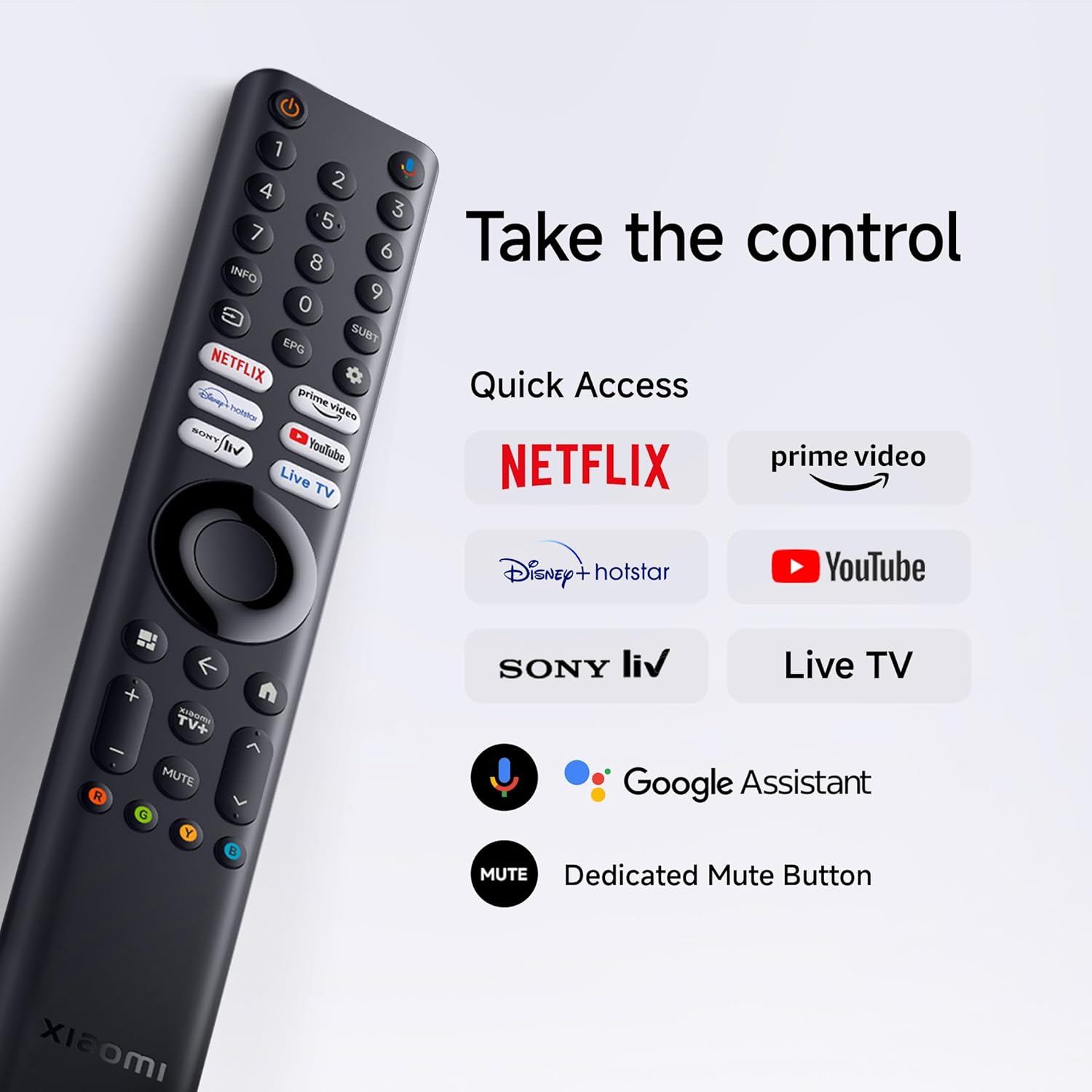
Insert the two AAA batteries into the remote control, observing polarity. The remote allows navigation, volume control, channel selection, and quick access to streaming services and Google Assistant.
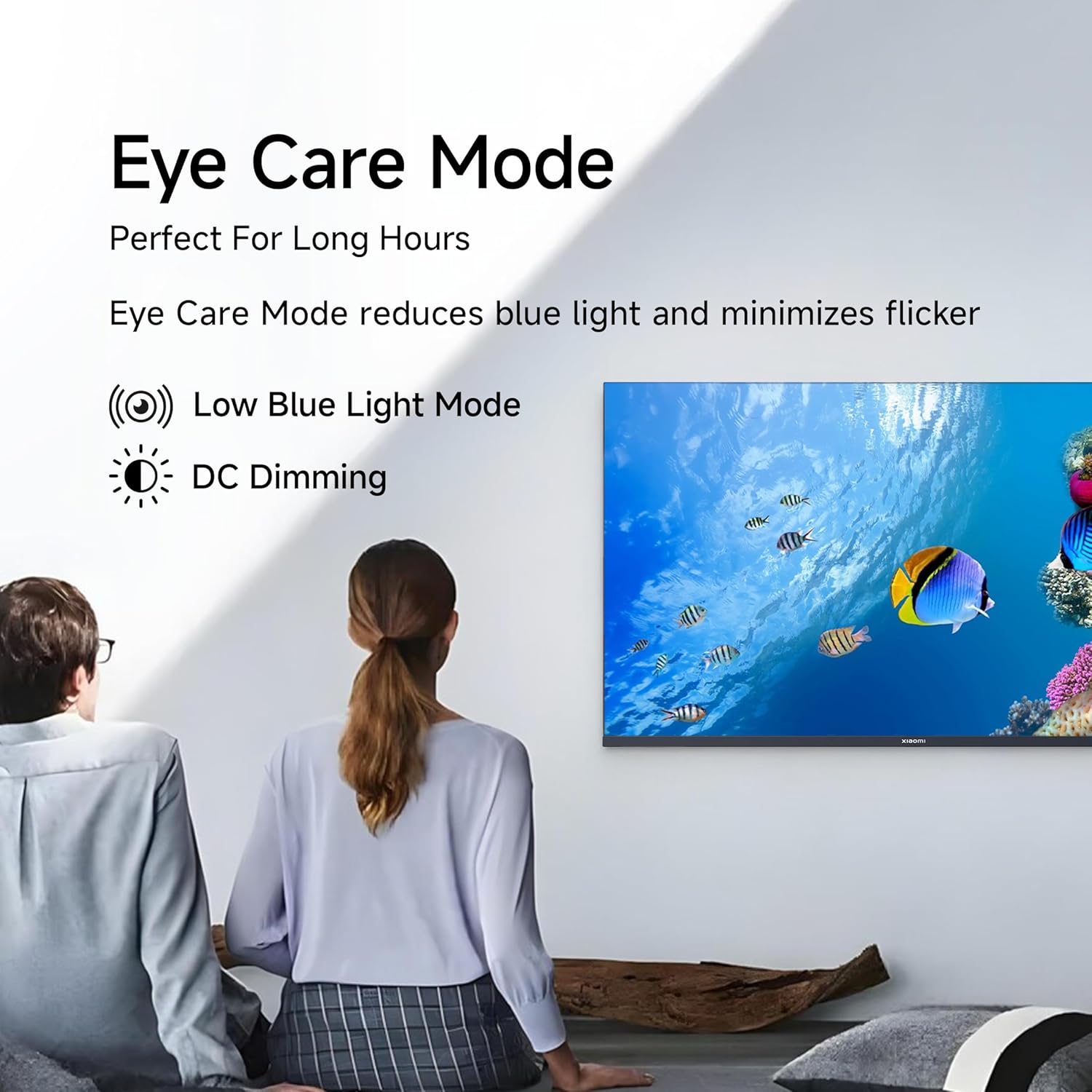
Figure 4.1: Xiaomi Smart TV remote control layout.
- Inkinobho yamandla: Turns the TV on/off or to standby.
- Ukuzulazula Iphedi: Okokuzulazula kwemenyu.
- Inkinobho KULUNGILE: Iqinisekisa okukhethiwe.
- Inkinobho Emuva: Ibuyela esikrinini sangaphambilini.
- Inkinobho Yasekhaya: Ifinyelela isikrini sasekhaya se-Google TV.
- Ivolumu +/-: Ilungisa ivolumu
- Inkinobho yokuthulisa: Ithulisa/isusa ukuthula komsindo.
- Inkinobho Yomsizi we-Google: Yenza kusebenze isilawuli sezwi.
- Izinkinobho Zokufinyelela Ngokushesha: Dedicated buttons for Netflix, Prime Video, YouTube, and other streaming services.
4.2 Izici ze-Smart TV (i-Google TV)
Your TV runs on Android 14 OS with Google TV, offering a personalized entertainment experience.

Umdwebo 4.2: Ngaphezuluview of Google TV features.
- I-UI Yokuqukethwe Kokuqala: Prioritizes content discovery.
- I-Personal Profiles: Dala uchwepheshe ngamunyefiles ukuze uthole izincomo ezenzelwe wena.
- Umsizi we-Google: Use voice commands for search, control, and information.
- I-Chromecast eyakhelwe ngaphakathi: Cast content from compatible mobile devices.
- Uhlu Lokubuka: Keep track of movies and shows you want to watch.
- Imodi ye-Ambient: Display photos or useful information when the TV is idle.
- Izingane Profile: Curated content and parental controls for children.
- Izincomo: Personalized suggestions based on your viewimikhuba.
4.3 Supported Applications
The TV comes with pre-installed applications and supports downloads from the Google Play Store. Popular supported apps include Netflix, Prime Video, YouTube, JioCinema, JioHotstar, SonyLiv, and Zee5.

Umfanekiso 4.3: Eksamples of supported streaming applications.
5. Izici zokubonisa
Experience enhanced visuals with the following display technologies:
- Isibonisi se-QLED: Quantum Dot technology delivers vivid, vibrant, and sharp picture quality.
- HD Ready (1366 x 768) Resolution: Provides clear and detailed images.
- HDR 10 & HLG Support: Enhances contrast and color accuracy for compatible content.
- Injini Yesithombe Ecacile 2: Proprietary technology that fine-tunes every frame for improved clarity and realism.
- I-Gamut Enemibala Ebanzi: Offers a broad spectrum of colors (up to 16.7 million) for rich and vivid visuals.
- Imodi Yenduduzo Yamehlo: Reduces blue light and minimizes flicker for comfortable long-term viewing.
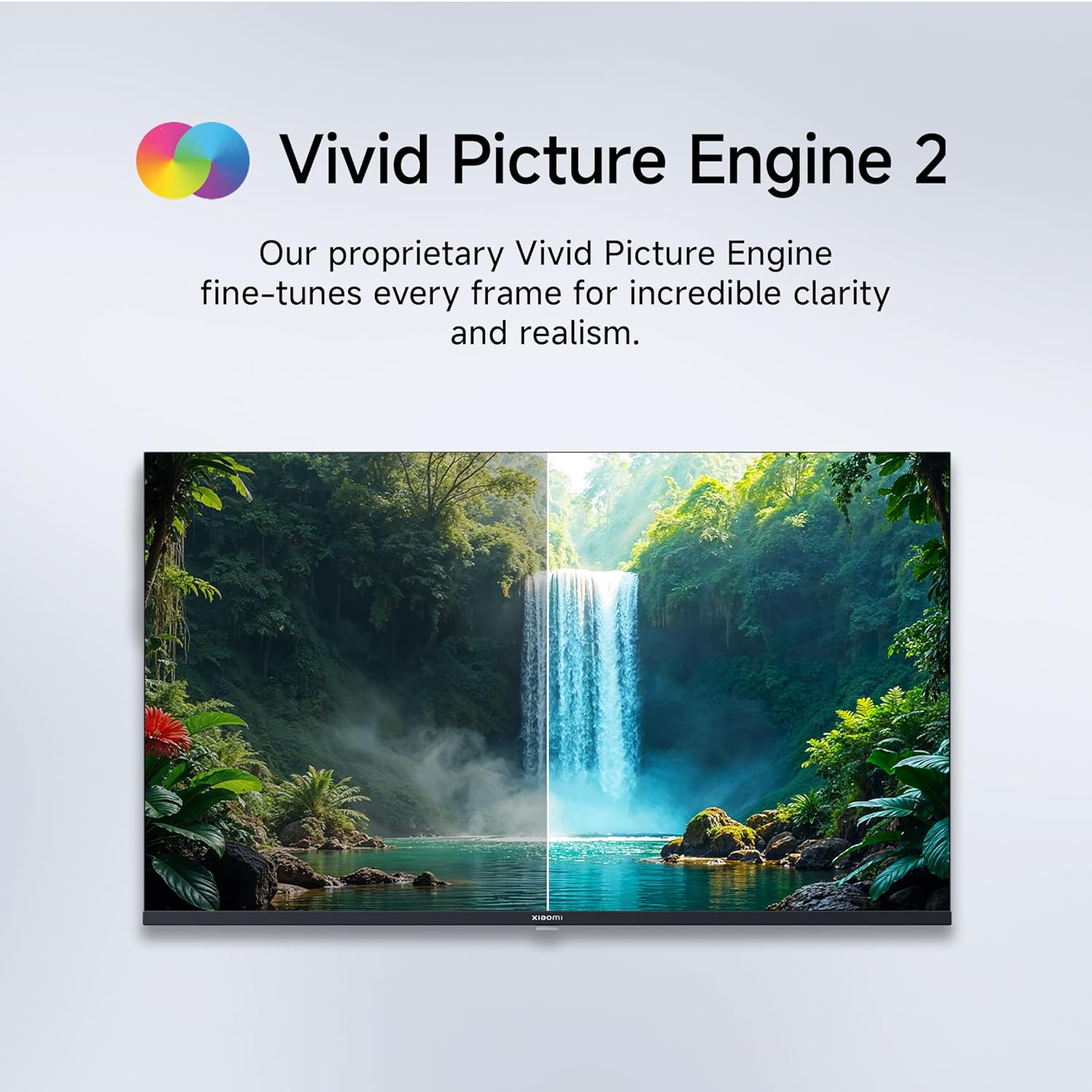
Figure 5.1: Quantum Clarity for exceptional contrast and color.
Figure 5.2: Vivid Picture Engine 2 for enhanced realism.
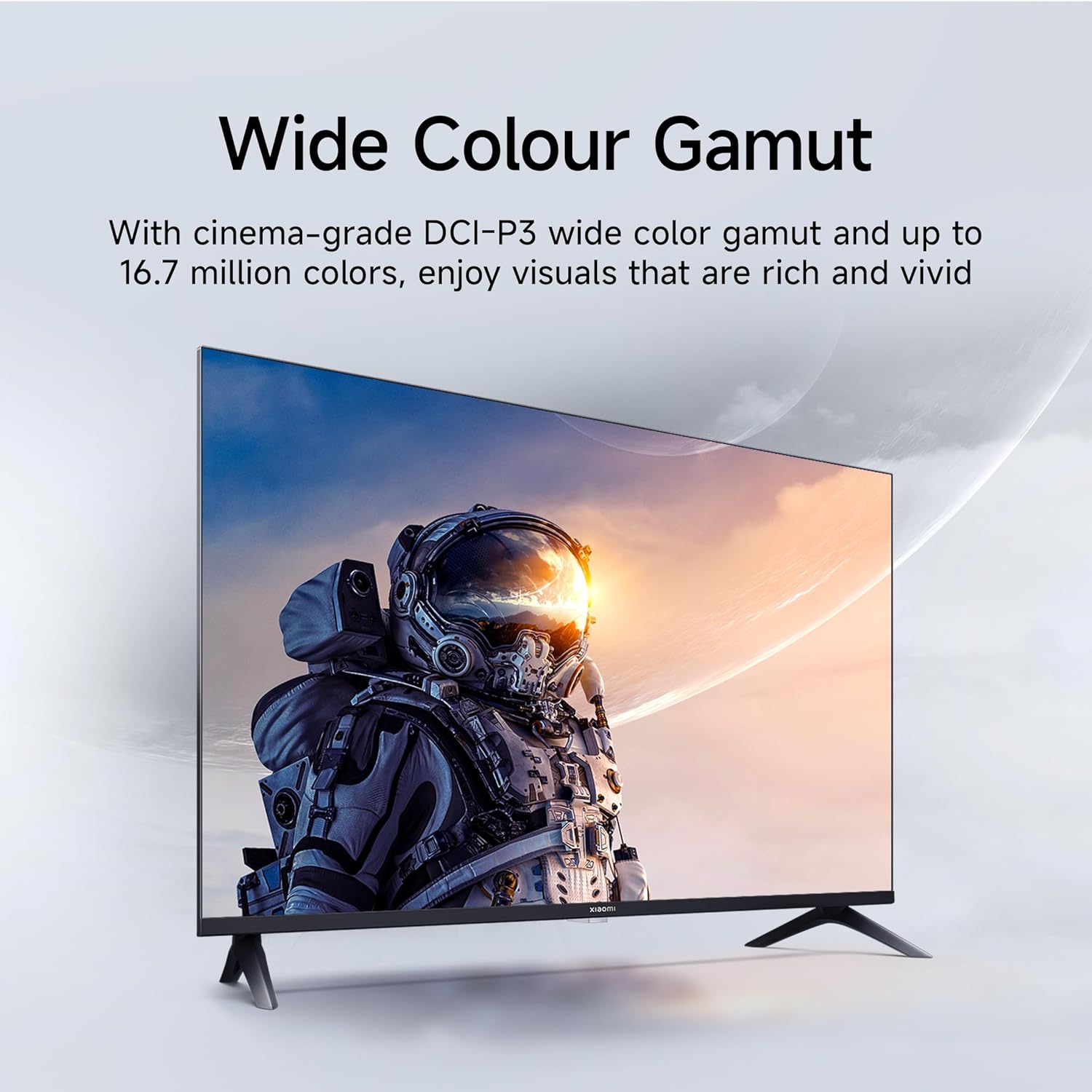
Figure 5.3: Eye Care Mode for reduced eye strain.
6. Izici Zomsindo
Your TV is equipped with advanced audio technologies for an immersive sound experience:
- Umphumela wama-Watts angu-20: Powerful stereo speakers deliver clear and dynamic sound.
- Umsindo we-Dolby: Provides rich, clear, and powerful sound for movies, shows, and games.
- I-DTS-X kanye ne-DTS Virtual:X: Creates a multi-dimensional audio experience, simulating surround sound without additional speakers.
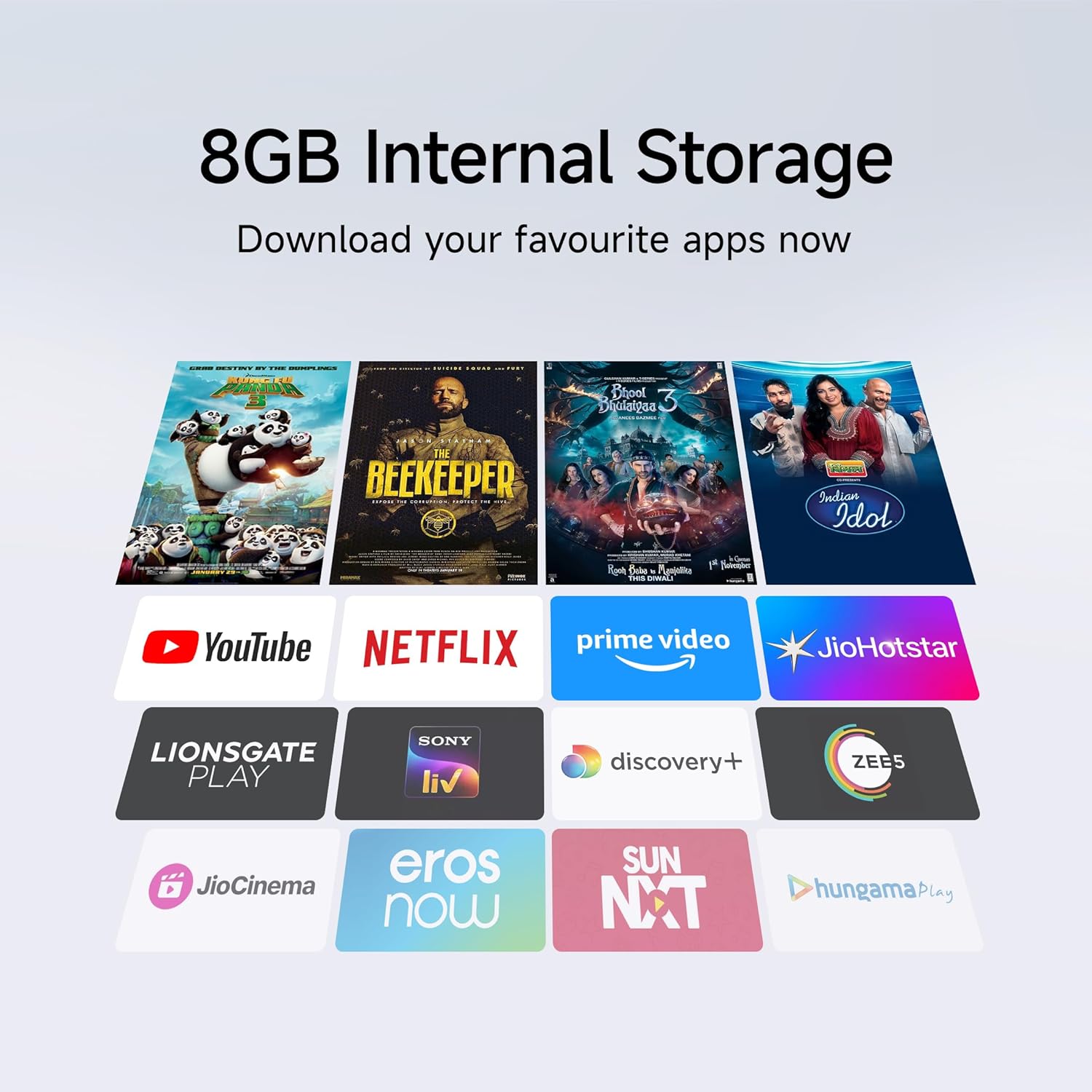
Figure 6.1: Enhanced audio experience with 20W speakers and Dolby/DTS technologies.
7. Ukuxhumana
The TV offers various options for connecting to networks and other devices:
- I-Wi-Fi ye-Dual Band: Connect wirelessly to your home network (2.4GHz and 5GHz).
- I-Ethernet: Ukuze uthole uxhumano lwe-inthanethi olunentambo oluzinzile.
- I-Bluetooth: Connect wireless headphones, speakers, or other Bluetooth-enabled accessories.
- HDMI (x2) with ARC: Audio Return Channel (ARC) allows audio to be sent from the TV to a compatible sound system via a single HDMI cable.
- I-USB (x2): For connecting external storage.
8. Isondlo
8.1 Ukuhlanza i-TV
- Njalo khipha i-TV ngaphambi kokuhlanza.
- Sebenzisa indwangu ethambile, eyomile, engena-lint ukuze usule isikrini nekhabhinethi.
- Ukuze uthole amamaki anenkani, kancane dampzu indwangu enamanzi noma isicoci sesikrini esikhethekile (gwema amakhemikhali anokhahlo).
- Do not spray liquid directly onto the TV.
8.2 Ukunakekelwa Okuvamile
- Gwema ukubeka izinto ezisindayo ku-TV.
- Vikela i-TV emazingeni okushisa aphezulu kanye nomswakama.
- If moving the TV, ensure it is properly supported and handled to prevent damage.
9. Ukuxazulula izinkinga
Before contacting customer support, try these common solutions:
| Inkinga | Imbangela Engenzeka | Isixazululo |
|---|---|---|
| Awekho amandla | Power cord disconnected; Power outlet issue | Hlola uxhumano lwentambo yamandla; Hlola isitolo ngenye idivayisi. |
| Asikho isithombe, kodwa umsindo ukhona | Umthombo wokufaka ongalungile; Ikhebula le-HDMI/AV elikhululekile | Press the "Input" button on the remote to select the correct source; Reconnect cables securely. |
| Awukho umsindo, kodwa isithombe sikhona | Volume muted or too low; External audio device issue | Unmute or increase volume; Check connections to external audio systems. |
| Isilawuli kude asisebenzi | Dead batteries; Obstruction between remote and TV | Shintsha amabhethri; Susa noma yiziphi izithiyo. |
| Ayikwazi ukuxhuma ku-Wi-Fi | Incorrect password; Router issue; TV too far from router | Verify Wi-Fi password; Restart router; Move TV closer or use Ethernet. |
10. Imininingwane
| Isici | Imininingwane |
|---|---|
| Ibhrendi | XIAOMI |
| Imodeli | L32MB-APIN |
| Usayizi Wesikrini | Amasentimitha amane (32 cm) |
| Bonisa Ubuchwepheshe | QLED |
| Isixazululo | HD Ready (1366 x 768 Pixels) |
| Isilinganiso Sokuvuselela | 60 Hz |
| Isistimu esebenzayo | Android 14 OS, Google TV |
| Inkumbulo ye-RAM | 1 GB |
| Isitoreji Sangaphakathi | 8 GB |
| Iphrosesa | A53 Quad Core Processor |
| Okukhipha umsindo | 20 Watts |
| Ubuchwepheshe Bomsindo | I-Dolby Audio, i-DTS-X, i-DTS ebonakalayo: X |
| Ukuxhumana | Dual Band Wi-Fi, Bluetooth, 2 x HDMI (ARC), 2 x USB, Ethernet, 3.5mm Audio, AV Input |
| Viewing engela | 178 degrees |
| Ubukhulu bomkhiqizo (LxWxH) | 19.8 x 71.6 x 46.9 cm (nendawo yokumisa) |
| Isisindo sento | 3.2 kg |
| Unyaka Wemodeli | 2025 |

Umfanekiso 10.1: Ubukhulu bomkhiqizo nesisindo.

Figure 10.2: A53 Quad Core Processor for optimal performance.

Figure 10.3: Energy efficiency label.
11. Iwaranti kanye Nokusekela
11.1 Ulwazi Lwewaranti
I-Xiaomi TV yakho iza ne- Iwaranti ebanzi yeminyaka engu-1 on the product and an additional 1-year warranty on the panel, provided by the brand from the date of purchase. Please retain your purchase receipt for warranty claims.
11.2 Ukwesekwa Kwamakhasimende
For technical assistance, service requests, or warranty claims, please contact Xiaomi customer support. Refer to the official Xiaomi webisayithi noma imibhalo yakho yokuthenga ukuze uthole imininingwane yamanje yokuxhumana.


