Isingeniso
Thank you for choosing the Baseus Bass BS1 NC Semi-in-Ear True Wireless Noise Cancelling Earbuds. This manual provides essential information for setting up, operating, and maintaining your new earbuds to ensure optimal performance and longevity. Please read this guide thoroughly before use.
Yini EseBhokisini
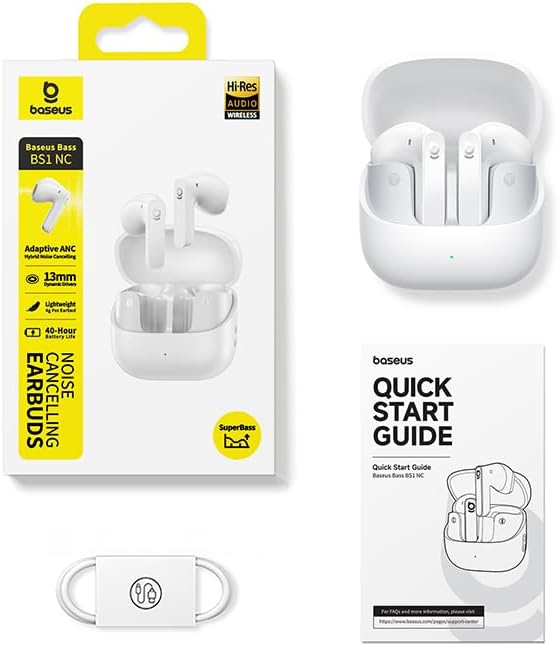
- Baseus Bass BS1 NC Semi-in-Ear Earbuds
- Ikesi lokushaja
- Ikhebuli yokushaja ye-USB-A kuya ku-USB-C
- Quick Start Guide
Umkhiqizo Uphelileview
The Baseus Bass BS1 NC earbuds are designed for a comfortable audio experience with advanced features.
Izici Eziyinhloko:
- Adaptive Hybrid ANC: Intelligent noise cancellation that adjusts to your environment for a natural, pressure-free fit.
- Hi-Res Audio Certified with LDAC: Supports LDAC codec for high-resolution audio transmission, delivering lossless-quality sound through 13mm dynamic drivers and SuperBass 2.0 technology.
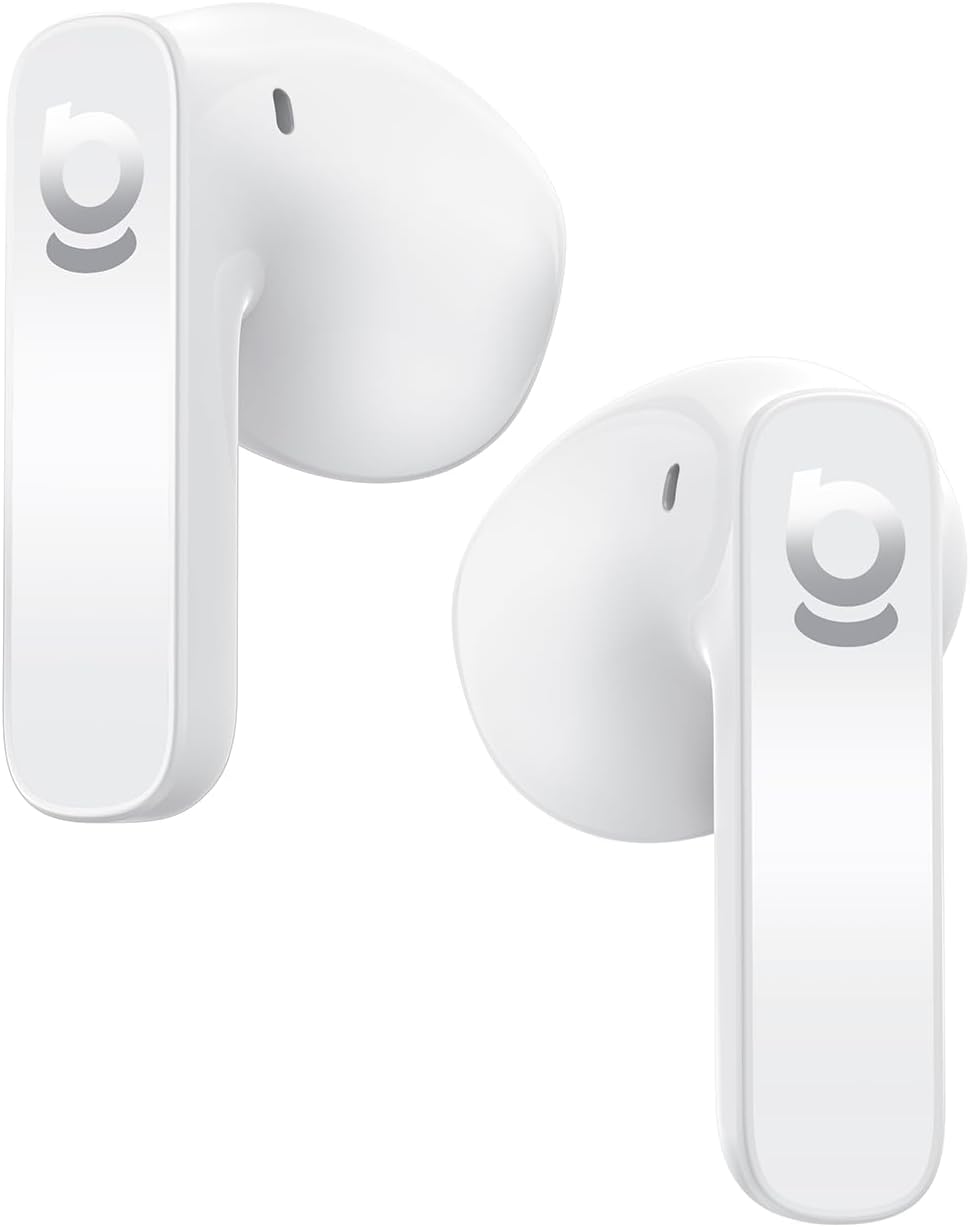
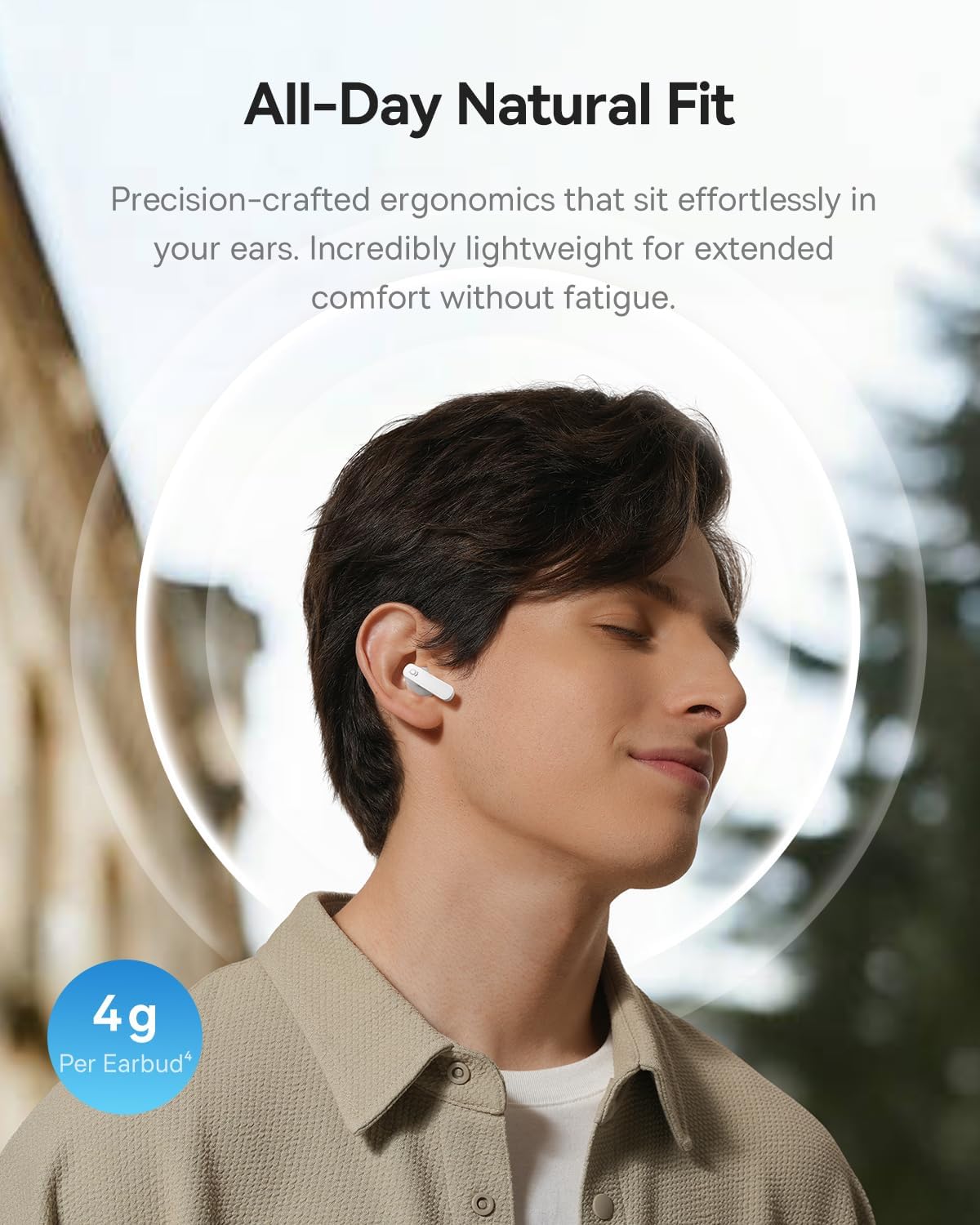
- 4g Ultra-Lightweight & Semi-In-Ear Design: Ergonomic design with soft skin-fit material for extended comfort.
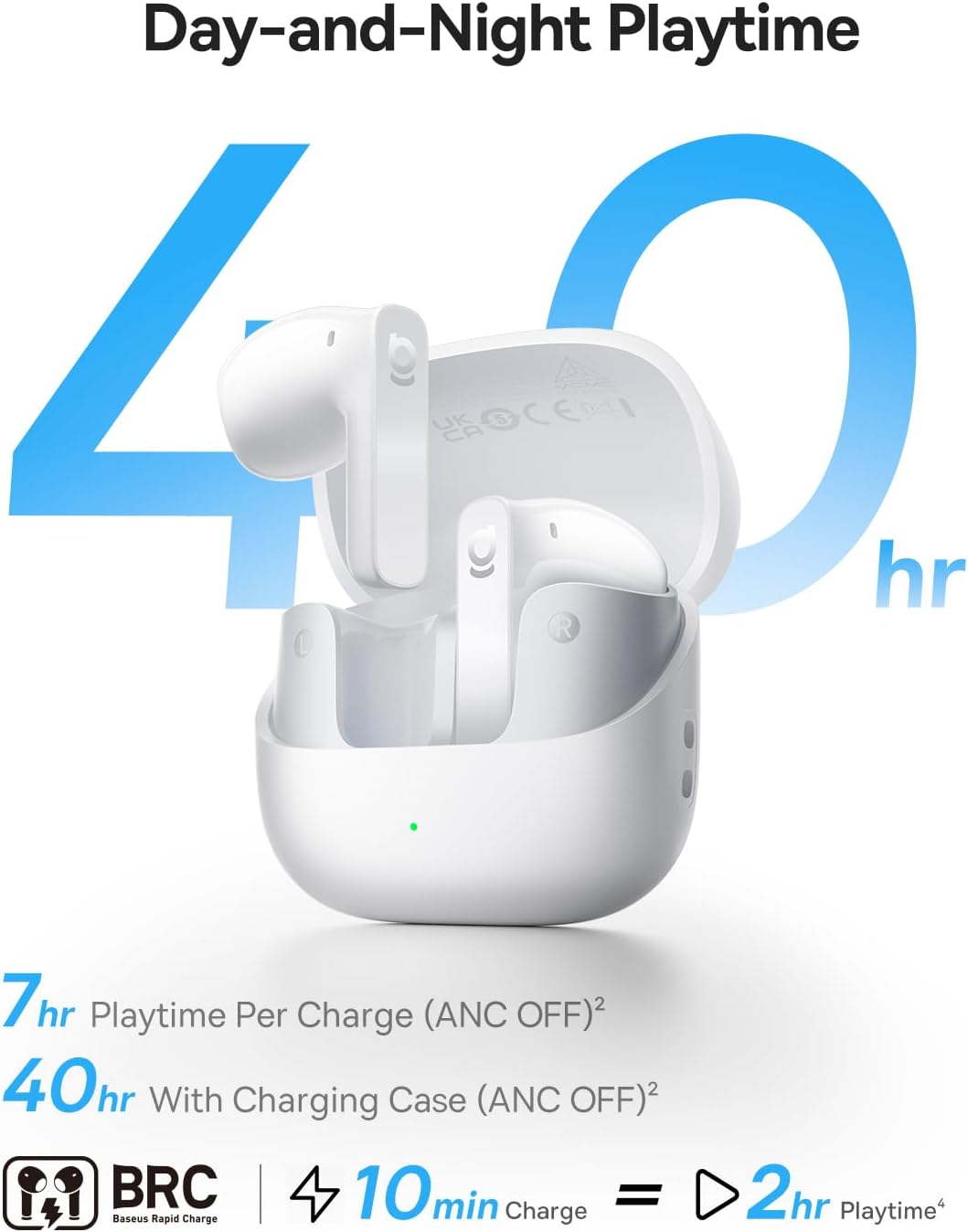
- Isikhathi sokudlala Esandisiwe: Up to 7 hours per charge (ANC off) and 40 hours with the compact charging case. Fast charging provides 2 hours of playback from a 10-minute charge.
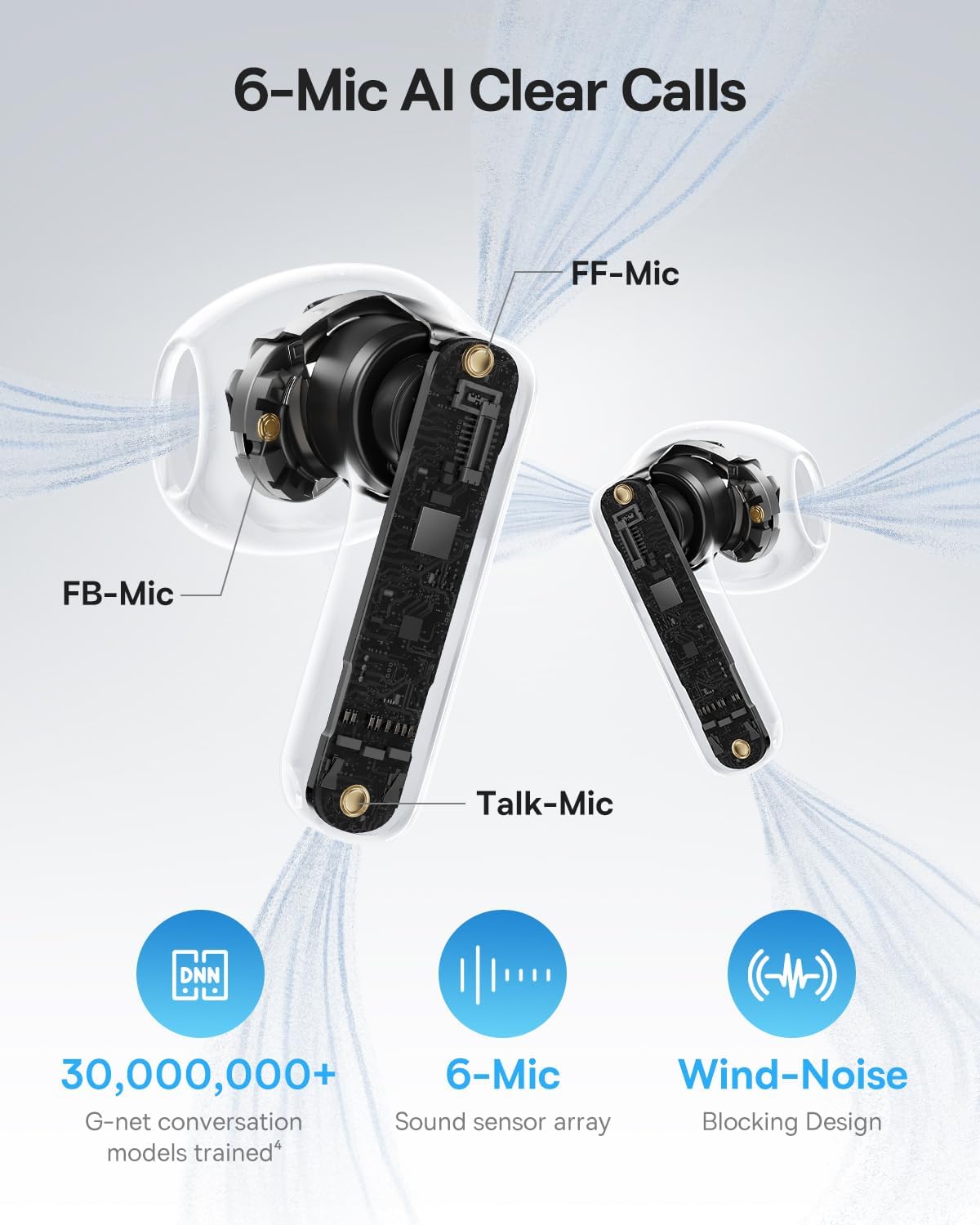
- Izingcingo Ezicacile ze-AI ze-6-Mic: Environmental Noise Cancellation (ENC) with AI voice isolation and wind-noise blocking for clear conversations.
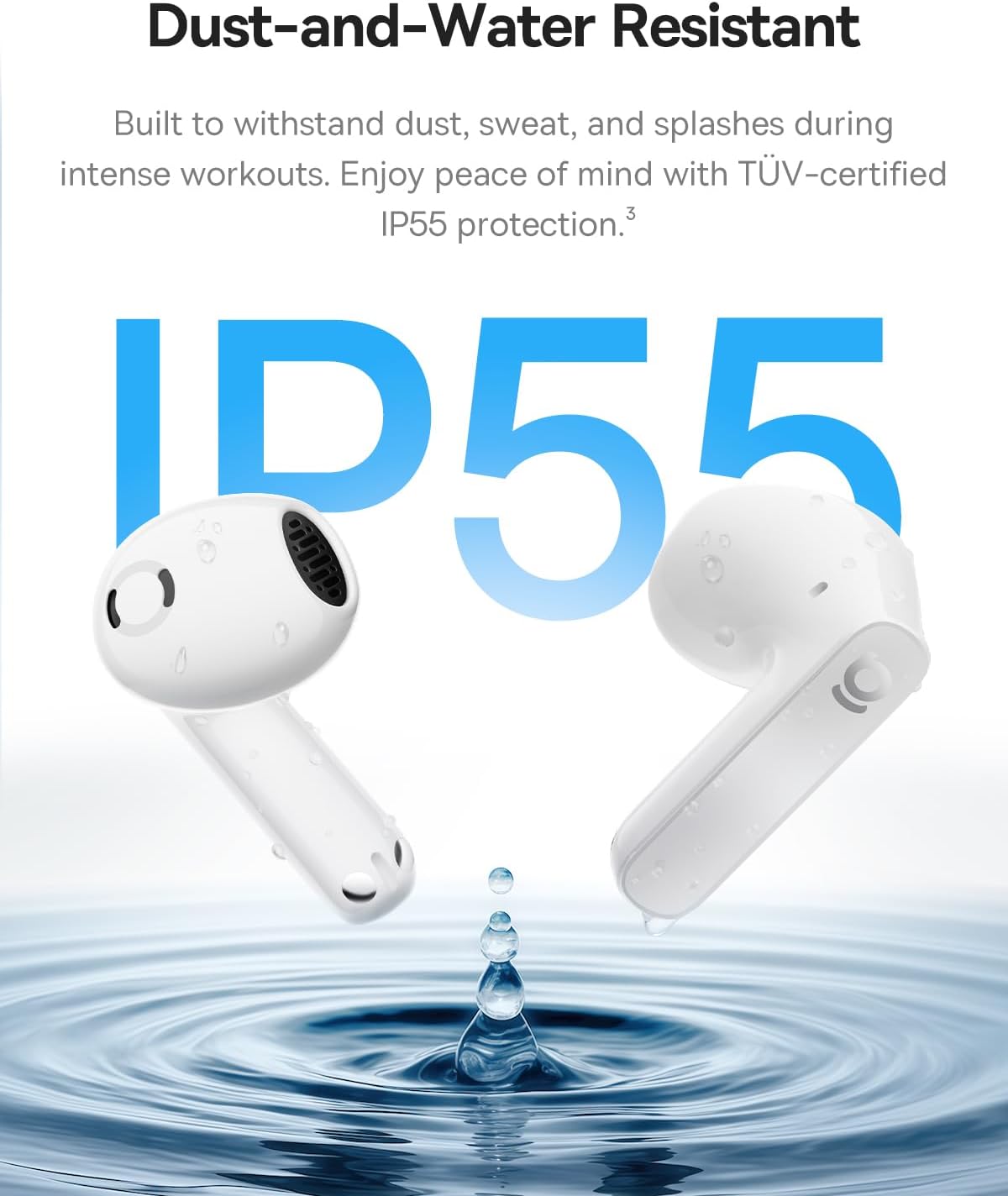
- I-IP55 Ingazweli Amanzi: Built to withstand sweat, rain, and dust, suitable for workouts and outdoor use.


Setha
1. Ukushaja ama-Earbud nekesi
- Faka ama-earbud ekesini lokushaja. Qinisekisa ukuthi zihlezi kahle.
- Connect the charging case to a power source using the provided USB-A to USB-C charging cable.
- The LED indicator on the case will show charging status. A green light indicates a charge level between 75% and 100%.
- Allow sufficient time for a full charge before first use. A 10-minute charge provides approximately 2 hours of playback.
2. Ukumatanisa nedivayisi
- Vula ikesi lokushaja. Ama-earbud azongena ngokuzenzakalelayo kumodi yokumatanisa.
- Edivayisini yakho (i-smartphone, ithebhulethi, ikhompyutha ephathekayo), vula i-Bluetooth.
- Cinga available Bluetooth devices and select "Baseus Bass BS1 NC" from the list.
- Once connected, you will hear an audible confirmation. The earbuds are now ready for use.
Imiyalelo yokusebenza
Vula/Vala
- Vula: Open the charging case, and the earbuds will automatically power on and connect to the last paired device.
- Cisha ugesi: Buyisela ama-earbud ekesini lokushaja bese uvala isivalo. Azonqamula ngokuzenzakalelayo futhi acime.
Izilawuli zokuthinta
The Baseus Bass BS1 NC earbuds feature intuitive touch controls on each earbud. The specific functions can often be customized via the Baseus app.
| Isenzo | Umsebenzi |
|---|---|
| Ukuthepha Kabili (I-Earbud Yesobunxele/Yesokudla) | Dlala/Misa umculo; Phendula/Cima ucingo |
| Ukuthepha Kathathu (I-Earbud Yesobunxele/Yesokudla) | Reject call; Activate voice assistant |
| Cindezela bese Ubamba (imizuzwana emi-2) | Switch between Noise Reduction (ANC) and Normal/Transparency Mode |
Using the Baseus App
For a personalized listening experience, download the official Baseus app. The app allows you to:
- Enza ngendlela oyifisayo izilawuli zokuthinta.
- Adjust EQ modes and Bass Boost.
- Enable Spatial Acoustics (Note: On Android devices, LDAC and Spatial Acoustics cannot be used simultaneously due to system limitations).
- Locate your earbuds (requires OPS access).
Isondlo
Ukuhlanza
- Hlanza njalo ama-earbud nekesi lokushaja ngendwangu ethambile, eyomile, engena-lint.
- Ungasebenzisi izihlanzi ezibi, izinyibilikisi, noma izifutho ze-aerosol.
- Ensure charging contacts on both earbuds and case are free from dust and debris.
Isitoreji
Uma ingasetshenziswa, gcina ama-earbud kukesi lawo lokushaja ukuze uwavikele futhi uqinisekise ukuthi ahlala eshajiwe.
Ukumelana Namanzi (IP55)
The earbuds are IP55 water-resistant, meaning they are protected against dust and low-pressure water jets from any direction. This makes them suitable for workouts and light rain. However, they are not designed for submersion in water or exposure to high-pressure water. The charging case is not water-resistant.
Ukuxazulula inkinga
- Ama-earbud awamataniswa: Ensure both earbuds are in the charging case, then open the lid to re-enter pairing mode. Check your device's Bluetooth settings to ensure it's discoverable and try re-pairing.
- Awukho umsindo noma ivolumu ephansi: Hlola amaleveli evolumu kukho kokubili idivayisi yakho nama-earbud. Qinisekisa ukuthi ama-earbud ahlezi kahle ezindlebeni zakho.
- Izinkinga zokushaja: Verify the charging cable is securely connected to both the case and the power source. Clean the charging contacts if necessary.
- I-ANC ayisebenzi kahle: Ensure the earbuds are properly fitted in your ears. Switch between ANC modes using the touch controls or the Baseus app.
- Ukuxhumana okungapheli: Ensure your device is within the Bluetooth range (up to 10 meters) and there are no significant obstructions.
Imininingwane
| Isici | Imininingwane |
|---|---|
| Igama Lemodeli | I-Baseus Bass BS1 NC |
| Ubuchwepheshe bokuxhumana | I-Bluetooth 6.0, Engenantambo |
| Ukulawula Umsindo | Ukukhansela Umsindo Ozivumelanisa Nezimo, Ukukhansela Umsindo Wezemvelo, Ukukhansela Umsindo Ohlanganisiwe |
| Uhlobo Lomshayeli Womsindo | I-Dynamic Driver |
| Usayizi Womshayeli Womsindo | 13 amamilimitha |
| Impendulo Yemvamisa | 40 khz |
| Impilo Yebhethri (Earbuds) | Amahora ayi-7 (i-ANC ivaliwe) |
| Isikhathi sokudlala esiphelele (nekesi) | Kufika emahoreni angu-40 (i-ANC ivaliwe) |
| Isikhathi Sokushaja (Ukushaja Okusheshayo) | Amaminithi angu-10 amahora angu-2 ukudlala |
| Imakrofoni | 6-Mic AI Clear Calls (ENC) |
| Izinga Lokumelana Namanzi | IP55 Ukungazweli Amanzi |
| Uhlobo Lokulawula | Ukulawula Ukuthinta |
| Ukuma kwe-Earpiece | Semi-in-Ear |
| Isisindo sento | 3.52 ama-ounces (inani) |
| Ubukhulu bomkhiqizo | 1.2 x 0.7 x 0.7 inches (earbud) |
| Okubalulekile | Acrylonitrile Butadiene Styrene (ABS), Polycarbonate (PC) |
| I-UPC | 810196183124 |
Iwaranti kanye Nokusekela
Ukuze uthole ulwazi lwewaranti kanye nokusekelwa kwamakhasimende, sicela ubheke i-Baseus esemthethweni webiwebhusayithi noma xhumana nomthengisi wakho. Gcina irisidi lakho lokuthenga ukuze uthole izimangalo zewaranti.


