Isingeniso
Thank you for choosing the GOBOULT Crown Smart Watch. This manual provides essential information for the proper setup, operation, and maintenance of your device. Please read it thoroughly to ensure optimal performance and longevity of your smartwatch.
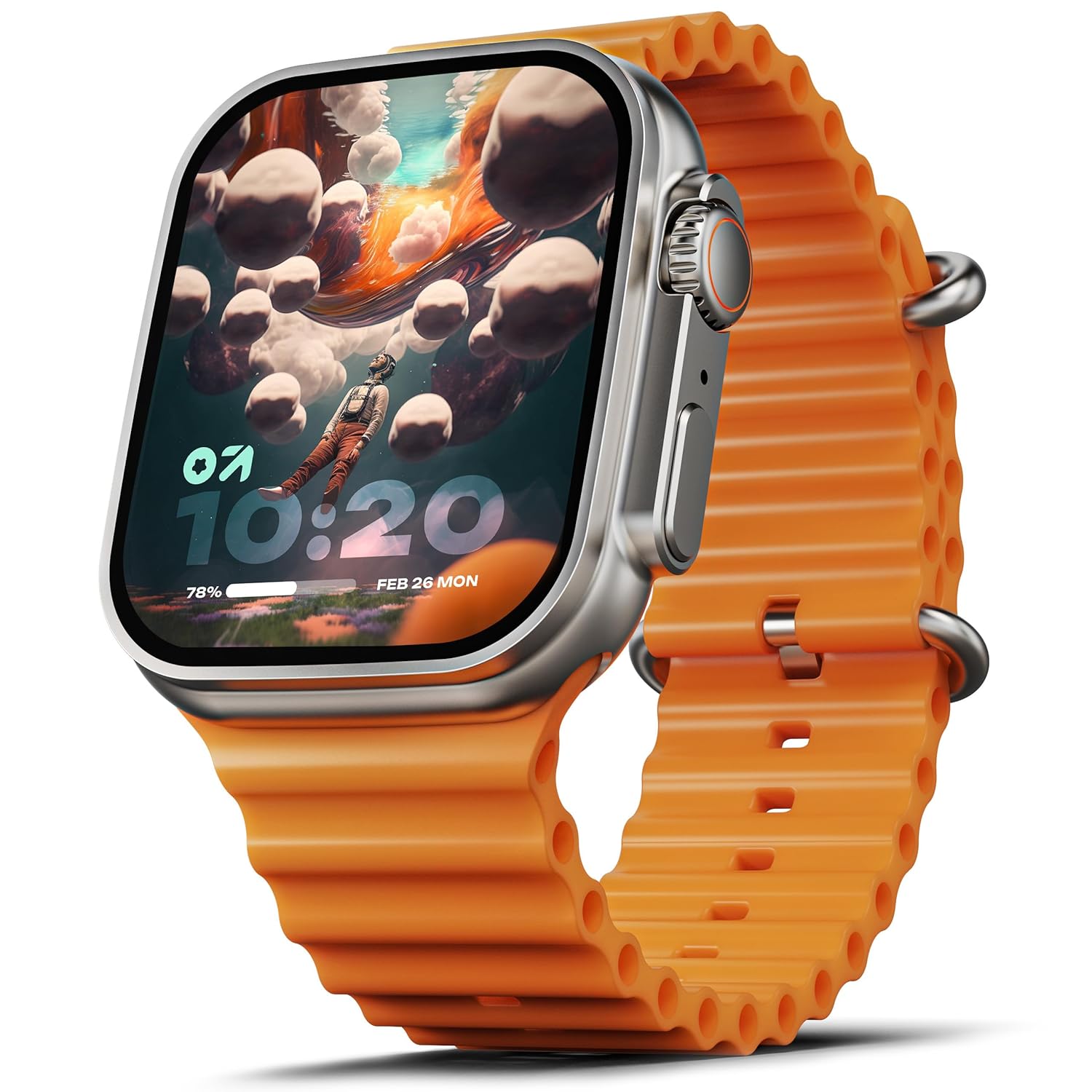
Image: The GOBOULT Crown Smart Watch, featuring a large display and an orange silicone strap.
Yini EseBhokisini
Lapho ukhipha ibhokisi, sicela uqinisekise ukuthi zonke izinto ezilandelayo zifakiwe:
- GOBOULT Crown Smart Watch
- Ikhebula lokushaja
- Imaniwali yosebenzisayo
- Ikhadi lewaranti
Ukuqalisa
1. Ukushaja Iwashi Elihlakaniphile
Before initial use, fully charge your GOBOULT Crown Smart Watch. Connect the provided charging cable to the charging port on the back of the watch and to a standard USB power adapter. The watch display will indicate charging status.
2. Ukuvula/Ukucisha
To power on, press and hold the side button until the GOBOULT logo appears. To power off, navigate to the settings menu on the watch, select 'Power Off', and confirm.
3. Ukumatanisa Nomakhalekhukhwini Wakho
- Download the official GOBOULT companion app from your smartphone's app store (available for Android and iOS).
- Qinisekisa ukuthi i-Bluetooth ivuliwe ku-smartphone yakho.
- Open the GOBOULT app and follow the on-screen instructions to search for and pair with your Crown Smart Watch.
- Qinisekisa isicelo sokumatanisa kukho kokubili ifoni yakho newashi.
Imiyalelo yokusebenza
Isibonisi kanye Navigation

Image: Close-up of the smartwatch display, highlighting its 1.95-inch size and 900 Nits brightness for clear visibility.
- 1.95" HD Display: The large, high-definition screen provides clear visuals and responsive touch interaction.
- 900 Nits Ukugqama: Ensures excellent visibility even in bright outdoor conditions.
- Working Rotating Crown: Use the functional rotating crown on the side of the watch to scroll through menus, zoom in/out, and switch watch faces.
Isithombe: Kuqhume view illustrating the internal mechanism of the working rotating crown, used for navigation and control.
Ukushaya kwe-Bluetooth

Image: The smartwatch screen showing an incoming call, alongside diagrams explaining Bluetooth 5.2 calling features like call answer/reject, dial pad, and contact sync.
The GOBOULT Crown Smart Watch supports Bluetooth Calling 5.2, allowing you to make and receive calls directly from your wrist. It features a built-in speaker and microphone for clear communication.
- Ukuphendula/Ukwenqaba Izingcingo: Tap the green icon to answer or the red icon to reject an incoming call.
- Iphedi yokudayela: Access the dial pad on the watch to make outgoing calls.
- Sync Contacts: Sync your phone's contacts to the watch via the companion app.
Ukuqapha Ezempilo
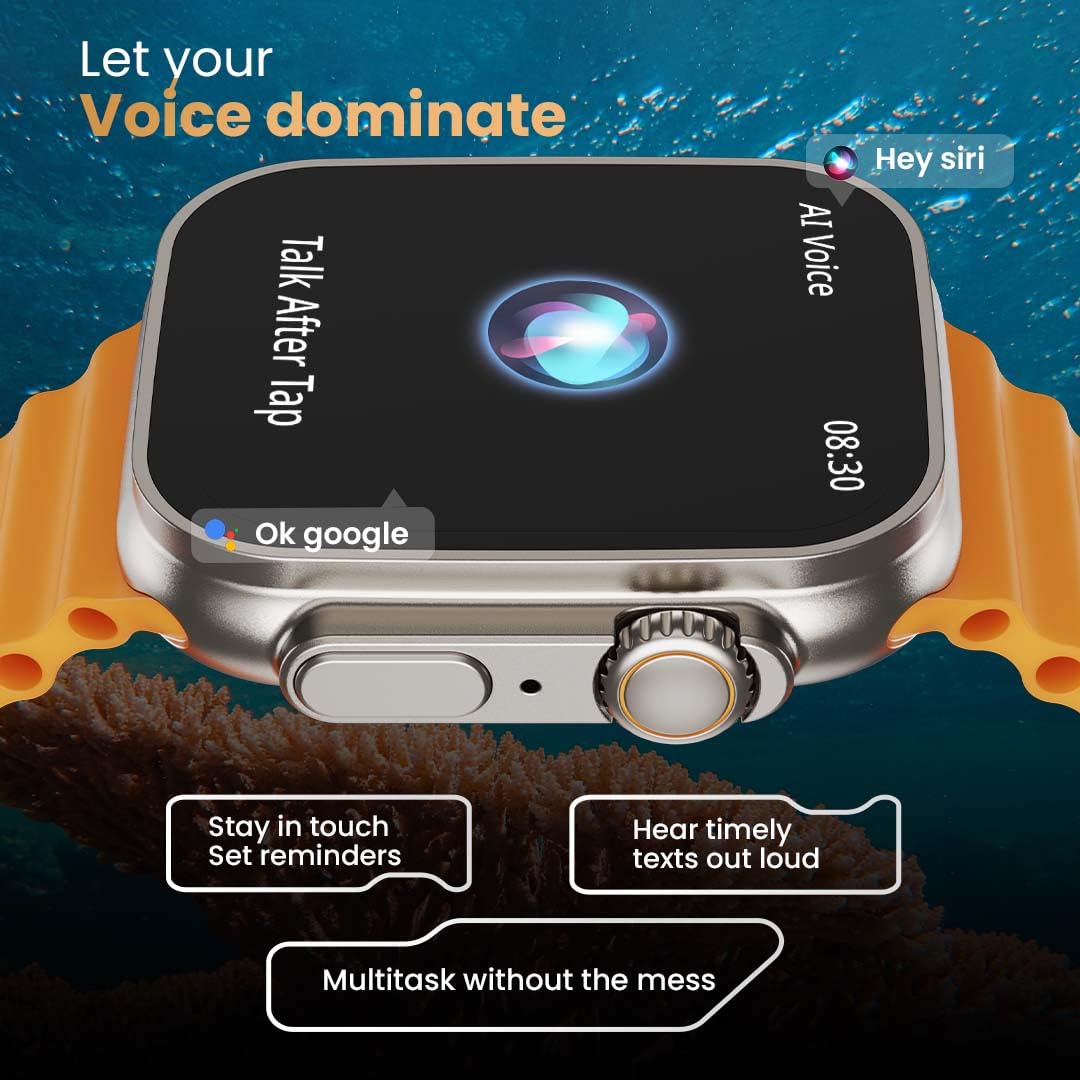
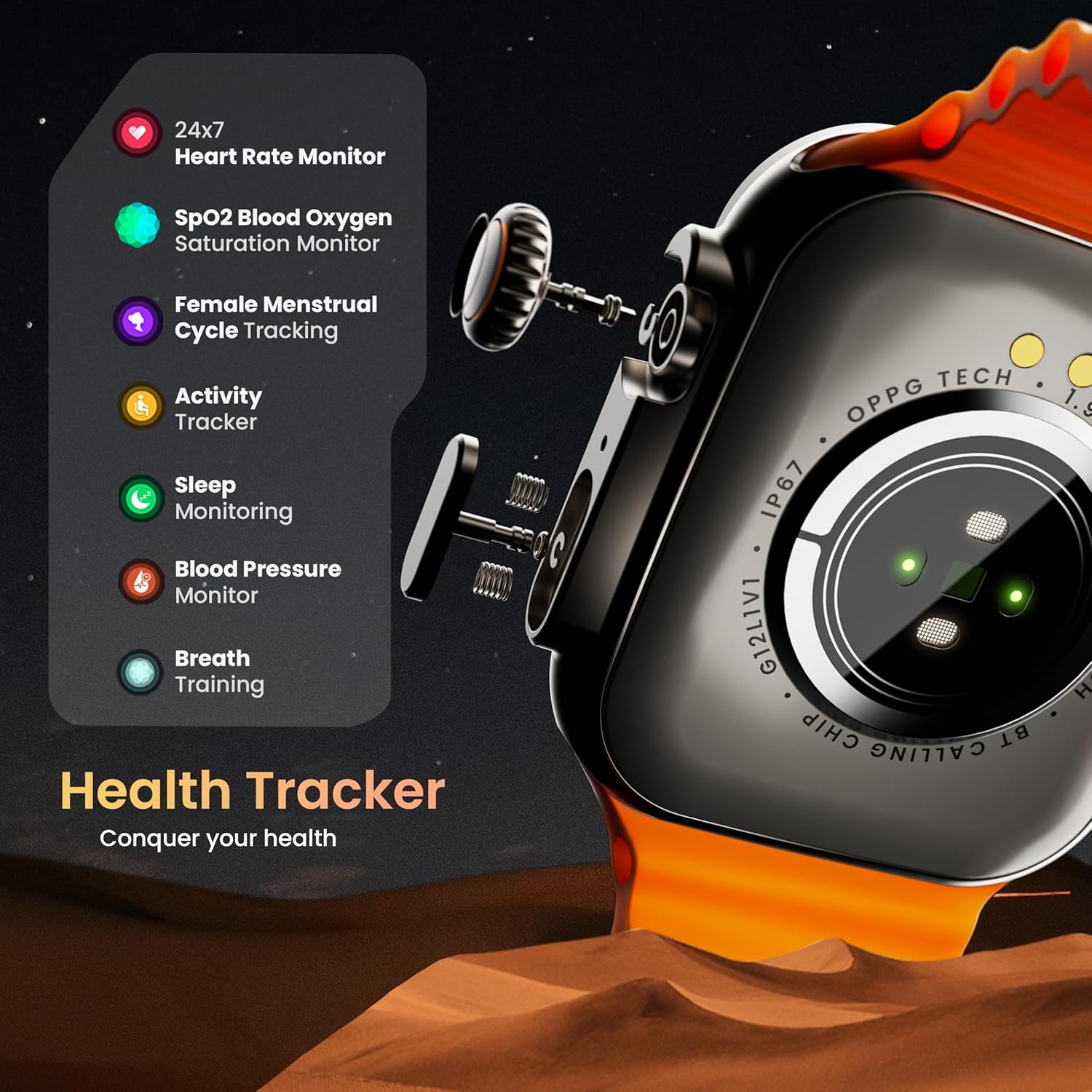
Image: The rear of the smartwatch showing its health sensors, accompanied by a list of health metrics it tracks, including heart rate, SpO2, and sleep.
The watch is equipped with an advanced health suite to help you monitor your well-being:
- 24/7 Heart Rate Monitor: Ilandelela ngokuqhubekayo izinga lokushaya kwenhliziyo yakho usuku lonke.
- I-SpO2 Blood Saturation Monitor: Ikala amazinga e-oxygen egazini lakho.
- Ukuqapha Ukulala: Ihlaziya amaphethini akho okulala kanye nekhwalithi.
- I-Tracker Yomsebenzi: Records steps, distance, and calories burned.
- Ukulandelela Umjikelezo Wokuya Esikhathini Kwabesifazane: Provides insights and predictions for menstrual cycles.
- Ukuqeqeshwa kokuphefumula: Ukuzivocavoca kokuphefumula okuqondiswayo ukuze uphumule.
Izindlela Zezemidlalo
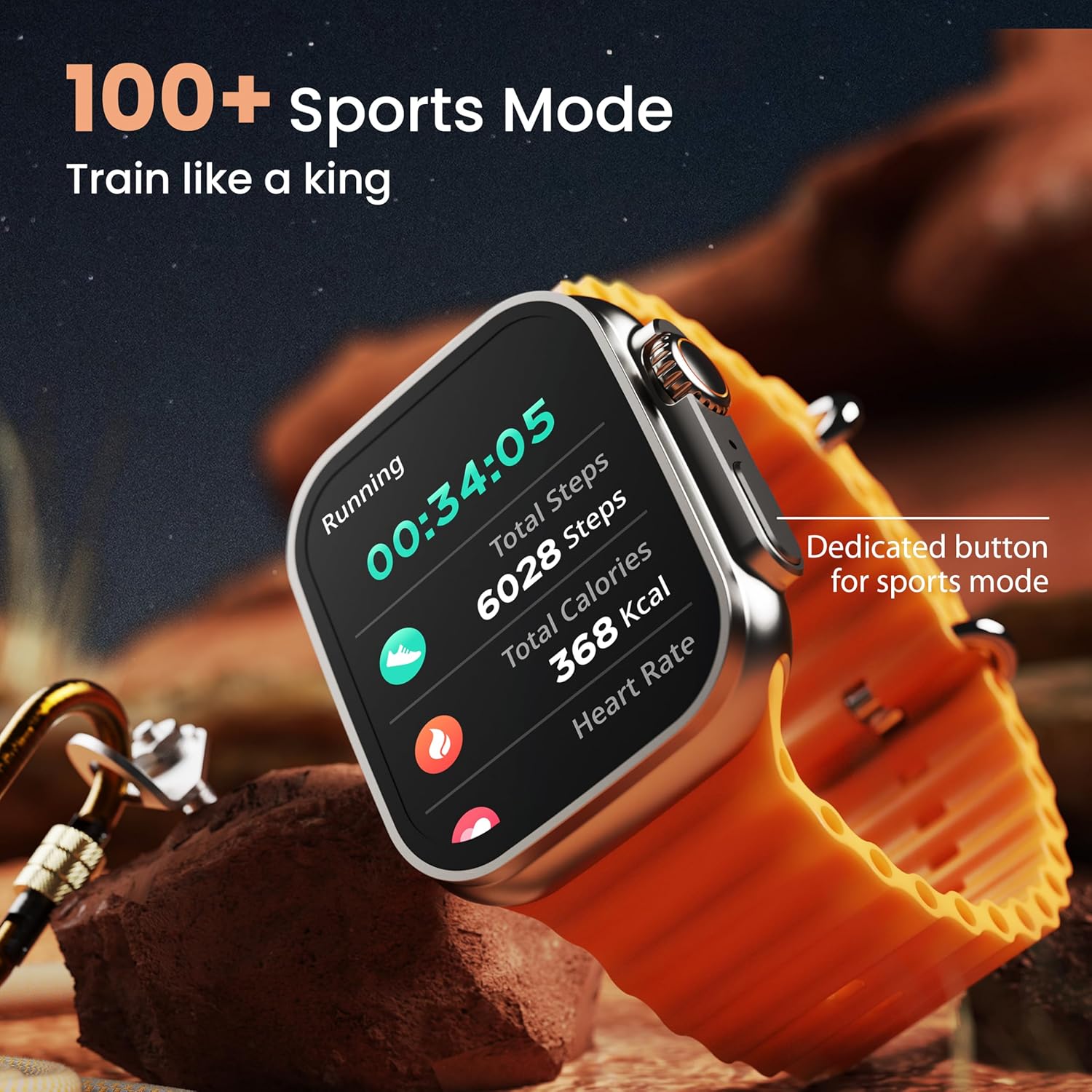
Image: The smartwatch screen showing a 'Running' sports mode with real-time metrics like duration, total steps, calories, and heart rate. A dedicated button for sports mode is also visible.
With over 120 sports modes, the GOBOULT Crown Smart Watch can track a wide range of physical activities. Select your desired sport from the watch menu to record real-time metrics, performance insights, and track your progress.
Ukwenza ngokwezifiso

Isithombe: Umbukiso wamakholajiasing various watch faces, including custom and animated options, along with different UI styles available for personalization on the smartwatch.
Yenza kube ngokwakho isipiliyoni sakho sewashi elihlakaniphile:
- 100+ Cloud-Based Watch Faces: Choose from a wide selection of watch faces available through the companion app.
- Izinketho zokwenza ngokwezifiso: Customize your screen with widgets, backgrounds, and layouts to match your style.
- 8 UI Styles: Select from different user interface styles for menu navigation.
Imisebenzi Eyengeziwe
- Umsizi Wezwi we-AI: Interact with your watch using voice commands (e.g., "Hey Siri" or "Ok Google") for tasks like setting reminders or hearing texts aloud.
- Thola Ucingo Lwami: If your paired phone is misplaced, use this feature on your watch to make it ring/vibrate.
- Imidlalo Encane: Enjoy pre-installed mini-games directly on your watch.
- Izaziso Nezikhumbuzi: Receive SMS, WhatsApp, social media, and mail notifications. Set goal achievement reminders.
- Isibali: A basic calculator function is available on the watch.
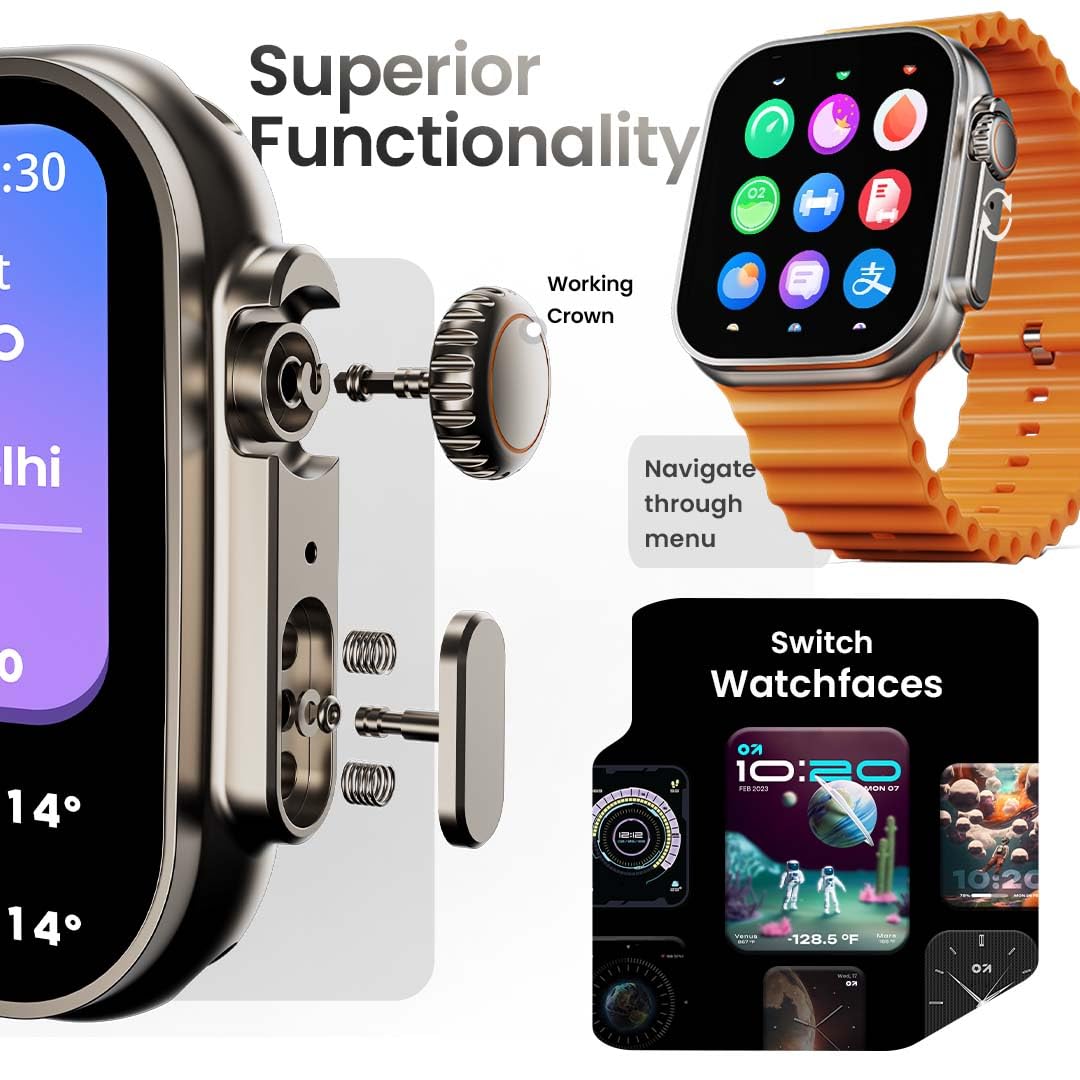
Image: The smartwatch screen showing the AI Voice Assistant interface, indicating support for voice commands like "Hey Siri" and "Ok Google".
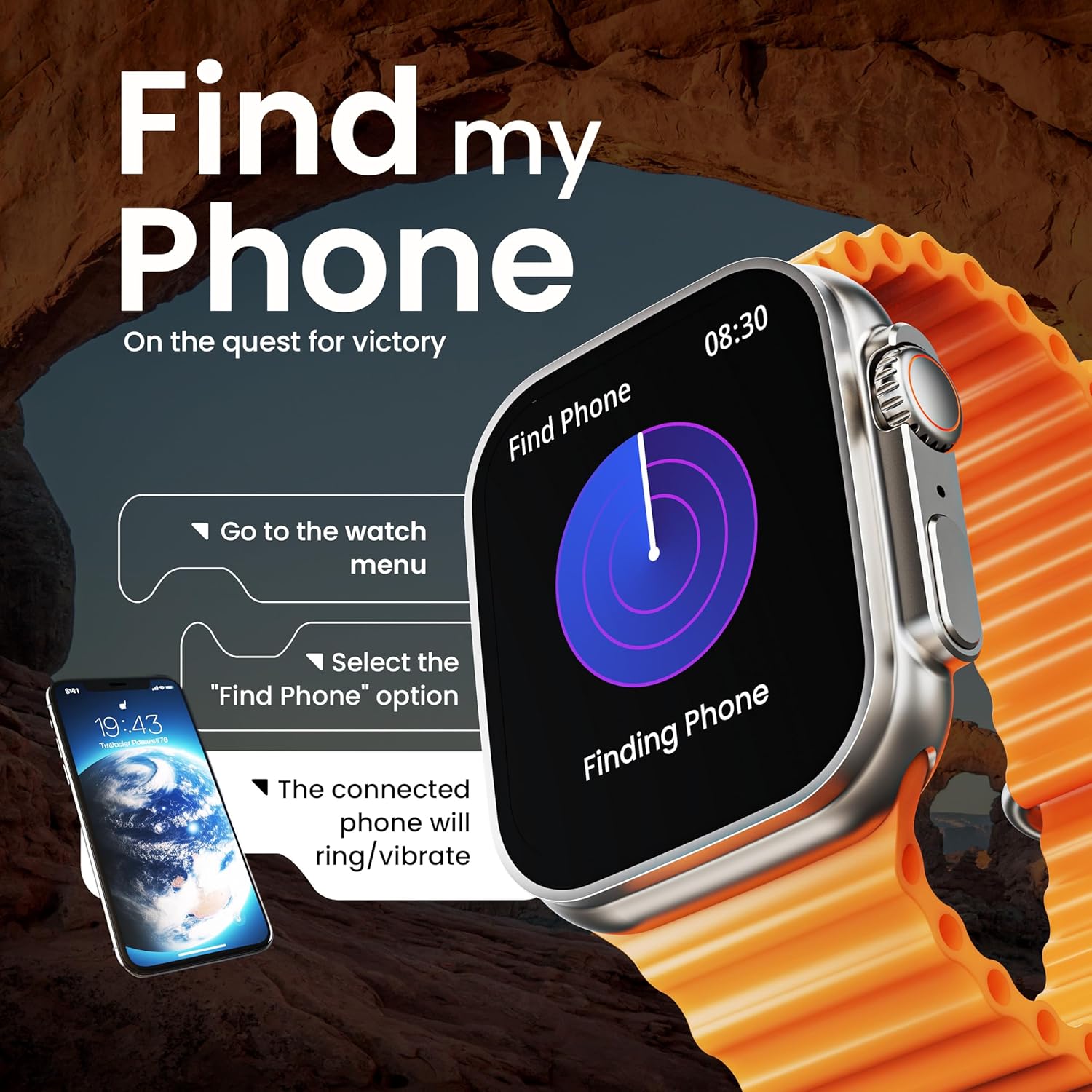
Image: The smartwatch screen illustrating the 'Find Phone' feature, with instructions on how to activate it to locate a connected smartphone.
Image: The smartwatch screen showcasing a selection of mini-games available on the device, such as 'Young Bird', 'Hamster', and 'Battleships'.

Image: The smartwatch screen showing a calculator interface, along with a pop-up notification and a list of reliable and robust features like sync notifications and reminders.
Isondlo
Ukuhlanza
Regularly clean your smartwatch and strap to prevent skin irritation and maintain device hygiene. Use a soft, lint-free cloth. If necessary, slightly dampen indwangu ngamanzi. Gwema amakhemikhali anokhahlo noma izinto ezilumayo.
Ukumelana Namanzi
The GOBOULT Crown Smart Watch is IP67 water resistant. This means it is protected against dust and can withstand immersion in water up to 1 meter for up to 30 minutes. It is suitable for daily use and light splashes but not recommended for swimming, showering, or diving.
Ukunakekelwa Kwebhande
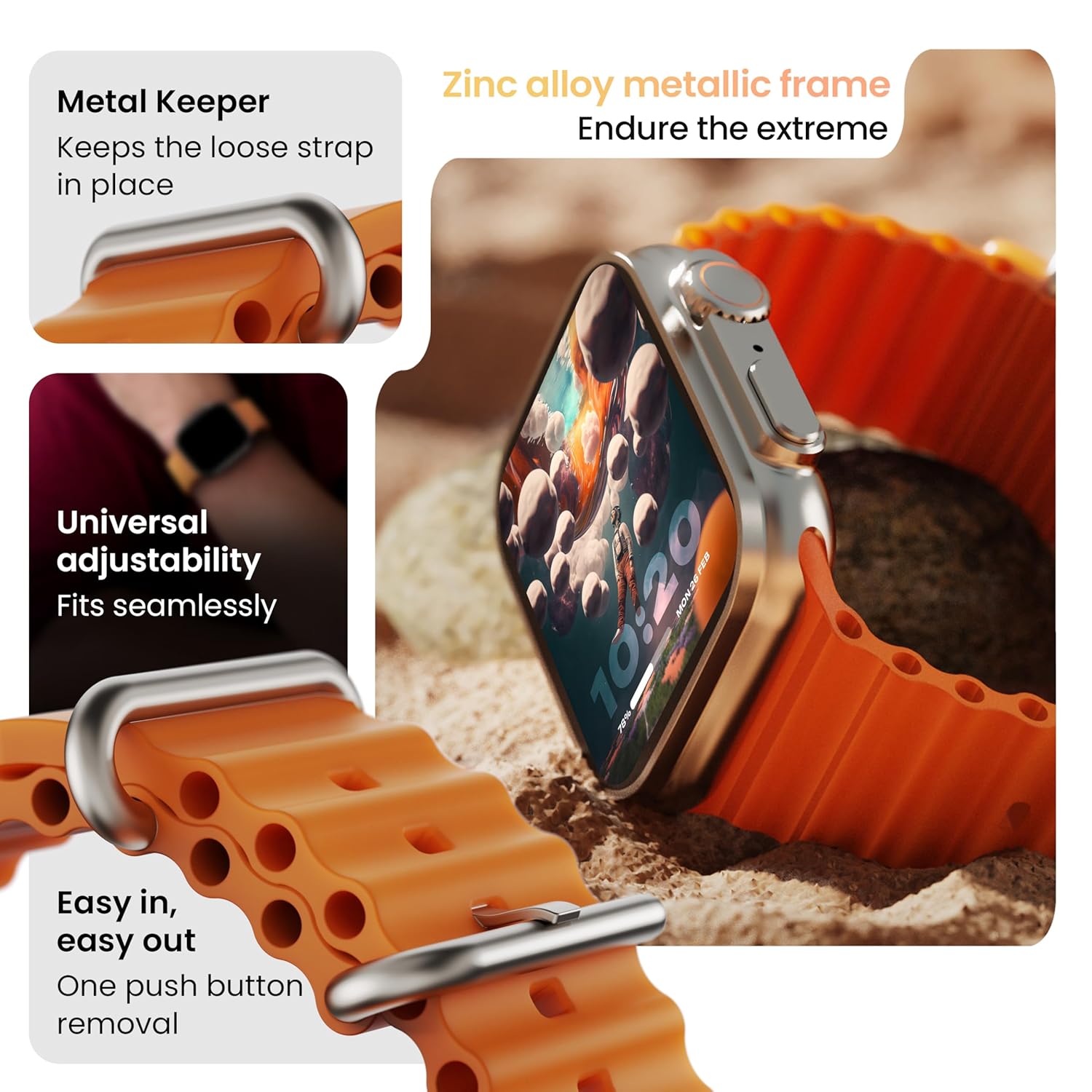
Isithombe: Ngemininingwane view of the smartwatch strap, highlighting features such as the metal keeper for securing the loose end, universal adjustability for a seamless fit, and a push-button mechanism for easy removal.
The skin-friendly silicone strap is designed for comfort. Ensure it is not too tight or too loose for accurate health tracking. Clean the strap regularly, especially after workouts, to remove sweat and dirt.
Ukuxazulula inkinga
Iwashi Alivuli
- Qinisekisa ukuthi iwashi lishajwe ngokugcwele. Yixhume kushaja okungenani imizuzu engama-30.
- Press and hold the side button for 10-15 seconds to attempt a forced restart.
Izinkinga zokumatanisa
- Qiniseka ukuthi i-Bluetooth ivuliwe efonini yakho nasewashini.
- Ensure the watch is within the Bluetooth range (approximately 10 meters).
- Qala kabusha kokubili ifoni yakho newashi.
- Clear the Bluetooth cache on your phone or forget the device and try pairing again.
Idatha Yezempilo Enganembile
- Qinisekisa ukuthi iwashi ligqokwe kahle esihlakaleni sakho, kodwa hhayi liqine kakhulu.
- Hlanza izinzwa ngemuva kwewashi.
- Avoid excessive movement during measurements for better accuracy.
Izaziso Azibonakali
- Check if the watch is properly connected to your phone via Bluetooth.
- Verify notification permissions for the GOBOULT app in your phone's settings.
- Ensure 'Do Not Disturb' mode is not active on either your phone or watch.
Imininingwane
| Isici | Imininingwane |
|---|---|
| Ibhrendi | I-GOBOULT |
| Imodeli | Crown Smart Watch |
| Usayizi Wokubonisa | 1.95 amayintshi |
| Bonisa Ukukhanya | Izinhlamvu ezingama-900 |
| Ukuxhumana | I-Bluetooth 5.2 |
| Isistimu esebenzayo | Android Wear 1.0, iOS compatible |
| Impilo Yebhethri (Isilinganiso) | Izinsuku ezingu-7 |
| Isikhathi sokushajwa kwebhethri | 150 Amaminithi |
| Amandla ebhethri | 300 millionamp Amahora |
| Ukumelana Namanzi | IP67 |
| Isisindo sento | 40 g |
| Izingxenye Ezihlanganisiwe | Smartwatch, Charging Cable, User Manual, Warranty Card |
Iwaranti kanye Nokusekela
Your GOBOULT Crown Smart Watch comes with a Warranty Card included in the box. Please refer to this card for detailed information regarding warranty coverage and terms. For technical support or further assistance, please contact GOBOULT customer service through the contact information provided on the warranty card or the official GOBOULT webindawo.


