Isingeniso
This manual provides essential information and step-by-step instructions for effectively using your Apple Watch Series 11. It covers initial setup, navigation, key features of watchOS 12, customization options, health tracking functionalities, connectivity, and troubleshooting common issues. Our goal is to help you maximize your smartwatch experience.
1. Getting Started: Setup and Pairing
To begin using your Apple Watch Series 11, follow these steps for initial setup and pairing with your iPhone:
- Unboxing and Charging: Ensure your Apple Watch is charged before starting the setup process.
- Vula: Cindezela bese ubamba inkinobho eseceleni kuze kuvele uphawu lwe-Apple.
- Ukumatanisa ne-iPhone: Open the Apple Watch app on your iPhone. Tap "Start Pairing" and follow the on-screen instructions. Position your iPhone so the Apple Watch appears in the viewotholayo.
- Ukucushwa: Choose to set up as a new Apple Watch or restore from a backup. Agree to terms and conditions, create a passcode, and configure settings like Siri, Activity, and Apple Pay.
Once paired, your Apple Watch will sync data from your iPhone, and you can begin exploring its features.
2. Exploring watchOS 12 Features
The Apple Watch Series 11 runs on watchOS 12, introducing an enhanced interface and new functionalities. Familiarize yourself with:
- Ukuzulazula: Learn to use the Digital Crown and Side Button for navigating apps, scrolling, and accessing the Dock.
- New Interface Elements: Discover updated app layouts and interaction methods designed for improved usability.
- AI-Powered Features: Explore how Apple Intelligence integrates to offer personalized suggestions and smarter interactions.
3. Customization and Personalization
Personalize your Apple Watch Series 11 to match your style and needs:
- Ubuso bewashi: Customize watch faces with various styles, colors, and complications directly from your Apple Watch or iPhone.
- Izinkinga: Add useful information like weather, activity rings, or calendar events to your watch face for quick access.
- Isakhiwo sohlelo lokusebenza: Organize your app icons in a grid or list view for easier access to frequently used applications.
- Izilungiselelo: Adjust notification preferences, haptic feedback, and accessibility features to suit your preferences.
4. Ukulandelela Impilo Nokufaneleka
The Apple Watch Series 11 is a powerful tool for monitoring your health and fitness:
- Ukulandelela umsebenzi: Monitor your daily movement with Move, Exercise, and Stand rings.
- Ukuqapha Kwezinhliziyo: Track your heart rate throughout the day and receive notifications for high or low heart rates, and irregular rhythms.
- Ukulandelela Ukulala: Understand your sleep patterns and set sleep goals to improve your rest.
- Workout App: Choose from a variety of workout types to track your performance, calories burned, and progress.
- Ukuhlanganiswa kohlelo lokusebenza lwezempilo: All health data is securely stored and accessible through the Health app on your iPhone.
5. Connectivity and Performance
Enhance your Apple Watch experience by optimizing connectivity and performance:
- Syncing with Apple Devices: Seamlessly sync data, notifications, and settings across your iPhone, iPad, and Mac.
- Wi-Fi and Cellular: Understand how to use Wi-Fi and cellular capabilities (on cellular models) for independent connectivity.
- Ukuthuthukisa Ibhethri: Learn tips and tricks to extend your battery life, such as managing background app refresh and display settings.
- Performance Enhancements: Keep your watchOS updated and manage storage to ensure smooth operation.
6. Ukusebenza Okujwayelekile
Daily operation of your Apple Watch Series 11 involves various interactions:
- Izaziso: Receive and manage notifications from your iPhone directly on your wrist.
- Ukuxhumana: Make and receive calls, send messages, and use Walkie-Talkie.
- Izinhlelo zokusebenza: Launch and interact with pre-installed and third-party apps from the App Store.
- I-Apple Pay: Make secure payments with a double-press of the side button.
- I-Siri: Use voice commands for various tasks, setting reminders, or asking questions.
7. Isondlo Nokunakekela
Proper care ensures the longevity and optimal performance of your Apple Watch Series 11:
- Ukuhlanza: Gently clean your Apple Watch with a soft, lint-free cloth. Avoid abrasive materials.
- Ukumelana Namanzi: Understand the water resistance ratings and avoid activities that exceed its capabilities. Dry your watch thoroughly after exposure to water.
- Izibuyekezo zesofthiwe: Regularly update watchOS to benefit from new features, security enhancements, and bug fixes.
- Isitoreji: Manage app installations and media to prevent storage issues.
8. Ukuxazulula Izinkinga Ezivamile
If you encounter problems with your Apple Watch Series 11, consider these common solutions:
- Izinkinga zokumatanisa: Ensure Bluetooth is enabled on your iPhone, both devices are charged, and try restarting both.
- Izinkinga Zokuxhumana: Check Wi-Fi and cellular connections. Reset network settings if necessary.
- Performance Slowdowns: Close unused apps, restart your watch, or consider unpairing and re-pairing if persistent.
- Ukukhipha Ibhethri: Review battery usage in settings, disable unnecessary background app refresh, and reduce screen brightness.
- Izingqinamba zesoftware: Perform a force restart (hold side button and Digital Crown until Apple logo appears).
For more complex issues, refer to Apple's official support resources.
9. Imininingwane Yezobuchwepheshe
Detailed technical specifications for the Apple Watch Series 11 are provided by Apple. Key features typically include:
- Bonisa: Retina display with Force Touch.
- Iphrosesa: Apple S-series SiP (System in Package).
- Ukuxhumana: Wi-Fi, Bluetooth, GPS, (optional) Cellular.
- Izinzwa: Heart rate sensor, accelerometer, gyroscope, ambient light sensor, blood oxygen sensor, ECG app.
- Ukumelana Namanzi: Typically up to 50 meters.
- Impilo Yebhethri: Up to 18 hours of typical use.
Note: The specifications listed here are general for Apple Watch models. For precise specifications of the Apple Watch Series 11, please consult official Apple documentation or the device packaging. The product information provided in the source JSON refers to the specifications of the "Apple Watch Series 11 User Guide" book, not the Apple Watch device itself.
10. Iwaranti kanye Nolwazi Lokusekela
For warranty coverage and official support for your Apple Watch Series 11, please refer to the following:
- Iwaranti yomkhiqizi: Apple provides a limited warranty for its products. Details can be found on Apple's official website or within the warranty documentation included with your device.
- Ukusekelwa Kwe-inthanethi: Vakashela support.apple.com for comprehensive support articles, troubleshooting guides, and contact options.
- Apple Store or Authorized Service Provider: For hardware issues or in-person assistance, visit an Apple Store or an Apple Authorized Service Provider.
Product Images (Apple Watch Series 11 User Guide Book)
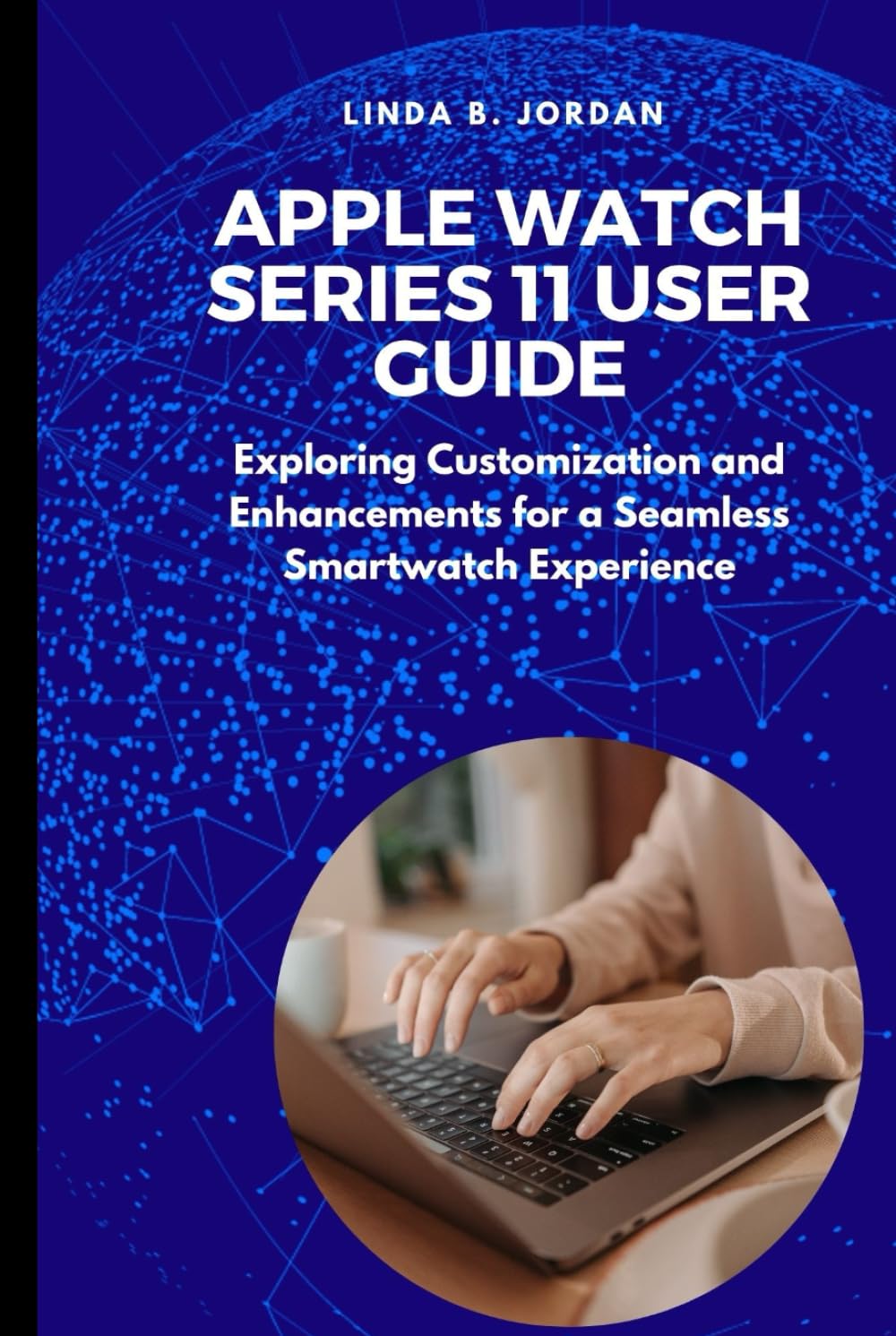
Incazelo yesithombe: This image displays the front cover of the "Apple Watch Series 11 User Guide" book. The cover features a blue digital globe background with a person typing on a laptop in the foreground. The title "Apple Watch Series 11 User Guide" is prominently displayed in white text, along with the author's name, Linda B. Jordan.

Incazelo yesithombe: This image shows the back cover of the "Apple Watch Series 11 User Guide" book. It features a plain black background with a white ISBN barcode and number (979-8286004157) at the bottom, indicating it is copyrighted material.
These images are of the instructional book itself, not the Apple Watch Series 11 device.


