Isingeniso
This manual provides essential information for the safe and effective operation of your phrozen Sonic Mighty 8K LCD 3D Printer. Please read it thoroughly before using the device to ensure optimal performance and longevity. The phrozen Sonic Mighty 8K is designed for high-resolution resin 3D printing, offering an 8K resolution and a substantial build volume for detailed models.
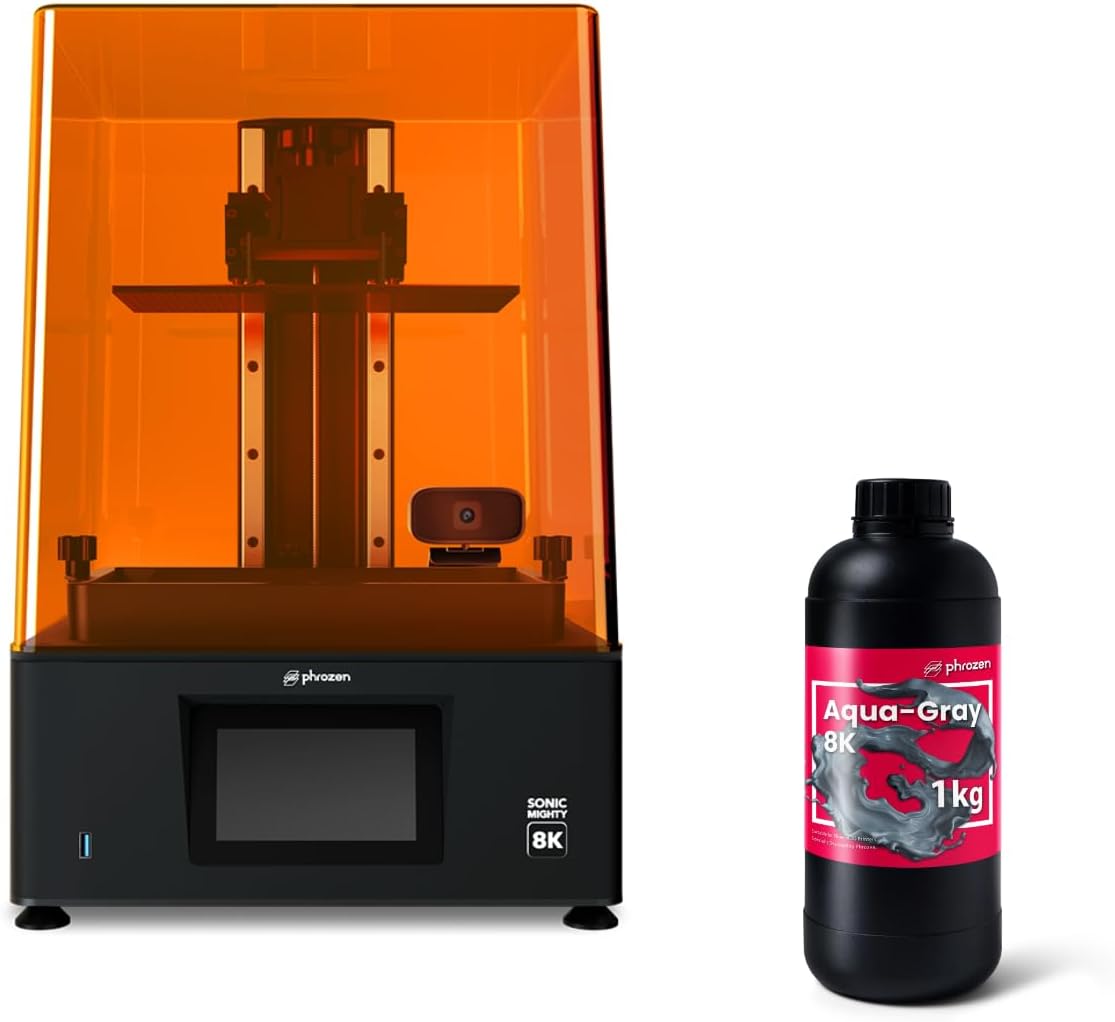
Image: The Phrozen Sonic Mighty 8K LCD 3D Printer shown alongside a bottle of Aqua Gray 8K resin.

Image: The Phrozen Sonic Mighty 8K Mono LCD 3D Printer with callouts for 8K resolution, enhanced LCD lifespan, intuitive user interface, and laser-cut building plate.
Ulwazi Lokuphepha
Always observe the following safety precautions when operating the 3D printer and handling resin:
- Wear appropriate personal protective equipment (PPE), including gloves and safety glasses, when handling liquid resin.
- Work in a well-ventilated area to minimize exposure to resin fumes.
- Avoid direct skin contact with liquid resin. If contact occurs, wash thoroughly with soap and water.
- Keep resin away from children and pets.
- Store resin in a cool, dark place, away from direct sunlight and heat sources.
- Do not dispose of liquid resin down drains or in regular trash. Cure liquid resin under UV light before disposal.
- Qinisekisa ukuthi iphrinta ibekwe endaweni ezinzile, eneleveli.
- Ungathinti izingxenye ezihambayo ngesikhathi sokusebenza.

Image: A bottle of Aqua-Gray 8K resin with a warning to 'Shake Well Before Use' and instructions for recommended temperature, wearing gloves and mask, keeping away from children, and washing skin if contact occurs.
Setha
1. Ukuqaqa nokubeka
Carefully remove the printer and all accessories from the packaging. Place the printer on a stable, level, and clean surface in a well-ventilated room. Ensure there is enough space around the printer for operation and maintenance.
2. Ukuxhunywa kwamandla
Connect the power adapter to the printer and then plug it into a suitable power outlet. Do not power on the printer until all other setup steps are complete.
3. Ukulinganisa Amapuleti Okwakha
- Loosen the screws on the build plate.
- Place a piece of A4 paper on the LCD screen.
- Lower the build plate until it gently presses against the paper.
- Tighten the build plate screws while ensuring the plate remains level.
- Raise the build plate and remove the paper.
4. Resin Vat Installation
Place the resin vat onto the printer, ensuring it is securely seated and locked into position according to the printer's design.
Imiyalelo yokusebenza
1. Software Preparation (Slicer)
Download and install the recommended slicing software (e.g., Chitubox, Lychee Slicer) from the phrozen website. Configure the printer profile for the Sonic Mighty 8K and select the appropriate resin settings for Aqua Gray 8K resin.
2. Loading Resin
Before pouring, gently shake the Aqua Gray 8K resin bottle for 30 seconds. Carefully pour the resin into the resin vat, ensuring it does not exceed the maximum fill line. Always wear gloves and eye protection when handling resin.

Image: A hand holding a bottle of Aqua-Gray 8K resin, with icons indicating its properties: High Precision, Low Shrinkage, Excellent Fluidity, and Low Odor.
3. Ukuqala Ukuphrinta
- Prepare your 3D model in the slicing software, add supports if necessary, and slice it.
- Londoloza okusikiwe file (.ctb or similar) to a USB drive.
- Faka idrayivu ye-USB echwebeni le-USB lephrinta.
- On the printer's touchscreen, navigate to the print menu and select your file.
- Confirm the print settings and start the print.

Image: The Phrozen Sonic Mighty 8K printer with a transparent red box indicating its print volume of 21.8x12.3x23.5cm, emphasizing its capacity for larger models.

Image: A detailed close-up of a 3D printed miniature, illustrating the fine details achievable with 8K resolution (28 µm XY resolution).

Image: A 3D printed model demonstrating high precision output and excellent dimensional stability with low warpage.
4. Removing Prints
Once the print is complete, carefully remove the build plate. Use a plastic scraper to detach the printed model from the build plate. Clean the model using isopropyl alcohol (IPA) to remove uncured resin, then post-cure it under UV light.
Isondlo
1. Cleaning the Build Plate
After each print, clean the build plate with IPA and a soft cloth to remove any resin residue. Ensure it is completely dry before the next print.
2. Cleaning the Resin Vat and FEP Film
If changing resin types or if there are cured resin particles in the vat, carefully empty the resin into a separate container through a filter. Clean the resin vat and FEP film with IPA and a soft cloth. Be gentle with the FEP film to avoid damage.
3. Cleaning the LCD Screen
Regularly inspect the LCD screen for any resin spills or dust. Clean it gently with a soft, lint-free cloth and a small amount of IPA. Never use abrasive materials or sharp objects on the LCD.
4. Resin Handling and Storage
Unused resin should be filtered back into its original bottle and stored in a cool, dark place. Do not expose resin to direct sunlight or UV light when not in use.

Isithombe: Ukuvala view of the Phrozen Sonic Mighty 8K's ultra-stable dual linear rails, designed for high-quality models with extreme stability.

Image: A cutaway diagram illustrating the extra thick T-plate and the frosted laser cut building plate of the Sonic Mighty 8K, designed for a high success rate in printing.
Ukuxazulula inkinga
- Print Fails to Adhere to Build Plate: Ensure the build plate is properly leveled. Increase bottom exposure time in your slicer settings. Check the FEP film for damage or cloudiness.
- Layer Lines Visible: Verify the stability of the printer. Check for loose screws on the build plate or Z-axis. Reduce lifting speed in slicer settings.
- Partial Prints: Check if the resin vat has enough resin. Inspect the LCD screen for dead pixels. Ensure the USB drive is not corrupted.
- Resin Not Curing: Confirm the resin is within its shelf life and stored correctly. Check the UV light source for proper function. Adjust exposure times.
- Iphrinta Ayiphenduli: Power cycle the printer. Check all cable connections. If issues persist, contact customer support.
Imininingwane
| Isici | Ukucaciswa |
|---|---|
| Imodeli | I-Sonic Mighty 8K |
| Isixazululo | 8K (28µm XY resolution) |
| Ubukhulu besikrini se-LCD | 10 amayintshi |
| Yakha Ivolumu | 21.8 x 12.3 x 23.5 cm |
| I-eksisi engu-Z | Dual Linear Rails |
| Plate Yakha | Frosted Laser Cut Building Plate |
| Uhlobo lwe-Resin | 405nm UV Resin (e.g., Aqua Gray 8K) |
| ASIN | B0DNYGB6LM |
| Usuku Lokuqala Olutholakalayo | Novemba 25, 2024 |
Iwaranti kanye Nokusekela
The phrozen Sonic Mighty 8K LCD 3D Printer comes with a standard manufacturer's warranty. Please refer to the warranty card included with your product for specific terms and conditions. For technical support, troubleshooting assistance, or warranty claims, please visit the official phrozen webisayithi noma uxhumane nomnyango wabo wesevisi yamakhasimende ngokuqondile. Gcina irisidi lakho lokuthenga njengobufakazi bokuthenga.
You can visit the phrozen store on Amazon for more information: phrozen Store


