1. Isingeniso
The HOVERAir X1 PROMAX is a revolutionary 8K action flying camera designed for adventurers and content creators. This foldable drone offers advanced features such as 8K@30fps video recording, SmoothCapture 2.0 stabilization, and over 10 fully automatic flight modes. Its lightweight and durable design, coupled with OmniTerrain capabilities, allows for versatile use in various environments. This manual provides essential information for setting up, operating, maintaining, and troubleshooting your HOVERAir X1 PROMAX to ensure optimal performance and safety.
2. Yini EseBhokisini
Your HOVERAir X1 PROMAX package includes the following components:
- HOVERAir X1 PROMAX Drone (x1)
- HOVERAir X1 PROMAX Smart Battery (x1)
- Ikhebuli yokushaja ye-USB (x1)
- I-Quick Start Guide (x1)

3. Setha
3.1. Ukufaka nokushaja Ibhethri
The HOVERAir X1 PROMAX uses smart batteries designed to prevent overcharging and over-discharging, ensuring longevity and safety. Insert the battery firmly into the designated slot on the drone until it clicks into place. To charge, connect the battery or the drone directly to the charging cable and a power source.

3.2. Ukugoqa kanye Nokwembula
The HOVERAir X1 PROMAX features a foldable design for enhanced portability and safety. To unfold, gently extend the propeller guards until they lock into their flight position. To fold, reverse the process, ensuring the guards are securely tucked against the drone's body for compact storage.

3.3. Ukuxhumana kohlelo lokusebenza
For full control and access to advanced features, download the HOVERAir X1 app from your device's app store. Power on the drone, then open the app and follow the on-screen instructions to connect your device to the drone via Wi-Fi. The app allows you to configure flight modes, download and share content, and launch manual control.

4. Iziqondiso Zokusebenza
4.1. Ukusuka nokufika
The HOVERAir X1 PROMAX supports hands-free operation. To initiate takeoff, simply launch the drone from your hand with a simple click or voice command. The drone will automatically stabilize and begin hovering. For landing, use the designated command in the app or a pre-programmed gesture, and the drone will safely return to a stable surface.
4.2. Izindlela Zokundiza
The drone features over 10 fully automated flight modes, allowing you to capture diverse footage effortlessly. These include:
- Hambisa phezulu: Igcina indawo ezinzile emoyeni.
- Hlehlisa: Flies backward and upward to reveal the surrounding landscape.
- Landela: Tracks a designated subject, keeping them in the frame.
- Ithrekhi kaDolly: Moves backward while keeping the subject at a constant distance.
- Side Track: Moves sideways while keeping the subject in frame.
- I-Orbit: Circles around a subject.
- Imodi Yokushushuluza: Optimized for capturing skiing action.
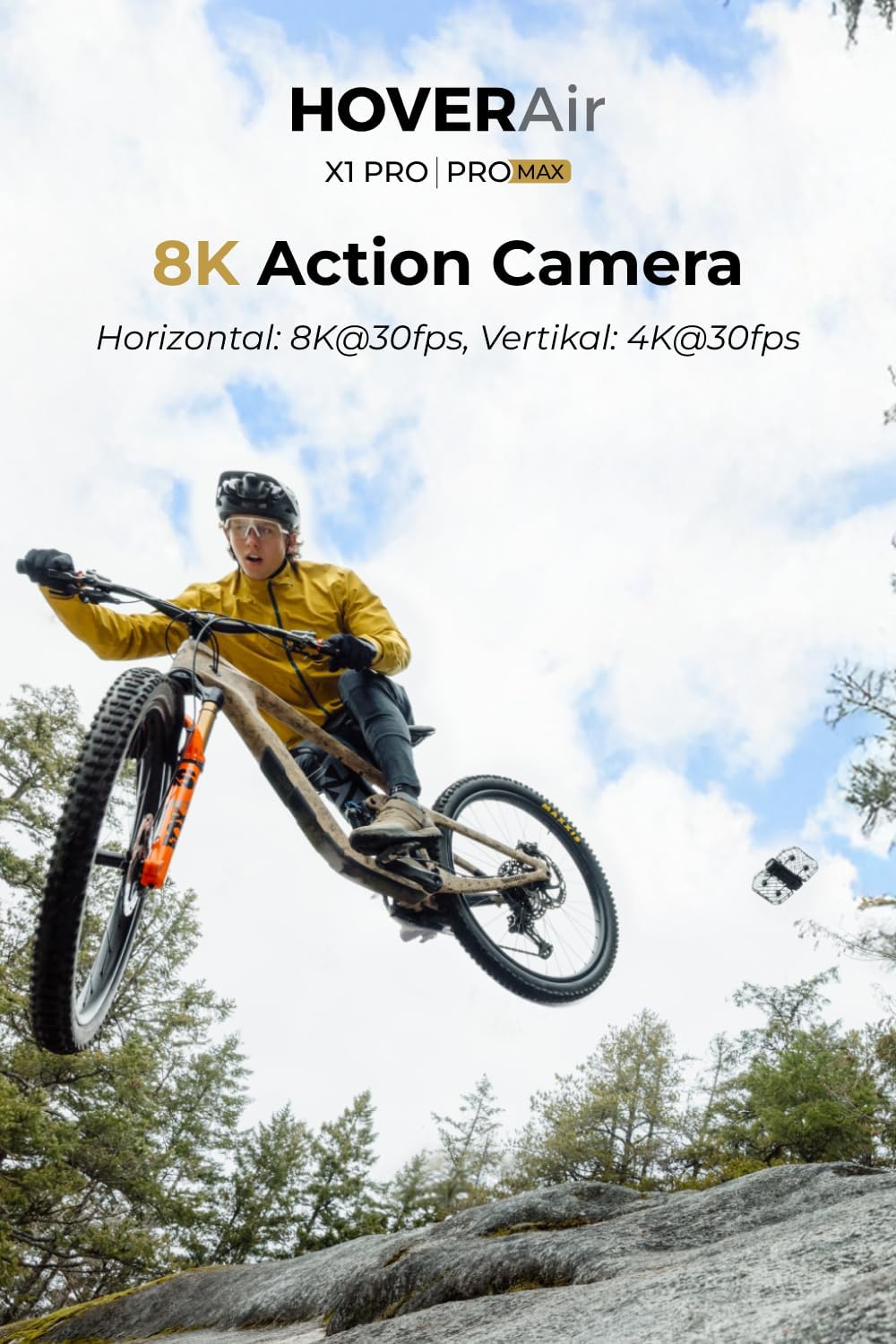
- Imodi yebhayisikili: Optimized for capturing cycling action.
4.3. OmniTerrain Capability
The innovative OmniTerrain feature enables the HOVERAir X1 PROMAX to fly across various challenging environments, including snow, water, and cliffs. This ensures you can capture stunning footage regardless of the terrain.

4.4. Speed and Tracking
The HOVERAir X1 PROMAX features an upgraded aerodynamic design, allowing it to reach follow speeds of up to 42 KM/H (26 mph) and a top burst speed of 60 KM/H. The enhanced chip and tracking algorithm keep you centered in the frame, even during high-speed activities like cycling or skiing.
5. Izici zekhamera
5.1. 8K Video and SmoothCapture 2.0
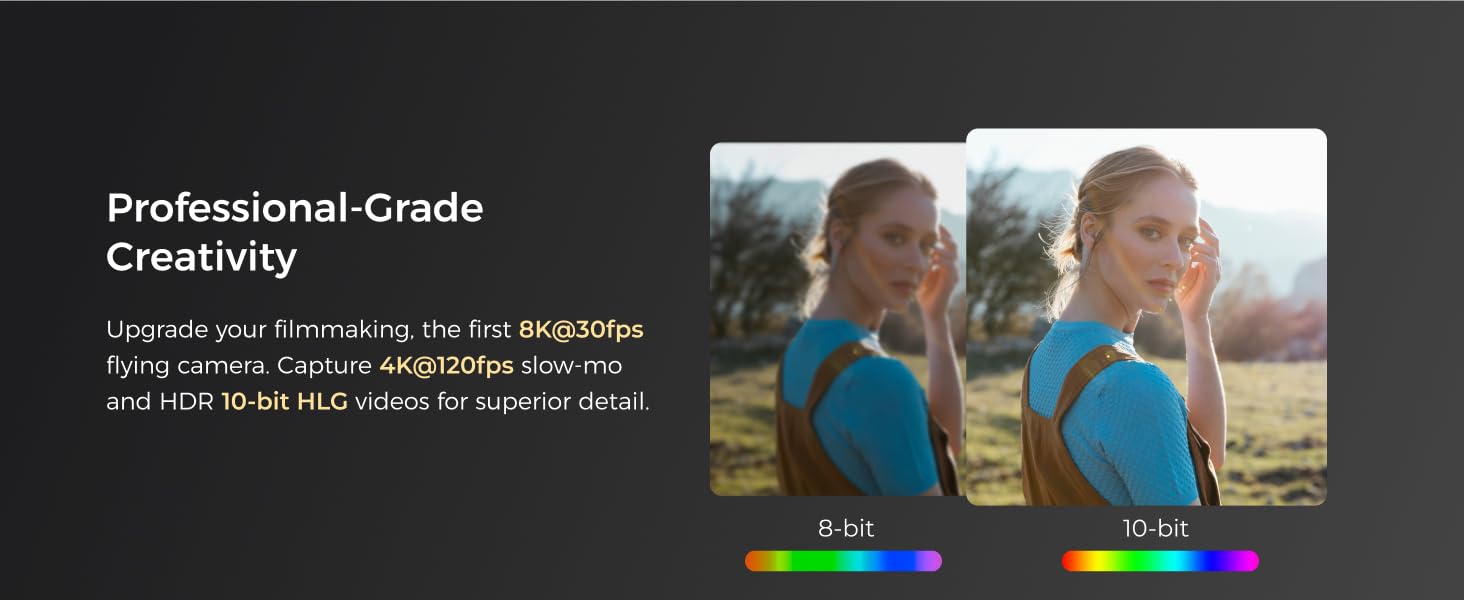
Capture stunning 8K@30fps videos (horizontal) and 4K@30fps (vertical) with the HOVERAir X1 PROMAX. The drone features a two-axis gimbal with Electronic Image Stabilization (EIS) and Horizon Leveling (HL) for steadier shots and effortless filming during movement. The 107° FOV lens delivers immersive visual impact.

5.2. Manual ISO and Post-Editing Capabilities
The HOVERAir X1 PROMAX supports DNG format, providing post-editing functionality and manual ISO settings, suitable for professional photographers. This allows for greater flexibility and control over your captured images and videos.

6. Isondlo
6.1. Ukuhlanza
Regularly clean the drone, especially the propellers and camera lens, to ensure optimal performance. Use a soft, dry cloth for the body and a lens cleaning cloth for the camera. Avoid using harsh chemicals or abrasive materials.
6.2. Isitoreji
Store the HOVERAir X1 PROMAX in a cool, dry place away from direct sunlight. Ensure the battery is partially charged (around 50-60%) before long-term storage to maintain battery health. The foldable design and included carrying case facilitate safe and convenient storage.
7. Ukuxazulula izinkinga
If you encounter any issues with your HOVERAir X1 PROMAX, refer to the following common problems and solutions:
- Izinkinga zokuxhumana: Ensure the drone is powered on and within range of your device. Restart both the drone and the app.
- Ukungazinzi Kwendiza: Check for any obstructions in the propellers or damage to the propeller guards. Ensure the drone is taking off from a stable, level surface.
- Image/Video Quality: Clean the camera lens. Ensure proper lighting conditions. Adjust camera settings like ISO if needed.
- Ukutholwa kokushayisana: The HOVERAir X1 PROMAX features an advanced rear ToF (Time of Flight) proximity sensor and visual sensor, supporting braking before collisions in speeds up to 3m/s when detecting obstacles. If the drone is not avoiding obstacles, ensure sensors are clean and unobstructed.
8. Imininingwane
| Isici | Ukucaciswa |
|---|---|
| Ibhrendi | I-HOVERAir |
| Inombolo Yemodeli | ZZ-H-1-004 |
| Umbala | Mnyama |
| Ukulungiswa kokuthwebula ividiyo | 8K@30fps (Horizontal), 4K@30fps (Vertical) |
| Ubuchwepheshe bokuxhumana | I-USB |
| Izingxenye Ezihlanganisiwe | HOVERAir X1 PROMAX*1, HOVERAir X1 PROMAX Smart Battery*1 |
| Ifomethi yokuthwebula ividiyo | MP4 |
| Uhlobo Lwemidiya | SD (supports up to 1TB external SD card) |
| Ukwakhiwa Kweseli Yebhethri | I-Lithium ion |
| Isisindo sento | 2.9 amakhilogremu |
9. Iwaranti kanye Nokusekela
HOVERAir Team provides the following service support:
- Iwaranti yonyaka ongu-1 ngokumelene namaphutha okukhiqiza.
- Ibhokisi Leposi Langemva Kokuthengisa: support@hoverair.com