1. Isingeniso
The AXIS Communications TU9002 Joystick is a versatile control device designed for precise operation of Axis PTZ (Pan-Tilt-Zoom) cameras and efficient navigation through recorded video footage. Featuring a 3-axis joystick, a turn knob, and 8 customizable hotkeys, this unit offers intuitive control and enhanced workflow for surveillance and monitoring applications. Its robust design and USB connectivity ensure ease of installation and reliable performance in various professional environments.

Isithombe 1: Ngaphambili view of the AXIS Communications TU9002 Joystick, showcasing its ergonomic design and control layout.
2. Okuqukethwe Kwephakheji
Qinisekisa ukuthi zonke izingxenye zikhona kuphakheji:
- AXIS Communications TU9002 Joystick (1x)
- USB Cable (1x)
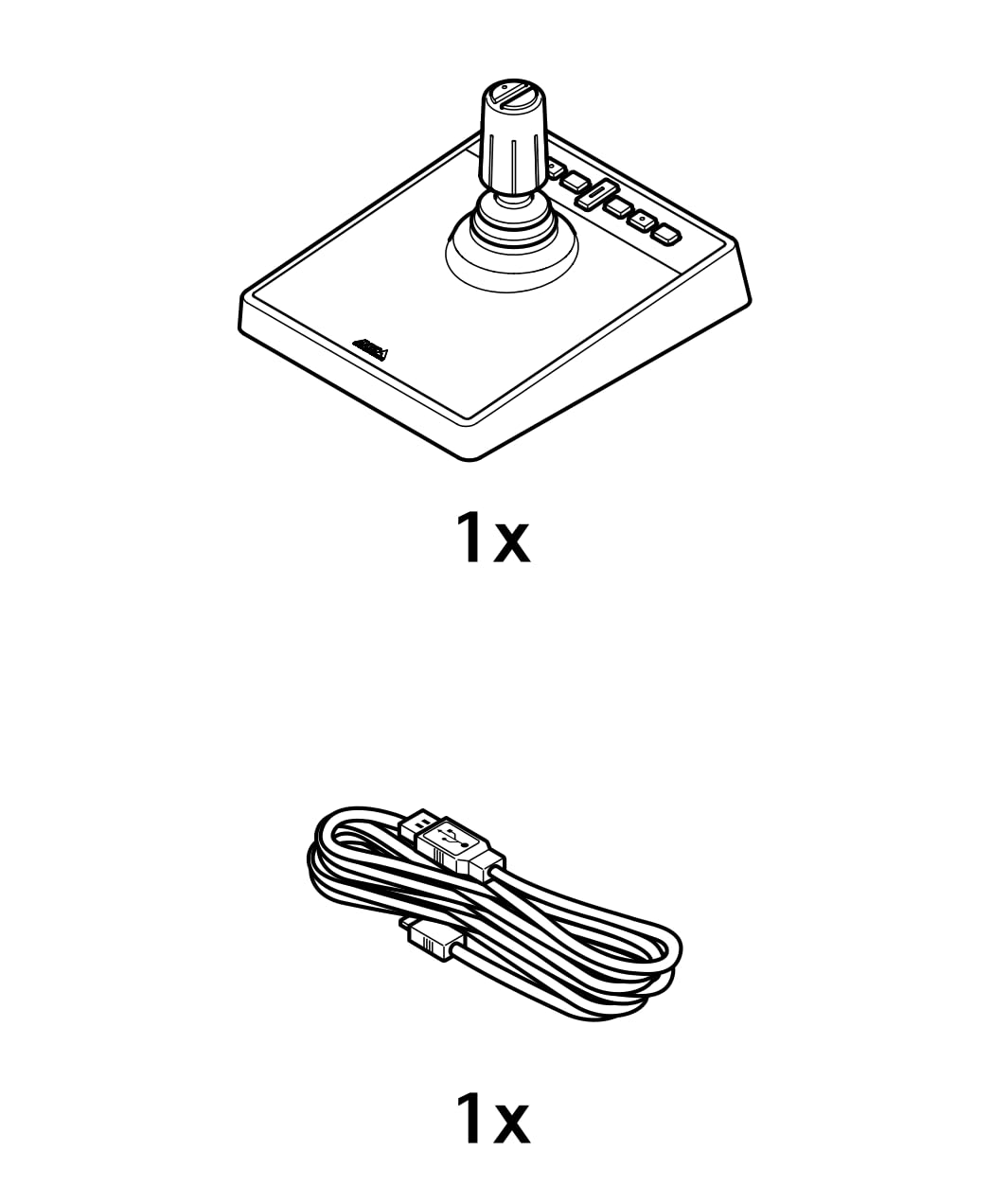
Image 2: Contents of the AXIS TU9002 package, including the joystick unit and its accompanying USB cable.
3. Setha
- Xhuma Ikhebula le-USB: Insert one end of the provided USB cable into the USB port on the AXIS TU9002 Joystick.
- Xhuma Kukhompyutha: Plug the other end of the USB cable into an available USB port on your computer or surveillance system.
- Ukufakwa komshayeli: The joystick is typically plug-and-play. Your operating system should automatically detect and install the necessary drivers. If prompted, follow the on-screen instructions.
- Ukucushwa Kwesoftware: Refer to your Axis PTZ camera management software or video surveillance application for specific configuration steps to integrate the TU9002 Joystick.
4. Iziqondiso Zokusebenza
The AXIS TU9002 Joystick offers dual functionality as a joystick for camera control and a jog dial for video navigation.
4.1. Joystick Mode (PTZ Camera Control)
- Phena futhi Tshekisa: Move the joystick lever in the desired direction to pan (horizontal movement) and tilt (vertical movement) the connected PTZ camera.
- Sondeza: Rotate the turn knob located at the top of the joystick lever to control the camera's zoom function (in and out).
- Ukulawula isivinini: The responsiveness and speed of pan, tilt, and zoom movements can often be adjusted within your camera management software.
4.2. Jog Dial Mode (Video Navigation)
- Ukushintsha Amamodi: Utilize the designated toggle-key (refer to your software interface for specific key assignment) to switch between joystick mode and jog dial mode.
- Navigate Recorded Video: In jog dial mode, the turn knob or joystick movement can be used to scrub through recorded video footage, allowing for precise frame-by-frame review.
- Computer Mouse Functionality: The joystick can also function as a standard computer mouse for general navigation within your operating system or applications.
4.3. Ama-hotkeys
- The 8 application-defined hotkeys can be programmed within your surveillance software to perform various functions, such as activating presets, switching cameras, or triggering alarms. Consult your software's documentation for hotkey customization.
5. Isondlo
- Ukuhlanza: To clean the joystick, gently wipe the surfaces with a soft, damp indwangu. Gwema ukusebenzisa amakhemikhali anokhahlo, izinto zokuhlanza ezihugayo, noma umswakama owedlulele, njengoba lokhu kungalimaza idivayisi.
- Isitoreji: Store the joystick in a clean, dry environment when not in use.
- Gwema Uketshezi: Prevent liquids from entering the device, as this can cause electrical damage.
6. Ukuxazulula izinkinga
- Idivayisi Ayaziwa:
- Ensure the USB cable is securely connected to both the joystick and the computer.
- Try connecting the joystick to a different USB port on your computer.
- Qala kabusha ikhompuyutha yakho.
- Check your operating system's Device Manager to see if the joystick is listed and if there are any driver issues.
- Joystick Not Responding:
- Verify that the joystick is properly configured within your PTZ camera management software or video surveillance application.
- Ensure the correct mode (joystick or jog dial) is selected if applicable.
- Test the joystick on another computer if possible to rule out a hardware issue.
- Ukulawula Okungahleliwe:
- Check for any loose cable connections.
- Ensure there are no obstructions around the joystick lever or turn knob.
- Minimize electromagnetic interference from other electronic devices.
7. Imininingwane
| Inombolo Yemodeli | I-TU9002 |
| Umkhiqizi | AXIS Communications |
| Ukuxhumana | I-USB |
| Control Axes | 3-axis (Pan, Tilt, Zoom) |
| Izilawuli Ezengeziwe | Turn knob, 8 application-defined hotkeys, Toggle-key |
| Ubukhulu (L x W x H) | Cishe 14.02 x 10 x 7.99 amayintshi |
| Isisindo | Cishe amakhilogremu angu-1.07 |
| Ukuhambisana | Axis PTZ cameras and compatible surveillance software |
8. Iwaranti kanye Nokusekela
For information regarding warranty coverage, technical support, or service for your AXIS Communications TU9002 Joystick, please refer to the official Axis Communications webnoma uxhumane nosekelo lwabo lwamakhasimende ngqo. Gcina irisidi lakho lokuthenga njengobufakazi bokuthenga kwezimangalo zewaranti.
Izinsiza eziku-inthanethi: Visit the Axis Communications official webisizindalwazi semibhalo yomkhiqizo, Imibuzo Evame Ukubuzwa, kanye nolwazi lokuxhumana losekelo.


