1. Isingeniso
The ELEGOO Mars Mate Air Purifier is designed to enhance the air quality in environments where 3D resin printing occurs. This device features an activated carbon filter system capable of absorbing formaldehyde and other odors, achieving a purification rate of up to 95%. It operates with an ultra-low power consumption of 6W and maintains a quiet operation at approximately 35dB. The integrated VOC sensor intelligently monitors air quality and provides timely reminders for filter replacement. The Mars Mate is compatible with various 3D printers, including the ELEGOO Saturn 3 Ultra and Mars 4 Ultra.

Image 1.1: The ELEGOO Mars Mate Air Purifier, a compact and efficient air purification unit.
2. Setha
Setting up your Mars Mate Air Purifier is a straightforward process. Ensure the device is placed on a stable, flat surface near your 3D printer. For optimal performance, position it to allow unrestricted airflow.
2.1 Initial Filter Installation
- Carefully unpack the Mars Mate Air Purifier and its components.
- Locate the activated carbon filter. Ensure any protective plastic packaging is removed from the filter before installation.
- Open the filter compartment according to the instructions provided on the unit (typically by pressing or sliding a designated section).
- Insert the activated carbon filter into its designated slot, ensuring it is seated correctly.
- Vala indawo yokuhlunga ngokuphephile.

Image 2.1: The Mars Mate Air Purifier positioned alongside an ELEGOO Saturn 3 3D printer, demonstrating typical placement.

Image 2.2: Visual guide for the easy filter replacement process, showing removal of the top unit, extraction of the old filter, and insertion of a new one.
2.2 Ukuxhuma Amandla
Connect the power adapter to the purifier and then plug it into a standard electrical outlet. The device is now ready for operation.
3. Iziqondiso Zokusebenza
The Mars Mate Air Purifier features intuitive controls for efficient air purification.
3.1 Vula/Vala amandla
Cindezela inkinobho Khanyisa cisha button located on the control panel to power the unit on or off.
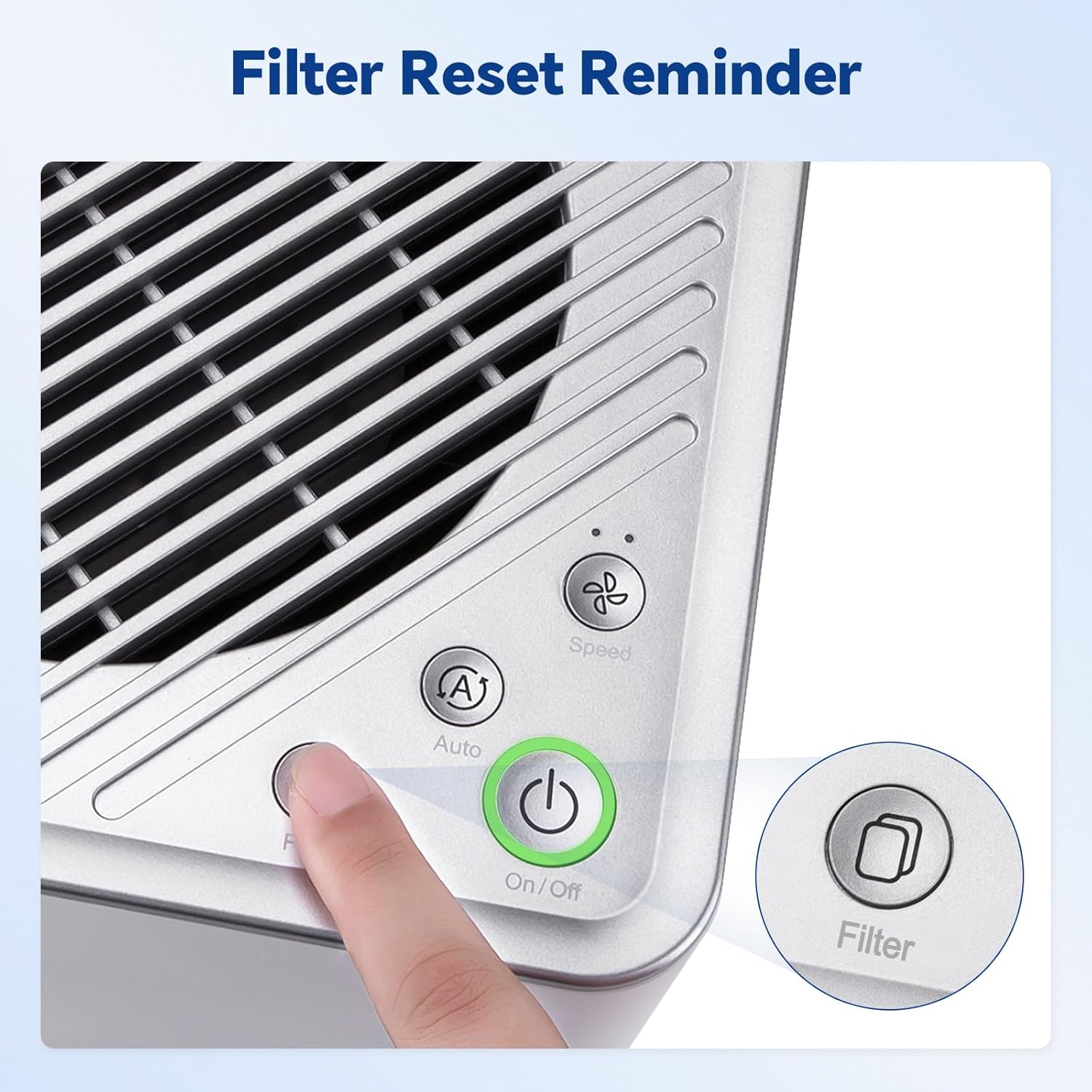
Image 3.1: Detail of the control panel with On/Off, Auto, Speed, and Filter buttons.
3.2 Fan Speed Modes
The purifier offers different fan speed settings:
- Imodi Yokuzenzakalela: Cindezela inkinobho Okuzenzakalelayo button. In this mode, the built-in VOC sensor automatically adjusts the fan speed based on the detected air quality.
- Ukulungiswa Kwejubane Mathupha: Cindezela inkinobho Isivinini button to cycle through available fan speeds (e.g., low, high).
3.3 VOC Sensor and Filter Reminder
The integrated VOC sensor continuously monitors the concentration of volatile organic compounds in the air. When the VOC concentration reaches or exceeds 1.4 PPM, or if the filter has been in use for over 1440 hours (approximately 2 months), the air quality light on the control panel will turn red, indicating that the filter needs replacement.

Image 3.2: The power button light indicates air quality and filter status: green for good, yellow for moderate, and red for poor or filter replacement needed.
4. Isondlo
Regular maintenance, particularly filter replacement, is crucial for the optimal performance of your air purifier.
4.1 Ukushintshwa Kwesihlungi
The activated carbon filter has a lifespan of up to 2 months under normal usage conditions. When the filter replacement reminder activates (red light on the control panel), follow these steps:
- Power off and unplug the air purifier.
- Open the filter compartment as described in the Setup section.
- Remove the used filter. Dispose of it responsibly.
- Insert a new activated carbon filter, ensuring all protective packaging is removed.
- Vala indawo yokuhlunga ngokuphephile.
- Plug in and power on the purifier. Reset the filter reminder by pressing and holding the Hlunga button for a few seconds until the light turns green.

Image 4.1: The internal activated carbon filter, responsible for absorbing odors and VOCs.
5. Ukuxazulula izinkinga
This section addresses common issues you might encounter with your Mars Mate Air Purifier.
5.1 Reduced Odor Purification
- Check Filter Condition: If the air quality light is red or if you notice a decrease in odor absorption, the activated carbon filter may need replacement. Refer to Section 4.1 for filter replacement instructions.
- Ukupakisha Kokuhlunga: Ensure all plastic protective packaging has been removed from the filter before installation.
- Ukungenisa umoya: While the Mars Mate significantly reduces odors, it is not a substitute for proper room ventilation, especially when working with resin 3D printers. Always ensure adequate airflow in your workspace as recommended by resin manufacturers.
5.2 Unusual Fan Noise
- Izithiyo: Check for any foreign objects obstructing the fan intake or exhaust vents.
- Ukubekwa Kweyunithi: Ensure the unit is placed on a stable, level surface to prevent vibrations that could cause noise.
- Izingxenye Zangaphakathi: If the noise persists, gently shake the unit to dislodge any minor internal obstructions. If the issue continues, contact customer support.
5.3 Unit Not Powering On
- Ukuxhuma kwamandla: Verify that the power adapter is securely connected to both the purifier and a functional electrical outlet.
- Ukusebenza kwe-Outlet: Test the electrical outlet with another device to ensure it is supplying power.
6. Imininingwane
| Isici | Ukucaciswa |
|---|---|
| Inombolo Yemodeli | US-SO-3D-CP1 |
| Ibhrendi | ELEGOO |
| Ubukhulu bomkhiqizo (D x W x H) | 12.99" x 11.42" x 18.9" (210mm x 247mm x 410mm) |
| Izinga Lomsindo | 35 Decibel |
| Amandla Okusebenza | 6W |
| Isilinganiso sokuhlanzwa | Kufika ku-95% |
| Hlunga Isikhathi Sokuphila | Up to 2 months (approx. 1440 hours) |
| Uhlobo lwesilawuli | Ukulawula Ukuthinta |
| Okubalulekile | Anti-oxidation ABS |

Image 6.1: The Mars Mate Air Purifier displaying its physical dimensions.
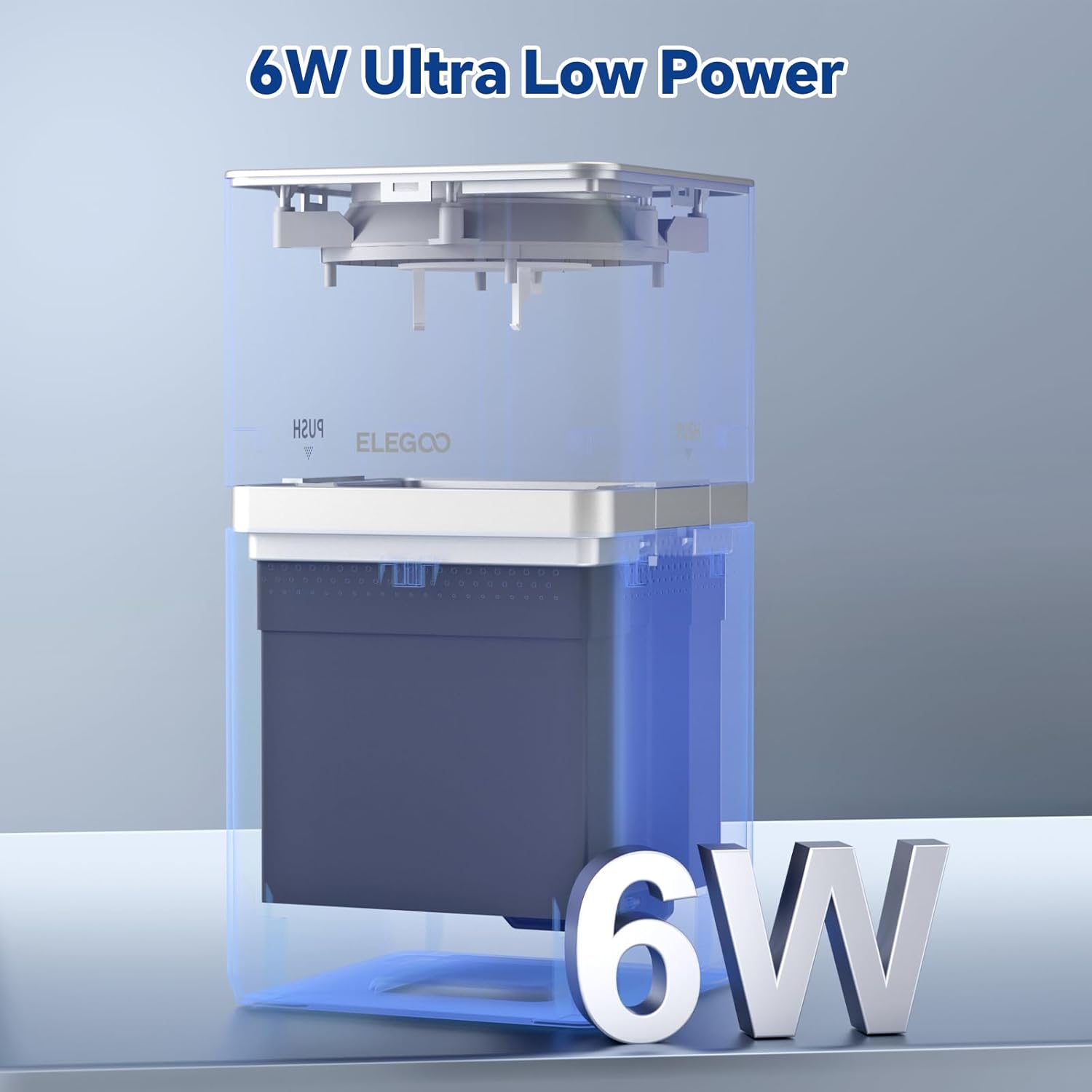
Image 6.2: Visual representation highlighting the 6W ultra-low operating power of the unit.
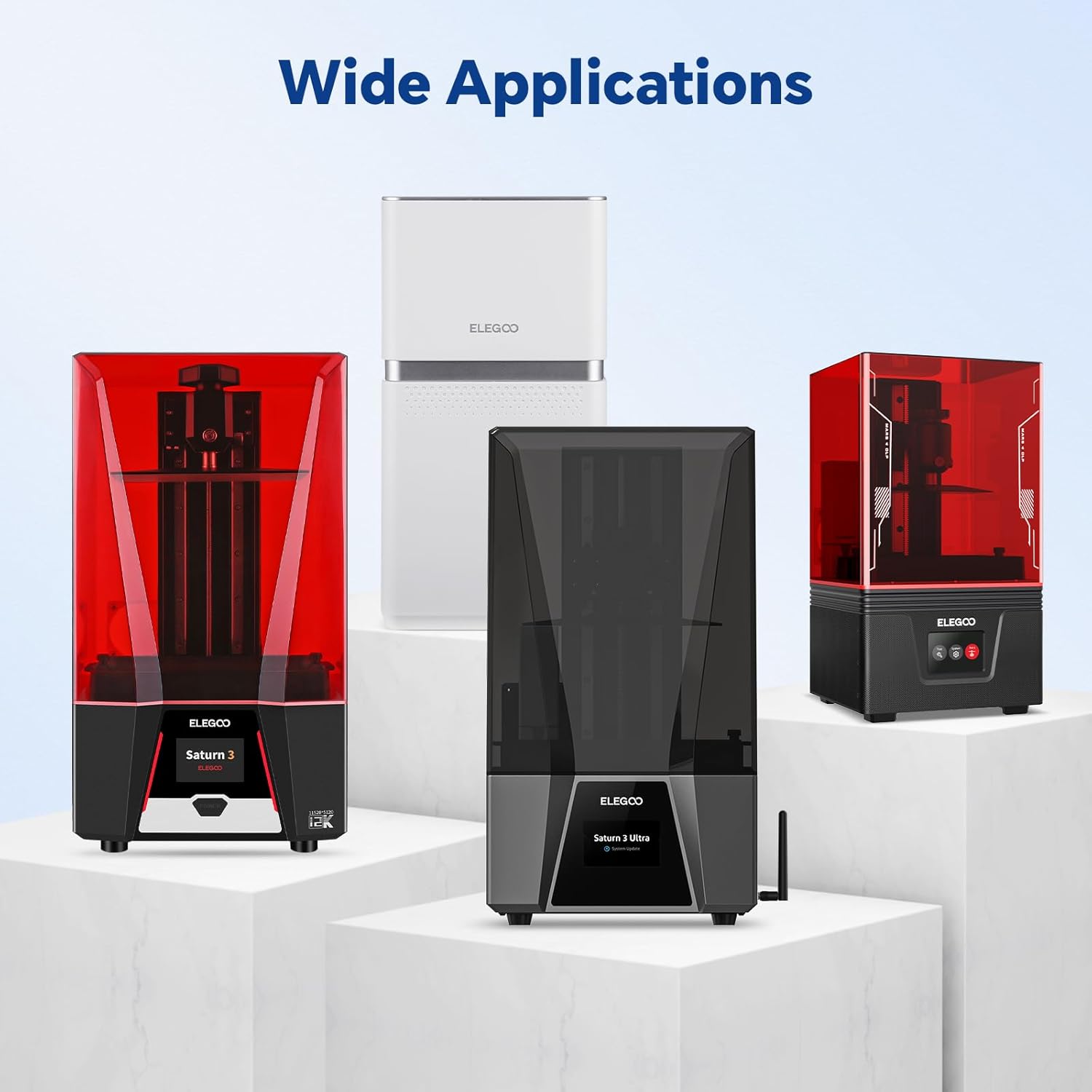
Image 6.3: The Mars Mate Air Purifier demonstrating its wide application and compatibility with various ELEGOO 3D printers.
7. Iwaranti kanye Nokusekela
For detailed warranty information, technical support, and to purchase replacement filters, please refer to the official ELEGOO website or contact ELEGOO customer service directly. Keep your purchase receipt for warranty claims.


