Isingeniso
This manual provides comprehensive instructions for the installation, operation, maintenance, and troubleshooting of your Sharp 40-inch Full HD Smart LED Roku TV. Please read this manual thoroughly before using your television to ensure proper setup and functionality. Keep this manual for future reference.

Isithombe: Ngaphambili view of the Sharp 40-inch Full HD Smart LED Roku TV.
Setha
1. I-Unboxing kanye Nokuqukethwe Kwephakheji
Susa ngokucophelela zonke izingxenye ephaketheni. Qinisekisa ukuthi zonke izinto ezibalwe ngezansi zikhona:
- Sharp 40-inch Full HD Smart LED Roku TV
- Isilawuli kude (sidinga amabhethri angu-2 AAA, angafakiwe)
- Table Stand with Screws
- Incwadi Yomsebenzisi (le dokhumenti)
- Ulwazi Lwewaranti
2. Ukunamathisela Isitendi se-TV
If you are placing the TV on a table or entertainment unit, you will need to attach the included stand. Place the TV screen-down on a soft, clean surface to prevent scratches. Align the stand legs with the mounting holes on the bottom of the TV and secure them using the provided screws.

Image: The Sharp Roku TV displayed on its table stand in a room.
3. Ukuxhuma Amadivayisi Angaphandle
Your Sharp Roku TV offers various ports for connecting external devices such as cable boxes, gaming consoles, and USB drives.
- Izimbobo ze-HDMI: Connect high-definition devices using HDMI cables. This TV features 3 HDMI inputs.
- Imbobo ye-USB: Connect USB storage devices for media playback. This TV features 1 USB input.
- Composite Video Input: For older devices, use the composite video (AV) input.
- I-Optical Audio Output: Okokuxhuma kumasistimu omsindo angaphandle.

Image: Rear panel of the TV illustrating the power connector and various input/output ports (HDMI, USB, Optical, AV).
4. Ukuxhunywa kwamandla
Connect the power cord to the TV's power input and then plug it into a standard electrical outlet (120V AC, 60Hz).
5. Ukusetha Kwasekuqaleni Noxhumano Lwenethiwekhi
Upon first power-on, the TV will guide you through the initial setup process. This includes selecting your language, connecting to your Wi-Fi network, and activating your Roku account. A stable Wi-Fi connection is required to access smart TV features and streaming content.
Imiyalelo yokusebenza
1. Remote Imisebenzi
The included remote control uses infrared technology. Ensure there is a clear line of sight between the remote and the TV's IR receiver. Insert two AAA batteries into the remote control, observing polarity.
2. Roku OS Interface
Your TV operates on the Roku OS, providing a user-friendly interface for accessing streaming channels, live TV, and connected devices. The home screen displays your installed channels and input selections.

Image: The Roku TV home screen interface and a smartphone displaying the Roku mobile app remote control with voice search functionality.
3. Ukulawula Izwi
The Sharp Roku TV supports voice control through compatible devices like Amazon Alexa or Google Assistant. You can use voice commands to search for movies, change channels, switch inputs, and more.
4. Streaming and Apps
Access a wide variety of streaming services and applications through the Roku Channel Store. Many popular apps are pre-installed, and you can download additional ones to customize your viewisipiliyoni.
5. I-Dolby Audio
This television features Dolby Audio technology, which enhances sound quality for a more immersive listening experience. Ensure your audio settings are configured to utilize this feature for optimal performance.
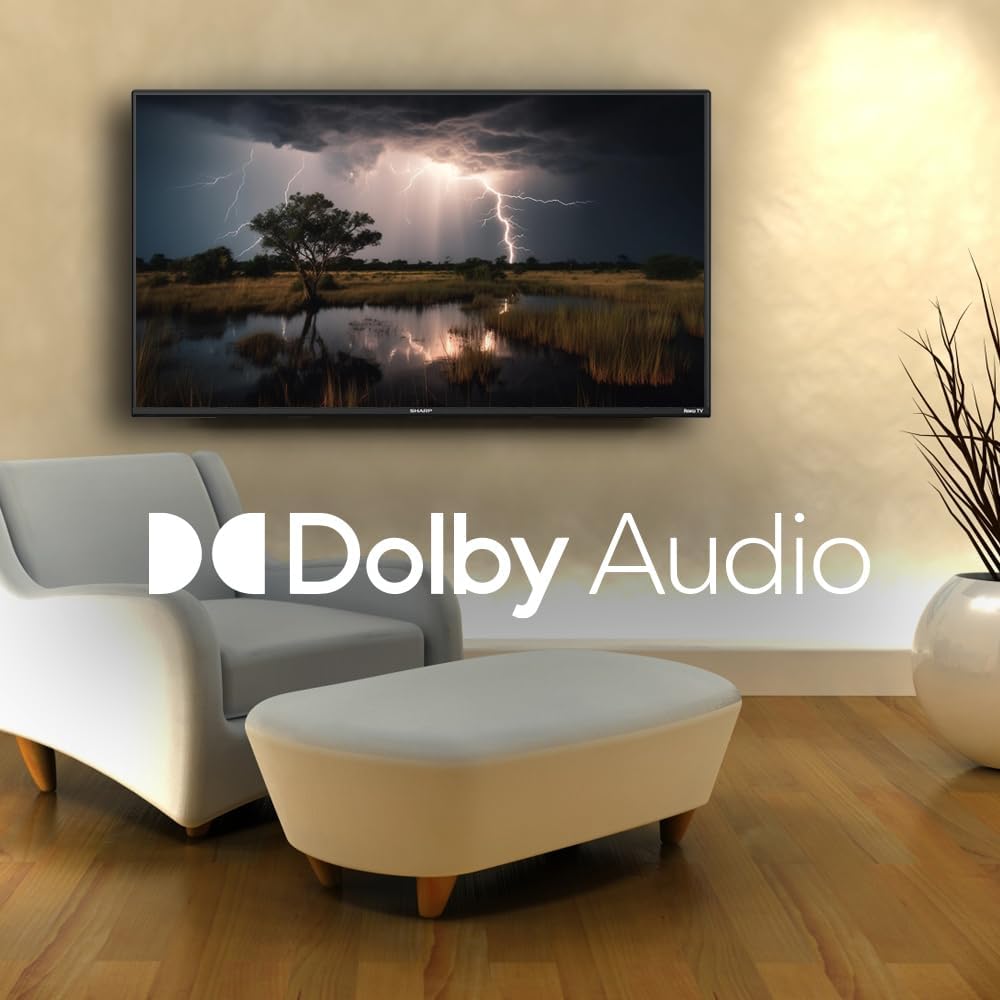
Image: A television screen displaying a dramatic scene with the Dolby Audio logo prominently featured.
Isondlo
1. Ukuhlanza Isikrini Se-TV
Ukuze uhlanze isikrini, sisule ngobumnene ngendwangu ethambile, engenantambo. Ukuze uthole amamaki anenkani, kancane dampen the cloth with water or a screen-specific cleaning solution. Avoid using harsh chemicals, abrasives, or direct spraying onto the screen.
2. Cleaning the TV Casing
Sula i-TV casing with a soft, dry cloth. Do not use liquid cleaners directly on the casing.
3. Ukungenisa umoya
Ensure that the ventilation openings on the back of the TV are not blocked. Proper airflow is essential to prevent overheating.
Ukuxazulula inkinga
Uma uhlangabezana nezinkinga nge-TV yakho, bheka izinkinga ezilandelayo nezisombululo:
| Inkinga | Isixazululo Esingenzeka |
|---|---|
| Awekho Amandla | Check if the power cord is securely connected to both the TV and the electrical outlet. Ensure the outlet is functional. |
| Asikho Isithombe, kodwa Umsindo Ukhona | Qinisekisa ukuthi umthombo wokufaka ofanele ukhethiwe. Hlola uxhumano lwedivayisi yangaphandle. |
| Awukho Umsindo, kodwa Isithombe Sikhona | Hlola izinga levolumu kanye nesimo sokuthulisa. Qinisekisa ukuthi izinhlelo zomsindo zangaphandle zixhunywe kahle futhi zivuliwe. |
| Isilawuli kude Asisebenzi | Replace the batteries in the remote control. Ensure no obstructions are between the remote and the TV. |
| Ayikwazi Ukuxhuma ku-Wi-Fi | Verify your Wi-Fi password. Restart your router and the TV. Ensure the TV is within range of your Wi-Fi network. |
| Izici Ezihlakaniphile Aziphenduli | Check your internet connection. Restart the TV by unplugging it for 30 seconds and plugging it back in. |
Imininingwane
| Isici | Imininingwane |
|---|---|
| Inombolo Yemodeli | 2TC40EF4UR |
| Usayizi Wesikrini | 40 amayintshi (102 cm ebonakalayo diagonal) |
| Bonisa Ubuchwepheshe | I-LED |
| Isixazululo | I-HD Egcwele (1920 x 1080) |
| Isilinganiso Sokuvuselela | 60 Hz |
| Isistimu esebenzayo | Roku OS |
| RAM | 512 MB |
| Amandla Okukhipha Umsindo | 16 Watts (2.0 Dolby) |
| Izimbobo ze-HDMI | 3 |
| Izimbobo ze-USB | 1 |
| Ukuxhumana | HDMI, USB, Wi-Fi, Composite Video |
| Ukuvumelana kokulawula izwi | I-Amazon Alexa, Umsizi weGoogle |
| Ukusetshenziswa Kwamandla (Imodi Yokuvula) | 65 Watts |
| Voltage | 120 Volts (AC) |
| Ubukhulu (ngesitendi) | 99 cm (W) x 12 cm (D) x 57 cm (H) |
| Isisindo | 5.7 kg |
| Ubuchwepheshe bokulawula kude | I-infrared |
| Ukusekelwa kwe-Bluetooth | Cha |

Image: The Sharp Roku TV with its width, depth, and height dimensions indicated.
Iwaranti kanye Nokusekela
Ulwazi Lwewaranti
Your Sharp 40-inch Full HD Smart LED Roku TV comes with a manufacturer's warranty. Please refer to the warranty document included in your product packaging for detailed terms, conditions, and registration information. Keep your proof of purchase for warranty claims.
Ukwesekwa Kwamakhasimende
For technical assistance, troubleshooting beyond this manual, or warranty service, please contact Sharp customer support. Contact information can typically be found on the Sharp official webendaweni noma kumadokhumenti akho ewaranti.


