Isingeniso
The POLY Voyager Focus UC is a stereo Bluetooth headset designed for professionals. It offers seamless connectivity between PC/Mac and smartphones, featuring active noise canceling to enhance focus in various environments.
Izici Eziyinhloko:
- Wireless connectivity to PC/Mac via USB-A Bluetooth adapter and mobile phones via Bluetooth.
- Certified for Microsoft Teams and compatible with other leading collaboration platforms.
- Active Noise Canceling (ANC) for reduced background distractions.
- Three noise-canceling microphones for clear voice transmission.
- Up to 12 hours talk time (10 hours with ANC) and 15 hours listening time (12 hours with ANC).
- Roaming range of up to 98 feet (30 meters).
- Plush ear cushions for extended comfort.
Yini EseBhokisini
- POLY Voyager Focus UC Headset
- I-adaptha ye-Bluetooth ye-USB-A
- Ikhebuli yokushaja (i-USB)
- Carrying Case (if included with specific variant)
Note: Specific contents may vary based on product variant and region.
Setha
1. Inkokhelo Yokuqala
Before first use, fully charge your headset. Connect the included USB charging cable to the headset's charging port and to a powered USB port on your computer or a USB wall adapter. The LED indicator on the headset will show charging status.
2. Vula/Vala
To power on the headset, slide the Power switch located on the right earcup. To power off, slide the switch back to the off position.
3. Connecting to PC/Mac (USB-A Adapter)
- Insert the USB-A Bluetooth adapter into an available USB port on your computer.
- The adapter's LED will flash blue, then turn solid blue when connected to the headset.
- Ensure the headset is powered on and in pairing mode (if not already paired).
- Your computer should automatically recognize the headset. Select "POLY Voyager Focus UC" as your audio device in your system settings and communication applications (e.g., Microsoft Teams, Zoom).
4. Connecting to Mobile Phone (Bluetooth)
- With the headset powered on, slide and hold the Power switch towards the Bluetooth icon until the LED flashes red and blue.
- On your mobile phone, go to Bluetooth settings and select "POLY Voyager Focus UC" from the list of available devices.
- Once paired, the headset LED will stop flashing and you will hear a voice prompt confirming the connection.
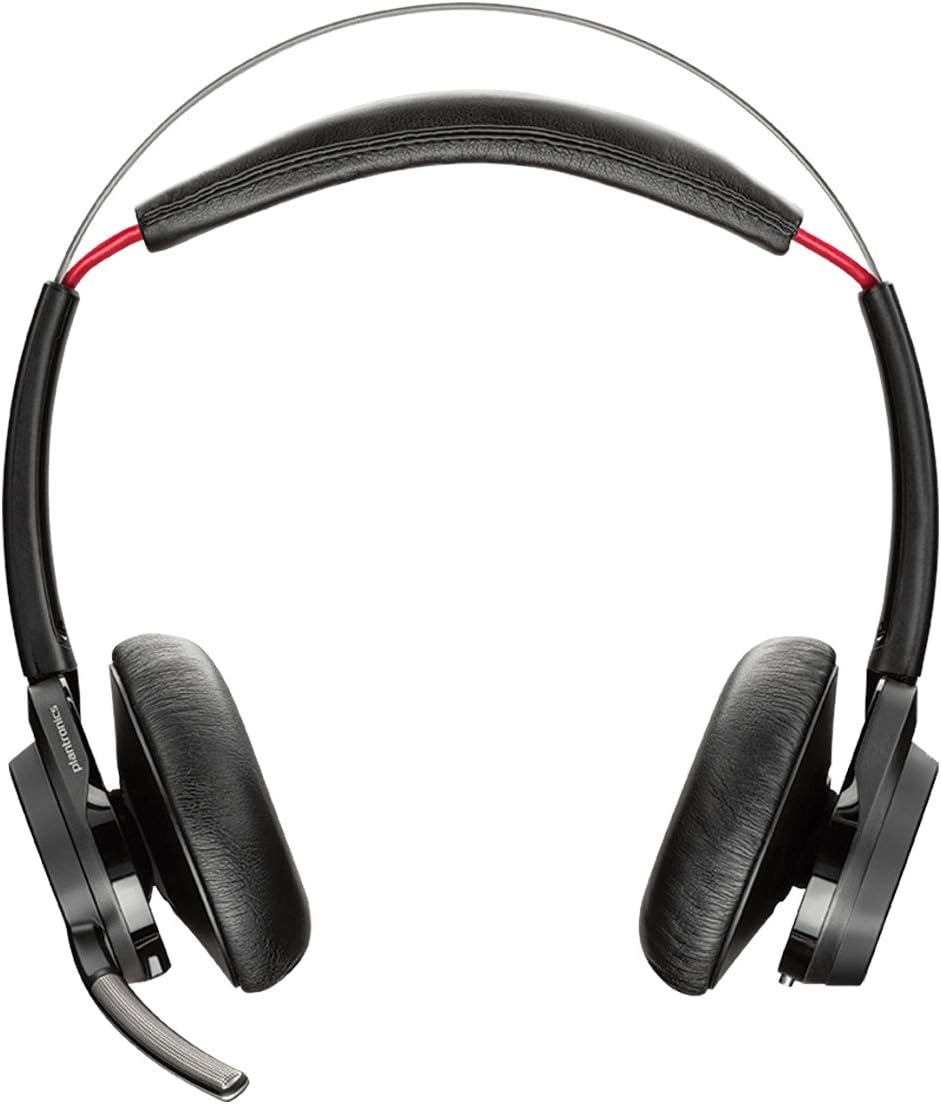
Umfanekiso 1: Ngaphambili view of the POLY Voyager Focus UC Headset, showing the dual earcups and adjustable boom microphone.
Imiyalelo yokusebenza
1. Ukuphathwa Kwezingcingo
- Phendula/Phendula ikholi: Cindezela inkinobho ethi Call endlebeni yesokudla.
- Thulisa/Susa ukuthula: Press the Mute button on the boom microphone or lift/lower the boom mic.
- Ukulawula ivolumu: Rotate the volume wheel on the right earcup up or down.
2. Active Noise Canceling (ANC)
To activate or deactivate Active Noise Canceling, slide the ANC switch located on the left earcup. ANC helps reduce ambient background noise for improved focus.
3. Ukudlala Imidiya
- Dlala/Misa kancane: Press the Play/Pause button on the right earcup.
- Ithrekhi Elandelayo: Cindezela inkinobho ethi Phambili.
- Ithrekhi yangaphambilini: Press the Backward button.
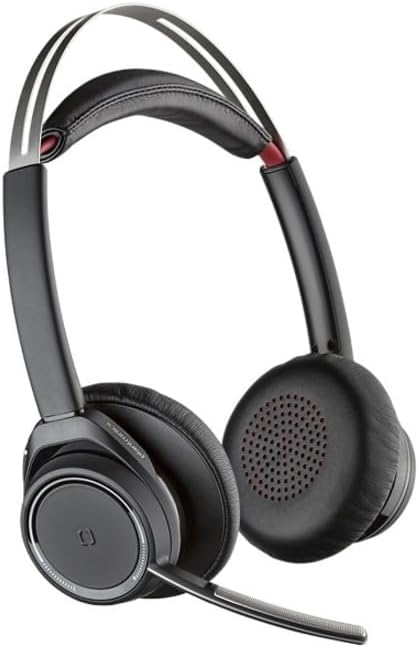
Figure 2: Close-up of the right earcup, illustrating the call, media, and volume controls.
Isondlo
- Ukuhlanza: Use a soft, dry cloth to clean the headset. Avoid using abrasive cleaners or solvents.
- Isitoreji: Store the headset in its carrying case when not in use to protect it from dust and damage.
- Ukunakekelwa kwebhethri: Ukwelula impilo yebhethri, gwema ukukhipha ibhethri ngokugcwele njalo. Shaja ihedisethi njalo, noma ingasebenzi njalo.
Ukuxazulula inkinga
Akukho Umsindo / Ikhwalithi Yomsindo Embi
- Qinisekisa ukuthi ihedisethi ivuliwe futhi ishajwe ngokugcwele.
- Verify the headset is correctly paired and connected to your device (PC/Mac or mobile phone).
- Check your device's audio settings to ensure the "POLY Voyager Focus UC" is selected as the output and input device.
- If using the USB-A adapter, try plugging it into a different USB port.
- Qala kabusha ikhompyutha yakho noma idivayisi yeselula.
Imakrofoni Ayisebenzi
- Ensure the microphone boom is lowered and not muted.
- Check your application's (e.g., Teams, Zoom) microphone settings to confirm the headset is selected.
- Adjust the microphone position closer to your mouth.
Izinkinga zokuxhumana nge-Bluetooth
- Ensure the headset is within the 98 feet (30 meters) operating range of your device.
- Clear previous Bluetooth pairings on your device and re-pair the headset.
- Avoid sources of interference such as Wi-Fi routers, microwaves, or other Bluetooth devices.
Imininingwane
| Isici | Imininingwane |
|---|---|
| Igama Lemodeli | I-Voyager Focus UC |
| Ubuchwepheshe bokuxhumana | Okungenantambo (Bluetooth) |
| I-Wireless Communication Technology | I-Bluetooth 4.0 |
| Ukulawula Umsindo | Ukukhansela Umsindo Okusebenzayo |
| Isikhathi Sokukhuluma | Up to 12 hours (10 hours with ANC on) |
| Isikhathi Sokulalela | Up to 15 hours (12 hours with ANC on) |
| I-Bluetooth Range | Kufika kumamitha ayi-30 (98 amafidi) |
| Amadivayisi Ahambisanayo | PCs, Macs, Mobile Phones, VoIP and Conferencing Applications |
| Isisindo sento | 0.634 amakhilogremu |
| Ubukhulu bomkhiqizo | 8.4 x 7.3 x 2.3 amayintshi |
| Okubalulekile | Ipulasitiki |
Iwaranti kanye Nokusekela
Lo mkhiqizo uza ne-a Iwaranti yomhlaba wonke yonyaka ongu-2. For warranty claims or technical support, please visit the official POLY support webisayithi noma uxhumane nesevisi yabo yamakhasimende. Gcina ubufakazi bakho bokuthenga ukuze uqinisekise iwaranti.
For further assistance, refer to the official POLY webindawo: www.poly.com


