1. Isingeniso
Welcome to the user manual for your new Taurus Homeland Laser Robot Vacuum Cleaner. This intelligent cleaning device is designed to provide efficient and thorough cleaning for your home, utilizing advanced ElegantLaser technology for precise navigation and mapping. Please read this manual carefully before using the product to ensure proper operation, maintenance, and safety.
Ulwazi Lokuphepha
Ngaso sonke isikhathi bambelela kule mihlahlandlela yokuphepha elandelayo:
- Do not allow children to operate the robot vacuum cleaner.
- Ensure the charging base is placed on a flat, stable surface against a wall, with no obstacles within 1 meter in front and 0.5 meters on either side.
- Keep the robot away from water or wet surfaces to prevent electric shock.
- Do not use the robot to clean liquids, burning objects, or large, sharp debris.
- Regularly check and clean the brushes and sensors to maintain optimal performance.
- Sebenzisa kuphela i-adaptha yamandla yokuqala kanye nesisekelo sokushaja esinikezwe nomkhiqizo.
- Uma intambo kagesi ilimele, kufanele ishintshwe umenzi noma i-ejenti yesevisi eqeqeshiwe.
2. Umkhiqizo Uphelileview
Familiarize yourself with the components of your Taurus Homeland Laser Robot Vacuum Cleaner.
Okuqukethwe Kwephakheji
- Taurus Homeland Laser Robot Vacuum Cleaner
- Isisekelo sokushaja
- I-adaptha yamandla
- Isilawuli kude
- Amabhulashi Aseceleni (amabhulashi amabili)
- Ibhulashi elikhulu
- I-Dustbin
- Water Tank with Mop Cloth
- Ithuluzi Lokuhlanza
- Imaniwali yosebenzisayo
Izingxenye Zerobhothi


3. Setha
Ukukhipha Nokubeka Okokuqala
- Susa ngokucophelela zonke izingxenye ephaketheni.
- Choose a suitable location for the charging base. It should be placed against a wall on a hard, level surface. Ensure there are no obstacles within 1 meter (3.3 feet) in front of the base and 0.5 meters (1.6 feet) on either side to allow the robot to dock easily.
- Connect the power adapter to the charging base and plug it into a wall outlet. Ensure the indicator light on the charging base illuminates.
Ukufaka ama-Side Brushes
Turn the robot over. Align the side brushes with the corresponding slots (L and R) on the bottom of the robot and press them down until they click into place.
Ukushaja Kwasekuqaleni
Place the robot onto the charging base, ensuring the charging contacts on the robot align with those on the base. The robot will begin charging automatically. For first-time use, it is recommended to fully charge the robot before its initial cleaning cycle (approximately 4-5 hours).
App Setup and Wi-Fi Connection
To unlock the full potential of your robot, download the dedicated mobile application.

- Cinga the 'Taurus Homeland' app in your smartphone's app store (Google Play Store for Android or Apple App Store for iOS).
- Landa futhi ufake uhlelo lokusebenza.
- Follow the in-app instructions to create an account and connect your robot vacuum cleaner to your home Wi-Fi network. Ensure your Wi-Fi network is 2.4GHz.
- Once connected, you can control the robot, schedule cleanings, and view cleaning maps from your smartphone.
4. Iziqondiso Zokusebenza
Ivula/Vala amandla
- Vula: Press and hold the power button on the robot or the remote control until the indicator lights illuminate.
- Cisha ugesi: Press and hold the power button on the robot or the remote control until the indicator lights turn off.
Ukuqala Umjikelezo Wokuhlanza
Press the power button on the robot or the 'Clean' button on the remote control/app to start an automatic cleaning cycle. The robot will begin mapping and cleaning your home using its ElegantLaser navigation.


Ukuhlanza Izindlela
The robot offers 10 different cleaning modes, accessible via the remote control or the mobile app:
- Okuzenzakalelayo: Standard cleaning mode, the robot intelligently navigates and cleans the entire area.
- Select Room: Clean specific rooms identified on the app's map.
- I-Perimeter: Ihlanza eduze kwezindonga nasemaphethelweni efenisha.
- I-Spiral: Cleans a concentrated area in a spiral pattern.
- Incwadi yezandla: Control the robot's movement manually using the remote control or app.
- Buyela Ekhaya: Robot returns to the charging base.
- Amandla Amakhulu: Kukhulisa amandla okumunca ukuze kuhlanzwe ngokujulile.
- Restricted Zone: Define areas on the app map that the robot should avoid.
- Restricted Wall: Create virtual walls on the app map to block off areas.
- Ukuhlanza indawo: Ihlanza indawo encane ethile ngokucophelela.
Ukusebenzisa i-Mobile Application
The app provides comprehensive control and customization options:

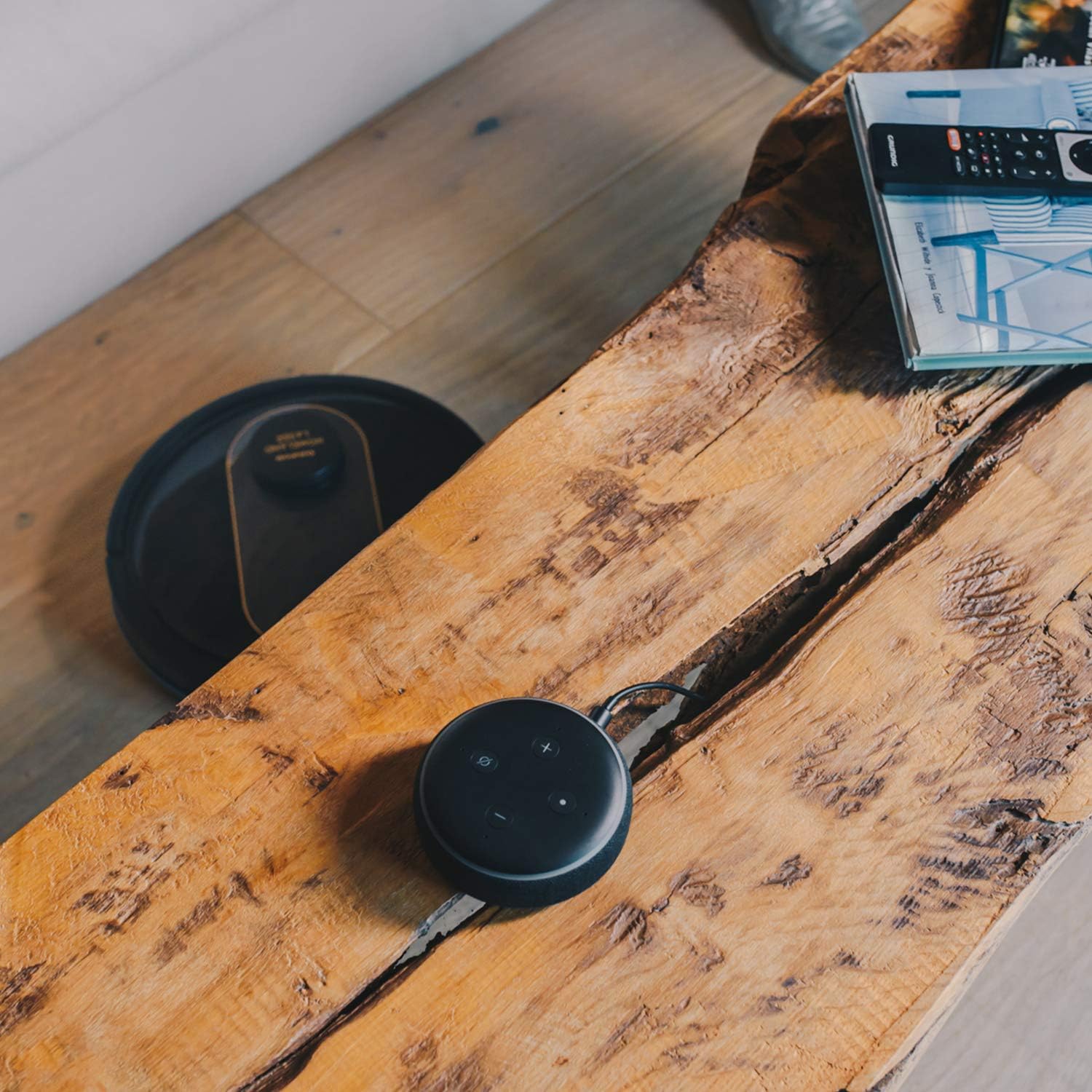
- Ukwenza imephu: The robot creates a real-time map of your home, which is displayed in the app.
- Zone Restriction: Draw virtual boundaries or no-go zones on the map to prevent the robot from entering certain areas.
- Ukuhlela: Set daily or weekly cleaning schedules for automated cleaning.
- Ukulawulwa Kwezwi: Compatible with Alexa and Google Assistant for convenient voice commands (e.g., "Alexa, start cleaning").
Umsebenzi we-Mopping
To use the mopping function, fill the water tank with clean water and attach the mop cloth. Insert the water tank into the robot. The robot will then vacuum and mop simultaneously. Do not use detergents or harsh chemicals in the water tank.
5. Isondlo
Ukugcinwa njalo kuqinisekisa ukusebenza kahle futhi kwandisa isikhathi sokuphila kwesihlanzi sakho se-vacuum cleaner.
Ukuthulula i-Dustbin
The dustbin should be emptied after each cleaning cycle or when the 'dustbin full' indicator (if available) illuminates. Press the dustbin release button, pull out the dustbin, open its lid, and discard the debris.
Ukuhlanza Isihlungi
The HEPA filter should be cleaned weekly. Remove the filter from the dustbin and tap it gently over a trash can to remove dust. Do not wash the HEPA filter with water; if it becomes heavily soiled, replace it.
Ukuhlanza Amabhulashi
- Ibhulashi Eliyinhloko: Remove the main brush cover and lift out the main brush. Use the provided cleaning tool to remove hair and debris tangled around the brush. Clean the brush compartment.
- Amabhulashi Aseceleni: Periodically check the side brushes for tangled hair or debris. If necessary, remove them and clean them. Replace worn or damaged side brushes.
Izinzwa Zokuhlanza Noxhumana Nabo Ukushaja
Wipe the cliff sensors (located on the bottom of the robot), wall sensors (on the front bumper), and charging contacts (on the robot and charging base) with a clean, dry cloth. This ensures proper navigation and charging.
Ukuhlanza Ithangi Lamanzi kanye Nendwangu Ye-Mop
After mopping, empty any remaining water from the tank. Remove the mop cloth and wash it thoroughly. Allow both the tank and cloth to air dry completely before reassembling.
6. Ukuxazulula izinkinga
If you encounter issues with your robot vacuum cleaner, refer to the following common problems and solutions:
| Inkinga | Imbangela Engenzeka | Isixazululo |
|---|---|---|
| Irobhothi alivuli. | Ibhethri eliphansi; Inkinobho yamandla ayicindezelwanga kahle. | Place robot on charging base; Press and hold power button for a few seconds. |
| Irobhothi alikhokhisi. | Charging contacts are dirty; Power adapter not connected. | Clean charging contacts on robot and base; Ensure power adapter is securely plugged in. |
| Irobhothi libhajwa njalo. | Too many obstacles; Cliff sensors dirty. | Susa izithiyo endleleni yokuhlanza; Hlanza izinzwa zamawa. |
| Ukusebenza kabi kokuhlanza. | Dustbin full; Brushes tangled; Filter clogged. | Empty dustbin; Clean main and side brushes; Clean or replace filter. |
| Izinkinga zokuxhumeka kohlelo lokusebenza. | Iphasiwedi ye-Wi-Fi engalungile; Irutha ikude kakhulu; 5GHz inethiwekhi ye-Wi-Fi. | Re-enter Wi-Fi password; Move robot closer to router; Ensure 2.4GHz Wi-Fi is used. |
| Robot makes unusual noise. | Debris in brushes or wheels; Fan obstruction. | Inspect and clean main brush, side brushes, and wheels; Check for obstructions in the suction path. |
If the problem persists after trying these solutions, please contact Taurus customer support.
7. Imininingwane
Key technical specifications for the Taurus Homeland Laser Robot Vacuum Cleaner:
| Isici | Ukucaciswa |
|---|---|
| Ibhrendi | I-Taurus |
| Igama Lemodeli | Homeland Laser |
| Inombolo Yemodeli | 948895000 |
| Umbala | Okumnyama/Igolide |
| Ubukhulu (L x W x H) | 32L x 32W x 10H cm (approx. 7.6 cm height for cleaning under furniture) |
| Isisindo sento | 2.7 kg |
| Voltage | 240 volts |
| Okubalulekile | Ipulasitiki |
| Amandla Okumunca | 1800 PA |
| Uhlobo Lwebhethri | I-Lithium-ion |
| Impilo Yebhethri | Kufika kumaminithi angu-120 |
| Uhlobo Lwesihlungi | I-HEPA |
| Ukuxhumana | Wi-Fi (2.4GHz), Smartphone App, Alexa & Google Assistant compatible |
| Ukuhlanza Izindlela | 10 (Auto, Select Room, Perimeter, Spiral, Manual, Return to Home, Max Power, Restricted Zone, Restricted Wall, Spot Cleaning) |
8. Iwaranti kanye Nokusekela
Your Taurus Homeland Laser Robot Vacuum Cleaner comes with a manufacturer's warranty. Please refer to the warranty card included in your product packaging for specific terms and conditions, including the warranty period and coverage details.
Ukwesekwa Kwamakhasimende
For technical assistance, troubleshooting beyond this manual, or warranty claims, please contact Taurus customer support. Contact information can typically be found on the official Taurus webindawo noma emaphaketheni omkhiqizo wakho.
We recommend registering your product on the Taurus webindawo ukuthola izibuyekezo nokusekelwa.


