Isingeniso
This manual provides comprehensive instructions for the installation, operation, and maintenance of your Ring Video Doorbell Wired. Please read this manual thoroughly before installation and use to ensure proper functionality and safety.
Yini Okufakiwe
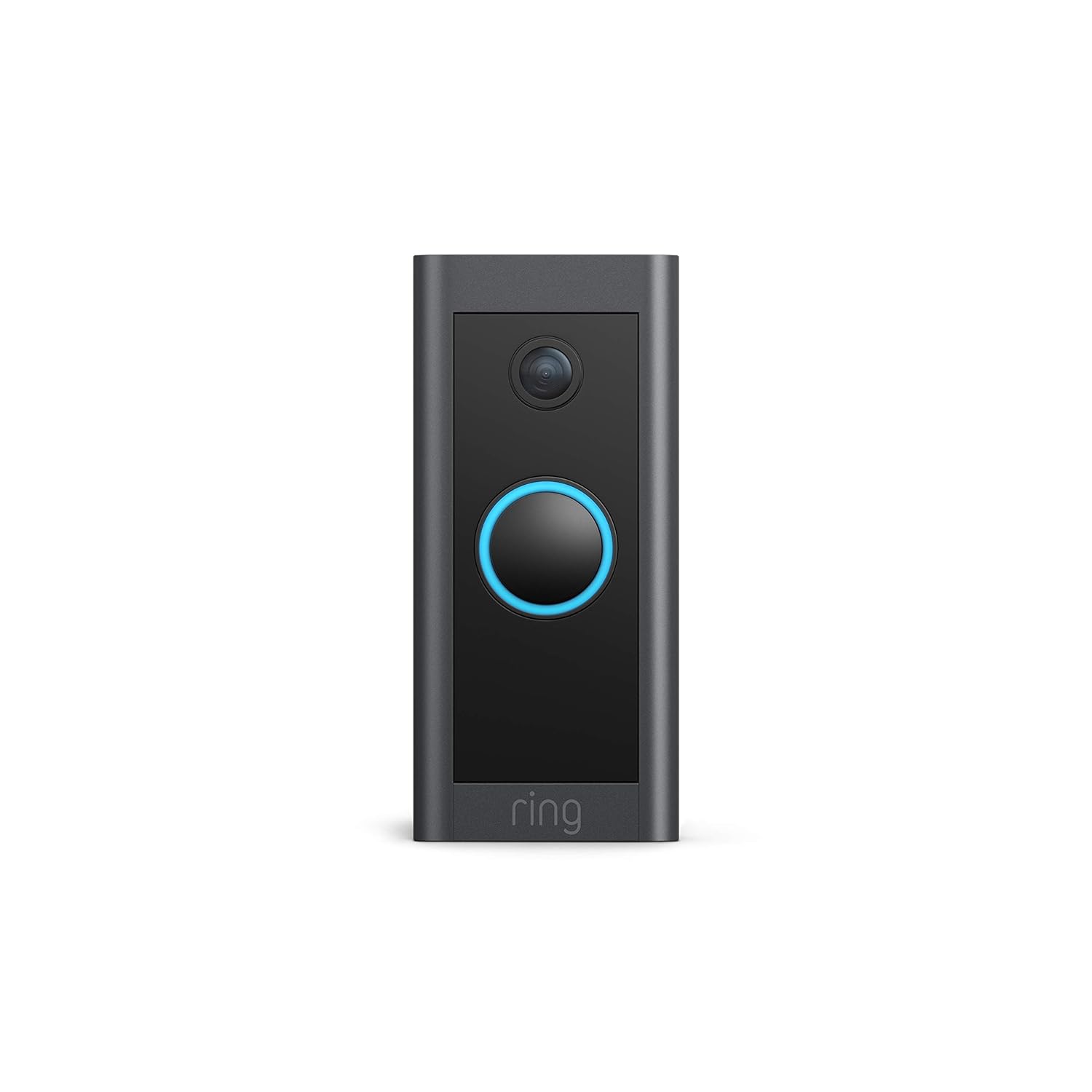
Your Ring Video Doorbell Wired package includes the following items:
- Ring Video Doorbell Wired unit
- Installation tools and screws
- Incwadi yomsebenzisi (le dokhumenti)
- Umhlahlandlela wokuqalisa osheshayo
- Izitikha zokuphepha
Ukusetha nokufaka
The average installation time for the Ring Video Doorbell Wired is approximately 15 minutes. This device requires hardwiring to an existing doorbell system, a Ring plug-in adapter, or a compatible transformer.
Izimfuneko:
- Standard doorbell system, Ring plug-in adapter, or transformer with 10-24 VAC, 40VA max, 50/60Hz or 24VDC, 0.5A, 12W.
- Ukuxhumeka kwe-inthanethi okushesha kakhulu.
- 802.11 b/g/n Wi-Fi connection at 2.4 GHz.
Izinyathelo zokufaka:
- Vala amandla: Before beginning, ensure the power to your existing doorbell system is turned off at the breaker.
- Remove existing doorbell: Disconnect and remove your old doorbell button.
- Connect Ring Doorbell: Connect the wires from your existing doorbell system to the terminals on the back of the Ring Video Doorbell Wired. Ensure a secure connection.
- Mount the doorbell: Secure the Ring Video Doorbell Wired to your wall using the provided screws and tools.
- Buyisela amandla: Vula amandla futhi ku-breaker.
- In-app setup: Download the Ring app on your smartphone or tablet and follow the on-screen instructions to connect your doorbell to your Wi-Fi network and complete the setup process.

Imiyalelo yokusebenza
The Ring Video Doorbell Wired offers various features to enhance your home security and communication.
Izici Eziyinhloko:
- Ividiyo ye-HD engu-1080p: Provides clear, high-definition video with Live View and Night Vision for monitoring your front door.
- Inkulumo Ekabili: Communicate with visitors at your door from anywhere using the Ring app. Features noise cancellation for clear audio.
- Ukutholwa Kokunyakaza Okuthuthukile: Customizable motion zones allow you to receive alerts when motion is detected in specific areas.
- Izaziso Zesikhathi Sangempela: Get instant notifications on your phone when someone rings the doorbell or motion is detected.
- Umbono Wasebusuku: Ensures clear visibility even in low-light conditions.
- Ukuhlanganiswa kwe-Alexa: Connects with Alexa-enabled devices to hear alerts or view a live feed on screens.


Using the Ring App:
The Ring app is essential for managing your Video Doorbell. Through the app, you can:
- View bukhoma ividiyo feed.
- Engage in two-way talk with visitors.
- Customize motion detection settings and zones.
- Access recorded videos (with a Ring Protect subscription).
- Manage device settings and privacy options.
Isondlo
To ensure optimal performance and longevity of your Ring Video Doorbell Wired, consider the following maintenance tips:
- Ukuhlanza: Periodically wipe the camera lens and the doorbell's exterior with a soft, damp indwangu yokukhipha uthuli nokungcola. Gwema izinto zokuhlanza abrasive.
- Izibuyekezo zesofthiwe: Ensure your Ring app and doorbell firmware are always up to date. Updates often include performance improvements and security enhancements.
- Ukuhlolwa Kokuxhumana: Regularly check your Wi-Fi signal strength in the Ring app to ensure a stable connection.
- Izimo Zemvelo: The doorbell is weather-resistant, designed to operate between -20°C to 50°C (-5°F to 120°F). Ensure it is not exposed to conditions outside this range.
Ukuxazulula inkinga
If you encounter issues with your Ring Video Doorbell Wired, try the following troubleshooting steps:
- Awekho Amandla/Ukungavuli:
- Verify that the power to your doorbell system is on at the breaker.
- Hlola uxhumo lwezintambo ukuze uqinisekise ukuthi luvikelekile.
- Confirm your power source meets the required specifications (10-24 VAC, 40VA max, 50/60Hz, or 24VDC, 0.5A, 12W).
- Poor Video Quality/Offline:
- Check your Wi-Fi connection and signal strength in the Ring app.
- Ensure your internet service is active and stable.
- Qala kabusha irutha yakho ye-Wi-Fi.
- Hlanza ilensi yekhamera.
- Izinkinga zokutholwa kokunyakaza:
- Adjust motion sensitivity and customize motion zones in the Ring app.
- Ensure there are no obstructions blocking the sensor's view.
- Two-Way Talk Problems:
- Check your device's microphone and speaker settings in the Ring app.
- Ensure your smartphone's volume is up.
- Verify a stable internet connection.
For further assistance, refer to the support section or contact Ring customer service.
Imininingwane
| Isici | Imininingwane |
|---|---|
| Isikhathi Sokufaka Esimaphakathi | ~ 15 imizuzu |
| Ividiyo | Ividiyo ye-HD engu-1080p, Bukhoma View, Umbono wasebusuku |
| Inkambu ye View | 155 ° ivundlile, 90 ° mpo |
| Ukutholwa kokunyakaza | Ukutholwa Kokunyakaza Okuthuthukisiwe okunezindawo ezinyakazayo ezenza ngokwezifiso |
| Umsindo | Umsindo wezindlela ezimbili nomsindo wokukhansela |
| Amandla | Hardwired (10-24 VAC, 40VA max, 50/60Hz, or 24VDC, 0.5A, 12W) |
| Izidingo ze-inthanethi | I-inthanethi enesivinini esikhulu |
| Ukuxhumana | 802.11 b/g/n uxhumano lwe-Wi-Fi @ 2.4 GHz |
| Izimo zokusebenza | -20°C to 50°C (-5°F to 120°F), weather resistant |
| Imibala Etholakalayo | Mnyama |
| Ubukhulu | 101mm x 45.7mm x 22.4mm (3.98 kokungu-x 1.81 kokungu-x 0.88 kokungu-) |
| Isizukulwane | Ring Video Doorbell Wired 1st Generation – 2021 Release |
Iwaranti kanye Nokusekela
Isiqinisekiso: The Ring Video Doorbell Wired comes with a 1-year limited warranty. Use of the Ring Video Doorbell is subject to the terms found on the official Ring webindawo.
Ukusekela: For more information and assistance, please visit the official Ring Video Doorbell Wired support page. You can typically find this by searching for "Ring Video Doorbell Wired support" on the Ring website or your preferred search engine.


