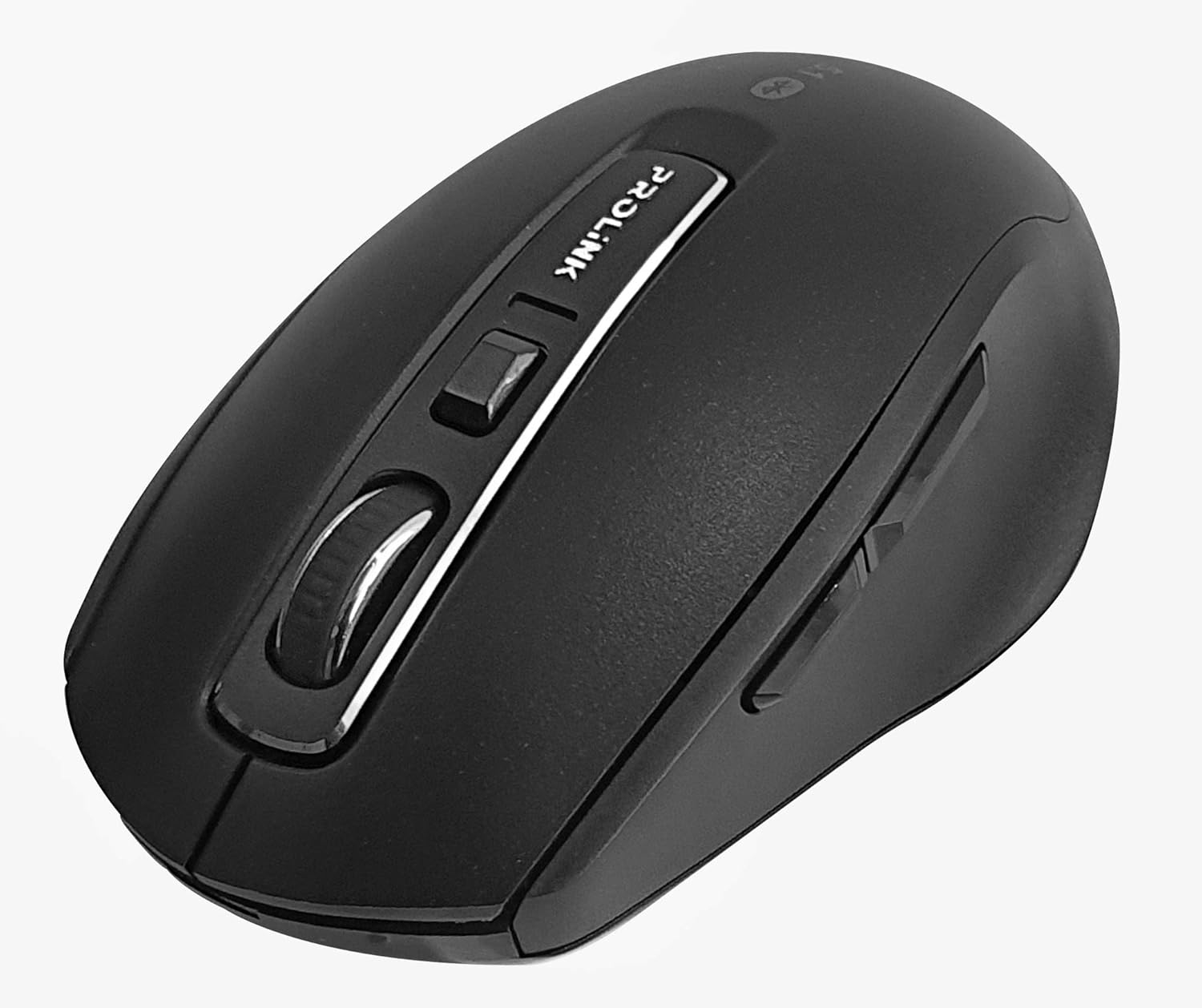
Isithombe: Phezulu phansi view of the Prolink PMB8502 Bluetooth Wireless Optical Mouse.
1. Isingeniso kanye Phezuview
The Prolink PMB8502 Bluetooth Mouse is designed for seamless wireless control of your desktop, laptop, or tablet. It features Bluetooth 5.2 connectivity, an ergonomic design, and adjustable DPI settings for personalized comfort and precision. This manual provides detailed instructions for setup, operation, maintenance, and troubleshooting.
Izici Eziyinhloko:
- Bluetooth 5.2 connectivity (backward compatible with 5.1/5.0/4.2/4.1/4.0)
- Up to 27 months battery life (based on supplied batteries)
- I-DPI eguquguqukayo: 800/1200/1600
- 6-button design including back and forward buttons
- Idizayini ye-ergonomic ukuze isetshenziswe ngokunethezeka
- Operating range of up to 10 meters

Image: Prolink PMB8502 mouse highlighting its Bluetooth 5.2, battery life, DPI, and range features.
2. Okuqukethwe Kwephakheji
- Prolink PMB8502 Bluetooth Wireless Optical Mouse
- 1 x AA Battery (pre-installed or included separately)
- Incwadi Yomsebenzisi (le dokhumenti)
3. Sethaphu Imiyalelo
3.1. Ukufakwa kwebhethri
- Thola ikhava yengxenye yebhethri ngaphansi kwegundane.
- Gently slide or lift the cover to open the compartment.
- Faka ibhethri elilodwa le-AA, uqinisekise ukuthi amatheminali amahle (+) nangalungile (-) ahambisana kahle nezimpawu ezingaphakathi kwegumbi.
- Miselela ikhava yengxenye yebhethri ize ichofoze ngokuvikelekile endaweni.
3.2. Ukubhanqa kwe-Bluetooth
Before pairing, ensure your device (computer, laptop, tablet) has Bluetooth enabled.
- Turn on the mouse using the On/Off switch located on the underside.
- Press and hold the Bluetooth 'Connect' button (usually located near the On/Off switch or within the battery compartment) for 3-5 seconds until the LED indicator on the mouse begins to flash, indicating it is in pairing mode.
- Edivayisini yakho, zulazula uye kuzilungiselelo ze-Bluetooth.
- Cinga new devices. The mouse should appear as "Prolink PMB8502" or similar.
- Select the mouse from the list to complete the pairing process. The LED indicator on the mouse will stop flashing and remain solid for a few seconds, then turn off, indicating a successful connection.

Isithombe: Ngaphambili view of the Prolink PMB8502 mouse, showing its ergonomic shape.
4. Iziqondiso Zokusebenza
4.1. Imisebenzi Yenkinobho
- Inkinobho Yokuchofoza Kwesokunxele: Ukukhetha okujwayelekile kanye nokusebenza.
- Inkinobho Yokuchofoza Kwesokudla: Ifinyelela kumamenyu omongo.
- Isondo Lokuskrola: Scrolls documents and web pages vertically. Can also be pressed for middle-click functionality.
- Inkinobho Yokulungisa ye-DPI: Located below the scroll wheel. Press to cycle through DPI settings (800/1200/1600).
- Inkinobho Yokudlulisela: Izulazula iye phambili web iziphequluli noma file abahloli bamazwe.
- Inkinobho Emuva: Izulazula ihlehle ingene web iziphequluli noma file abahloli bamazwe.
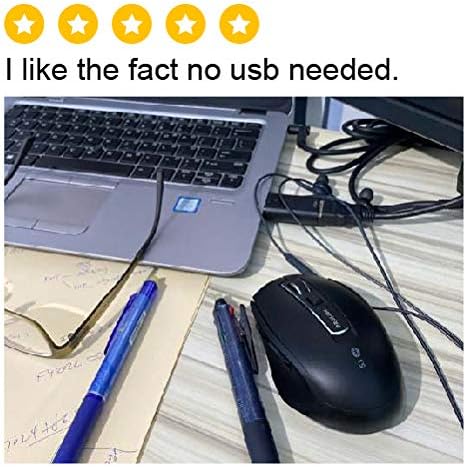
Isithombe: Side view of the Prolink PMB8502 mouse, illustrating the placement of the back and forward navigation buttons.
4.2. Ukulungiswa kwe-DPI
The mouse offers three DPI (Dots Per Inch) settings: 800, 1200, and 1600. Press the DPI button located below the scroll wheel to switch between these sensitivities. A higher DPI setting results in faster cursor movement across the screen.
4.3. Ukuphathwa kwamandla
- Vula/Vala Iswishi: To conserve battery life, turn off the mouse using the switch on its underside when not in use for extended periods.
- Imodi yokulala ezenzakalelayo: The mouse automatically enters a sleep mode after more than 10 minutes of inactivity. To wake it up, simply move the mouse or click any button.
5. Isondlo
5.1. Ukuhlanza
Ukuze uhlanze igundane, sebenzisa indwangu ethambile, eyomile, engenazinti. Uma ungcolile, susa kancaneampen the cloth with water or a mild cleaning solution. Avoid using harsh chemicals, abrasive cleaners, or spraying liquids directly onto the mouse.
5.2. Ukushintshwa Kwebhethri
When the mouse performance degrades or the LED indicator suggests low battery, replace the AA battery following the steps in Section 3.1. Dispose of used batteries responsibly according to local regulations.
6. Ukuxazulula izinkinga
- Mouse not connecting or erratic movement:
- Qinisekisa ukuthi igundane livuliwe.
- Hlola izinga lebhethri bese uyishintsha uma kunesidingo.
- Qinisekisa ukuthi i-Bluetooth ivuliwe kudivayisi yakho.
- Try re-pairing the mouse with your device (refer to Section 3.2).
- Move the mouse closer to your device to rule out range issues.
- Ensure there are no other strong wireless signals interfering with the Bluetooth connection.
- Cursor not moving smoothly:
- Hlanza inzwa yokubona ngaphansi kwegundane.
- Sebenzisa igundane endaweni ehlanzekile, engabonisi ukukhanya.
- Adjust the DPI setting to a level that suits your preference.
- Izinkinobho ezingaphenduli:
- Hlola ileveli yebhethri.
- Ensure the mouse is properly connected via Bluetooth.
- Qala kabusha ikhompuyutha yakho noma idivayisi.
7. Imininingwane
| Isici | Imininingwane |
|---|---|
| Izinkinobho | 6 |
| Inzwa | I-Optical |
| Isixazululo se-DPI | 800 / 1200 / 1600 DPI |
| Isixhumi esibonakalayo | Bluetooth 5.2 (backward compatible with Bluetooth 5.1/5.0/4.2/4.1/4.0) |
| Izinga lombiko we-USB | 125Hz |
| I-FPS | 2400 izikhathi/umzuzwana |
| Umswakama Osebenzayo | 30%RH - 95%RH |
| Izinga Lokushisa Lokusebenza | -20°C - +60°C |
| Isistimu esebenzayo | Windows 7 / 10 / 11, Mac OS 10.2 above |
| Ubukhulu (L x W x H) | 108 mm x 66.7 mm x 40.2 mm |
| Isisindo | 69.2g (product only) |
| Uhlobo Lwebhethri | 1 x AA Ibhethri |

Image: Graphic displaying the technical specifications of the Prolink PMB8502 mouse.
8. Iwaranti kanye Nokusekela
The Prolink PMB8502 Bluetooth Wireless Optical Mouse typically comes with a Iwaranti yonyaka ongu-3 from the date of purchase. Please refer to your purchase receipt or the official Prolink website for specific warranty terms and conditions applicable in your region.
For technical support, troubleshooting assistance, or warranty claims, please visit the official Prolink website or contact their customer service department. Contact information can usually be found on the product packaging or the Prolink official webindawo.
Izinsiza eziku-inthanethi:

Image: Prolink PMB8502 mouse with a "3 Year Warranty" label, indicating product assurance.


