1. Isingeniso
This manual provides essential information for the safe and efficient operation of your Amazon Basics Microwave. This compact, 0.7 cubic foot, 700-watt microwave oven is designed for convenient food preparation and reheating. It features integration with Alexa, allowing for voice-controlled cooking and simplified operation when paired with a compatible Echo device (sold separately).
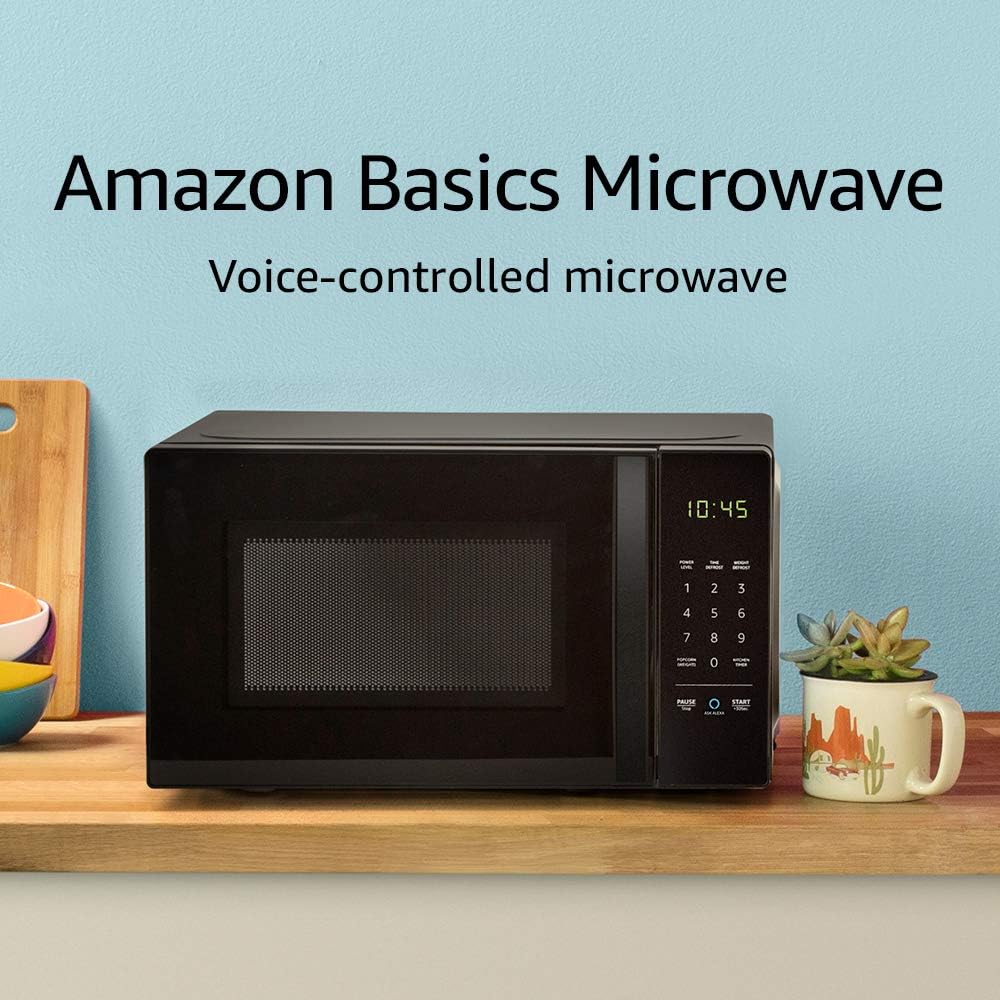
Image: The Amazon Basics Microwave, highlighting its voice-controlled capabilities.
2. Ulwazi Olubalulekile Lokuphepha
Ukuze unciphise ingozi yomlilo, ukushaqeka kukagesi, ukulimala kwabantu, noma ukuchayeka emandleni amaningi e-microwave uma usebenzisa umshini wakho, landela izinyathelo zokuphepha eziyisisekelo, okuhlanganisa okulandelayo:
- Funda yonke imiyalelo ngaphambi kokusebenzisa umshini.
- Ungazami ukusebenzisa lo ovini uvule umnyango ngoba lokhu kungase kubangele ukuchayeka okuyingozi emandleni e-microwave.
- Ungabeki noma iyiphi into phakathi kobuso obungaphambili kuhhavini nomnyango noma uvumele inhlabathi noma izinsalela ezihlanzekile ukuthi zinqwabelane endaweni evalayo.
- Ungalushisi uketshezi noma okunye ukudla ezitsheni ezivaliwe ngoba kungenzeka ukuthi ziqhume.
- Ungakupheki kakhulu ukudla.
- Ungawasebenzisi amakhemikhali noma umhosha onakalisayo kulo mshini.
- Njalo qiniseka ukuthi umoya ungena kahle eduze kwe-microwave.
- Lolu hlelo lokusebenza luhloselwe ukusetshenziswa ekhaya kuphela.
3. Ukusetha nokufakwa
Follow these steps to set up your Amazon Basics Microwave:
- Ukukhulula: Carefully remove the microwave from its packaging. Retain packaging materials for future transport or storage if needed.
- Ukubekwa: Place the microwave on a flat, stable surface, such as a kitchen counter. Ensure there is adequate space around the unit for ventilation (at least 4 inches on all sides and top). Do not block ventilation openings.
- Ukuxhuma kwamandla: Plug the microwave into a grounded electrical outlet. The power cord is approximately 3-4 feet long.
- Alexa Pairing: To enable voice control, you will need a compatible Echo device (e.g., Echo Dot, Echo Plus). Ensure your Echo device is set up and connected to your Wi-Fi network. The microwave should automatically connect to your Alexa account once powered on and within range of your Echo device. Follow the instructions in the Alexa app for any additional setup.
4. Iziqondiso Zokusebenza
Your Amazon Basics Microwave offers both manual keypad operation and convenient Alexa voice control.
4.1 Manual Keypad Operation
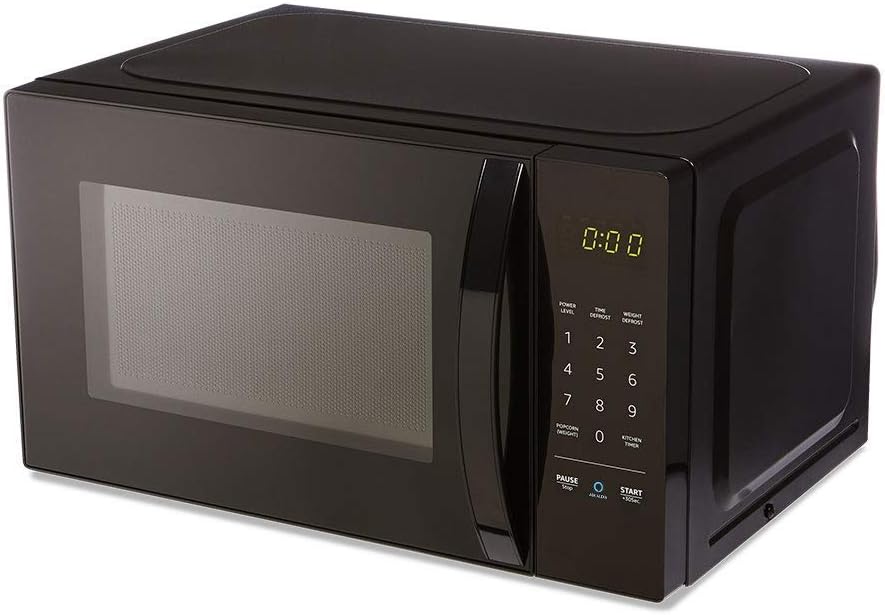
Isithombe: Ngaphambili view of the Amazon Basics Microwave, displaying the control panel and digital clock.
- Ukusetha Isikhathi Sokupheka: Use the number pad (1-9, 0) to enter the desired cooking time.
- Amazinga Amandla: The microwave features 10 power levels. Press the "POWER LEVEL" button and then a number to select the desired power level (e.g., 5 for 50% power).
- Qala: Press the "START +30 SEC." button to begin cooking. Each press of this button adds 30 seconds to the cooking time.
- Misa isikhashana/Misa: Press the "PAUSE/STOP" button once to pause cooking, or twice to cancel the current cooking cycle.
- Isikhathi sekhishi: Use the "KITCHEN TIMER" button to set a countdown timer without activating the microwave function.
4.2 Ukulawula Izwi le-Alexa
With an Echo device, you can use voice commands for quick and convenient cooking. Ensure your Echo device is active and connected.
- Imiyalo evamile:
- "Alexa, start microwaving."
- "Alexa, microwave for [X] minutes [Y] seconds."
- "Alexa, set microwave power to [level 1-10]."
- "Alexa, STOP Microwave." (Note: Use "STOP Microwave" specifically to end a cycle.)
- Quick-Cook Presets: Alexa offers various presets for common foods.
- "Alexa, microwave a potato." (Alexa will ask for quantity.)
- "Alexa, reheat one cup of coffee."
- "Alexa, microwave 1.5 ounces of popcorn."
- "Alexa, defrost [X] ounces of frozen vegetables."

Image: Demonstrating voice command for reheating coffee.
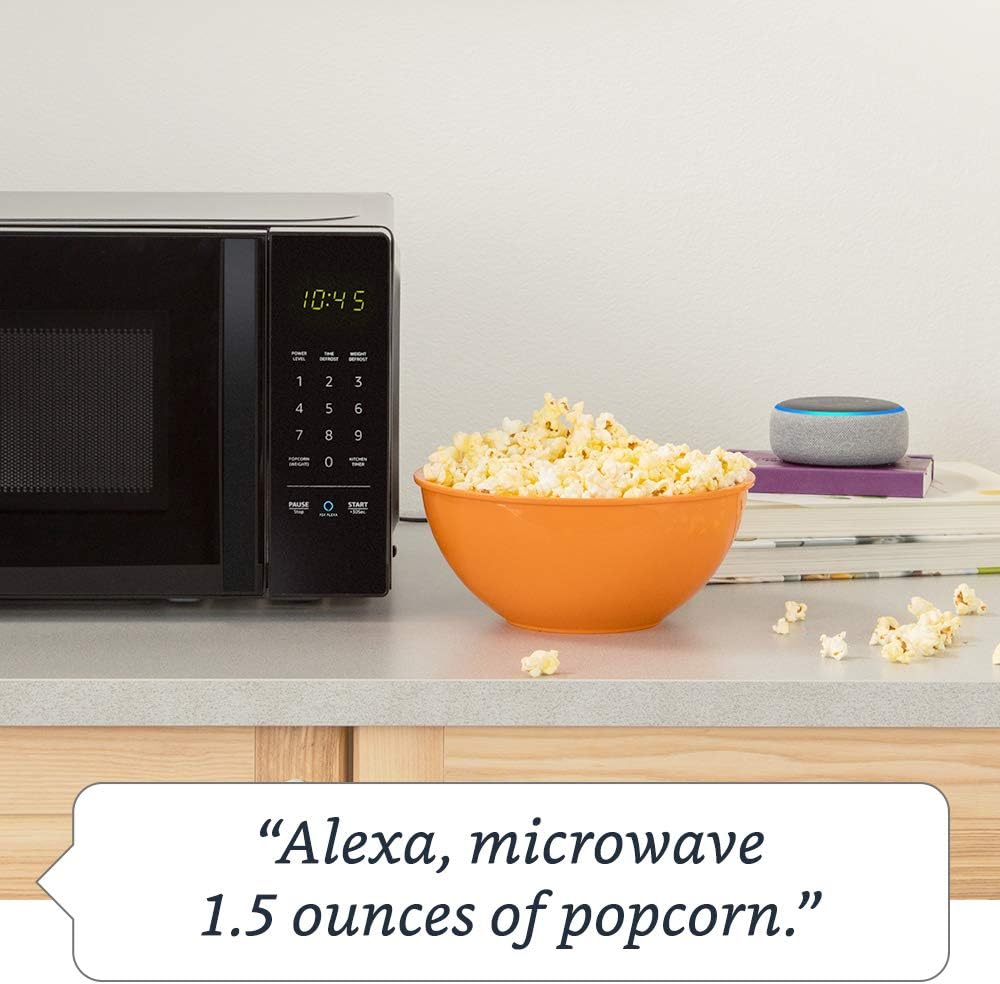
Image: Demonstrating voice command for microwaving popcorn.
4.3 Using the Ask Alexa Button
The "Ask Alexa" button on the microwave's control panel allows you to initiate voice commands without saying the wake word "Alexa".

Image: Detail of the control panel, showing the "Ask Alexa" button for direct voice input.
- Cindezela inkinobho Buza Alexa button (blue circle icon).
- Once the microwave indicates it's listening, state your command (e.g., "2 minutes," "reheat coffee," "popcorn").
4.4 Umsebenzi Wokukhiya Kwezingane
To prevent unintended operation, especially by children, you can activate the child lock:
- Ukwenza kusebenze: Press the "PAUSE/STOP" button once, then press the "0" button twice. The Wi-Fi indicator on the display will turn off, indicating the lock is active.
- Ukuyekisa ukusebenza: Repeat the same process: Press the "PAUSE/STOP" button once, then press the "0" button twice. The Wi-Fi indicator will reappear, and the microwave will be operational.
5. Ukunakekela kanye Nokuhlanza
Regular cleaning helps maintain the performance and longevity of your microwave.
- Ngaphakathi: Hlanza umgodi wehhavini ngemva kokusetshenziswa ngakunye ngesikhangisoamp cloth and mild detergent. For stubborn stains, place a bowl of water with lemon slices inside and microwave for a few minutes to loosen residue, then wipe clean.
- Ingaphandle: Sula ingaphandle ngethafa elithambile, damp indwangu. Gwema izinto zokuhlanza abrasive noma izincibilikisi.
- Ukuguquguquka: The glass turntable and turntable support can be removed for cleaning. Wash them in warm, soapy water or in the dishwasher. Ensure they are completely dry before placing them back in the oven.
- Isivalo somnyango: Keep the door seal and adjacent parts clean. Wipe with a damp indwangu.
6. Ukuxazulula izinkinga
If you encounter issues with your Amazon Basics Microwave, refer to the following common problems and solutions:
| Inkinga | Imbangela Engenzeka / Isixazululo |
|---|---|
| I-Microwave ayiqali. |
|
| Ukudla akupheki noma akufudumezi kahle. |
|
| Alexa voice commands are not working. |
|
| Imisindo engavamile ngesikhathi sokusebenza. |
|
If the problem persists after attempting these solutions, please contact Amazon customer support.
7. Imininingwane
Detailed specifications for the Amazon Basics Microwave:
| Isici | Ukucaciswa |
|---|---|
| Inombolo Yemodeli | B07894S727 |
| Amandla | 0.7 Cu. I-Ft. |
| Amandla Okupheka | 700 Watts |
| Amazinga Amandla | 10 |
| Ubukhulu bangaphandle (W x H x D) | 17.3 in. x 10.1 in. x 14.1 in. |
| Ubukhulu bangaphakathi (W x H x D) | 10 7/8 in. x 6 7/8 in. x 10 phakathi. |
| Turntable Diameter | 10 phakathi. |
| Max Popcorn Bag Size | 3 oz |
| Ukuxhumana | Works with Alexa (Echo device required) |
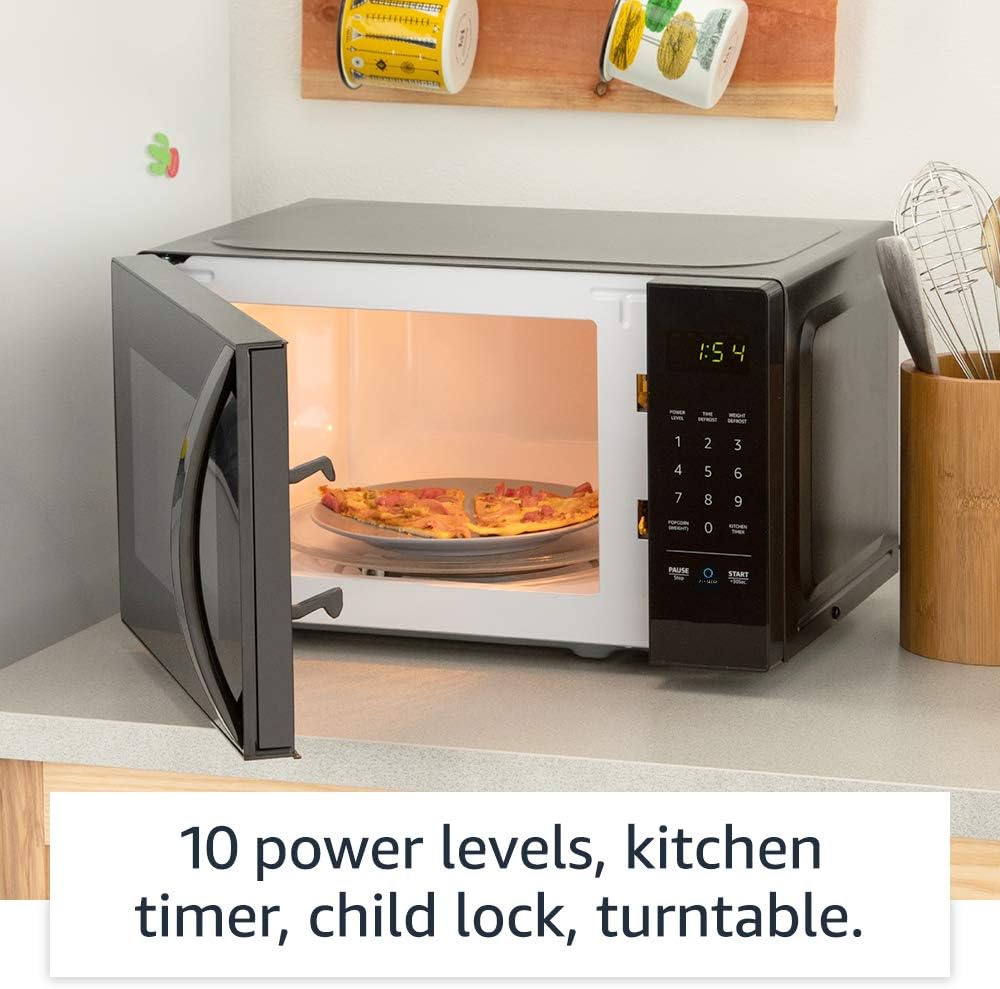
Isithombe: Ingaphakathi view of the microwave, highlighting its features like the turntable.
8. Iwaranti kanye Nokusekela
For information regarding your product's warranty, please refer to the warranty card included with your purchase or visit the Amazon Basics official website. For technical support, troubleshooting assistance beyond this manual, or to inquire about replacement parts, please contact Amazon customer support directly.
You can typically find support contact information on the Amazon website under "Help & Customer Service" or by searching for "Amazon Basics Microwave support".


