1. Isingeniso
This manual provides comprehensive instructions for the Digitus DA-70156 USB 2.0 to RS232 Serial Adapter. This device is designed to facilitate the connection of serial devices, such as weather stations, sensors, motor controls, set-top boxes, and gaming consoles, to your computer via a standard USB port. It ensures reliable data transfer and broad compatibility across various operating systems.
2. Ulwazi Lokuphepha
- Keep the adapter away from water and moisture.
- Avoid exposing the adapter to extreme temperatures.
- Ungazami ukuqaqa noma ukulungisa idivayisi ngokwakho. Bheka kubasebenzi abaqeqeshiwe ukuze uthole isevisi.
- Qinisekisa ukuthi umoya ungena kahle uma usebenzisa ukuze uvimbele ukushisa ngokweqile.
3. Okuqukethwe Kwephakheji
Qinisekisa ukuthi zonke izinto zikhona kuphakheji yakho:
- Digitus DA-70156 USB 2.0 to RS232 Serial Adapter
- USB Extension Cable (80cm)
- Product Support CD-ROM (for drivers, if needed)

4. Umkhiqizo Uphelileview
4.1. Izingxenye
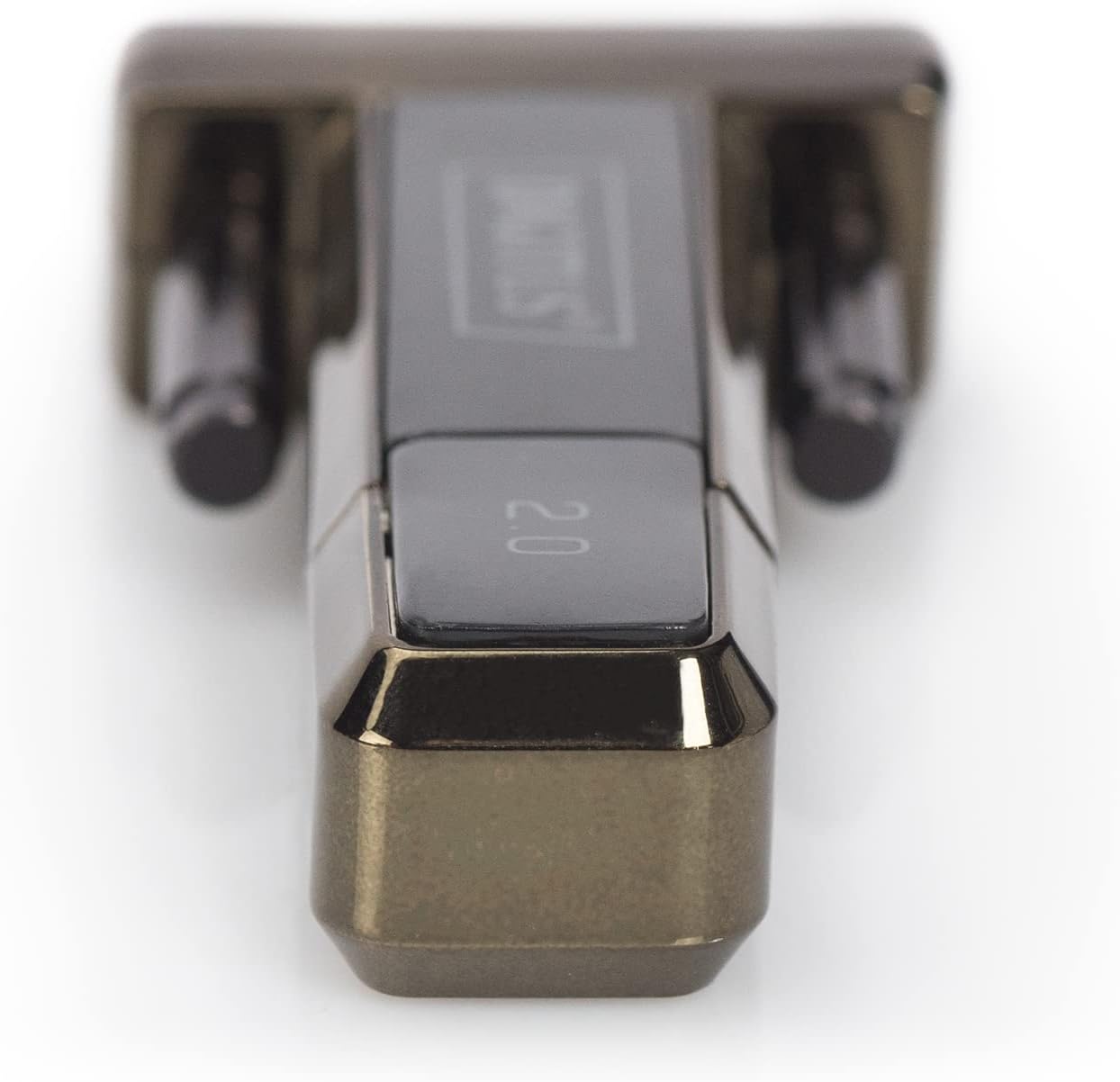
The Digitus DA-70156 adapter features a USB-A connector on one end and a DB9 male serial connector on the other.

4.2. Izici Eziyinhloko
- German Technical Design Serial Adapter.
- Supports Windows 10, 8, 7, Vista, XP, Mac OS X, and Linux operating systems.
- Integrated FTDI / FT232RL Chipset for reliable performance.
- Supports remote wake-up and power management functions.
- Compliant with USB 2.0 standards.
- Data transfer rates of 1Mbps and more.
5. Setha
5.1. Ukufakwa komshayeli
The Digitus DA-70156 adapter utilizes the FTDI / FT232RL chipset. For most modern operating systems (Windows 8/8.1/10/11), drivers are often installed automatically when the device is connected to an active internet connection. For older Windows versions (7, Vista, XP), Mac OS X, or Linux, manual driver installation may be required.
- Automatic Installation (Windows 8/8.1/10/11): Connect the adapter to an available USB port on your computer. If connected to the internet, the operating system should automatically detect and install the necessary drivers.
- Ukufaka Mathupha: If automatic installation fails or for other operating systems, insert the provided Product Support CD-ROM. Follow the on-screen instructions to install the FTDI drivers. Alternatively, the latest drivers can be downloaded from the official FTDI webindawo.
- After installation, verify the adapter is recognized in your device manager (Windows) or system information (Mac/Linux) as a USB Serial Port.
5.2. Ukuxhumana ngokomzimba
- Connect the USB-A end of the Digitus DA-70156 adapter to an available USB 2.0 port on your computer. You may use the included USB extension cable for added reach.
- Connect your RS232 serial device (e.g., modem, printer, industrial equipment) to the DB9 male serial connector on the adapter. Ensure the connection is secure by tightening the screws on the DB9 connector.


6. Iziqondiso Zokusebenza
6.1. Connecting Serial Devices
Once the drivers are installed and the adapter is physically connected, your computer will recognize the serial port. You can then use software applications designed for serial communication to interact with your connected devices. Examples of compatible devices include:
- Iziteshi zesimo sezulu
- Izinzwa
- Izilawuli zezimoto
- Amabhokisi okusetha phezulu
- Amageyimu aduduzayo
- Amamodemu
- Amaphrinta
6.2. Ukudluliswa Kwedatha
The adapter supports data transfer rates of 1Mbps and higher, ensuring efficient communication with your serial devices. Configure your serial communication software with the appropriate baud rate, data bits, parity, and stop bits to match your connected device's requirements.
7. Ukuxazulula izinkinga
- Idivayisi Ayaziwa: Ensure the adapter is firmly connected to a working USB port. Reinstall drivers from the CD-ROM or the FTDI website. Try a different USB port or computer.
- Amaphutha Okuxhumana: Verify that the serial communication settings (baud rate, data bits, parity, stop bits) in your software match those of your connected serial device. Check the physical connection of the DB9 cable.
- Ukudlulisa Idatha Okuhamba Kancane: Ensure you are using a USB 2.0 compatible port for optimal speed. Check for conflicting drivers or background applications consuming system resources.
- Awekho Amandla: The adapter draws power directly from the USB port. Ensure the USB port is functional.
8. Isondlo
- Clean the adapter and cables with a soft, dry cloth. Avoid liquid cleaners.
- Gcina i-adaptha endaweni epholile, neyomile uma ingasetshenziswa.
- Gwema ukugoba noma ukusonta izintambo ngokweqile ukuze uvimbele umonakalo wangaphakathi.
9. Imininingwane
| Ukucaciswa | Imininingwane |
|---|---|
| Inombolo Yemodeli | I-DA-70156 |
| Ibhrendi | I-Digitus |
| I-chipset | I-FTDI / FT232RL |
| Uhlobo Lwesixhumi | USB 2.0 (Type-A), RS232 (DB9 Male) |
| Isilinganiso Sokudluliswa Kwedatha | 1Mbps and more |
| Ubude bekhebula | 80cm (USB extension cable included) |
| Usekelo Lwesistimu Esebenzayo | Windows 10, 8, 7, Vista, XP, Mac OS X, Linux |
| Isisindo sento | 0.035 amakhilogremu |
10. Iwaranti kanye Nokusekela
This Digitus product is covered by the manufacturer's standard warranty. Please refer to the warranty information provided with your purchase or contact Digitus customer support for details. For technical assistance, consult the Product Support CD-ROM or visit the official Digitus website for updated drivers and support resources.


