
Isingeniso
This comprehensive guide is designed to help you understand and utilize all the features, settings, and functionalities of your Moto G Power 2026 smartphone. Whether you are a new user or looking to explore advanced capabilities, this manual provides clear, step-by-step instructions to enhance your device experience.
The Moto G Power 2026 is a versatile smartphone designed for everyday use. This manual covers essential topics from initial setup to advanced features, ensuring you can make the most of your device.
1. Ukusetha Kwasekuqaleni
Follow these steps to power on and configure your Moto G Power 2026 for the first time.
- Iyavula: Press and hold the power button located on the side of the device until the Motorola logo appears.
- Ukukhetha Ulimi: Khetha ulimi oluncamelayo ohlwini.
- Xhuma ku-Wi-Fi: Select your Wi-Fi network and enter the password to connect to the internet. This is crucial for initial setup and updates.
- Ukusethwa Kwe-akhawunti Ye-Google: Sign in with your existing Google account or create a new one. This is necessary for accessing the Google Play Store, Gmail, and other Google services.
- Ukudluliswa Kwedatha (Ongakukhetha): If you are upgrading from another device, follow the on-screen prompts to transfer your data.
- Ukusethwa Kwezokuphepha: Set up a screen lock (PIN, pattern, password, or fingerprint) to protect your device.
- Yenza Izilungiselelo Zenziwe Ngezifiso: Adjust settings such as date and time, display preferences, and notification sounds.
Once these steps are completed, your Moto G Power 2026 is ready for use.
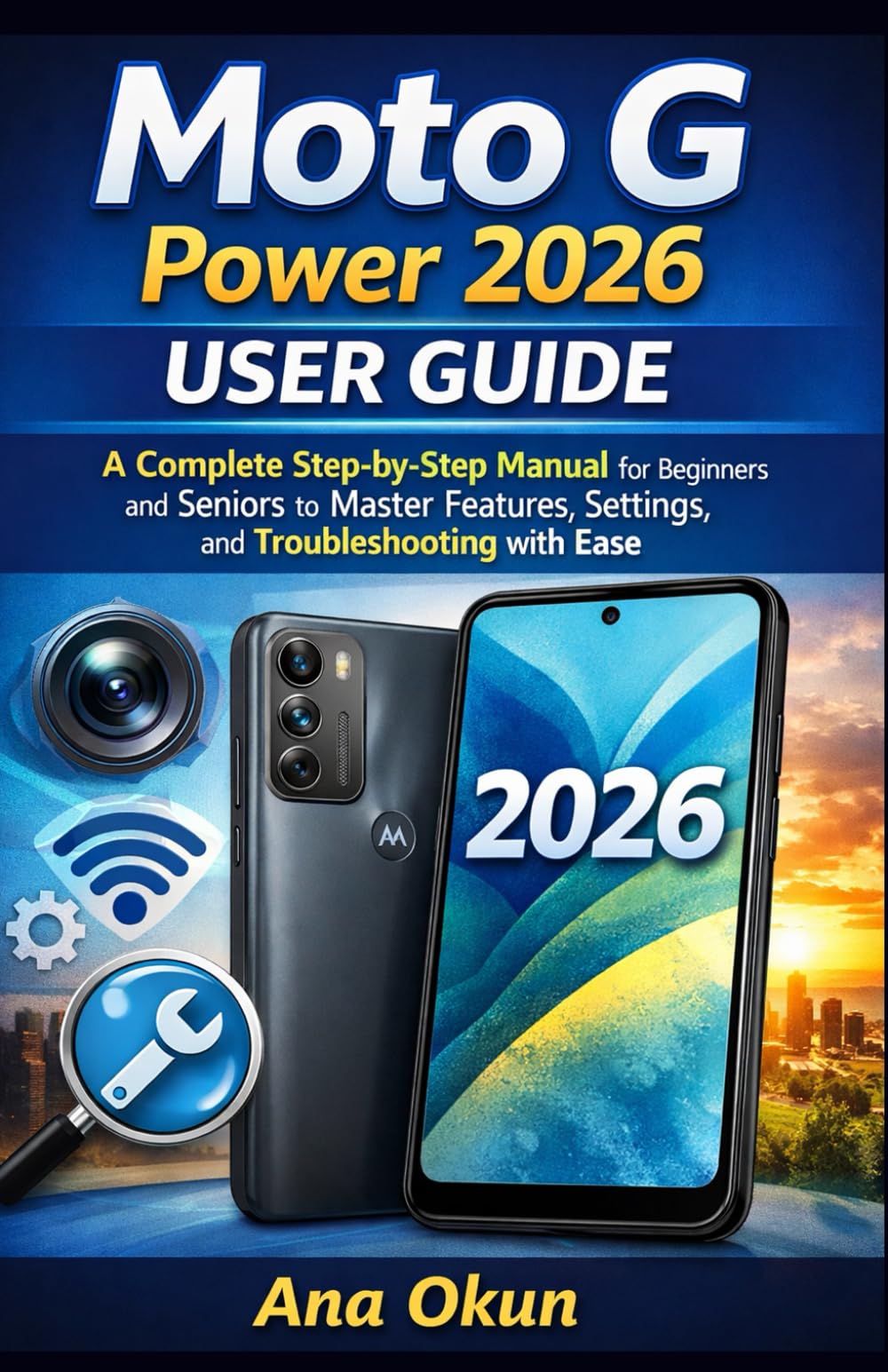
Image 1.1: Front cover of the Moto G Power 2026 User Guide. This image shows the book's title and overall design.
2. Ukusebenzisa Idivayisi Yakho
2.1 Navigating the Home Screen
The home screen is your central hub for accessing applications and information. Swipe left or right to view additional home screens. Swipe down from the top of the screen to access quick settings and notifications.
- Ikhabethe lohlelo lokusebenza: Swipe up from the bottom of the home screen to open the app drawer, which contains all installed applications.
- Amawijethi: Long-press on an empty area of the home screen to add widgets for quick access to information like weather, calendar, or music controls.
- Amafolda: Drag one app icon over another to create a folder, helping you organize your applications.
2.2 Izingcingo kanye nemiyalezo
Staying connected is a primary function of your Moto G Power 2026.
- Ukushaya izingcingo: Thepha okuthi Ucingo icon, enter the number, and tap the call button. You can also select a contact from your address book.
- Ukuphatha Oxhumana Nabo: Sebenzisa i- Oxhumana nabo app to add, edit, or delete contacts. You can sync contacts from your Google account.
- Ithumela Imilayezo: Vula i- Imilayezo app, tap the new message icon, enter the recipient's number or select from contacts, and type your message.
2.3 Internet Connectivity and Apps
Your device supports both Wi-Fi and mobile data for internet access.
- I-Wi-Fi: Iya ku Izilungiselelo > Inethiwekhi ne-inthanethi > I-Wi-Fi ukuxhuma kumanethiwekhi atholakalayo.
- Idatha Yeselula: Ensure your SIM card is inserted and mobile data is enabled in Izilungiselelo > Inethiwekhi ne-inthanethi > Inethiwekhi yeselula.
- Umsizi we-Google: Activate Google Assistant by saying "Hey Google" or long-pressing the power button (if configured). Use voice commands for tasks, information, and device control.
- Ukuphathwa kohlelo lokusebenza: Download new apps from the Google Play Store. Manage installed apps in Amasethingi> Izinhlelo zokusebenza nezaziso to adjust permissions, clear cache, or uninstall.
3. Izici zekhamera
The Moto G Power 2026 camera allows you to capture high-quality photos and videos. Open the Ikhamera app to begin.
- Ukuthatha Izithombe: Thepha inkinobho yokushutha ukuze uthathe isithombe.
- Ukuqopha amavidiyo: Shintshela kwimodi yevidiyo bese uthinta inkinobho yokurekhoda ukuze uqale/uyeke ukurekhoda.
- Amamodi ekhamera: Explore various modes such as Portrait, Night Vision, Panorama, and Pro Mode for different photographic effects.
- Izilungiselelo: Access camera settings to adjust resolution, aspect ratio, timer, and other preferences.
4. Ukuxazulula Izinkinga Ezivamile
This section addresses common problems you might encounter with your Moto G Power 2026.
- Idivayisi Ayiphenduli: If your device freezes, press and hold the power button for about 10-15 seconds to force a restart.
- Ukukhipha Ibhethri Ngokushesha: Hlola ukusetshenziswa kwebhethri ku Izilungiselelo > Ibhethri to identify power-hungry apps. Reduce screen brightness, disable unnecessary features like GPS or Bluetooth when not in use, and close background apps.
- Connectivity Problems (Wi-Fi/Mobile Data):
- Toggle Wi-Fi or mobile data off and on.
- Qala kabusha irutha yakho ngezinkinga ze-Wi-Fi.
- Ensure your mobile data plan is active and you have signal coverage.
- Ukuphahlazeka Kohlelo Lokusebenza: Sula inqolobane yohlelo lokusebenza kanye nedatha ku Izilungiselelo > Izinhlelo zokusebenza nezaziso > [Igama Lohlelo Lokusebenza] > Isitoreji kanye nenqolobaneUma inkinga iqhubeka, khipha bese ufaka kabusha uhlelo lokusebenza.
- Low Storage: Susa ngokungadingekile files, photos, and videos. Uninstall unused apps. Move large files to cloud storage or an external SD card (if supported). Check storage usage in Izilungiselelo > Isitoreji.
5. Isondlo Nokunakekela
Proper maintenance ensures the longevity and optimal performance of your Moto G Power 2026.
- Izibuyekezo zesofthiwe: Regularly check for and install system updates in Amasethingi> Uhlelo> Ukuvuselelwa kwesistimu. Updates often include performance improvements and security patches.
- Ukuhlanza: Use a soft, lint-free cloth to clean the screen and body of the device. Avoid harsh chemicals or abrasive materials.
- Impilo Yebhethri: Avoid extreme temperatures. Do not leave the device charging for extended periods after it reaches 100%.
- Isipele Sedatha: Regularly back up your important data to a cloud service (like Google Drive) or a computer to prevent data loss.
- Ukuvikelwa Komzimba: Consider using a protective case and screen protector to guard against drops and scratches.
6. Imininingwane
Key technical specifications for the Moto G Power 2026:
| Isici | Imininingwane |
|---|---|
| ASIN | B0GP71KXZ1 |
| Umshicileli | Ishicilelwe ngokuzimela |
| Idethi yokushicilela | Februwari 18, 2026 |
| Ulimi | IsiNgisi |
| Ubude bokuphrinta | Amakhasi angu-144 |
| I-ISBN-13 | 979-8248918850 |
| Isisindo sento | 8.6 amakhilogremu |
| Reading age | 12 - 18 iminyaka |
| Ubukhulu | 5.5 x 0.33 x 8.5 amayintshi |
Image 6.1: Back cover of the Moto G Power 2026 User Guide. This image displays the ISBN barcode and other publication information.
7. Iwaranti kanye Nokusekela
Ukuze uthole ulwazi lwewaranti nokusekelwa kwamakhasimende, sicela ubheke i-Motorola esemthethweni website or the documentation included with your device at the time of purchase. This manual provides general operational guidance and does not replace official warranty statements or specific support channels.
- Esemthethweni Webindawo: Visit the Motorola official website for the latest support resources, FAQs, and contact information.
- Insizakalo yekhasimende: Contact Motorola customer service for technical assistance or warranty claims.
- Izinsiza eziku-inthanethi: Many common issues can be resolved by consulting online forums or support communities.