
Isingeniso
This manual provides essential information for setting up, operating, maintaining, and troubleshooting your HP 17.3" Touchscreen Laptop, model 17-cp3602nr. Please read this guide thoroughly to ensure proper use and to maximize the lifespan of your device.
Okuqukethwe Kwephakheji
Qinisekisa ukuthi zonke izinto zikhona kuphakheji:
- HP 17.3" Touchscreen Laptop (Model 17-cp3602nr)
- I-adaptha yamandla e-AC kanye nentambo
- Umhlahlandlela Wokuqalisa Ngokushesha (uma ufakiwe)

Image: The HP 17.3" Touchscreen Laptop and its included power adapter.
Setha
1. Amandla Okuqala Avuliwe Nokushaja
- Connect the AC power adapter to the laptop's AC smart pin port and then to a power outlet.
- Vula isivalo se-laptop. I-laptop ingase ivuleke ngokuzenzakalelayo, noma kungadingeka ucindezele inkinobho yokuvula etholakala kukhibhodi.
- Allow the battery to charge fully before initial use, though you can begin setup while charging.
2. Windows 11 Setha
Follow the on-screen instructions to complete the Windows 11 Home setup. This typically includes:
- Ukukhetha isifunda sakho nesakhiwo sekhibhodi.
- Ixhuma kunethiwekhi ye-Wi-Fi.
- Ukungena ngemvume noma ukudala i-akhawunti ye-Microsoft.
- Ukusetha i-PIN noma iphasiwedi.
- Configuring privacy settings.
3. Ukusethwa Kwesifundi Sezigxivizo Zeminwe
During or after Windows setup, you can configure the fingerprint reader for secure login. Navigate to Izilungiselelo > Ama-akhawunti > Izinketho zokungena ngemvume and follow the prompts to add your fingerprint.

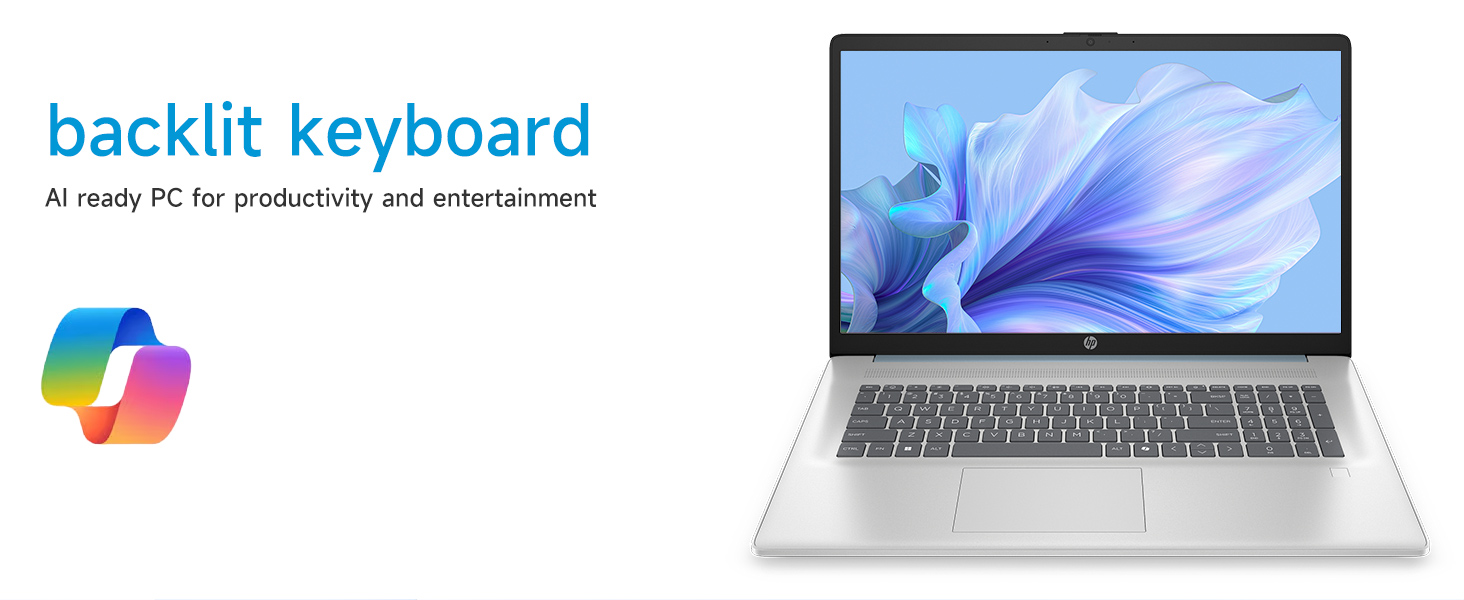
Image: Close-up of the backlit keyboard and the integrated fingerprint reader on the HP laptop.
Imiyalelo yokusebenza
Ukusebenzisa Isibonisi Sesikrini Sokuthinta
The 17.3" HD+ (1600 x 900) display supports touch input. You can interact with Windows 11 and applications directly on the screen using gestures similar to a tablet or smartphone. Ensure your screen is clean for optimal touch responsiveness.
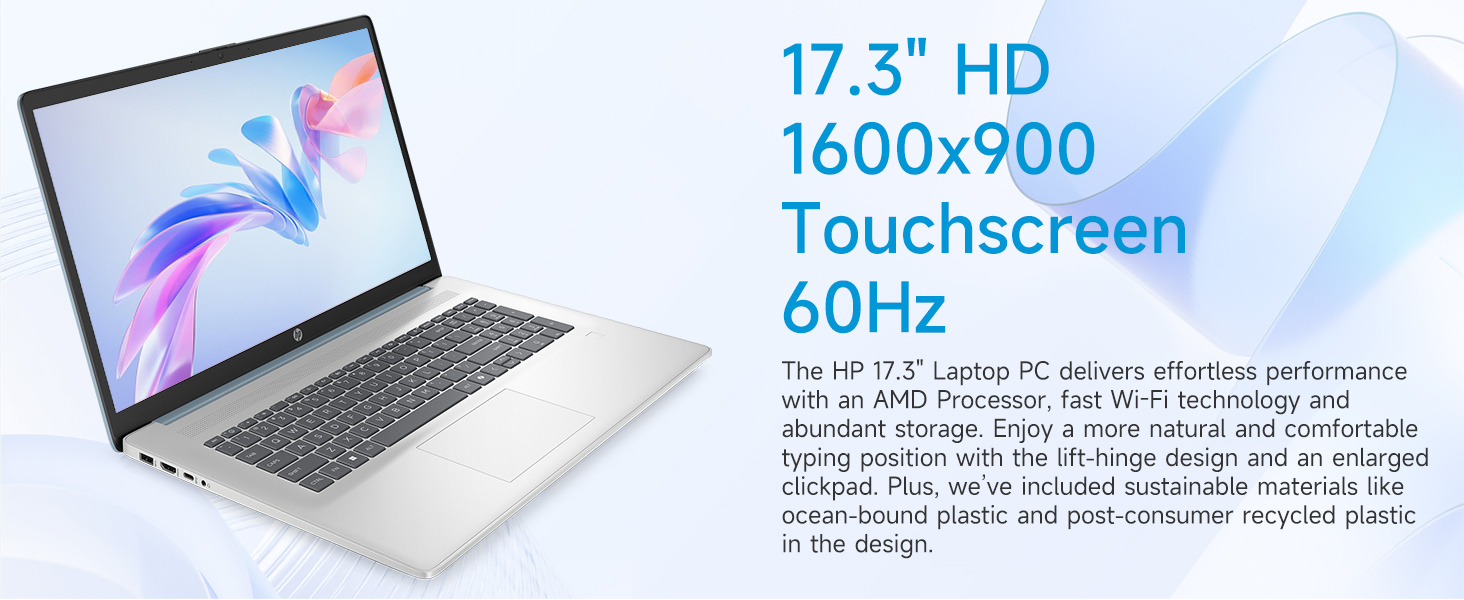
Image: The 17.3-inch touchscreen display of the HP laptop, illustrating its touch capabilities.
Ikhibhodi nephedi yokuthinta
- Ikhibhodi Ekhanyisiwe: Cindezela inkinobho Fn + F5 (or similar function key with a keyboard backlight icon) to toggle the keyboard backlight on/off or adjust its brightness.
- Ikhiphedi Yezinombolo: Utilize the dedicated numeric keypad for efficient data entry.
- Iphedi yokuthinta: The large click pad supports multi-touch gestures for navigation. Refer to Windows settings for customizing touchpad gestures.
Connecting External Devices (Ports)
Your laptop is equipped with various ports for connecting peripherals:
- Uhlobo C lwe-USB (isilinganiso sokusayina esingu-5Gbps): Ukuxhuma amadivayisi esimanje e-USB-C.
- Uhlobo lwe-USB A (isilinganiso sokusayina esingu-5Gbps): Two ports for standard USB devices like mice, keyboards, or external drives.
- I-HDMI 1.4b: Xhuma kumamonitha angaphandle noma kuma-TV ukuze uthole isibonisi eside.
- I-Headphone/Microphone Combo Jack: For audio input/output with a single jack.
- Iphinikhodi ehlakaniphile ye-AC: Okokuxhuma i-adaptha yamandla.
Isithombe: Ngemininingwane view of the laptop's side ports, including USB-A, USB-C, HDMI, and audio jack.
Ukuxhumana kwe-Wi-Fi 6
The laptop supports Wi-Fi 6 (802.11ax) for fast and reliable wireless internet connectivity. To connect, click the Wi-Fi icon in the taskbar, select your network, and enter the password.
Isondlo
Ukuhlanza i-laptop yakho
- Isikrini: Sebenzisa indwangu ethambile, engenalinti kancane dampifakwe ngamanzi noma isicoci sesikrini. Gwema amakhemikhali anokhahlo.
- Ikhibhodi ne-Chassis: Sebenzisa indwangu ethambile, eyomile. Ngokungcola okunenkani, kancane damp indwangu ingasetshenziswa, ukuqinisekisa ukuthi akukho uketshezi olungena ezintubeni.
- Amachweba: Keep ports free of dust and debris using compressed air if necessary.
Izibuyekezo Zesofthiwe
Hlola njalo futhi ufake izibuyekezo ze-Windows ukuqinisekisa ukuthi uhlelo lwakho luneziqeshana zokuphepha zakamuva kanye nokuthuthukiswa kokusebenza. Iya ku- Izilungiselelo > I-Windows Update ukuphatha izibuyekezo.
Ukunakekela Ibhethri
To prolong battery life, avoid extreme temperatures and fully discharging the battery frequently. For long-term storage, charge the battery to about 50%.
Ukuxazulula inkinga
Lesi sigaba sikhuluma ngezinkinga ezivamile ongahlangabezana nazo.
I-Laptop Ayisebenzi
- Qinisekisa ukuthi i-adaptha ye-AC ixhumeke ngokuvikelekile kukho kokubili ikhompuyutha ephathekayo kanye nesisetshenziswa samandla esisebenzayo.
- Qinisekisa ukuthi indawo kagesi iyasebenza ngokuxhuma enye idivayisi.
- Uma ibhethri seliphele nya, kungathatha amaminithi ambalwa ukushajwa ngaphambi kokuthi ikhompuyutha ephathekayo ivuleke.
Screen Remains Blank
- Check if the laptop is powered on (power indicator light).
- Try adjusting the screen brightness using the function keys (e.g., Fn + F2/F3).
- If an external monitor is connected, ensure it is properly configured in Windows display settings.
Izinkinga zokuxhumana nge-Wi-Fi
- Qinisekisa ukuthi i-Wi-Fi ivuliwe kuzilungiselelo ze-Windows.
- Qala kabusha irutha yakho nemodemu.
- Khohlwa inethiwekhi bese uxhuma kabusha, ufake iphasiwedi futhi.
- Update Wi-Fi drivers via Device Manager.
System Restarts Unexpectedly
Unexpected restarts can be caused by software conflicts, outdated drivers, or hardware issues. Ensure all Windows updates are installed and drivers are current. If the issue persists, consider running Windows diagnostic tools or contacting HP Support.
Imininingwane
| Isici | Imininingwane |
|---|---|
| Ibhrendi | HP |
| Igama Lemodeli | 17-cp3602nr |
| Usayizi Wesikrini | 17.3 amayintshi |
| Bonisa Ukulungiswa | HD+ (1600 x 900) |
| Bonisa izici | Touch, Anti-glare, 250 nits, 60% NTSC |
| Iphrosesa | I-AMD Ryzen 5 7430U (Ama-Cores ayi-6, Imicu eyi-12, kufika ku-4.3 GHz) |
| Izithombe | I-AMD Radeon Graphics (Ihlanganisiwe) |
| RAM | I-8 GB DDR4 SDRAM (3200 MHz) |
| Isitoreji | I-128 GB PCIe NVMe M.2 SSD |
| Isistimu esebenzayo | Windows 11 Ikhaya |
| Amachweba | 1x USB Type-C 5Gbps, 2x USB Type-A 5Gbps, 1x HDMI 1.4b, 1x Headphone/Microphone Combo, 1x AC Smart Pin |
| Ukuxhumana Okungenantambo | I-Wi-Fi 6 (802.11ax) |
| Izici ezikhethekile | Backlit Keyboard, Fingerprint Reader, Numeric Keypad, Webikhamera |
| Dimensions (L x W x Thickness) | 15.78"L x 10.15"W x 0.81"Th |
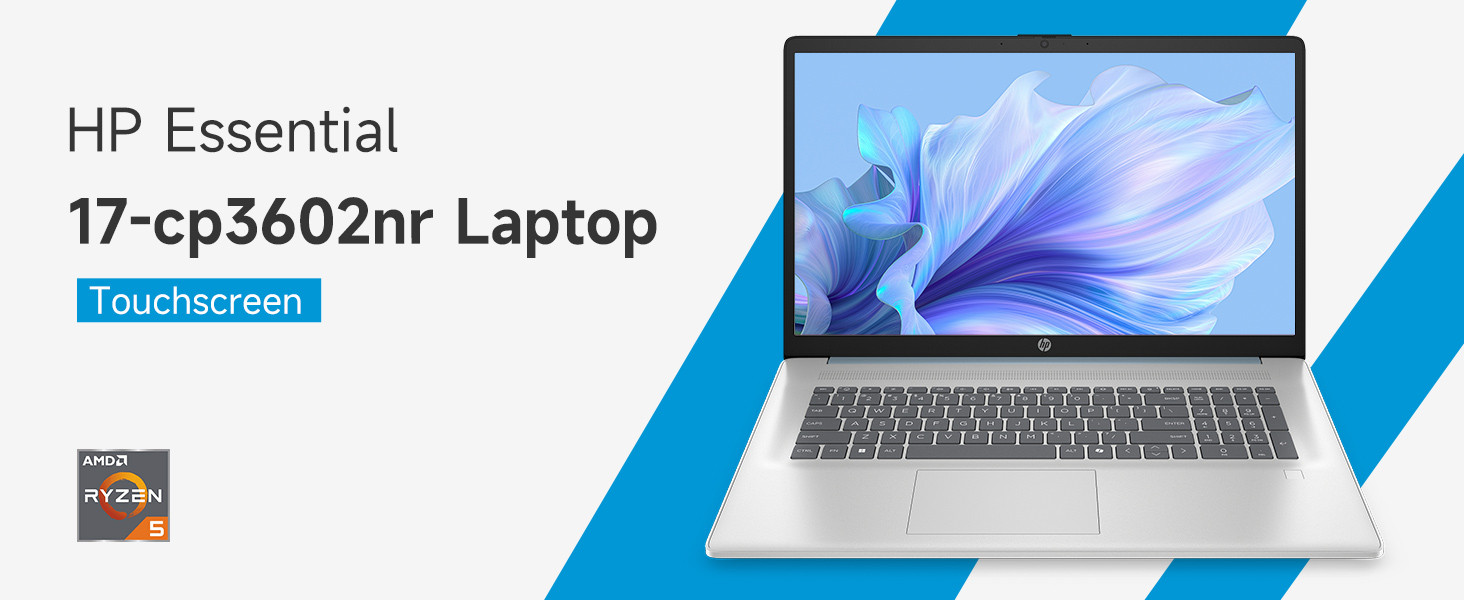
Image: An infographic highlighting key specifications such as the AMD Ryzen 5 processor, Windows 11 Home, storage, and connectivity options.
Iwaranti kanye Nokusekela
Iwaranti yomkhiqizi
Your HP laptop is covered by a standard manufacturer's warranty. For specific terms and conditions, please refer to the warranty documentation included with your product or visit the official HP support website. Warranty duration and coverage may vary by region.
Ukusekela kwezobuchwepheshe
Ukuze uthole usizo lobuchwepheshe, ukulanda abashayeli, noma ukuxazulula izinkinga ezengeziwe, sicela uvakashele i-HP Support esemthethweni webindawo:
When contacting support, have your laptop's model number (17-cp3602nr) and serial number ready.