
1. Isingeniso
Thank you for choosing the Candy Smart Pro Inverter CRO EH9N4TBE-S dryer. This appliance is designed to provide efficient and convenient drying for your laundry. Featuring an inverter motor, it offers high energy efficiency and low noise levels. With Wi-Fi + BLE connectivity and the hOn app, you can access over 40 additional programs and monitor drying cycles and energy consumption.
Sicela ufunde le manuwali ngokucophelela ngaphambi kokusebenzisa into esetshenziswayo ukuze uqinisekise ukuthi isebenza ngendlela ephephile futhi efanele. Gcina leli bhukwana ukuze lisetshenziswe esikhathini esizayo.
2. Ulwazi Lokuphepha
Ngaso sonke isikhathi landela izinyathelo zokuphepha eziyisisekelo lapho usebenzisa izinto zikagesi ukuze unciphise ingozi yomlilo, ukushaqeka kukagesi, noma ukulimala.
- Qinisekisa ukuthi into esetshenziswayo isekelwe kahle.
- Do not allow children to play with or operate the dryer.
- Never dry items that have been soiled with flammable substances (e.g., cooking oil, gasoline).
- Clean the lint filter after every load to prevent fire hazards and maintain drying efficiency.
- Do not block the ventilation openings of the dryer.
- Khipha into esetshenziswayo ngaphambi kokuhlanza noma ukulungisa.
- Do not install the dryer in an area where it may be exposed to water or extreme temperatures.
3. Ukusetha nokufakwa
Ukufakwa okufanele kubalulekile ekusebenzeni okuphephile nangokuphumelelayo kwe-dryer yakho.
3.1 Ukuqaqa
- Remove all packaging materials and transport bolts.
- Inspect the dryer for any damage incurred during transit.
3.2 Ukubekwa
Place the dryer on a firm, level floor. Ensure there is adequate space around the appliance for ventilation. The dimensions of the dryer are approximately 85 cm (Height) x 59.6 cm (Width) x 58.5 cm (Depth).
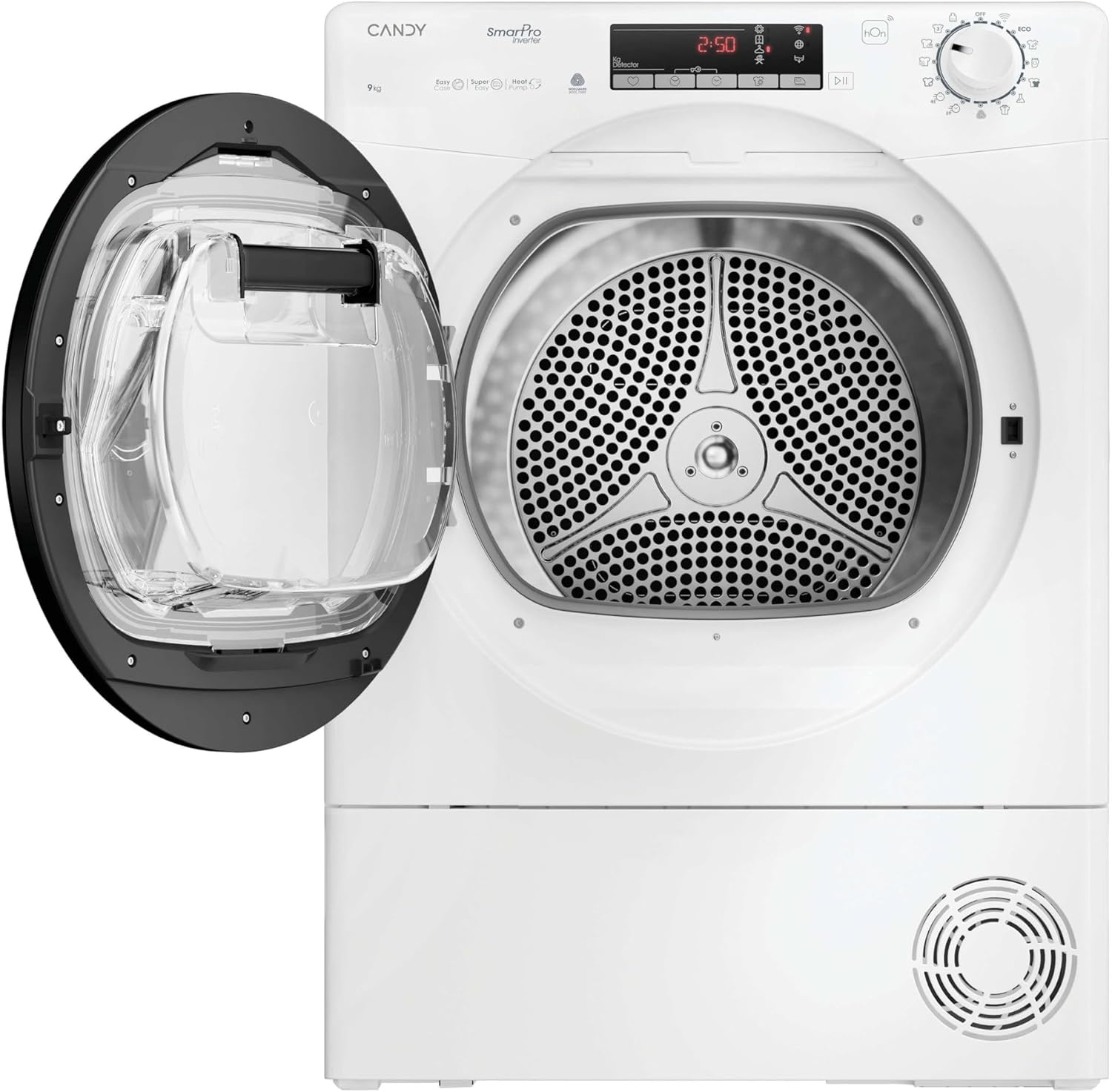
Image: The dryer positioned in a laundry area, demonstrating typical installation space requirements.
3.3 Ukulinganisa
Lungisa izinyawo ngezansi kwesomisi ukuqinisekisa ukuthi sisezingeni eliphelele. Isisetshenziswa esisezingeni sehlisa ukudlidliza nomsindo ngesikhathi sokusebenza.
3.4 Ukuxhunywa kukagesi
Connect the dryer to a properly grounded electrical outlet. Refer to the rating label on the appliance for specific power requirements.
3.5 Drain Hose (if applicable)
If your model includes a direct drain option, connect the drain hose to a suitable drain point to avoid manually emptying the water container.
4. Iziqondiso Zokusebenza
This section guides you through the daily use of your Candy Smart Pro Inverter dryer.
4.1 Iphaneli yokulawula iphelileview
The control panel features a program selector dial, a display, and various function buttons.
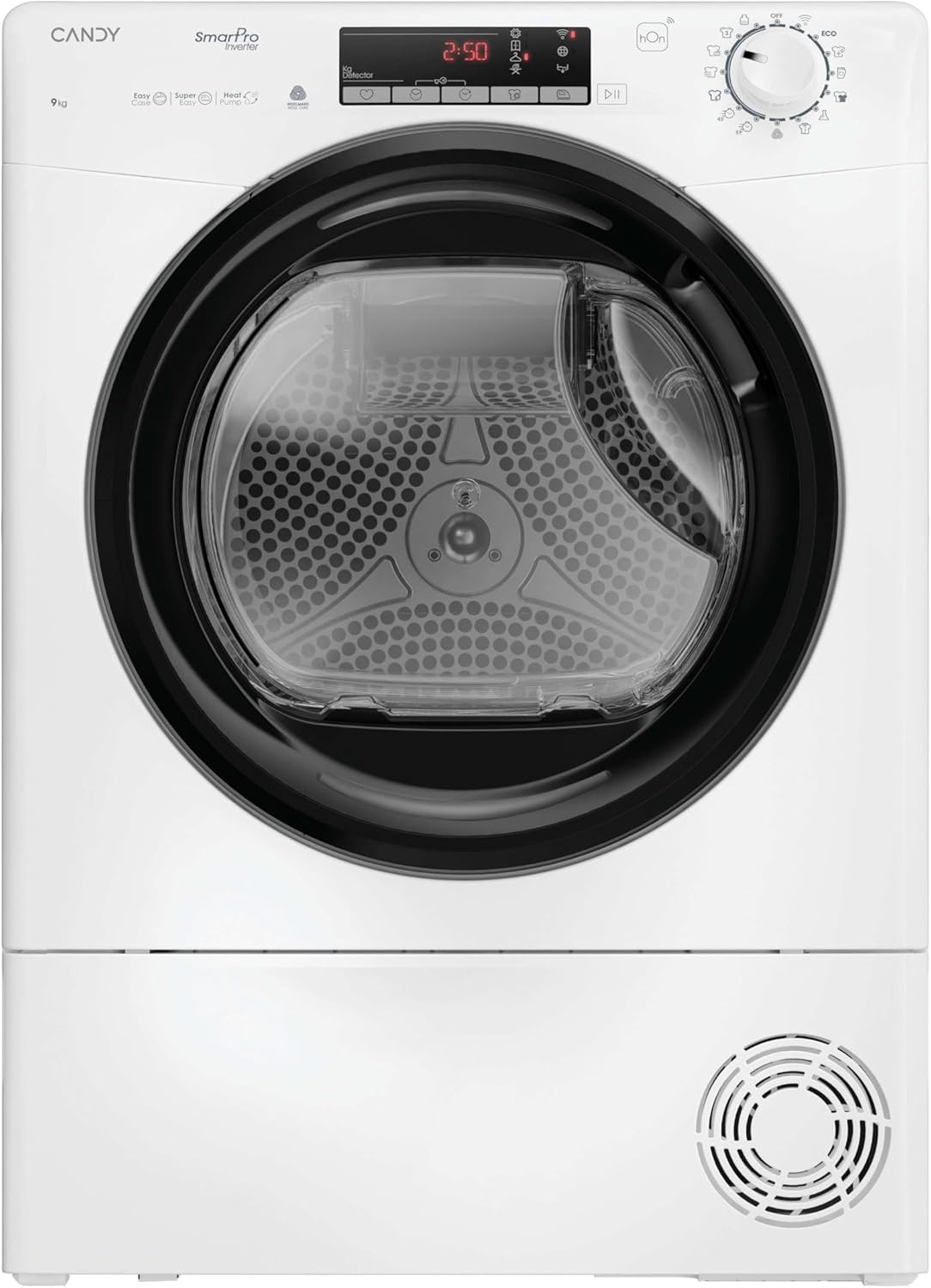
Isithombe: Ngaphambili view of the dryer, highlighting the control panel with its display and buttons.
4.2 Ukulayisha Iwashi
- Avule isomisi.
- Load laundry into the drum, ensuring not to overload the appliance. The maximum capacity is 9 KG.
- Avale umnyango ngokuqinile.

Image: The dryer door open, revealing the empty drum ready for loading.
4.3 Ukukhethwa kohlelo
Turn the program selector dial to choose the desired drying program. The dryer offers 14 standard programs, with over 40 additional programs accessible via the hOn app.
- Certified Wool Program: A dedicated cycle for wool garments. It preserves fabrics and respects fibers, leaving clothes ready to wear. This program is Woolmark certified.
- Relax Cycle: A warm cycle that reduces crease formation in just 12 minutes, ideal for refreshing clothes.
- 4 Drying Levels: Select the desired dryness level:
- Okomisa i-ayina: Ushiya izingubo kancane damp i-ayina elula.
- I-Hanger Dry: Suitable for items that will be hung to finish drying.
- Ukomisa Ikhabethe: Clothes are dry enough to be put away.
- Okomisa Kakhudlwana: For very dry items, such as towels or thick fabrics.
4.4 Izici Ezikhethekile
- Easy Iron Function: A sensor detects the correct humidity level, and a special drum movement reduces creases and tangles, potentially cutting ironing time by half.
- hOn App Connectivity: Connect your dryer to the hOn app via Wi-Fi + BLE to access additional programs, monitor drying cycles, and track energy consumption from your smartphone.
4.5 Ukuqala Umjikelezo
After selecting the program and any desired options, press the Start/Pause button to begin the drying cycle.
5. Isondlo
Ukugcinwa njalo kuqinisekisa ukuthi umshini wakho wokomisa uhlala isikhathi eside futhi usebenza kahle.
5.1 Ukuhlanza Isihlungi Se-Lint
The lint filter should be cleaned after every drying cycle. Pull out the filter, remove any accumulated lint, and rinse it under running water if necessary. Ensure it is completely dry before reinserting.
5.2 Ukuthulula Isitsha Samanzi
As a heat pump dryer, water extracted from the laundry is collected in a container. This container must be emptied after each cycle. Pull out the container, empty the water, and reinsert it securely.

Image: The dryer with the door open, showing laundry inside and the water collection tank, which needs to be emptied.
5.3 Ukuhlanza i-Condenser
The condenser should be cleaned periodically (e.g., every few months) to maintain drying efficiency. Refer to the full instruction manual for detailed steps on how to access and clean the condenser unit.
5.4 Ukuhlanza Ingaphandle
Sula ingaphandle lesomiso ngento ethambile, damp indwangu. Ungasebenzisi izinto zokuhlanza abrasive noma izincibilikisi.
6. Ukuxazulula izinkinga
Ngaphambi kokuxhumana nesevisi yamakhasimende, sicela uhlole izinkinga ezilandelayo nezisombululo:
| Inkinga | Imbangela Engenzeka | Isixazululo |
|---|---|---|
| Isomisi asiqali | Power cord unplugged, door not closed, program not selected. | Hlola uxhumo lwamandla, qinisekisa ukuthi umnyango ubambekile, khetha uhlelo bese ucindezela Qala. |
| Izingubo aziwomi kahle | Lint filter clogged, water container full, wrong program selected, overloaded. | Clean lint filter, empty water container, select appropriate program, reduce load size. |
| Umsindo owedlulele | Dryer not level, foreign objects in drum. | Adjust leveling feet, check drum for loose items. |
| Amanzi avuzayo | Water container not properly inserted, drain hose loose. | Ensure water container is fully pushed in, check drain hose connection. |
7. Imininingwane
Key technical specifications for the Candy Smart Pro Inverter CRO EH9N4TBE-S dryer:
- Ibhrendi: Uswidi
- Imodeli: CRO EH9N4TBE-S
- I-Form Factor: Umthwalo Wangaphambili
- Indawo yokulayisha: Umthwalo Wangaphambili
- Amandla: 9 kg
- Umbala: Emhlophe
- Ubukhulu (HxWxD): 85 x 59.6 x 58.5 cm
- Ikilasi Lokusebenzisa Amandla: B
- Izinga Lomsindo: 63db
- Ukusetshenziswa kwamandla (imijikelezo eyi-100 ngayinye): 92kw

Image: The EU Energy Label for the CRO EH9N4TBE-S model, detailing its energy efficiency and consumption.
For detailed product information and the official EPREL database entry, please visit: https://eprel.ec.europa.eu/qr/2397550
8. Iwaranti kanye Nokusekela
Your Candy Smart Pro Inverter dryer comes with a manufacturer's warranty. Please refer to the warranty card included with your appliance for specific terms and conditions, including the duration of coverage.
For technical assistance, spare parts, or to schedule a service appointment, please contact Candy customer support. You can find more information and support resources on the official Candy service webindawo:
https://go.he.services/service-hcs-candy
When contacting support, please have your appliance model number (CRO EH9N4TBE-S) and serial number ready.