
1. Isingeniso
Thank you for choosing the THOMSON COSMO 500W Wi-Fi Connected Fluid-Free Electric Towel Dryer. This appliance is designed to provide rapid and uniform heat, ensuring warm towels and a comfortable bathroom environment. Its elegant design and smart connectivity features offer both performance and convenience.
This manual provides essential information for the safe installation, operation, and maintenance of your new towel dryer. Please read it thoroughly before use and retain it for future reference.
2. Iziyalezo Zokuphepha
ISEXWAYISO: Failure to follow these safety instructions may result in fire, electric shock, or injury.
- Funda yonke imiyalelo ngaphambi kokufaka noma ukusebenzisa lolu hlelo lokusebenza.
- Lolu hlelo lokusebenza lwenzelwe ukusetshenziswa ekhaya kuphela. Ungayisebenziseli izinjongo zezohwebo noma zezimboni.
- Qinisekisa ukuthi unikezwa amandla ngevolthitage ifana nelebula yokulinganisa entweni esetshenziswayo.
- Ungayisebenzisi le nto yokusebenza ngentambo noma ipulaki eyonakele, noma uma ingasebenzi kahle noma iwile.
- Gcina intambo yamandla ikude nezindawo ezishisayo.
- Ungacwilisi into esetshenziswayo, intambo, noma uyixhume emanzini noma kolunye uketshezi.
- Ngaso sonke isikhathi khipha umshini ophuma kugesi lapho ungasetshenziswa nangaphambi kokuhlanza.
- Do not allow children to operate or play with the appliance. Close supervision is necessary when the appliance is used near children.
- Install the towel dryer in a location where it is not accessible to persons in the bath or shower.
- Ensure proper ventilation around the appliance. Do not cover the towel dryer.
- This appliance is equipped with overheat protection. If it overheats, it will automatically shut off.
- Ukufakwa kufanele kwenziwe ngumsebenzi kagesi oqeqeshiwe ngokuhambisana nemithetho yezintambo zendawo.
3. Umkhiqizo Uphelileview
The THOMSON COSMO towel dryer features a sleek design and advanced fluid-free heating technology for rapid and even heat distribution. It includes a digital control panel and Wi-Fi connectivity for remote management.
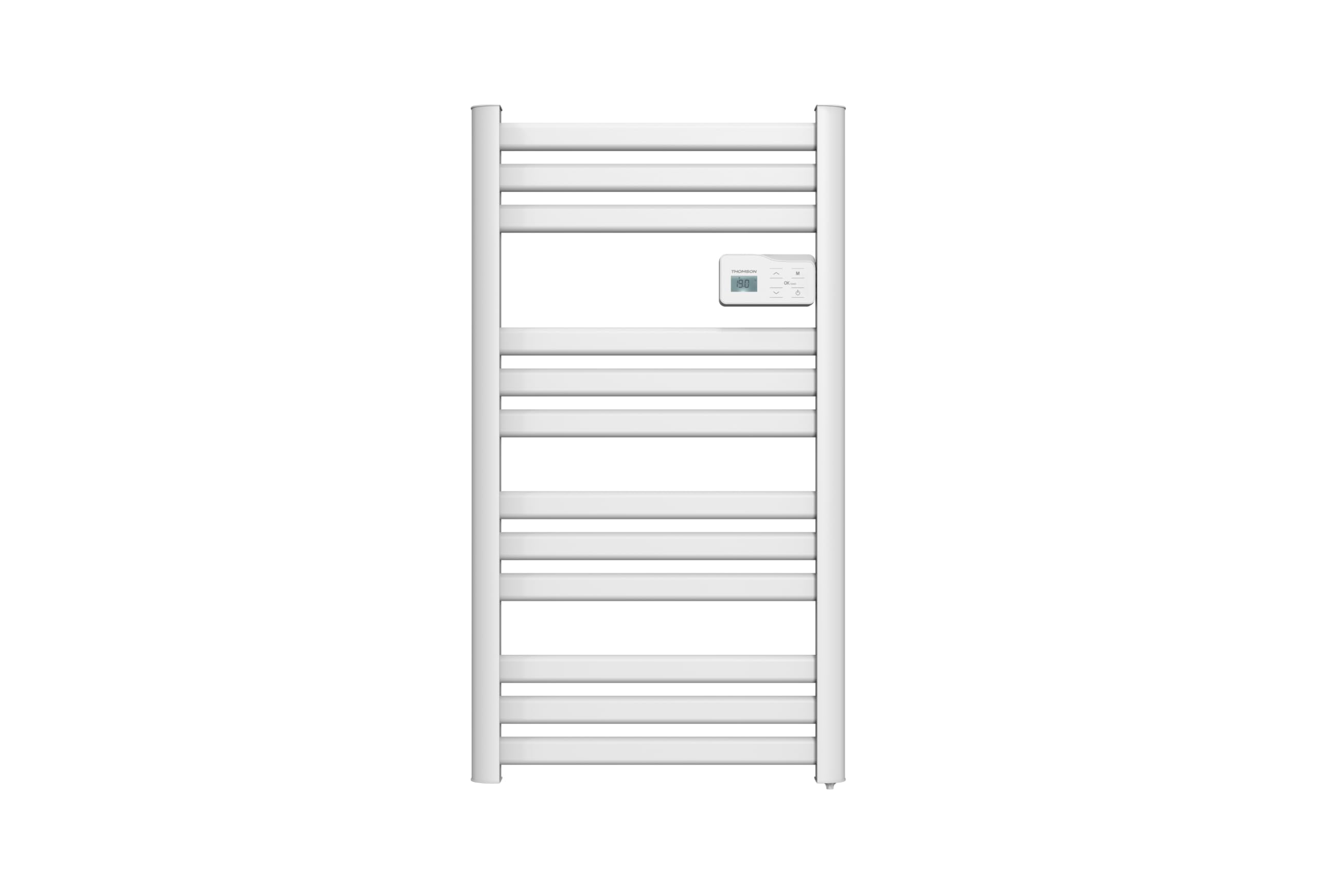
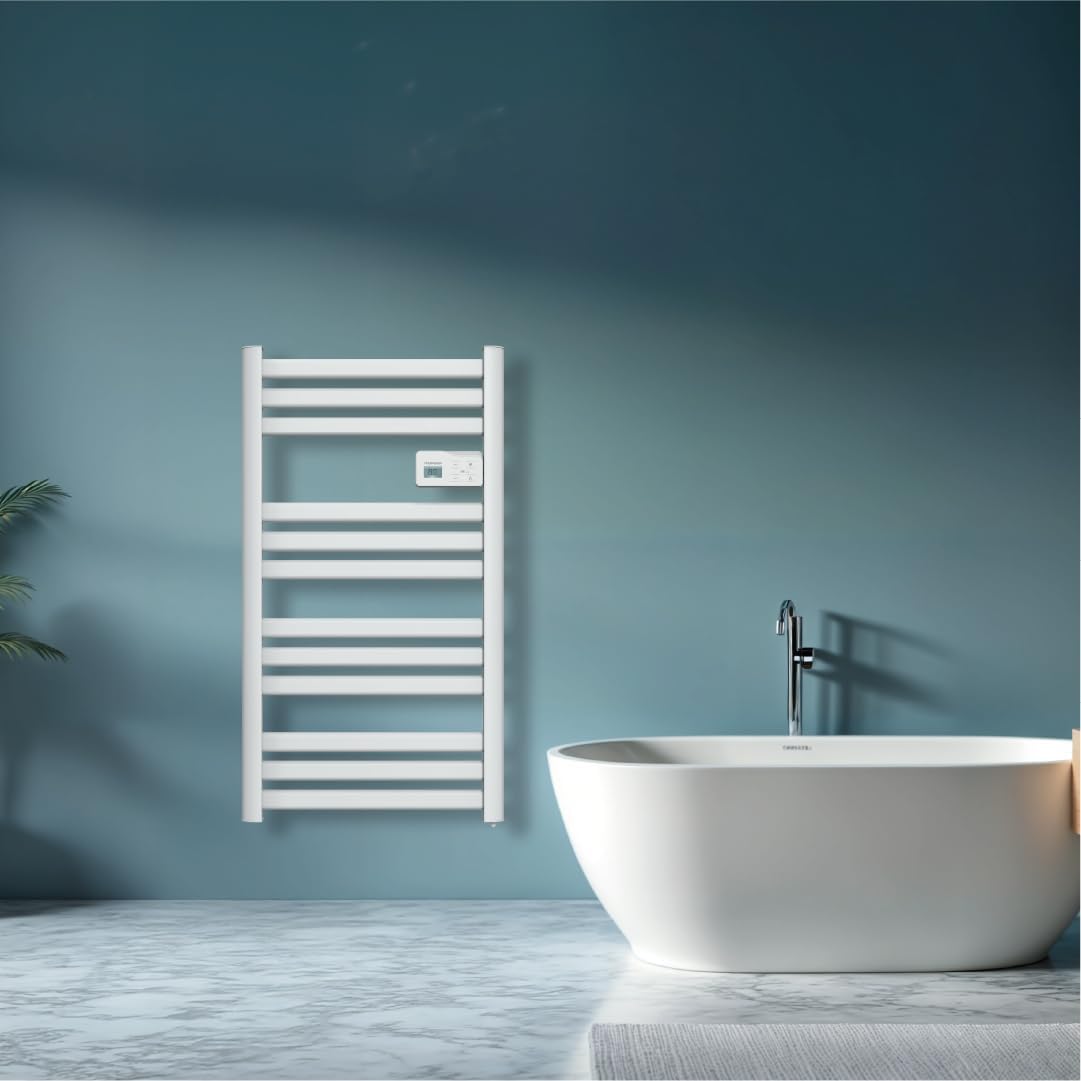
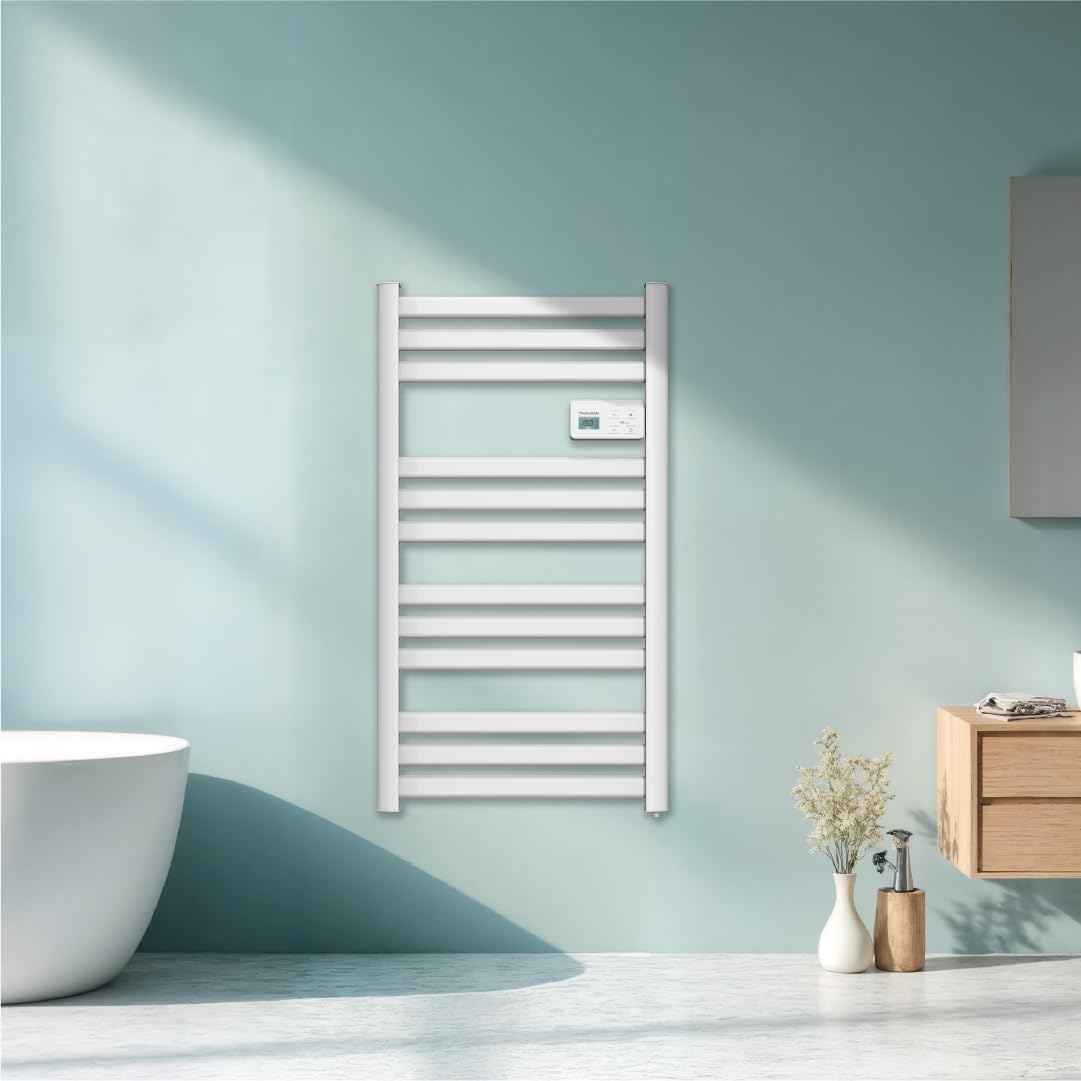
Isithombe: Ngaphambili view of the THOMSON COSMO electric towel dryer, white, wall-mounted, showcasing its design in a bathroom.
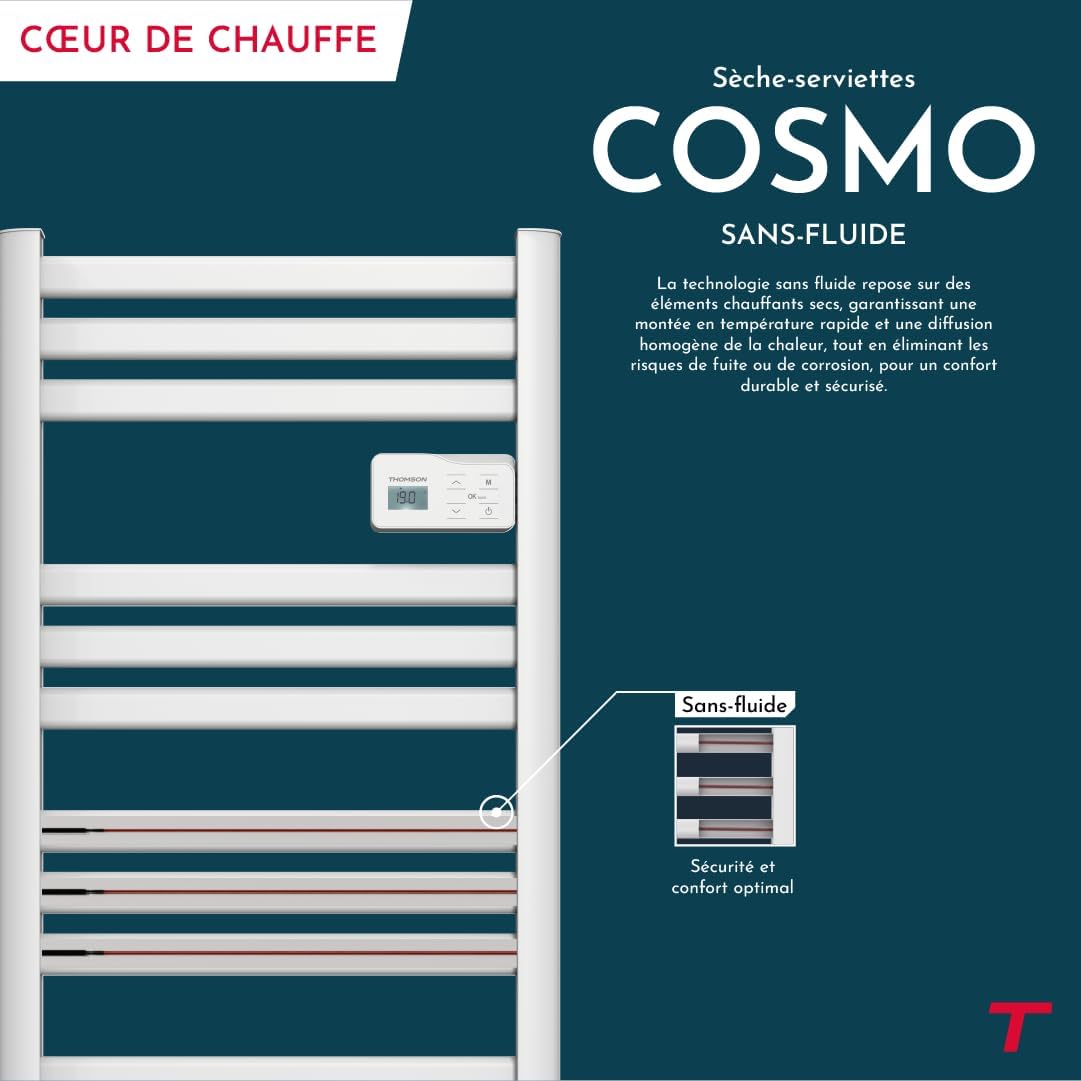
Isithombe: Diagram illustrating the internal fluid-free heating elements, highlighting rapid and homogeneous heat distribution and programmable thermostat.
Izici Eziyinhloko:
- Amandla angu-500W: Efficient heating for towels and bathroom.
- Fluid-Free Technology: Ensures quick heat-up and uniform temperature across the surface.
- Ukuxhumana kwe-Wi-Fi: Compatible with Tuya Smart and Smart Life applications for remote control.
- Iphaneli yokulawula yedijithali: Intuitive LCD display for direct temperature and mode adjustments.
- I-Thermostat Ehlelekayo: 7 daily pre-recorded and customizable programs.
- Ukutholwa Kwewindi Elivuliwe: Automatically cuts heating to save energy if a sudden temperature drop is detected.
- Ukukhiya Kwengane: Ivimbela izinguquko ezingahlosiwe kuzilungiselelo.
4. Ukusetha nokufakwa
The THOMSON COSMO towel dryer is designed for wall-mounted installation. Professional installation is recommended.
4.1. Ukuqaqa
- Carefully remove the towel dryer and all accessories from the packaging.
- Check for any damage during transit. If damaged, do not install and contact your retailer.
- Gcina iphakheji ukuze ithuthwe noma igcinwe esikhathini esizayo.
4.2. Indawo yokukhweza
- Choose a suitable wall in your bathroom, ensuring it is structurally sound to support the weight of the unit (approximately 3.9 kg).
- Ensure the location complies with local electrical safety regulations, especially regarding proximity to water sources (baths, showers, sinks).
- Maintain adequate clearance around the unit for air circulation and access.

Isithombe: Product dimensions and weight for installation planning.
4.3. Ukukhweza Udonga
- Mark the drilling points on the wall using the provided mounting template or by measuring the bracket positions.
- Drill holes of appropriate size for the wall plugs (e.g., Molly anchors for plasterboard, as suggested by a user review).
- Insert the wall plugs and secure the mounting brackets to the wall.
- Carefully hang the towel dryer onto the secured brackets.
- Ensure the unit is level and securely fastened to the wall.
4.4. Uxhumano lukagesi
- The appliance connects via an electrical cable. Ensure the power supply is switched off at the main circuit breaker before making any connections.
- Connect the towel dryer to a suitable electrical outlet or junction box according to local electrical codes.
- Once connected, switch on the power supply.
5. Iziqondiso Zokusebenza
The THOMSON COSMO towel dryer features an intuitive digital control panel for easy operation.
Isithombe: Digital control panel with LCD display and buttons for temperature adjustment and mode selection, shown with a hand pressing the power button.
5.1. Iphaneli yokulawula iphelileview
- Isibonisi se-LCD: Shows current temperature, mode, and other settings.
- Inkinobho yamandla (⏻): Kuvula iyunithi KUVALIWE / KUVALIWE.
- Imicibisholo Eyaphezulu/Eyaphansi (⌃ / ⌄): Adjust temperature settings or navigate menus.
- Inkinobho yemodi (M): Cycles through different operating modes (e.g., Comfort, Eco, Boost, Program).
- Menu/Confirm Button (≡): Accesses menu options or confirms selections.
5.2. Ukusebenza Okuyisisekelo
- Amandla VULA/CIMILE: Cindezela inkinobho yamandla (⏻) to turn the towel dryer on or off.
- Setha izinga lokushisa: When the unit is on, use the Up/Down arrows (⌃ / ⌄) to adjust the desired temperature. The display will show the set temperature.
- Shintsha Imodi: Press the Mode button (M) to cycle through available operating modes. Refer to the full product manual for detailed descriptions of each mode (e.g., Comfort, Eco, Boost, Frost Protection).
5.3. Ukuhlela
The towel dryer offers 7 daily pre-recorded and customizable programs. Access the programming menu via the Menu/Confirm button (≡) and follow the on-screen instructions to set your desired heating schedules.
For a visual guide on programming, you can refer to the official video tutorial playlist:
Ividiyo: Official video tutorial playlist for THOMSON COSMO towel dryer programming and features. This playlist provides step-by-step instructions on how to set up and use various functions of your device.
6. Wi-Fi Connectivity & Smart Features
The THOMSON COSMO towel dryer can be controlled remotely via Wi-Fi using the Tuya Smart or Smart Life mobile applications.
Isithombe: A graphic indicating the towel dryer's Wi-Fi connectivity and compatibility with the Tuya Smart application.
6.1. Ukufakwa kohlelo lokusebenza nokumatanisa
- Download the "Tuya Smart" or "Smart Life" app from your smartphone's app store (Google Play Store for Android, Apple App Store for iOS).
- Bhalisa noma ungene ku-akhawunti yakho.
- Ensure your towel dryer is powered on and your smartphone is connected to a 2.4 GHz Wi-Fi network.
- Kuhlelo lokusebenza, thepha okuthi "Engeza Idivayisi" noma isithonjana "+".
- Select the appropriate device category (e.g., "Heater" or "Towel Warmer").
- Follow the in-app instructions to put your towel dryer into pairing mode (usually by pressing and holding a button on the control panel until an indicator light flashes).
- Complete the pairing process within the app.
6.2. Remote Control Features
Uma usuxhumekile, ungasebenzisa uhlelo lokusebenza ukuze:
- Turn the towel dryer ON/OFF.
- Lungisa izinga lokushisa.
- Shintsha izindlela zokusebenza.
- Set and customize heating schedules.
- Monitor energy consumption (if supported by the app and device).

Isithombe: The Tuya Smart app interface demonstrating energy monitoring and scheduling features for connected devices.
6.3. Ukuhlanganisa Ukulawulwa Kwezwi
The THOMSON COSMO towel dryer is compatible with voice assistants like Amazon Alexa and Google Home via the Tuya Smart/Smart Life app integration.

Isithombe: Logos of Amazon Alexa and Google Home, signifying that the towel dryer can be controlled using voice commands through these platforms.
- Enable the "Tuya Smart" or "Smart Life" skill/service in your Alexa or Google Home app.
- Link your Tuya/Smart Life account with your voice assistant account.
- Discover devices. Your towel dryer should appear as a controllable device.
- Manje ungasebenzisa imiyalo yezwi efana nalokhu:
- "Alexa, turn on the bathroom heater."
- "Hey Google, set the bathroom heater to 22 degrees."
7. Isondlo
Regular maintenance ensures the longevity and efficient operation of your THOMSON COSMO towel dryer.
7.1. Ukuhlanza
- Ngaso sonke isikhathi khipha ipulaki futhi uyivumele iphole ngokuphelele ngaphambi kokuhlanza.
- Sula ingaphandle ngethafa elithambile, damp indwangu. Ungasebenzisi izinto zokuhlanza abrasive, izincibilikisi, noma amakhemikhali anokhahlo, njengoba lokhu kungalimaza isiphetho.
- Ensure no water enters the control panel or electrical components.
- Do not use water jets or immerse the appliance in water.
7.2. Isitoreji
If storing the towel dryer for an extended period, ensure it is clean and dry. Store it in a cool, dry place, preferably in its original packaging to protect it from dust and damage.
8. Ukuxazulula izinkinga
If you encounter issues with your THOMSON COSMO towel dryer, refer to the following common problems and solutions:
| Inkinga | Imbangela Engenzeka | Isixazululo |
|---|---|---|
| Into esetshenziswayo ayivuli. | Akukho ukunikezwa kwamandla; Inkinobho yamandla ayicindezelwe; Ukuvikelwa kokushisa ngokweqile kuyasebenza. | Check power outlet and circuit breaker; Press the Power button; Unplug, let cool, then plug back in. |
| Appliance is not heating. | Temperature setting too low; Incorrect mode selected; Window open detection activated. | Increase temperature setting; Select Comfort or Boost mode; Close windows/doors. |
| Ukuxhumeka kwe-Wi-Fi kuhlulekile. | Incorrect Wi-Fi password; Not connected to 2.4 GHz network; Router too far; Device not in pairing mode. | Verify password; Connect to 2.4 GHz Wi-Fi; Move router closer or use extender; Re-enter pairing mode as per app instructions. |
| Ukulawulwa kwezwi akusebenzi. | App not linked to voice assistant; Device not discovered; Incorrect commands. | Ensure Tuya/Smart Life skill is enabled and linked; Re-discover devices in Alexa/Google Home app; Use correct voice commands. |
Uma inkinga iqhubeka ngemva kokuzama lezi zixazululo, sicela uxhumane nokwesekwa kwamakhasimende.
9. Imininingwane
| Isici | Imininingwane |
|---|---|
| Imodeli | I-COSMO |
| Ibhrendi | THOMSON (Bestherm) |
| Okukhipha Amandla | 500 Watts |
| Indlela Yokushisisa | Radiant, Fluid-Free Electric |
| Ubukhulu (H x W x D) | 98 cm x 54 cm x 9.2 cm (38.6 in x 21.3 in x 3.6 in) |
| Isisindo | 3.9 Kilogram (8.6 lbs) |
| Umbala | Emhlophe |
| Uhlobo Lokukhweza | Ifakwe odongeni |
| Izici ezikhethekile | Wi-Fi Compatible, Overheat Protection, Programmable Thermostat, Electronic Thermostat, Child Lock, Window Open Detection |
| I-Smart Home Compatibility | Tuya Smart, Smart Life, Amazon Alexa, Google Home |
| ASIN | B0FP2KJNLQ |
10. Iwaranti kanye Nokusekela
10.1. Ulwazi Lwewaranti
Your THOMSON COSMO towel dryer comes with a manufacturer's warranty. Please refer to the warranty card included with your product for specific terms, conditions, and duration. Keep your proof of purchase for warranty claims.
10.2. Ukwesekwa Kwamakhasimende
For technical assistance, troubleshooting beyond this manual, or warranty inquiries, please contact your retailer or the manufacturer's customer service. Contact details can typically be found on the product packaging or the manufacturer's official webindawo.
Izinsiza eziku-inthanethi: For additional support and video tutorials, visit the official THOMSON website or the YouTube playlist provided in this manual.