
1. Isingeniso
Thank you for choosing the HTC N15 Wireless Clip-On Earbuds. These open-ear earphones are designed to provide audio while allowing you to remain aware of your surroundings. This manual provides detailed instructions for setup, operation, and maintenance to ensure optimal performance and longevity of your device.

Image 1.1: HTC N15 Wireless Clip-On Earbuds and Charging Case.
2. Okuqukethwe Kwephakheji
Sicela uhlole okuqukethwe kwephakheji uma uvula ibhokisi. Uma kukhona izinto ezingekho noma ezonakele, xhumana nosekelo lwamakhasimende.
- 1 Pair HTC N15 Clip-On Earbuds
- 1 Icala lokushaja
- 1 Ikhebuli yokushaja ye-USB-C
- Incwadi Yomsebenzisi eyi-1 (le dokhumenti)
Video 2.1: Unboxing the HTC N15 Wireless Clip-On Earbuds, showing the earbuds, charging case, and USB-C cable.
3. Umkhiqizo Uphelileview
3.1 Earbud Features
- Idizayini ye-Open-Ear: Allows awareness of surroundings.
- Clip-On Fit: Secure and comfortable for various activities.
- Ukulawula Ukuthinta: Intuitive control for audio and calls.
- Imakrofoni eyakhelwe ngaphakathi: For clear communication.
- Okungasindi: Each earbud weighs approximately 4.7g.
- Umshayeli we-13mm: For enhanced sound quality.
3.2 Charging Case Features
- Imbobo yokushaja ye-USB-C: Ukushaja okulula.
- Inkomba Yebhethri: LEDs show charging status and battery level.

Isithombe 3.1: Phezuview of HTC N15 earbuds and charging case, highlighting battery life and Type-C charging port.
4. Setha
4.1 Ukushaja ama-Earbud nekesi
Ngaphambi kokusebenzisa okokuqala, shaja ngokugcwele ama-earbud nekesi lokushaja.
- Faka ama-earbud ekesini lokushaja.
- Xhuma ikhebuli yokushaja ye-USB-C embobeni yokushaja kukesi kanye nomthombo wamandla.
- The LED indicators on the case will illuminate to show charging status. A full charge for the case takes approximately 1.5 hours.
- The earbuds provide up to 8 hours of playback on a single charge, and the charging case extends total playtime to 22 hours.

Image 4.1: Visual representation of charging times and battery life for the HTC N15 earbuds and case.
4.2 Ukumatanisa neDivaysi
The HTC N15 earbuds use Bluetooth 6.0 for fast and stable connections.
- Qinisekisa ukuthi ama-earbud ashajiwe futhi angaphakathi kwekesi lokushaja.
- Open the charging case. The earbuds will automatically enter pairing mode, indicated by flashing LED lights.
- Kudivayisi yakho (i-smartphone, ithebhulethi, i-laptop), iya kuzilungiselelo ze-Bluetooth bese uvula i-Bluetooth.
- Cinga available devices and select "HTC NE15" from the list.
- Uma sekuxhunyiwe, ama-LED e-earbud azoyeka ukukhanya, futhi uzozwa ithoni yokuqinisekisa.
Ama-earbud azoxhuma kabusha ngokuzenzakalelayo kudivayisi yokugcina ebhangqiwe uma esuswa ebhokisini, uma i-Bluetooth ivuliwe kudivayisi.

Image 4.2: The HTC N15 earbuds offer flexible connectivity with various devices including notebooks, TVs, desktops, watches, phones, and iPads.
5. Imiyalelo Yokugqoka
For optimal sound and comfort, ensure the earbuds are worn correctly.
- Khomba ama-earbud angakwesokunxele (L) kanye Nesokudla (R).
- Confirm the direction of the earbud, ensuring the clip is oriented to hook over the top of your ear.
- Gently clip the earbud onto the thinnest part of your ear, sliding it down until it feels secure.
- Adjust the earbud tip to align with your ear canal for the best sound experience and comfort.

Image 5.1: Step-by-step guide on how to properly wear the HTC N15 Clip-On Earbuds for a secure and comfortable fit.

Image 5.2: Illustration of the ergonomic open-ear clip design and wearing tips for optimal sound alignment.
6. Iziqondiso Zokusebenza
The HTC N15 earbuds feature smart touch controls for easy management of audio and calls.

Image 6.1: Diagram illustrating the touch control functions for the HTC N15 earbuds.
6.1 Ukulawula Umculo
- Dlala/Misa kancane: Chofoza kabili noma iyiphi i-earbud.
- Ingoma Elandelayo: Triple-click the Right (R) earbud.
- Ingoma Edlule: Triple-click the Left (L) earbud.
- Ivolumu ephezulu: Click the Right (R) earbud.
- Ivolumu Phansi: Click the Left (L) earbud.
6.2 Ukulawula Izingcingo
- Phendula/Phendula ikholi: Click either earbud.
- Yenqaba Ucingo: Cindezela futhi ubambe noma iyiphi i-earbud imizuzwana emi-2.
6.3 Voice Assistant & Game Mode
- Yenza kusebenze umsizi wezwi: Hold the Left (L) earbud for 2 seconds.
- Imodi yegeyimu: Hold the Right (R) earbud for 2 seconds to activate low-latency mode.

Image 6.2: The HTC N15 earbuds feature a low-latency Game Mode, reducing audio delay to 40ms for an improved gaming experience.
7. Isondlo
7.1 Ukuhlanza
- Hlanza njalo ama-earbud nekesi lokushaja ngendwangu ethambile, eyomile, engena-lint.
- Ungasebenzisi izinto zokuhlanza abrasive, utshwala, noma izincibilikisi zamakhemikhali.
- Qinisekisa ukuthi abathintwayo abashajayo kukho kokubili ama-earbud nekesi kuhlanzekile futhi komile.
7.2 Isitoreji
- Gcina ama-earbud kukesi lawo lokushaja uma lingasetshenziswa ukuze uwavikele futhi uwagcine eshajiwe.
- Gwema ukugcina emazingeni okushisa aphezulu noma kunomswakama ophezulu.
7.3 Ukumelana Namanzi Nothuli
The HTC N15 earbuds are rated IP45 for water and dust resistance. This means they are protected against dust ingress and low-pressure water jets from any direction. They are suitable for workouts and light rain but should not be submerged in water.
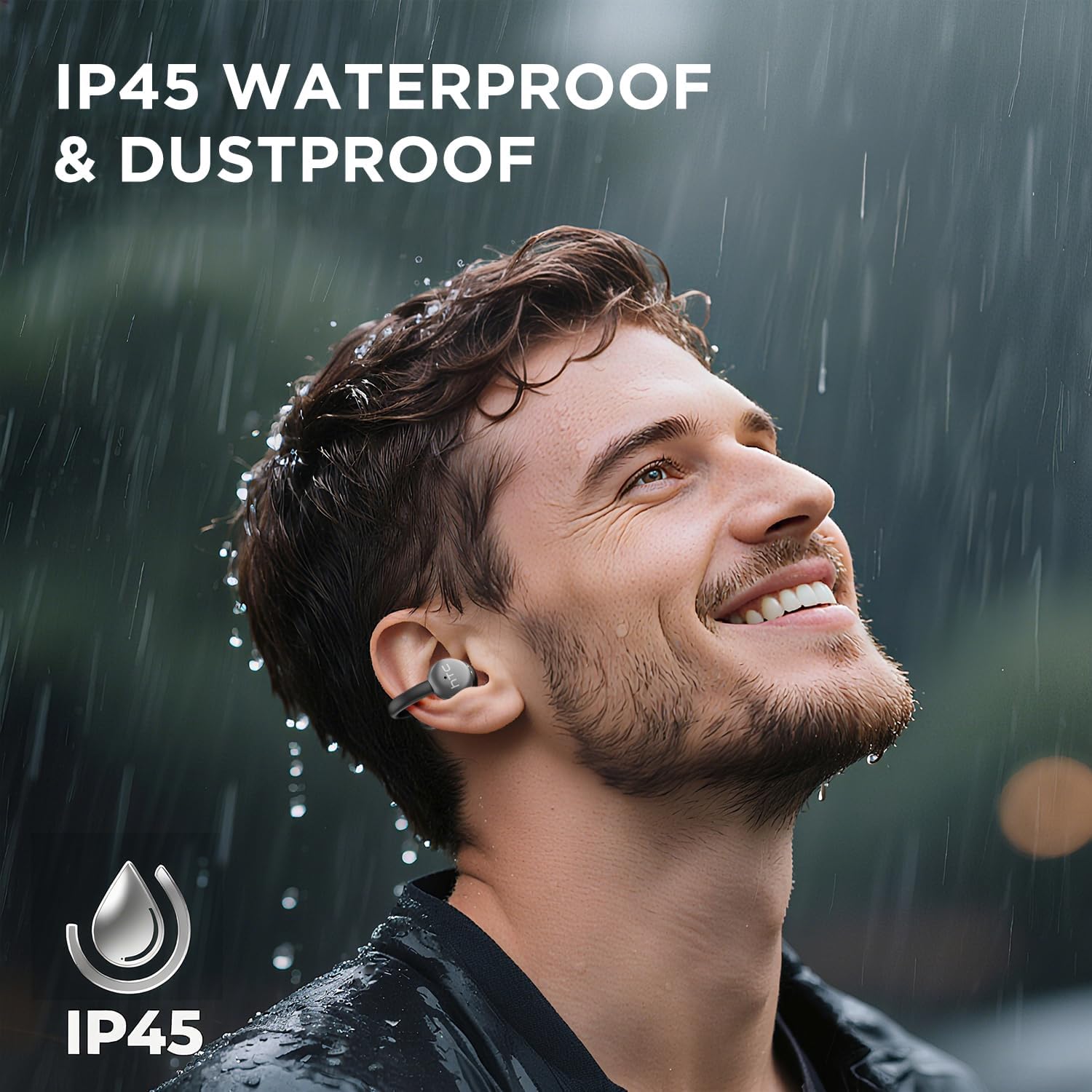
Image 7.1: The HTC N15 earbuds are IP45 rated, offering protection against dust and water splashes, making them suitable for outdoor activities.
8. Ukuxazulula izinkinga
| Inkinga | Imbangela Engenzeka | Isixazululo |
|---|---|---|
| Ama-earbud awamatanisi | Low battery; Bluetooth off on device; Earbuds not in pairing mode; Interference. | Charge earbuds and case. Ensure Bluetooth is enabled on your device. Place earbuds in case, close, then open to re-enter pairing mode. Move closer to your device. |
| Awukho umsindo noma ikhwalithi yomsindo ephansi | Volume too low; Earbuds not properly seated; Device not connected; Dirty earbuds. | Increase device volume. Adjust earbuds for a proper fit. Reconnect earbuds to your device. Clean earbuds as per maintenance section. |
| Ama-earbud awashaji | Charging cable not connected properly; Dirty charging contacts; Faulty cable/adapter. | Ensure USB-C cable is securely connected. Clean charging contacts. Try a different USB-C cable or power adapter. |
| Izilawuli zokuthinta aziphenduli | Earbuds not active; Moisture on touch surface; Software glitch. | Ensure earbuds are active and connected. Wipe touch surface dry. Place earbuds back in case, close, then reopen to reset. |
9. Imininingwane
| Isici | Ukucaciswa |
|---|---|
| Igama Lemodeli | I-HTC NE15 |
| Inguqulo ye-Bluetooth | 6.0 |
| Ubuchwepheshe bokuxhumana | Okungenantambo (Bluetooth) |
| Uhlobo lwe-Earbud | Clip-On, Open-Ear |
| Usayizi Womshayeli | 13 mm |
| Indlela Yokulawula | Thinta |
| Imakrofoni | Kwakhelwe ngaphakathi |
| Isikhathi Sokudlala Sokushaja Okukodwa | Kufika emahoreni angu-8 |
| Isikhathi sokudlala esiphelele (kanye nekesi) | Kufika emahoreni angu-22 |
| Case Fast Charging | Cishe. Amahora angu-1.5 |
| Imbobo yokushaja | I-USB-C |
| Ukumelana Namanzi | IP45 (Ingazweli Amanzi Nothuli) |
| Isisindo se-Earbud | Cishe 4.7g (ngalinye) |
| Amadivayisi Ahambisanayo | Smartphones, Tablets, Bluetooth-enabled Devices (iOS, Android) |
| I-UPC | 768649989642 |
10. Iwaranti kanye Nokusekela
HTC provides customer support for its products. If you encounter any issues or have questions not covered in this manual, please contact our support team.
- Ukwesekwa Kwamakhasimende: 7*24 Live Chat Support is available. Refer to the product packaging or official HTC website ngemininingwane yokuxhumana.
- Ulwazi Lwesiqinisekiso: Please retain your proof of purchase for warranty claims. Specific warranty terms and conditions may vary by region. Refer to the warranty card included in your package or the official HTC website ukuze uthole ulwazi oluningiliziwe.