
1. Umkhiqizo Uphelileview
The BUGANI Luster Bluetooth Speaker is a portable wireless stereo speaker designed for high-quality audio output with dynamic colorful lighting. It features Bluetooth 5.3 connectivity, IPX6 waterproofing, and extended playtime, making it suitable for various indoor and outdoor environments.

Image: The BUGANI Luster Bluetooth Speaker, showcasing its design and the vibrant light effects, surrounded by water splashes to highlight its waterproof capabilities.
2. Yini EseBhokisini
- BUGANI Luster Bluetooth Speaker
- Ikhebuli yokushaja ye-USB-C
- Ikhebula le-AUX-in
- Quick Start Guide
- I-Lanyard etholakalayo
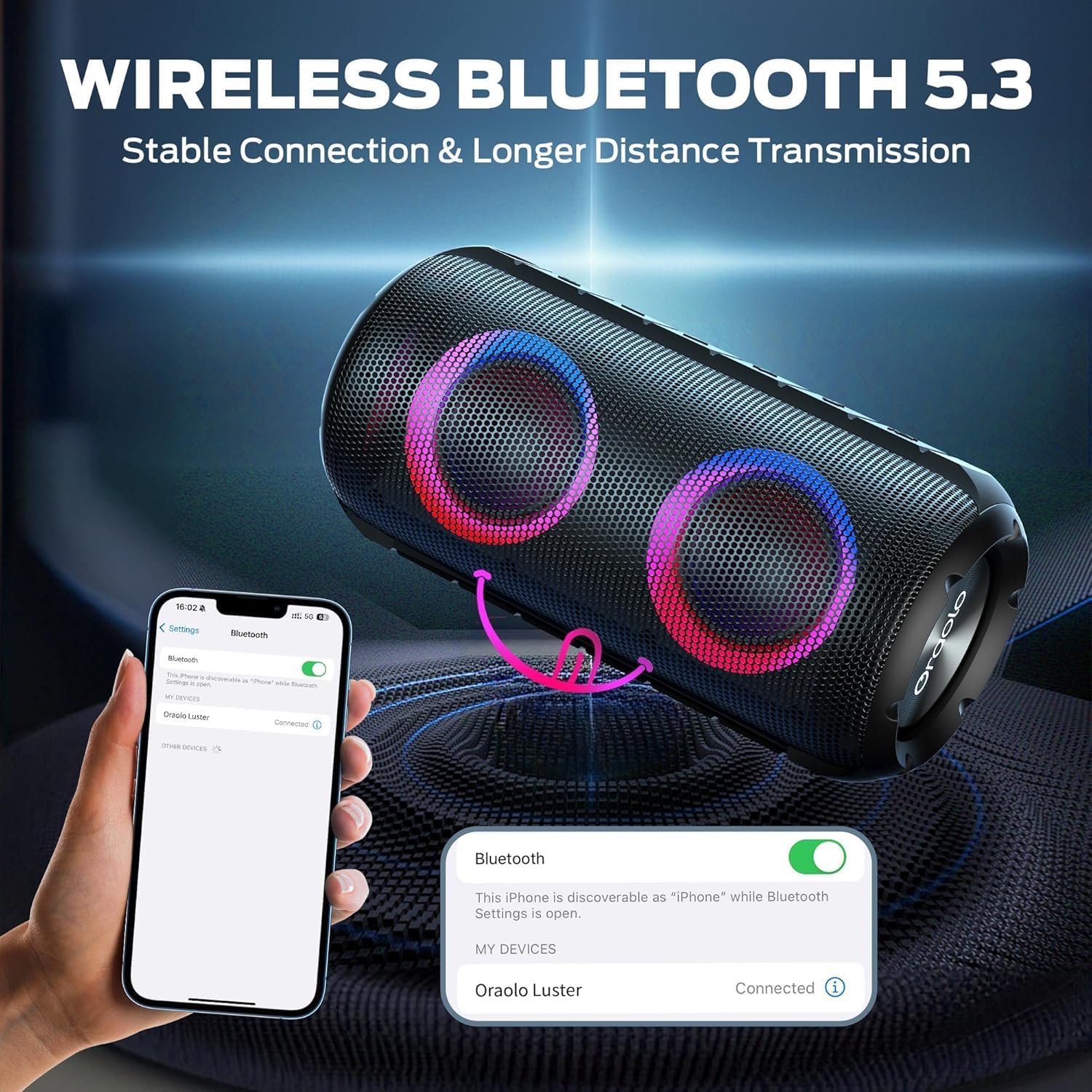
Image: The BUGANI Luster Bluetooth Speaker with its detachable lanyard, illustrating its portability and ease of carrying.
3. Setha
3.1 Ukushaja Kwasekuqaleni
Before first use, fully charge the speaker. Connect the provided USB-C cable to the speaker's charging port and the other end to a USB power adapter (not included) or a computer's USB port. The charging indicator light will show the charging status.
3.2 Vula/Vala amandla
- Vula: Cindezela bese ubamba inkinobho yamandla (⏻) for 2-3 seconds until you hear an audible prompt and the lights illuminate.
- Cisha ugesi: Cindezela bese ubamba inkinobho yamandla (⏻) for 2-3 seconds until you hear an audible prompt and the lights turn off.
3.3 Ukumatanisa kwe-Bluetooth
- Ensure the speaker is powered on and in Bluetooth pairing mode (indicated by a flashing blue light).
- Edivayisini yakho (i-smartphone, ithebhulethi, njll.), vula i-Bluetooth bese usesha amadivayisi atholakalayo.
- Select "BUGANI Luster" from the list of devices.
- Once connected, you will hear a confirmation sound, and the Bluetooth indicator light will become solid blue.
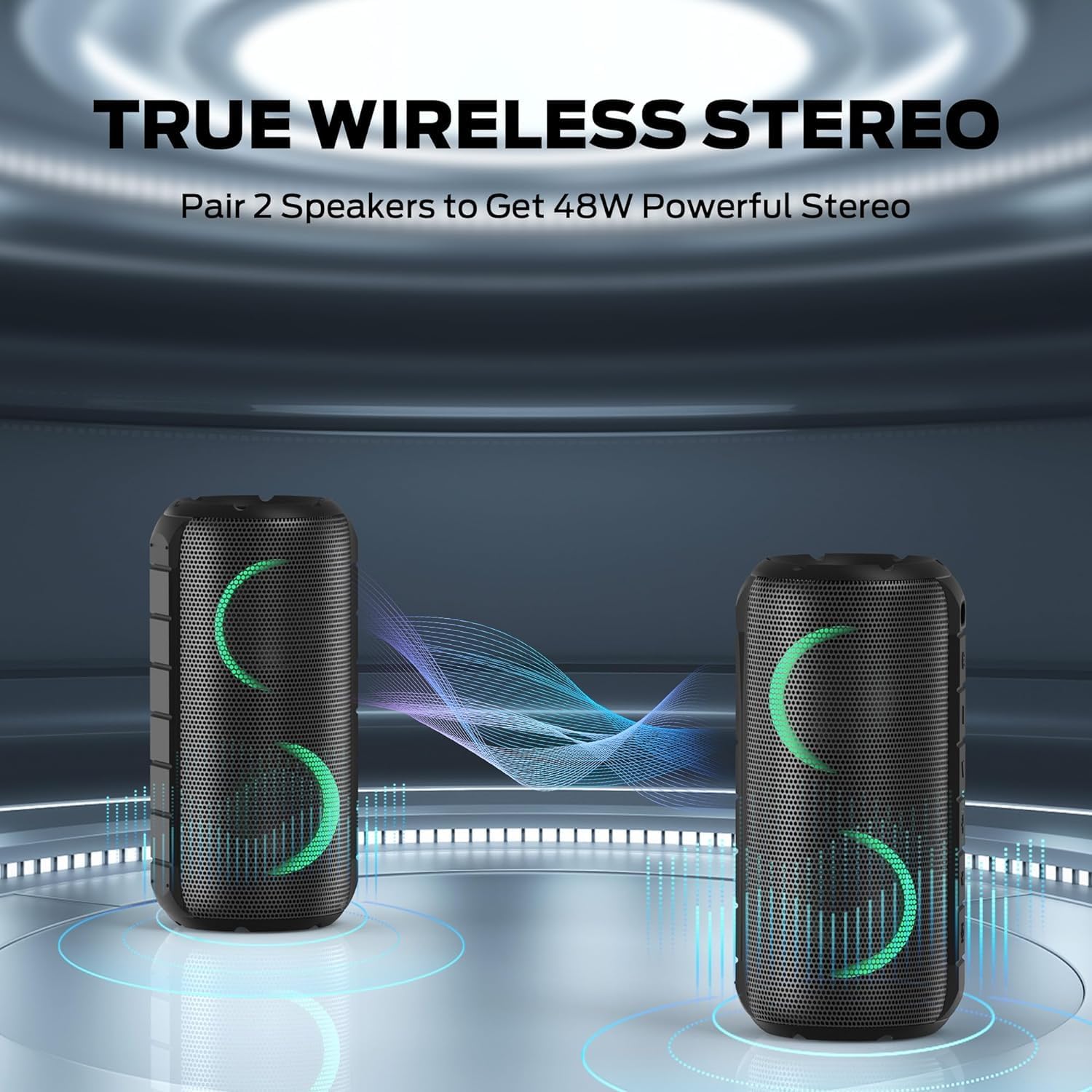
Image: A smartphone displaying its Bluetooth settings, showing a successful connection to the "Oraolo Luster" (BUGANI Luster) speaker, demonstrating the ease of Bluetooth 5.3 pairing.
3.4 Ukubhanqa kwe-True Wireless Stereo (TWS).
To achieve a more immersive stereo sound, you can pair two BUGANI Luster speakers together.
- Qinisekisa ukuthi zombili izipikha zivuliwe futhi azixhumekile kunoma iyiphi idivayisi ye-Bluetooth.
- On one speaker (this will be the primary speaker), press the TWS button (often indicated by two interlocking circles or a dedicated TWS icon). The speaker will enter TWS pairing mode.
- The primary speaker will automatically search for the secondary speaker. Once connected, you will hear a confirmation sound, and the lights on both speakers will synchronize.
- Manje, xhuma idivayisi yakho kusipika esiyinhloko nge-Bluetooth njengoba kuchazwe esigabeni 3.3. Umsindo uzodlala kuzo zombili izipikha ku-stereo.

Image: Two BUGANI Luster speakers positioned to illustrate their True Wireless Stereo (TWS) pairing capability, creating a wider soundstage.
3.5 AUX-in Connection
For non-Bluetooth devices, use the provided 3.5mm AUX-in cable.
- Connect one end of the 3.5mm AUX-in cable to the speaker's AUX-in port.
- Xhuma esinye isiphetho kujeke ophumayo womsindo wedivayisi yakho.
- The speaker will automatically switch to AUX-in mode.
4. Iziqondiso Zokusebenza
4.1 Imisebenzi Yenkinobho

Isithombe: Ukuvala view of the BUGANI Luster speaker's top panel, clearly showing the control buttons for various functions.
| Inkinobho | Umsebenzi (Ukucindezela iDemo) | Umsebenzi (Cindezela isikhathi eside) |
|---|---|---|
| ⏻ (Amandla) | N/A | Vula/Vala |
| + (Ivolumu phezulu) | Ivolumu phezulu | Ithrekhi Elandelayo |
| - (Ivolumu Phansi) | Ivolumu Phansi | Ithrekhi Edlule |
| ▶‖ (Dlala/Misa kancane) | Dlala/Misa kancane; Phendula/Qeda ucingo | Reject Call; Activate Voice Assistant |
| 💡 (Light Mode) | Cycle through Light Modes | Vula/Vala Izibani |
| I-TWS (TWS Pairing) | N/A | Faka Imodi yokumatanisa ye-TWS |
4.2 Colorful Light Show
The speaker features a dynamic RGB light system with 7 colors and 5 light modes. Press the Light Mode button (💡) to cycle through the available modes. Long press the button to turn the lights on or off.

Image: The BUGANI Luster speaker showcasing its vibrant and dynamic colorful light patterns, which enhance the listening experience.
4.3 Ukufona Okungenazandla
Uma ixhunywe nge-Bluetooth, imakrofoni yesipikha eyakhelwe ngaphakathi ivumela izingcingo ezingenazingcingo.
- Phendula/Phendula ikholi: Short press the Play/Pause button (▶‖).
- Yenqaba Ucingo: Long press the Play/Pause button (▶‖).
4.4 Ukusebenza Komsizi Wezwi
Long press the Play/Pause button (▶‖) to activate your phone's voice assistant (e.g., Siri, Google Assistant).
5. Isondlo
5.1 Ukuhlanza
Sula isipikha ngesithambile, damp indwangu. Ungasebenzisi izihlanzi ezihudulayo, utshwala, noma izinyibilikisi zamakhemikhali, njengoba lokhu kungalimaza indawo noma izingxenye zangaphakathi.
5.2 Waterproof Care (IPX6)
The speaker has an IPX6 waterproof rating, meaning it is protected against powerful water jets. It is suitable for use in rainy conditions or near water bodies like pools and beaches. However, it is hhayi designed for submersion in water. Ensure the charging port cover is securely closed before exposing the speaker to water.
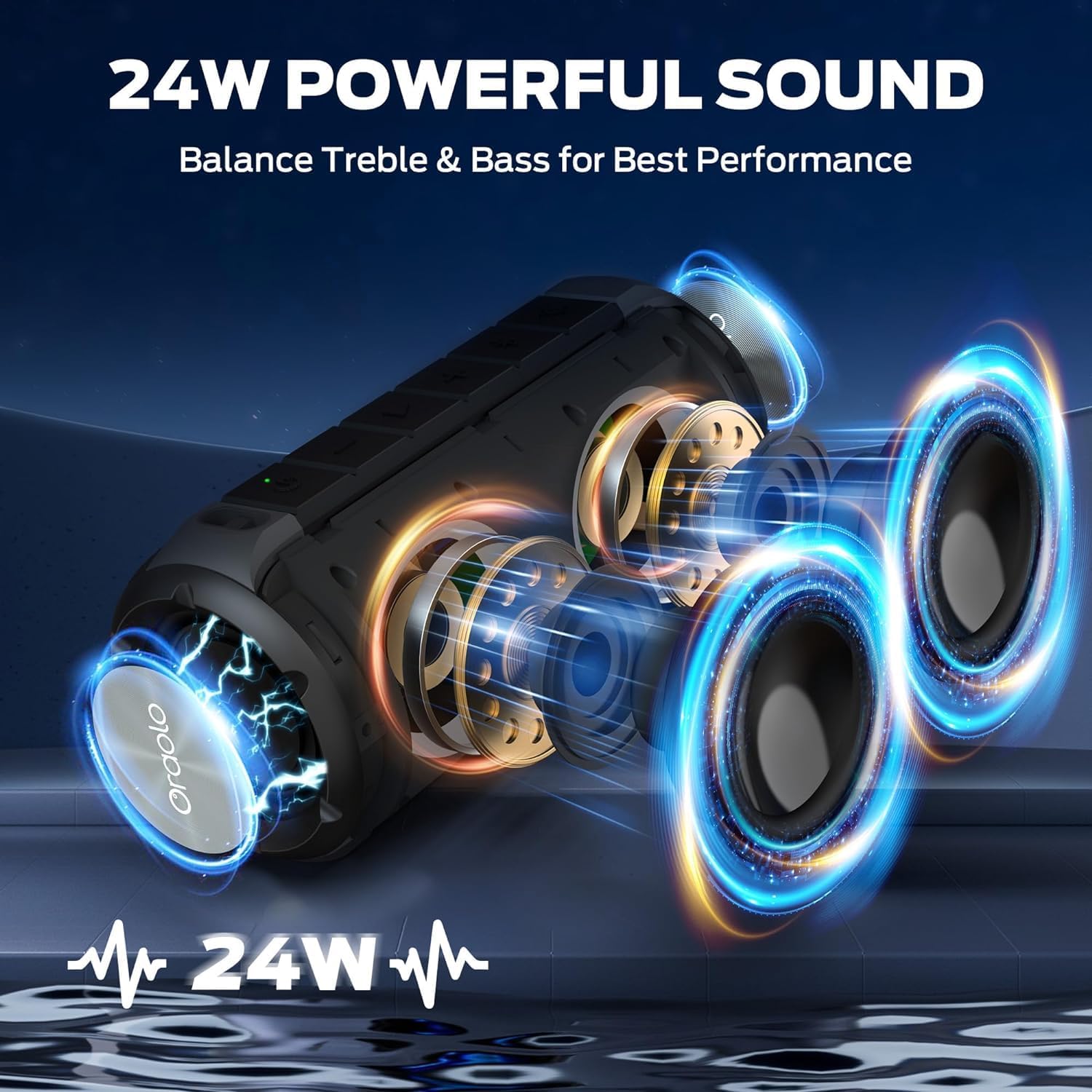
Image: The BUGANI Luster speaker resting on a wet rock with water droplets, visually confirming its IPX6 waterproof rating for outdoor use.
5.3 Isitoreji
Gcina isipikha endaweni epholile, eyomile kude nokukhanya kwelanga okuqondile kanye namazinga okushisa aphezulu. Uma ugcina isikhathi eside, shaja ibhethri cishe ku-50% njalo ezinyangeni ezimbalwa ukuze ulondoloze impilo yebhethri.
6. Ukuxazulula izinkinga
6.1 Amandla Awekho
- Qinisekisa ukuthi isipikha sishajwe ngokugcwele.
- Cindezela bese ubamba inkinobho yamandla imizuzwana emi-2-3.
6.2 Awukho umsindo
- Hlola ileveli yevolumu kukho kokubili isipika kanye nedivayisi yakho exhunyiwe.
- Ensure the speaker is correctly paired via Bluetooth or the AUX-in cable is securely connected.
- Uma usebenzisa i-Bluetooth, zama ukuyinqamula bese uyihlanganisa kabusha idivayisi.
6.3 Izinkinga zokumatanisa kwe-Bluetooth
- Ensure the speaker is within the effective range (up to 33 feet/10 meters) of your device.
- Clear the Bluetooth pairing history on your device and try pairing again.
- Cima futhi uvule kokubili isipikha kanye nedivayisi yakho.
- Qinisekisa ukuthi awekho amanye amadivayisi e-Bluetooth aphazamisayo.
6.4 TWS Pairing Fails
- Qinisekisa ukuthi zombili izipikha zishajwe ngokugcwele futhi azixhunyiwe kunoma iyiphi enye idivayisi ye-Bluetooth.
- Place the speakers close to each other during the TWS pairing process.
- Follow the TWS pairing steps precisely as described in section 3.4.
7. Imininingwane
| Isici | Imininingwane |
|---|---|
| Ibhrendi | BUGANI |
| Igama Lemodeli | M166 |
| Uhlobo lwesipika | Isipikha Esiphathekayo se-Stereo |
| Amandla Okukhipha Isipikha aphezulu | 24 Watts |
| Ubuchwepheshe bokuxhumana | Bluetooth 5.3, Auxiliary (3.5mm AUX-in) |
| Isilinganiso Sokungangeni Manzi | IPX6 |
| Isikhathi sokudlala | Kufika emahoreni ayi-24 (uma ivolumu ingu-50%, izibani zivaliwe) |
| Ubukhulu bomkhiqizo | 4"D x 8"W x 4"H |
| Isisindo sento | 1.34 pounds (0.61 kilograms) |
| Amabhethri | Kudingeka ibhethri elingu-1 AA (lifakiwe) |
8. Iwaranti kanye Nokusekela
BUGANI products are manufactured to high-quality standards. For specific warranty information and support, please refer to the warranty card included with your product or visit the official BUGANI webindawo. Gcina irisidi lakho lokuthenga njengobufakazi bokuthenga izimangalo zewaranti.
For technical assistance or customer service inquiries, please contact BUGANI customer support through their official channels.