
1. Isingeniso
Thank you for choosing the Kmivo M084-2P Rechargeable LED Flashlight. This manual provides essential information for the safe and effective use of your new flashlight. Please read it thoroughly before operation and retain it for future reference.
2. Ulwazi Lokuphepha
- Do not look directly into the LED light when it is active, as it can cause temporary vision impairment.
- Gcina endaweni lapho izingane zingafinyeleleki khona.
- Do not disassemble the flashlight; this may void the warranty and cause damage.
- Use only the provided USB cable for charging to prevent damage to the battery or flashlight.
- Gwema ukubeka ithoshi emazingeni okushisa aphezulu noma elangeni eliqondile isikhathi eside.
3. Okuqukethwe Kwephakheji
Qinisekisa ukuthi zonke izinto zikhona kuphakheji yakho:
- 2x Kmivo M084-2P Rechargeable LED Flashlights (with built-in batteries)
- 2x Izintambo zokushaja ze-USB
- 2x Lanyards
- 1x Incwadi Yomsebenzisi
4. Umkhiqizo Uphelileview
Familiarize yourself with the components of your Kmivo M084-2P flashlight:

- I-chip ye-LED: Advanced P084-2 chip for uniform and powerful illumination.
- Ukushintshwa Kwamandla: Button to turn the flashlight on/off and cycle through lighting modes.
- Ukukhanya Kwenkomba: Displays battery status during use and charging.
- Isibambi esingasheleli: Textured surface for secure grip.
- Idizayini Elungisekayo: Allows for focusing the beam from wide to narrow.
- Imbobo yokushaja ye-USB-C: Located under a protective rubber flap for recharging.
- Lanyard Attachment Point: For securing the included lanyard.
5. Setha
5.1 Ukushaja Kwasekuqaleni
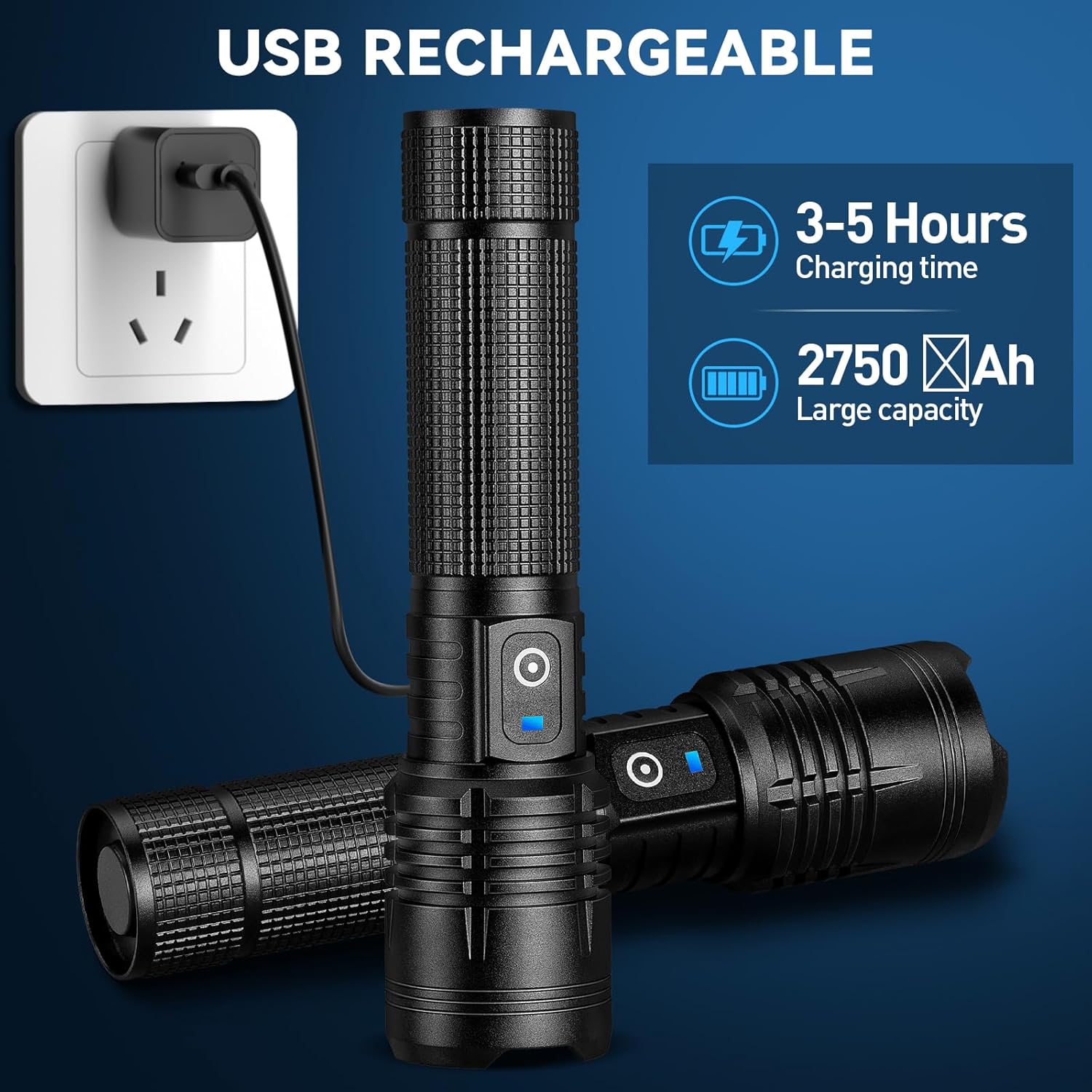
Before first use, fully charge your flashlight. The built-in 5000mAh battery provides extended usage time.
- Locate the rubber flap covering the USB-C charging port on the side of the flashlight.
- Gently lift the flap to expose the port.
- Connect the provided USB-C cable to the flashlight and the other end to a compatible USB power source (e.g., wall adapter, computer USB port).
- The indicator light will illuminate red during charging and turn blue when fully charged.
- Ukushaja ngokuvamile kuthatha cishe amahora ama-3-5 ukuze kushajwe ngokugcwele.
- Uma ukushaja sekuqediwe, nqamula ikhebula bese uvala ngokuphephile i-flap yerabha ukuze ugcine ukumelana namanzi.
6. Iziqondiso Zokusebenza
6.1 Ukuvula/Ukuvala nokukhetha Imodi
The flashlight features 5 lighting modes: High, Medium, Low, Strobe, and SOS.
- Ukuze Uvule: Press the power switch once. The flashlight will activate in High mode.
- Ukushintsha Izindlela: While the flashlight is on, press the power switch repeatedly to cycle through High → Medium → Low → Strobe → SOS.
- Ukucisha: From any mode, if the flashlight has been on for more than 10 seconds, press the power switch once to turn it off. If less than 10 seconds, cycle through modes until it turns off, or press and hold the power switch for 2-3 seconds.

6.2 Adjustable Focus (Zoom Function)
The flashlight's head can be adjusted to change the beam from a wide floodlight to a narrow spotlight.
- To Widen the Beam (Floodlight): Gently pull the head of the flashlight forward. This provides a broad illumination suitable for lighting up a large area.
- To Narrow the Beam (Spotlight): Gently push the head of the flashlight backward. This concentrates the light into a focused beam, ideal for long-distance viewing up to 3280 feet.

6.3 Demonstrating Brightness
The Kmivo M084-2P flashlight delivers up to 99,000 lumens, providing powerful illumination for various environments.

Video 1: A short demonstration of the Kmivo rechargeable LED flashlight's brightness and beam spread in a dark outdoor setting.
7. Charging and Battery Indicator
The flashlight is equipped with a smart charging port and a battery indicator for convenience.
- Inkomba Yebhethri: The blue indicator light on the power switch signifies sufficient battery charge. When the battery level is low, the indicator may change color or flash (refer to troubleshooting for specific low battery behavior).
- Isikhathi sokushaja: Ukushaja okugcwele ngokuvamile kuthatha amahora angu-3-5.
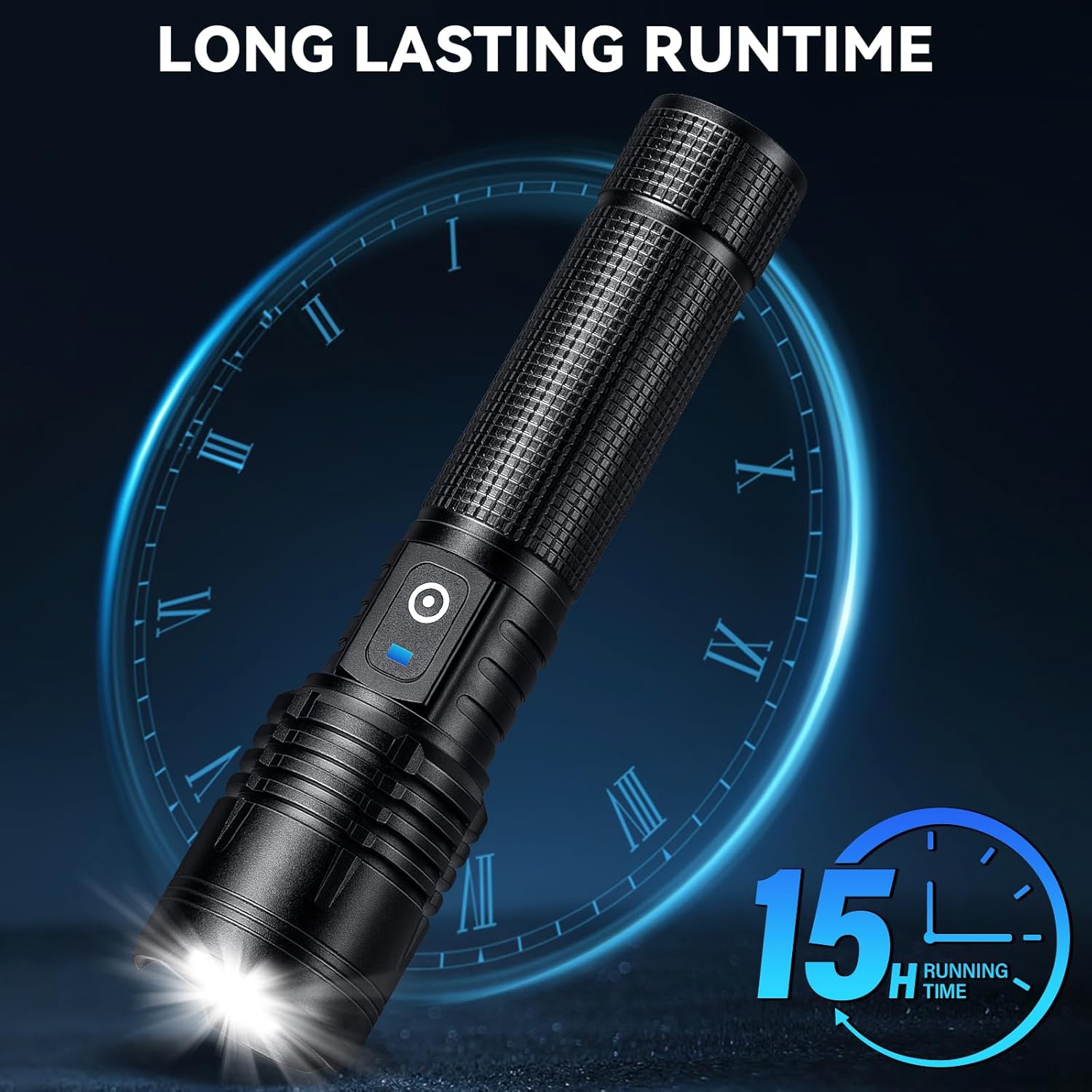
- Impilo Yebhethri: The built-in 5000mAh rechargeable battery provides up to 15 hours of operation on lower settings.
8. Isondlo
8.1 Ukuhlanza
To maintain optimal performance, keep your flashlight clean.
- Sula ingaphandle ngocingo oluthambile, damp indwangu.
- Ungasebenzisi izinto zokuhlanza abrasive noma izincibilikisi.
- Ensure the charging port's rubber flap is clean and securely closed to prevent dust and moisture ingress.
8.2 Ukumelana Namanzi
The Kmivo M084-2P flashlight is IPX7 waterproof, meaning it can withstand immersion in water up to 1 meter for 30 minutes. It is suitable for use in heavy rain, snow, and other harsh weather conditions.

Video 2: A demonstration of the flashlight's water resistance and overall durability.
8.3 Isitoreji
Store the flashlight in a cool, dry place when not in use. For long-term storage, ensure the battery is partially charged (around 50%) to prolong its lifespan.
9. Ukuxazulula izinkinga
| Inkinga | Imbangela Engenzeka | Isixazululo |
|---|---|---|
| I-flashlight ayivuli. | Ibhethri eliphansi. | Shaja ithoshi ngokugcwele. |
| I-flashlight ayivuli. | Ukungasebenzi kahle kokushintsha amandla. | Xhumana nokwesekwa kwamakhasimende. |
| Ukukhanya kufiphele noma kuyacwayiza. | Ibhethri eliphansi. | Shaja ithoshi ngokugcwele. |
| Isikhombisi sokushaja asisebenzi. | Ikhebuli engalungile noma umthombo wamandla. | Zama ikhebuli ye-USB ehlukile noma i-adaptha yamandla. |
| Isikhombisi sokushaja asisebenzi. | Inkinga yembobo yokushaja. | Ensure the charging port is clean and free of debris. Contact customer support if the issue persists. |
10. Imininingwane
| Isici | Imininingwane |
|---|---|
| Inombolo Yemodeli | I-M084-2P |
| Uhlobo Lomthombo Wokukhanya | LED (P084-2 chip) |
| Ukukhanya | Kuze ku-99,000 Lumens |
| Amamodi Okukhanyisa | High, Medium, Low, Strobe, SOS (5 modes) |
| Uhlobo Lwebhethri | Ibhethri Eyakhelwe ngaphakathi engu-5000mAh |
| Imbobo yokushaja | I-USB-C |
| Isikhathi sokushaja | Cishe. 3-5 amahora |
| Isikhathi sokusebenza | Up to 15 hours (on lower settings) |
| Ukumelana Namanzi | IPX7 (amanzi) |
| Okubalulekile | I-Aluminium |
| Ubukhulu bomkhiqizo | 1.3"D x 1.6"W x 6.5"H |
| Isisindo sento | 1.17 amakhilogremu |
| Izici ezikhethekile | Rechargeable, High Power, Adjustable Light Modes, Adjustable Focus, Durable, Impact Resistant, Long Range, Portable |
11. Iwaranti kanye Nokusekela
Kmivo provides an extended warranty for this product. For any issues such as malfunction, lost accessories, or damaged packages, please contact Kmivo customer service directly through Amazon. Our team of engineers is available 24/7 to provide professional assistance.
For further support, please visit the Kmivo Store on Amazon.