
OMIZN M3
OMIZN M3 Global Walkie Talkie User Manual
Imodeli: M3
1. Isingeniso
Thank you for choosing the OMIZN M3 Global Walkie Talkie. This device is a 4G Push-to-Talk (PTT) radio designed for reliable, long-range communication across various environments. It features AES256 encryption for secure conversations, a built-in LED flashlight, and a robust zinc alloy construction. This manual provides essential information for setting up, operating, and maintaining your device.
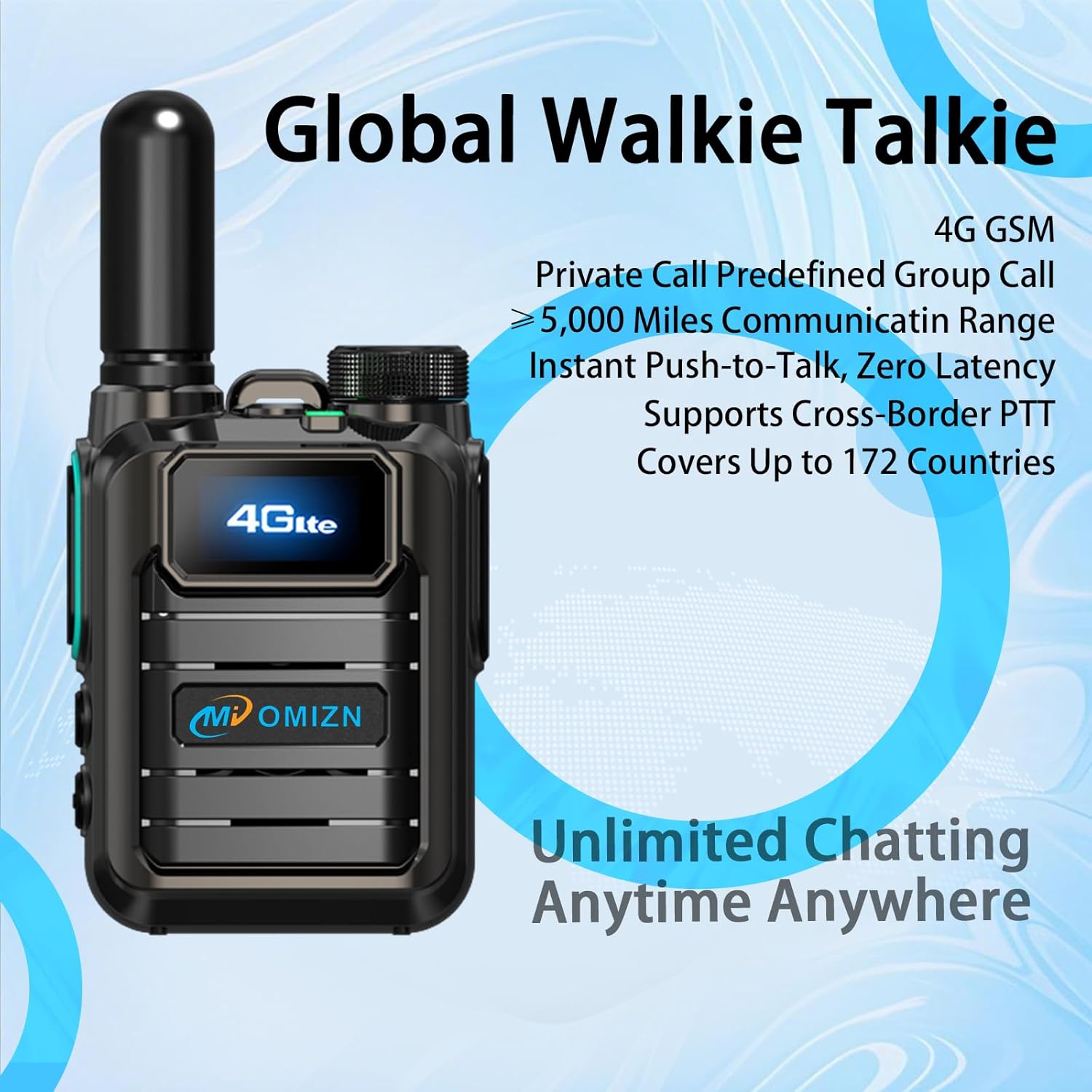
Figure 1: OMIZN M3 Global Walkie Talkie. This image shows the front of the walkie talkie, highlighting its 4G LTE display and the OMIZN brand logo.
2. Okuqukethwe Kwephakheji
Sicela uqinisekise ukuthi zonke izinto zikhona ephaketheni lakho:
- OMIZN M3 Global Walkie Talkie Unit(s)
- I-Antenna
- Ibhethri
- Isiqeshana sebhande
- Cable Type-C Cable
- Ishaja
- Lanyard
- Incwadi Yomsebenzisi (le dokhumenti)
3. Idivayisi Ngaphezuluview
Familiarize yourself with the main components and controls of your OMIZN M3 walkie talkie.
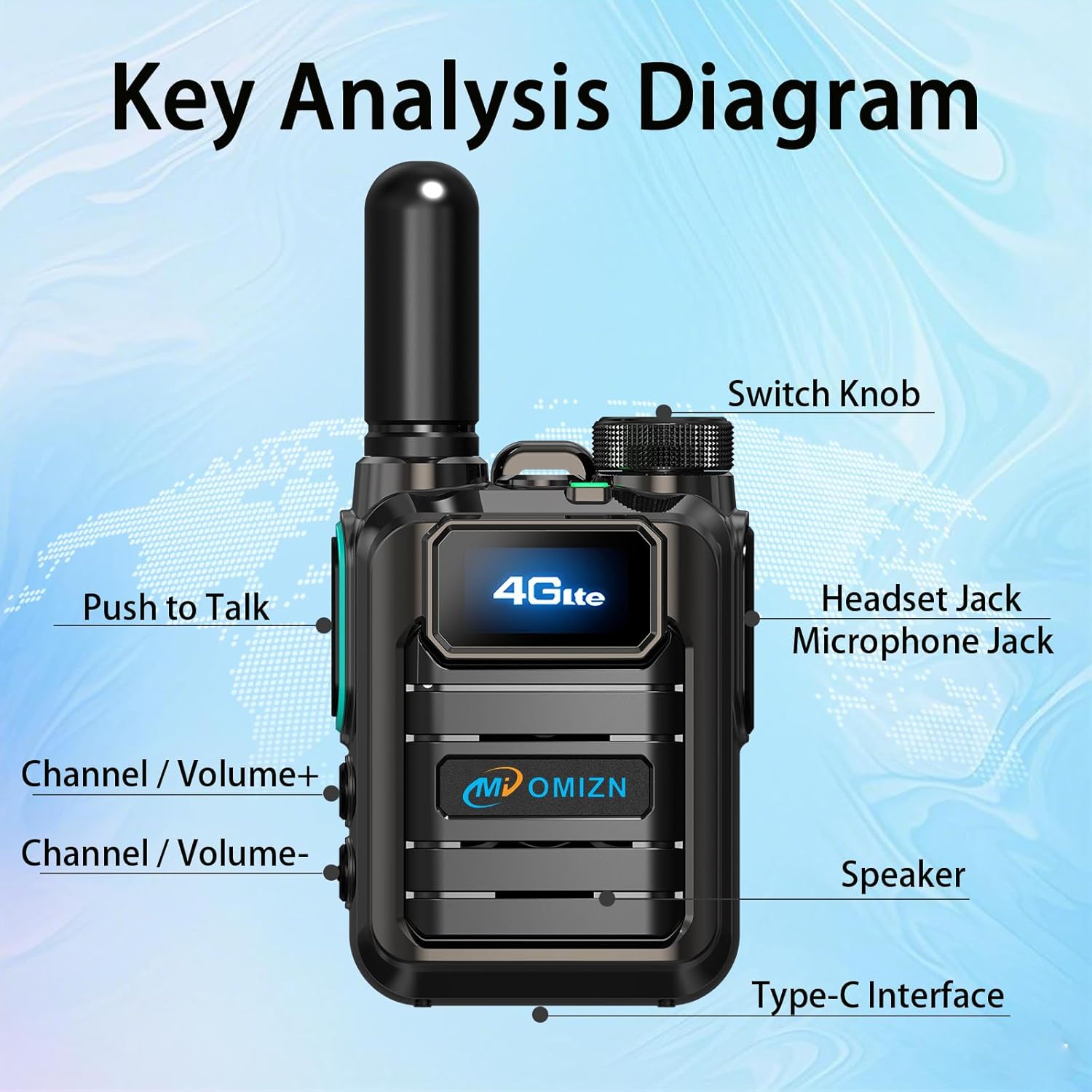
Figure 2: Key Analysis Diagram. This diagram labels the main parts of the OMIZN M3 walkie talkie, including the Switch Knob, Headset Jack, Microphone Jack, Push to Talk button, Channel/Volume+ button, Channel/Volume- button, Speaker, and Type-C Interface.
- Shintsha I-Knob: Power on/off and adjust volume.
- Headset Jack/Microphone Jack: Kwezesekeli zomsindo zangaphandle.
- Inkinobho Yokusunduza Ukuze Ukhulume (PTT): Cindezela bese ubamba ukuze udlulise, khipha ukuze ulalele.
- Channel/Volume+ Button: Adjust channel or increase volume.
- Channel/Volume- Button: Adjust channel or decrease volume.
- Isipikha: Okukhipha umsindo.
- Uhlobo lwe-C Interface: Eyokushaja idivayisi.
- I-Flashlight ye-LED: Inikeza ukukhanya ezindaweni ezimnyama.
4. Isethaphu kanye nokusebenzisa kokuqala
4.1 Ukufakwa nokushajwa kwebhethri
The OMIZN M3 uses a large-capacity lithium battery. Ensure the battery is fully charged before first use.
- Faka ibhethri: Align the battery with the compartment on the back of the walkie talkie and press firmly until it clicks into place.
- Namathisela i-Antenna: Screw the antenna clockwise onto the connector at the top of the device until secure.
- Iyashaja: Connect the USB Type-C cable to the Type-C interface on the device and the other end to the charger. Plug the charger into a power outlet. The charging indicator will show the charging status. A full charge typically takes several hours.

Figure 3: Large-Capacity Lithium Battery. This image displays the removable lithium-ion battery for the OMIZN M3 walkie talkie.

Figure 4: Type-C Charging Interface. This image shows the Type-C port on the OMIZN M3 walkie talkie with a charging cable connected.
4.2 Ukuvula / Ukuvula
To power on the device, rotate the Switch Knob clockwise until you hear a click and the screen illuminates. To power off, rotate the Switch Knob counter-clockwise until it clicks off.
4.3 SIM Card Activation (Pre-Installed)
Your OMIZN M3 walkie talkie comes with a pre-installed SIM card, ready for immediate use in 172 countries. No additional activation steps or ID binding are required. For optimal performance, ensure you are within 4G network coverage. If you experience signal issues, contact OMIZN support for free replacement services.
5. Iziqondiso Zokusebenza
5.1 Basic Communication (Push-to-Talk)
- Select Channel/Group: Use the Channel/Volume+ or Channel/Volume- buttons to navigate through available channels or groups displayed on the HD screen.
- Dlulisa: Press and hold the Push to Talk (PTT) button on the side of the device. Speak clearly into the microphone.
- Thola: Release the PTT button to listen for incoming transmissions.

Figure 5: Multiple Call Modes. This image illustrates the capability of the OMIZN M3 to support private calls, group calls, and broadcast modes.
5.2 Ukulungiswa Kwevolumu
Rotate the Switch Knob to adjust the speaker volume. Clockwise increases volume, counter-clockwise decreases it.
5.3 Ukusebenzisa i-Flashlight ye-LED
The OMIZN M3 features a built-in LED flashlight. Refer to the device overview (Figure 2) for its location. Typically, a short press of a dedicated button (often combined with another function or a specific sequence) activates the flashlight. Consult the on-screen menu or quick guide for exact activation steps if not immediately apparent.
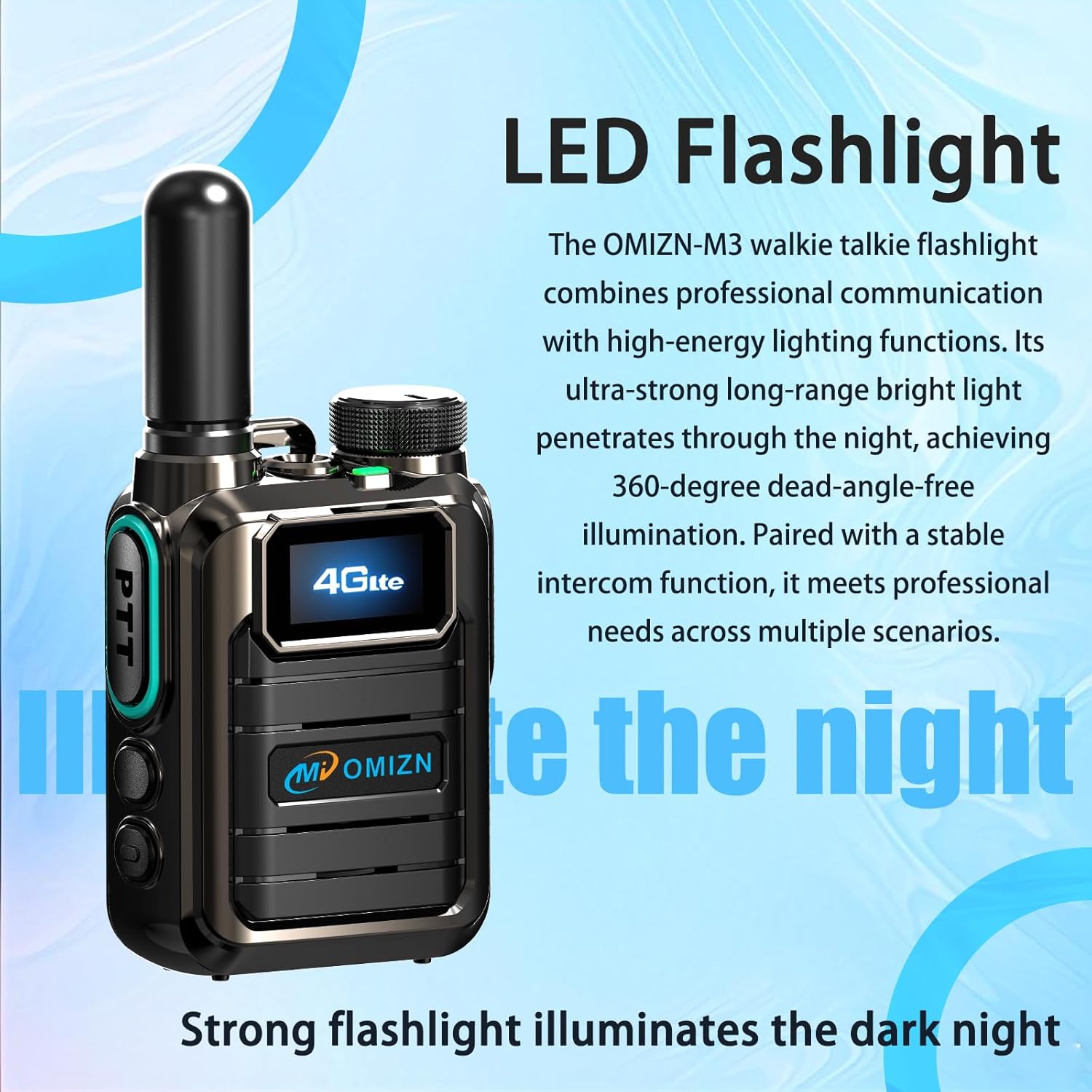
Figure 6: LED Flashlight. This image highlights the integrated LED flashlight feature of the OMIZN M3 walkie talkie.
5.4 AES256 Digital Encryption
The OMIZN M3 utilizes AES256 digital encryption to ensure secure and private communications. This feature is active by default, protecting your conversations from unauthorized interception. No user configuration is typically required for this encryption to function.
6. Isondlo Nokunakekela
- Ukuhlanza: Sebenzisa okuthambile, damp cloth to clean the device. Do not use harsh chemicals or abrasive cleaners.
- Ukunakekelwa kwebhethri: Charge the battery regularly. Avoid fully discharging the battery frequently to prolong its lifespan. Store the device and battery in a cool, dry place when not in use for extended periods.
- Ukumelana Namanzi: The device is IP65 water-resistant, meaning it is protected against dust ingress and low-pressure water jets. It is not designed for submersion. Ensure all port covers are securely closed to maintain water resistance.
- Izinga lokushisa: Operate the device within the specified temperature range of -30℃ to 70℃.
7. Ukuxazulula izinkinga
| Inkinga | Imbangela Engenzeka | Isixazululo |
|---|---|---|
| Idivayisi ayivuli. | Ibhethri liphansi noma alifakwanga kahle. | Ensure battery is fully charged and properly installed. |
| Ayikwazi ukudlulisa noma ukwamukela. | No 4G network signal; incorrect channel/group; PTT button not pressed correctly. | Move to an area with better 4G coverage. Verify channel/group settings. Press and hold PTT button firmly while speaking. |
| Ikhwalithi yomsindo engeyinhle. | Weak signal; microphone/speaker obstructed; volume too low. | Check signal strength. Ensure microphone and speaker are clear. Adjust volume. |
| SIM card signal issues. | Temporary network issue; faulty SIM card. | Restart the device. If issues persist, contact OMIZN customer support for SIM card replacement. |
8. Imininingwane
| Ibhrendi | OMIZN |
| Inombolo Yemodeli | M3 |
| I-Frequency Range | I-4G LTE |
| Talking Range Maximum | 10,000 Miles (Network Dependent) |
| Inombolo Yeziteshi | 200 |
| Amandla ebhethri | 5000mAh |
| Impilo Emaphakathi Yebhethri | 36 Hours (Active Use), Up to 5 Days (Standby) |
| Voltage | 3.7 Volts (DC) |
| Izinga Lokumelana Namanzi | IP65 (Ingazweli Amanzi) |
| Ubukhulu bomkhiqizo (D x W x H) | 1.18" x 2.2" x 2.8" |
| Isisindo sento | 7.84 amakhilogremu |
| Izinga Lokushisa Lokusebenza | -30 ℃ kuya ku-70 ℃ |
| Ukubethela | AES256 Digital Encryption |
| Ikhadi le-SIM | Pre-installed, supports 172 countries |
9. Iwaranti kanye Nokusekela
For warranty information and technical support, please refer to the documentation included with your purchase or visit the official OMIZN website. If you encounter issues with the pre-installed SIM card or require replacement services, please contact OMIZN customer support directly.
OMIZN Customer Support: Please refer to your product packaging or the official OMIZN webindawo yolwazi lokuxhumana.
10. Ulwazi Lokuphepha
- Ungazami ukuqaqa noma ukuguqula idivayisi.
- Gcina idivayisi ikude namazinga okushisa aphezulu, ilanga eliqondile, namalangabi avulekile.
- Use only OMIZN-approved batteries and chargers.
- Avoid exposing the device to strong electromagnetic fields.
- Lahla amabhethri nezingxenye ze-elekthronikhi ngokuzibophezela ngokwemithetho yendawo.
Ask a question about this manual
Ask about setup, troubleshooting, compatibility, parts, safety, or missing instructions. Manuals+ will review the question and use this page’s manual context to help answer it.