
1. Isingeniso
Thank you for choosing the Kviflon 45-Inch Tropical Ceiling Fan with Lights and Remote/APP Control. This manual provides essential information for the safe installation, operation, and maintenance of your new ceiling fan. Please read it thoroughly before installation and keep it for future reference.
This tropical-style ceiling fan features distinctive palm leaf-shaped ABS blades, a powerful motor, and integrated lighting. It offers convenient control via a remote or mobile application, allowing for adjustable fan speeds, light brightness, and color temperature. The fan also includes a reversible function for year-round comfort and quiet operation.
2. Ulwazi Lokuphepha
ISEXWAYISO: Ukuze unciphise ingozi yomlilo, ukushaqeka kukagesi, noma ukulimala komuntu siqu, hlala ulandela lezi zinyathelo zokuphepha eziyisisekelo:
- Read all instructions carefully before installing and operating the fan.
- Ensure the installation location is structurally sound and can support the fan's weight.
- Zonke izintambo kumele zihambisane nemithetho kagesi kazwelonke neyendawo. Uma ungaqiniseki ngezintambo, xhumana nochwepheshe kagesi oqeqeshiwe.
- Turn off power at the circuit breaker or fuse box before beginning installation or performing any maintenance.
- Ungayisebenzisi ifeni ngentambo yamandla eyonakele noma ipulaki.
- Avoid placing objects in the path of the rotating blades.
- Ungasebenzisi ifeni emanzini noma damp locations unless specifically rated for such environments. This fan is rated for indoor use.
- Gcina izingane kude nompheki ngesikhathi sokuhlinzwa.
3. Okuqukethwe Kwephakheji
Before installation, verify that all components listed below are included in your package:
- Umhlangano womzimba wabalandeli
- Ibhodi lokulenga
- Ama-blade (izingcezu ezingu-5)
- Umthombo wokukhanya
- Isilawuli kude
- Izikulufu kanye nezingxenyekazi zekhompuyutha ezikhwezwayo
- Incwadi yeziqondiso
For a visual guide to the package contents and initial assembly steps, please refer to the installation video below.
Ividiyo: Installation Video for 8222 45 Inch Ceiling Fan with Light. This video demonstrates the unboxing and assembly of the fan components, including attaching the blades and light kit, and preparing for ceiling mounting.
4. Ukusetha nokufakwa
Follow these steps for proper installation of your Kviflon Tropical Ceiling Fan. It is recommended to have two people for installation.
4.1 Izinyathelo Zokufaka Ngaphambili
- Vala Amandla: Ngaphambi kokuqala, qiniseka ukuthi ukunikezwa kwamandla endaweni yokufaka kuvaliwe ku-breaker circuit.
- Lungiselela indawo yokukhweza: Securely attach the hanging board to the ceiling junction box. Ensure it is firmly mounted to a structural beam or a fan-rated outlet box.
4.2 Assembling the Fan Body
- Namathisela ama-Blades: Carefully align each palm leaf-shaped blade with the mounting holes on the fan body assembly. Secure them using the provided screws. Ensure all screws are tightened to prevent wobbling.
- Faka Umthombo Wokukhanya: Connect the light source wiring to the fan body. Secure the light source plate to the fan body using the designated screws.
- Attach Light Cover: Place the light cover over the light source and twist or secure it into place.
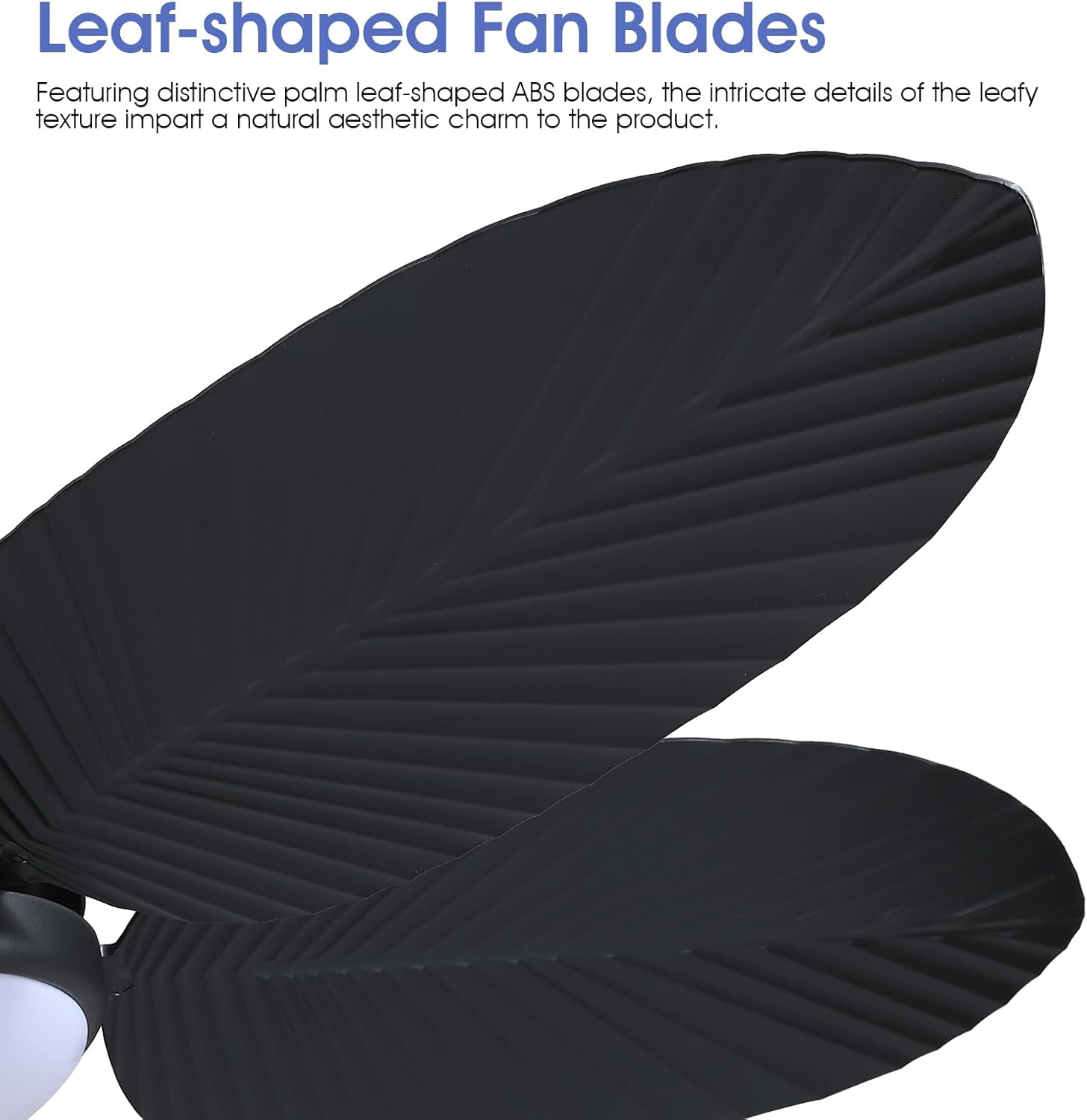
Isithombe: Eduze view of the distinctive palm leaf-shaped ABS blades, highlighting their intricate texture.

Isithombe: Okuningiliziwe view of the stable flush mount, the highlight 3-color LED light source, and the powerful DC motor.
4.3 Ukufakwa kwezintambo nokukhwezwa
- Xhuma Izintambo: Connect the fan's electrical wires to the household wiring according to the wiring diagram in the full instruction manual. Ensure proper grounding.
- Secure Fan to Ceiling: Lift the assembled fan and attach it to the hanging board. Secure it with the appropriate screws.
- Buyisela Amandla: Once installation is complete, restore power at the circuit breaker and test the fan's functions.
5. Iziqondiso Zokusebenza
Your Kviflon Tropical Ceiling Fan can be operated using the included remote control or a dedicated mobile application.
5.1 Imisebenzi yokulawula kude
The remote control provides comprehensive control over your fan and light settings:
- Khanyisa cisha: Vula ifeni bese uyivula noma uyicime.
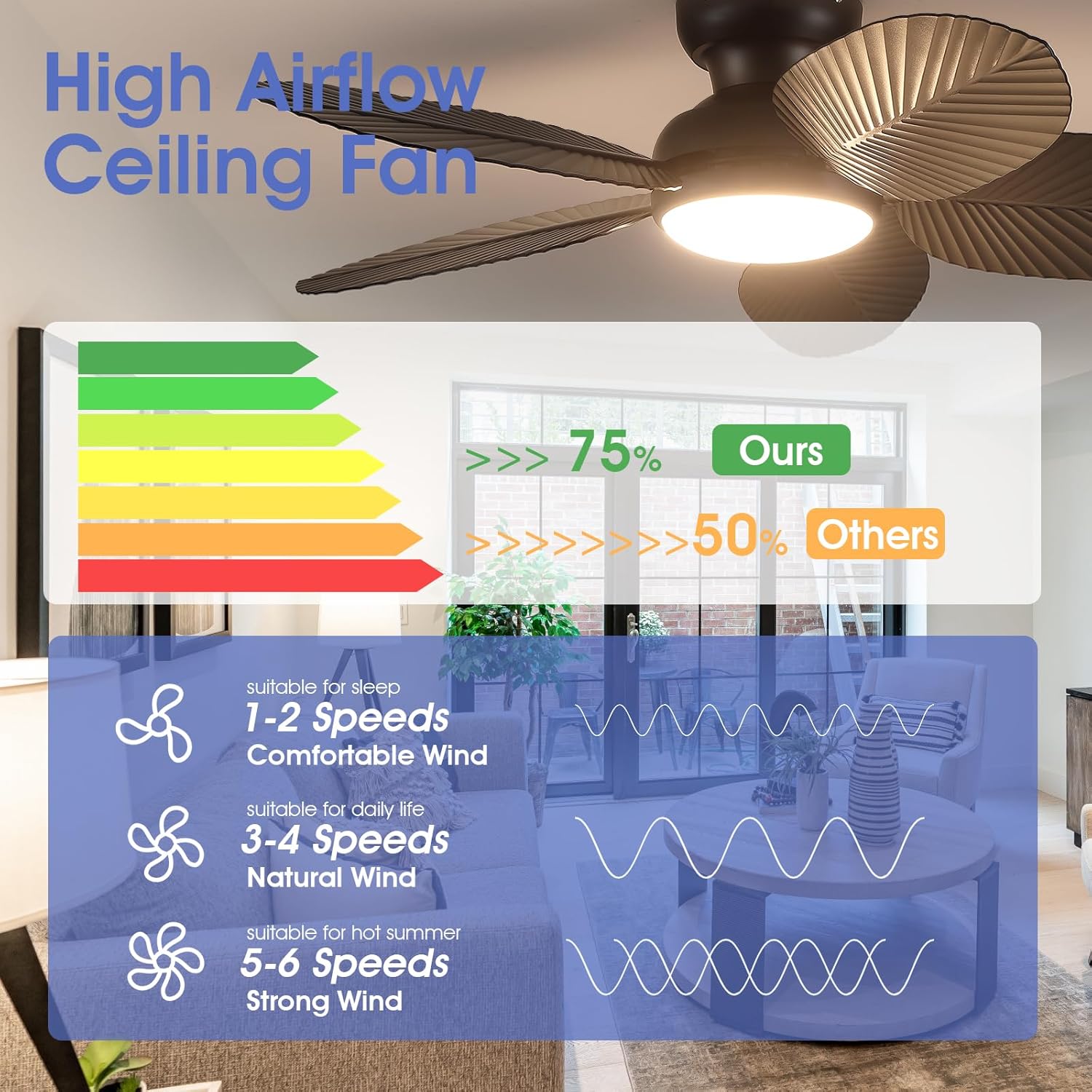
- Isivinini saphephela: Select from 6 fan speeds (1-6) to adjust airflow.
- Ukukhanya Okukhanyayo: Adjust the light intensity from 10% to 100% (stepless dimming).
- Izinga lokushisa lombala: Switch between 3 color temperatures: 3000K (Warm Light), 4500K (Natural Light), and 6000K (White Light).
- Ukukhanya kwasebusuku: Activate a low-brightness night light mode.
- Reverse Function (F/R): Change the direction of blade rotation for summer (downward airflow) or winter (upward airflow).
- Isikhathi: Set a 2-hour timer for automatic fan shutdown.
Isithombe: The remote control unit, showing buttons for fan speed, light control, timer, and reverse function.
Isithombe: Visual representation of the three adjustable light color temperatures (3000K Warm Light, 4500K Natural Light, 6000K White Light) and stepless dimming from 10% to 100% brightness.
5.2 Mobile APP Control
Download the 'Fan Lamp Pro' app to control your fan from your smartphone. Scan the QR code provided in the product packaging or visit www.jasonghost.com/fanlamppro/ ukulanda uhlelo lokusebenza.
- Ukumatanisa: Follow the in-app instructions to pair your fan. Typically, this involves turning off the main power, turning on Bluetooth on your phone, opening the app, turning on the main power to the fan, and clicking the connect button in the app within 5 seconds. The fan light will blink twice to confirm successful connection.
- Imisebenzi: The app offers similar controls to the remote, including fan speed adjustment (6 speeds), light brightness (dimmable), color temperature selection (3 colors), and reverse function.
Ividiyo: APP Control for 8222 45 Inch Ceiling Fan with Light. This video demonstrates how to connect and control the fan using the mobile application, including adjusting fan speed, light color, and brightness.
6. Izici Eziyinhloko
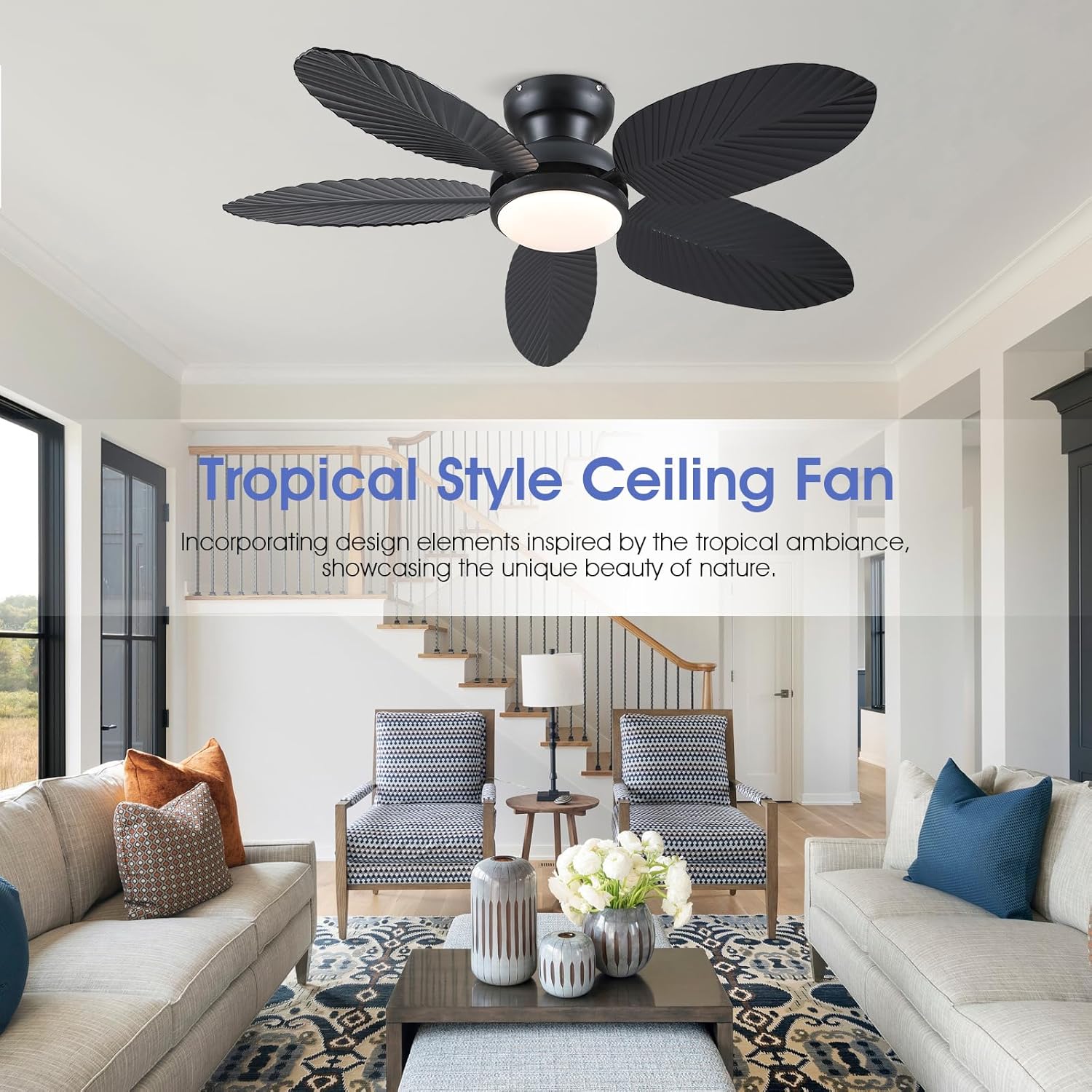
- Idizayini yeTropical: Inspired by the tropical rainforest, this 45-inch ceiling fan features distinctive palm leaf-shaped ABS blades with intricate leaf patterns, adding a touch of natural beauty to your space.
- Ukugeleza komoya okuphezulu: The unique design of palm leaf blades, coupled with a powerful motor, generates substantial airflow, ensuring effective room ventilation and delivering a cool breeze.
- Ukusebenza okuthulile: Designed with a high-quality, silent motor, the noise level is minimized to ensure a comfortable and cool environment without disturbing sleep.
- Umsebenzi Ohlehliswayo: The fan features a reversible motor, allowing it to adapt to different seasons. In summer, it creates a downward airflow for a cooling effect. In winter, it circulates warm air trapped near the ceiling.
- Ukukhanya Kwe-LED Okuhlanganisiwe: Equipped with an LED light that offers 3 color temperatures (3000K, 4500K, 6000K) and stepless dimming from 10% to 100% brightness.
- Izinketho Zokulawula Eziningi: Conveniently control the fan and light settings using either the included remote control or a mobile application.

Isithombe: Illustration of the fan's reversible function, demonstrating forward rotation for cooling in summer and reverse rotation for air circulation in winter.
7. Isondlo
Ukugcinwa njalo kuqinisekisa ukuthi ifeni yakho yophahla ihlala isikhathi eside futhi isebenza kahle.
- Ukuhlanza: Hlanza ama-fan nezindlu zenjini ngezikhathi ezithile ngesithambile, damp indwangu. Ungasebenzisi izihlanzi ezirhabaxa noma izinyibilikisi ezingalimaza isiphetho.
- Qinisa ama-Fasteners: Check all screws and fasteners annually to ensure they are securely tightened. Loose connections can cause noise or wobbling.
- Ibhalansi ye-Blade: If the fan wobbles, ensure all blades are securely attached and balanced. A blade balancing kit (not included) can be used if necessary.
- Umthombo Wokukhanya: The integrated LED light source is designed for long life and typically does not require replacement. If issues arise, contact customer support.
8. Ukuxazulula izinkinga
If you encounter problems with your fan, refer to the following common issues and solutions:
| Inkinga | Imbangela Engenzeka | Isixazululo |
|---|---|---|
| Umlandeli akaqali | Awekho amandla kufeni; Ukuxhumeka kwezintambo okuxekethile; Ibhethri yesilawuli-kude siphansi. | Check circuit breaker/fuse; Verify all wire connections are secure; Replace remote control battery. |
| Umlandeli uyavevezela | Izikulufo ze-blade ezixekethile; ama-blades angalingani; Abakaki abakhwezayo abaxegayo. | Tighten all blade screws; Use a balancing kit to balance blades; Ensure mounting bracket is securely fastened. |
| Ukukhanya akusebenzi | Loose wire connection to light kit; Faulty LED driver. | Check light kit wiring; Contact customer support for LED driver replacement. |
| Isilawuli kude asisebenzi | Battery low/dead; Remote not paired with fan. | Replace battery; Re-pair remote control with the fan according to pairing instructions. |
| APP control not working | Bluetooth off; APP not paired with fan; Incorrect APP version. | Ensure Bluetooth is enabled on your device; Re-pair APP with the fan; Update APP to the latest version. |
9. Imininingwane
| Isici | Imininingwane |
|---|---|
| Ibhrendi | Kviflon |
| Igama Lemodeli | Tropical Ceiling Fan with Light |
| Usayizi | 45 amayintshi |
| Umbala | Mnyama |
| Ubukhulu bomkhiqizo | 45"D x 45"W x 9.5"H |
| Inombolo yama-Blades | 5 |
| I-Blade Material | Ipulasitiki |
| Inombolo Yezivinini | 6 |
| Umthombo Wokukhanya | Integrated LED (3000K/4500K/6000K, Dimmable) |
| Indlela Yokulawula | Isilawuli kude, Isilawuli se-APP |
| Voltage | 120 volts |
| Ukusetshenziswa Kwangaphakathi/Kwangaphandle | Ngasendlini |
| Izici ezikhethekile | App Operable, LED Light, Quiet Operation, Remote Controlled, Timer, Reversible |
10. Iwaranti & Ukusekela
Kviflon products are designed and manufactured to the highest quality standards. This product comes with a limited warranty against defects in materials and workmanship under normal use. Please refer to the warranty card included in your package for specific terms and conditions.
For technical support, troubleshooting assistance, or warranty claims, please contact Kviflon customer service through the retailer where the product was purchased or visit the official Kviflon website. Our professional team is ready to provide timely after-sales support.