
Isingeniso
This manual provides instructions for the VTech VG232-2 Cordless Phone with Digital Answering System. It covers setup, operation, maintenance, and troubleshooting to ensure optimal performance of your device. Please read these instructions carefully before using your phone.
Setha
1. Ukuqaqa kanye Nokuhlola Ingxenye
Before starting, ensure all components are present in the package:
- 1 Iyunithi yesisekelo
- 2 Izandla ezingenazintambo
- 2 Ama-adaptha e-AC
- 2 Amabhethri Aphinde Ashajwe
- 1 Ishaja yehendisethi
2. Ukufakwa kwebhethri
Install the rechargeable battery into each cordless handset. Open the battery compartment cover on the back of the handset, connect the battery connector, and place the battery inside. Close the cover securely.

Incazelo yesithombe: A VTech cordless phone handset is shown next to its base unit. The image highlights that the unit can be placed on a tabletop or mounted on a wall, demonstrating its versatile placement options. This image also shows the general form factor of the handset and base, relevant for battery installation.
3. Ukuxhunywa kweyunithi yesisekelo
Connect the AC adapter to the base unit and plug it into a standard electrical outlet. Connect the telephone line cord to the base unit and then to your telephone wall jack.
4. Ukushaja Ihendisethi Yokuqala
Place each handset in its respective charger or the base unit. Allow the handsets to charge for at least 16 hours before initial use to ensure full battery capacity.
5. Ukusetha Usuku nesikhathi
After the initial charge, follow the on-screen prompts or refer to the handset menu to set the correct date and time. This is crucial for accurate caller ID and answering system timestamps.
Imiyalelo yokusebenza
1. Ukushaya nokwamukela izingcingo
- Ukushaya Ucingo: Cindezela KHULUMA / IFLASHI, bese ushayela inombolo yocingo.
- Ukuze Uthole Ucingo: Uma ifoni ikhala, cindezela KHULUMA / IFLASHI or any dial pad key (0-9, #, *).
- Ukuvala Ucingo: Cindezela VALA/KHANSELA noma buyisela ihendisethi kushaja.
2. Full-Duplex Speakerphone
The phone features a full-duplex speakerphone, allowing both parties to speak and be heard simultaneously for more natural conversations.
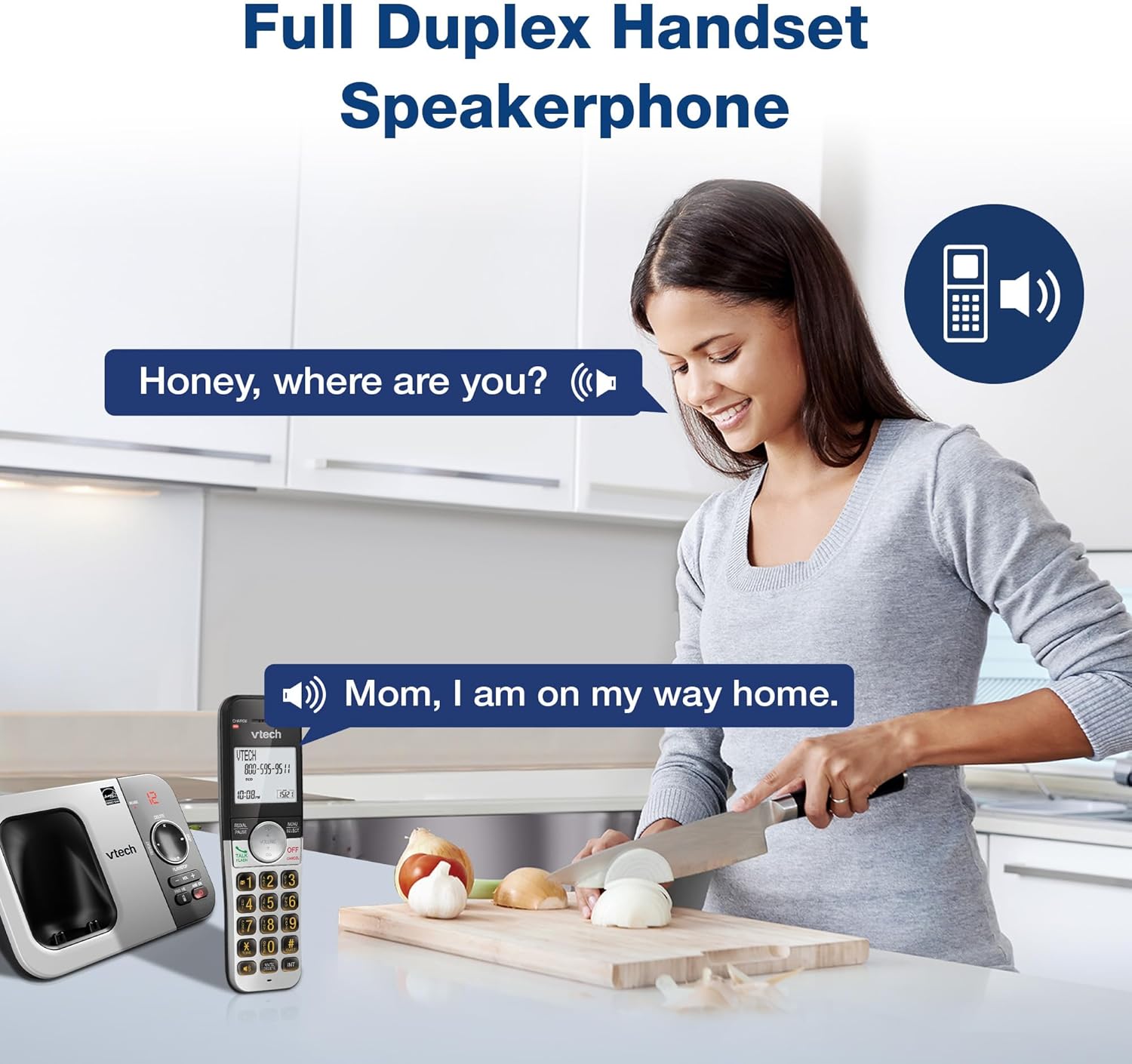
Incazelo yesithombe: A woman is shown in a kitchen, talking on the VTech cordless phone which is placed on the counter. A speech bubble indicates a conversation, highlighting the full-duplex speakerphone feature that allows hands-free communication.
3. I-ID Yomshayeli Nokulinda Ucingo
The handset displays the name, number, time, and date of incoming calls. The system stores up to 50 caller ID entries.

Incazelo yesithombe: The VTech cordless phone handset and base unit are displayed. The handset screen shows a list of phone numbers, demonstrating the Caller ID feature which stores up to 50 calls.
4. Uhlelo lokuphendula lwedijithali
The integrated digital answering system records messages for up to 14 minutes.

Incazelo yesithombe: A man in a suit points to the VTech phone base unit, which has a digital display showing '12' (likely message count). A graphic bubble indicates 'Record 14 Mins', highlighting the answering system's recording capacity.
Message Counter
The base unit features a message counter that displays the number of new or saved messages.

Incazelo yesithombe: A close-up of the VTech phone base unit's digital display, showing the number '12'. A text overlay explains that this displays the number of recorded messages.
Ukufinyelela Okukude
You can access your answering system messages remotely by calling your phone number from an external line and entering your remote access code.

Incazelo yesithombe: A woman is shown smiling while on a phone call, with arrows pointing between her and the VTech cordless phone. A speech bubble states 'You have 3 new messages...', illustrating the remote access feature for checking messages.
5. Ifonibhuku
Gcina amagama nezinombolo ezingafika kweziyi-50 kufonibhuku ukuze uzishayele ngokushesha.

Incazelo yesithombe: The VTech cordless phone handset is shown with a graphic illustrating a phonebook icon and the text '50 Name and Number Phonebook Contacts', indicating the capacity of the phone's contact list.
6. Last 10 Number Redial
Quickly redial any of the last 10 numbers called using the redial feature.

Incazelo yesithombe: A hand is shown pressing the 'REDIAL/PAUSE' button on the VTech cordless phone handset. A graphic icon depicts two arrows circling, symbolizing the redial function for the last 10 numbers.
7. Intercom Between Handsets
Use the intercom feature to communicate between two handsets within the system.

Incazelo yesithombe: Two VTech cordless phone handsets are displayed, with blue arrows pointing between them, symbolizing the intercom functionality that allows communication between handsets.
8. Imodi ethule
Activate Quiet Mode to silence the ringer on the handset and base unit for a specified period.

Incazelo yesithombe: The VTech cordless phone handset is shown with the '# QUIET' button highlighted. The background shows a person sleeping, illustrating the benefit of the Quiet Mode feature.
9. Imodi ye-ECO
The phone utilizes ECO Mode power-conserving technology to optimize battery life and reduce power consumption.

Incazelo yesithombe: The VTech cordless phone handset and base unit are shown. A green leaf icon with a recycling symbol represents 'ECO Mode Power-Conserving Technology', indicating the phone's energy efficiency.
10. Backlit Keypad and Display
The entire keypad and the 2-inch LCD screen are backlit for easier viewezimeni zokukhanya okuphansi.
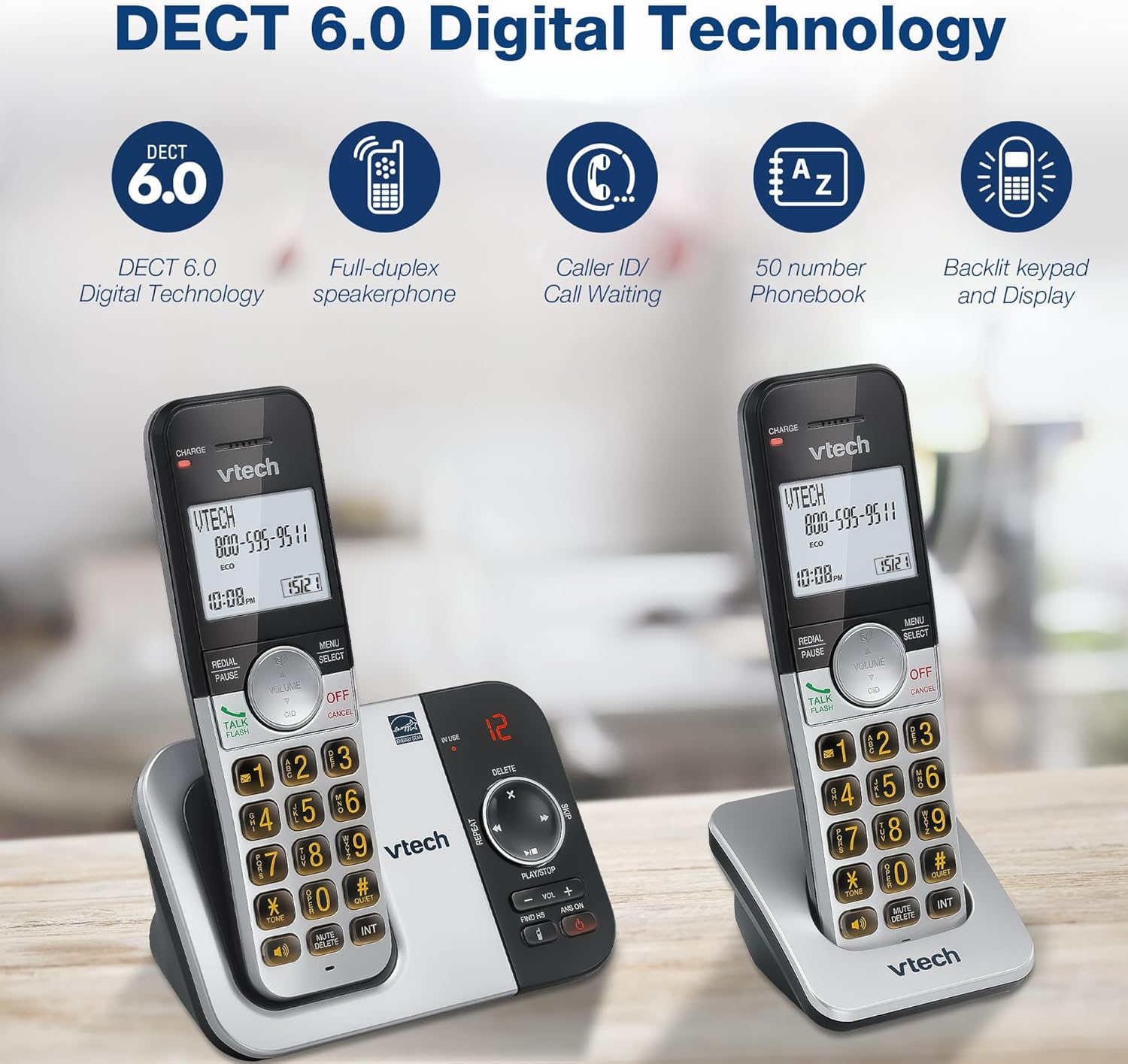
Incazelo yesithombe: A close-up of the VTech cordless phone handset's keypad, showing the illuminated buttons, highlighting the 'Lighted Keypad' feature for visibility in the dark.
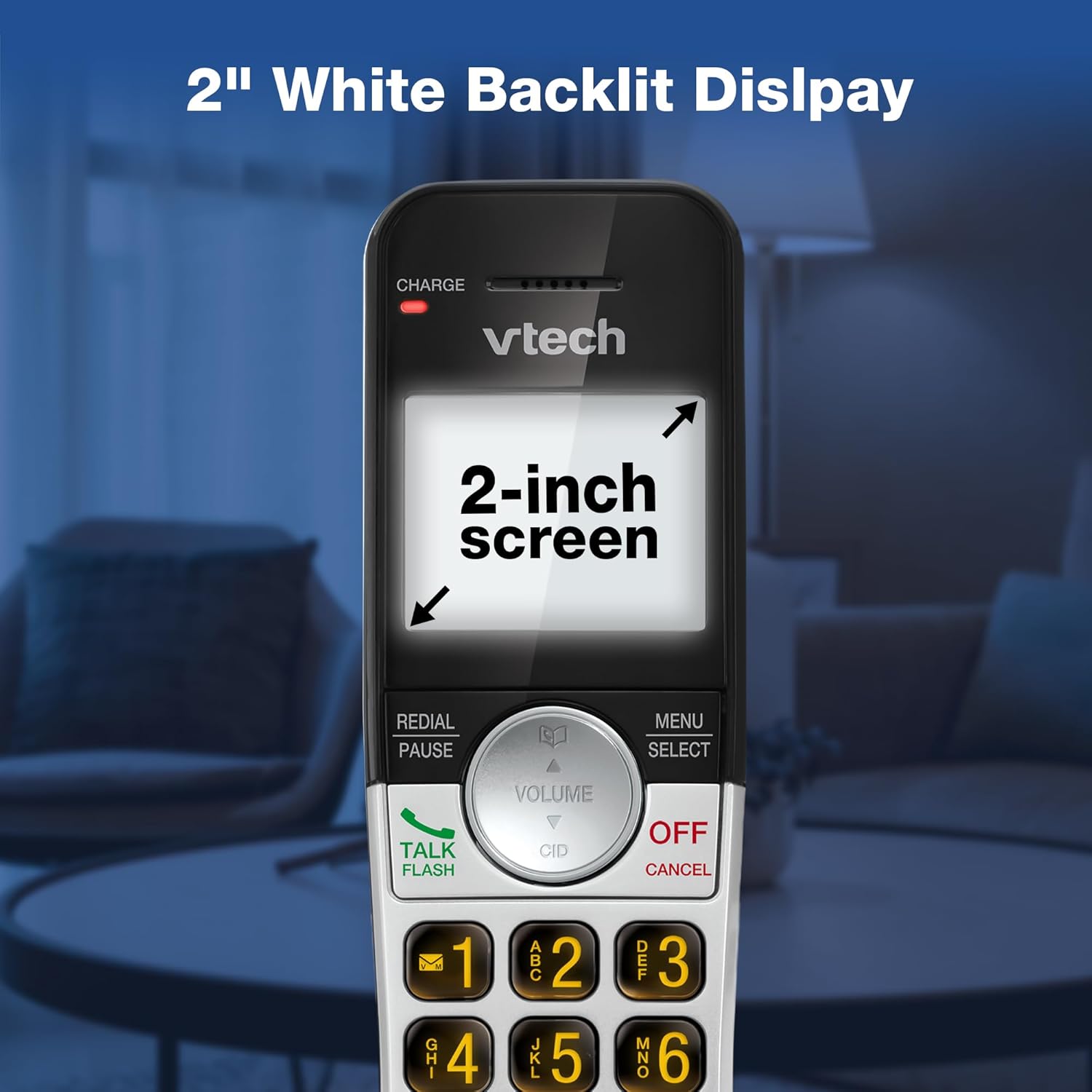
Incazelo yesithombe: A close-up of the VTech cordless phone handset's screen, which is illuminated with a white backlight. Text on the screen indicates '2-inch screen', emphasizing the display size and backlighting.
Isondlo
To maintain your VTech VG232-2 phone, follow these guidelines:
- Ukuhlanza: Sula ifoni kanye neyunithi yesisekelo ngesithambile, damp indwangu. Ungasebenzisi izifutho zokuhlanza noma amakhemikhali anokhahlo.
- Ukunakekelwa kwebhethri: Shintsha amabhethri uma engasakhokhi. Sebenzisa kuphela amabhethri agunyaziwe e-VTech.
- Ukubekwa: Avoid placing the phone in direct sunlight, near heat sources, or in areas with excessive moisture.
Ukuxazulula inkinga
| Inkinga | Isixazululo |
|---|---|
| Ayikho ithoni yokudayela | Ensure the telephone line cord is securely connected to both the base unit and the wall jack. Check if the AC adapter is properly connected. |
| Ihendisethi ayishaji | Ensure the handset is correctly seated in the charger. Clean the charging contacts on both the handset and charger with a dry cloth. Verify the charger is plugged into a working power outlet. |
| Ikhwalithi yomsindo engeyinhle | Move the handset closer to the base unit. Avoid placing the phone near other electronic devices that may cause interference. Check for any obstructions between the handset and base. |
| Isistimu yokuphendula ayirekhodi | Qinisekisa ukuthi uhlelo lokuphendula luvuliwe. Hlola ukuthi inkumbulo igcwele yini; susa imilayezo emidala uma kunesidingo. |
| Date/Time incorrect | Manually reset the date and time through the handset menu. Ensure the phone has a stable power connection. |
Imininingwane
| Isici | Imininingwane |
|---|---|
| Ibhrendi | I-VTech |
| Inombolo Yemodeli | VG232-2 |
| Uhlobo Lwefoni | Angenantambo |
| Umbala | Isiliva/Mnyama |
| Okubalulekile | Ipulasitiki |
| Umthombo wamandla | I-Corded Electric |
| Inombolo Yezandla | 2 |
| Uhlobo Lwebhethri | Product-specific (2 included) |
| Ukuphendula Uhlobo Lwesistimu | Idijithali |
| Ukuqopha Amandla | 14 Amaminithi |
| I-ID Yomshayeli | Yes (stores 50 calls) |
| Isipikha sefoni | I-Full-Duplex |
| Amandla ebhuku lefoni | 50 Name and Number Contacts |
| Amandla Okushaya Izingcingo Zengqungquthela | 3-indlela |
| Isikhathi sokukhuluma ngefoni | Amahora angu-7 |
| Isikhathi Sokulinda Sefoni | Izinsuku ezingu-5 |
| Ubukhulu bento (L x W x H) | 14.1 x 8.5 x 18.4 cm |
| I-UPC | 735078053824 |
| Izingxenye Ezihlanganisiwe | 1 handset charger, 2 AC adapters, 2 cordless handsets, 2 batteries, Base unit |
Umkhiqizo Uphelileview Ividiyo
Incazelo yevidiyo: Le vidiyo ihlinzeka ngokujwayelekileview of the VTech VG232-2 cordless phone, showcasing its features and design. It offers a visual guide to the product's main functionalities.
Ulwazi Lwewaranti
VTech products are manufactured with high-quality components and are subject to rigorous testing. This product is covered by a limited warranty against defects in material and workmanship. For specific warranty terms and conditions, please refer to the warranty card included in your product packaging or visit the official VTech webindawo.
Ukusekela
If you require further assistance or have questions not covered in this manual, please visit the VTech support website or contact customer service. Contact details can typically be found on the VTech official webindawo noma emaphaketheni omkhiqizo.