
Isingeniso
Thank you for choosing the LOOP GEAR SK03 LED Rechargeable Flashlight. This compact and powerful EDC (Everyday Carry) flashlight is designed for versatility and durability, offering 10 lighting modes, a multi-function side light with color filters, and convenient USB-C recharging. This manual provides essential information for the proper setup, operation, maintenance, and troubleshooting of your SK03 flashlight to ensure optimal performance and longevity.

Image: The SK03 LED Rechargeable Flashlight, showcasing its compact design and clip.
Okuqukethwe Kwephakheji
Sicela uqinisekise ukuthi zonke izinto ezibalwe ngezansi zifakiwe kuphakheji yakho:
- 1x SK03 Flashlight
- 1x Ikhebuli yokushaja ye-USB-C
- 4x Side Light Filters (Orange, Red, White, Blue)
- 1x Lanyard
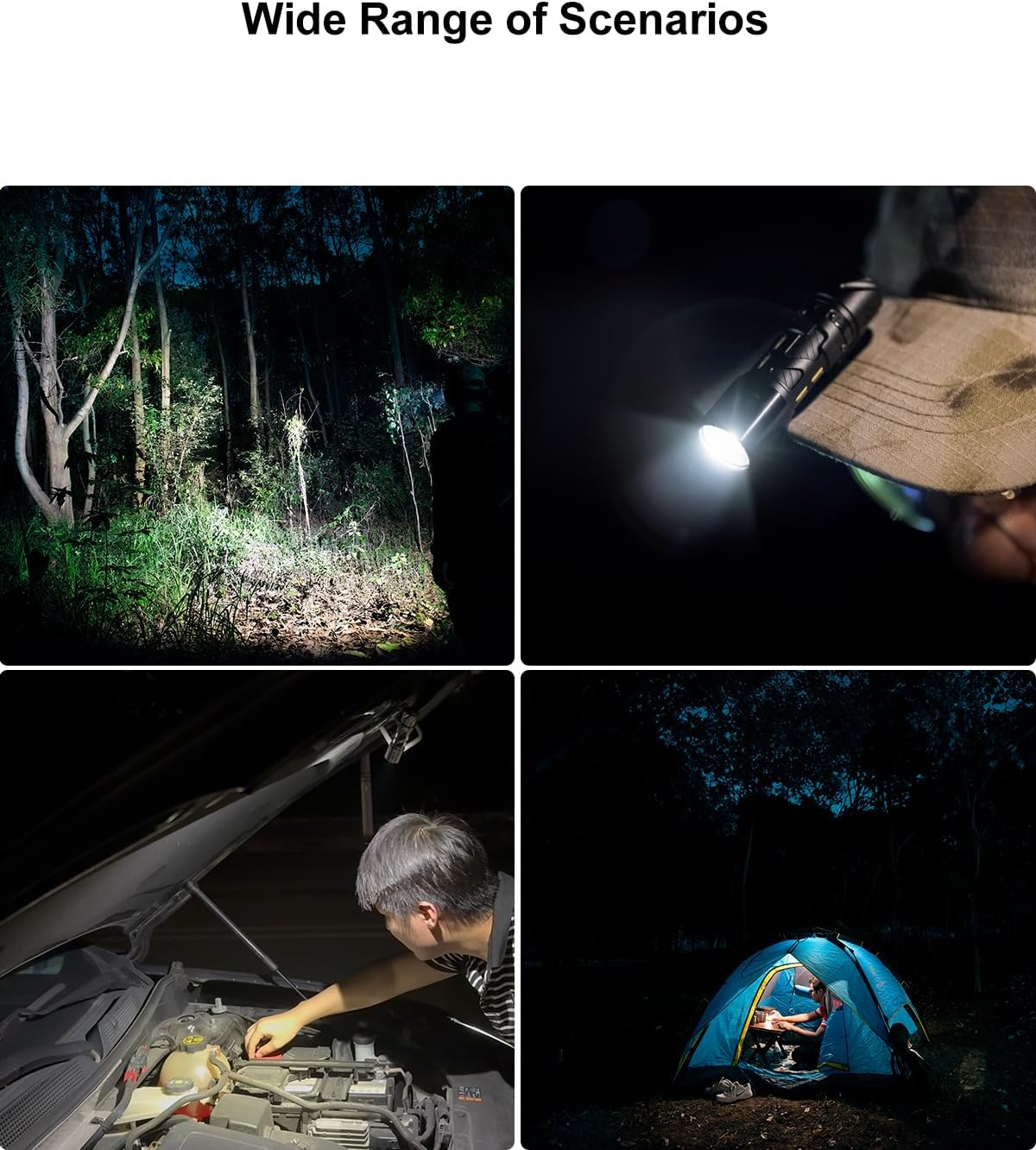
Image: All components included in the SK03 Flashlight package: flashlight, USB-C cable, side light filters, and lanyard.
Izici Zomkhiqizo
- Ukukhanyisa Okunamandla: Experience exceptional visibility with an ultra-bright 1000 lumens main light, offering a 145° floodlight angle that can illuminate up to 393 feet (120 meters).

Image: A person walking on a path at night, illuminated by the powerful 1000 lumens beam of the SK03 flashlight.
- Versatile Side Light: Features a unique multi-function side light with a maximum brightness of 80 lumens. Customize your lighting with the included 4 color filters (Orange, Red, White, Blue). This side light can also function as a campngi lamp or night light.
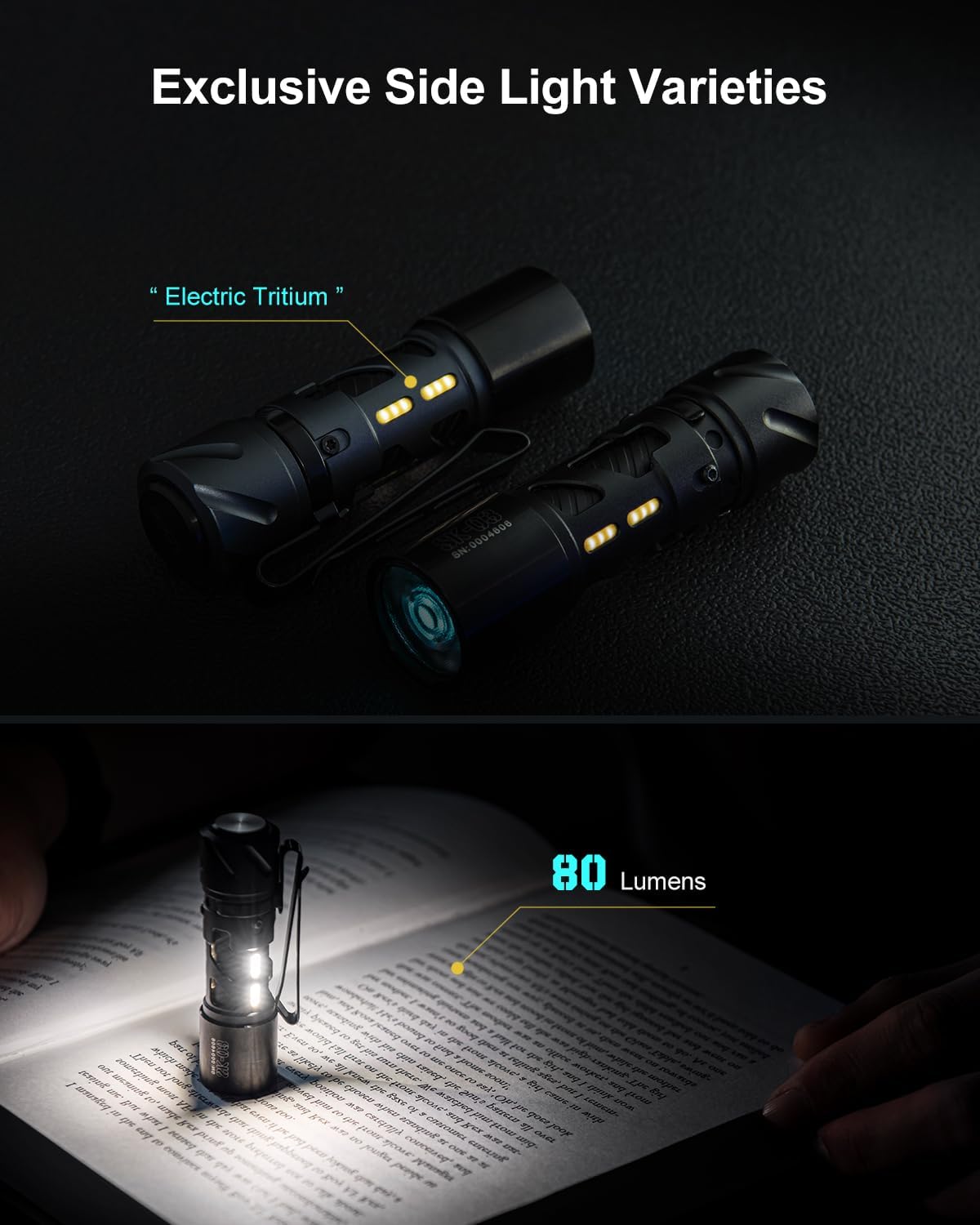
Image: Two SK03 flashlights demonstrating the side light feature, one with a warm glow and another illuminating a book.

Image: Four SK03 flashlights showcasing the different colored side light filters (blue, red, orange, white) in use.
- Ihlangene futhi Iyaphatheka: Designed for easy portability with its ultra-small size (3.0 inches length) and lightweight construction (1.83 oz). The integrated clip-on design and included lanyard make it effortless to carry.
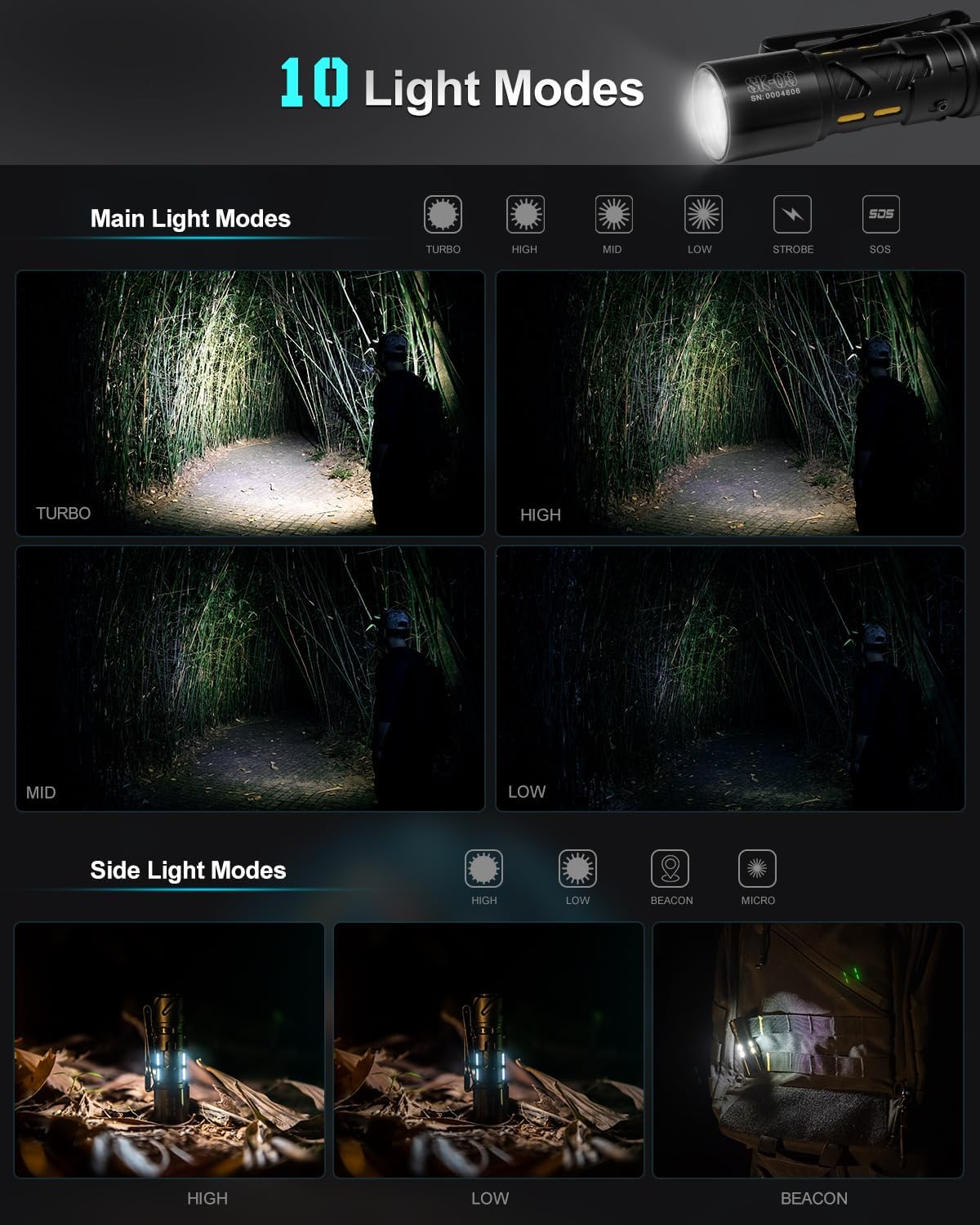
Image: The SK03 flashlight held in a hand next to a folding knife, illustrating its compact size and portability.
- 10 Izindlela Zokukhanyisa: Offers a comprehensive range of lighting options controlled by a single button, catering to various scene requirements from outdoor adventures to reading at home.
- I-USB-C Ishajwa kabusha: Conveniently recharge the flashlight via its USB-C port. The included Lithium-Ion battery provides long-lasting power, with up to 2 years of battery life in micro mode.
- Ukwakhiwa Okuqinile: Crafted from premium quality aluminum, ensuring durability and reliability. The flashlight is also waterproof.
Setha
Ukushaja ithoshi
The SK03 flashlight comes with a built-in rechargeable Lithium-Ion battery. Before first use, it is recommended to fully charge the device.
- Thola imbobo yokushaja ye-USB-C ku-flashlight.
- Connect the included USB-C charging cable to the flashlight's port.
- Connect the other end of the USB-C cable to a compatible USB power source (e.g., computer USB port, wall adapter, power bank).
- The charging indicator light will show the charging status. Refer to the flashlight's specific indicator behavior (e.g., red for charging, green for fully charged).
- Ukushaja okugcwele ngokuvamile kuthatha cishe amahora angu-1.5.

Image: The SK03 flashlight connected to a USB-C charging cable, illustrating the charging process.
Imiyalelo yokusebenza
The SK03 flashlight features a single button for controlling all its functions. Familiarize yourself with the button presses to navigate through the various modes.
Main Light Modes (Front LED)
The main light offers 6 modes: Turbo, High, Mid, Low, Strobe, and SOS.
- Vula/Vala: Single click the button to turn the main light on or off.
- Amamodi Omjikelezo: When the main light is on, press and hold the button to cycle through Low → Mid → High. Release the button to select the desired brightness.
- Imodi ye-Turbo: Double-click the button from any state (on or off) to activate Turbo mode (1000 lumens). Double-click again to return to the previous mode or turn off.
- Imodi ye-Strobe: Triple-click the button from any state to activate Strobe mode. Triple-click again to return to the previous mode or turn off.
- Imodi ye-SOS: Quadruple-click the button from any state to activate SOS mode. Quadruple-click again to return to the previous mode or turn off.
Side Light Modes (Side LEDs)
The side light offers 4 modes: High, Low, Beacon, and Micro.
- Vula/Vala: Press and hold the button for 3 seconds from any state to turn the side light on or off.
- Amamodi Omjikelezo: When the side light is on, single click the button to cycle through High → Low → Beacon → Micro.
- Applying Color Filters: Gently slide one of the four included color filters over the side light section of the flashlight to change the light color.
Image: A visual representation of the 10 lighting modes available on the SK03 flashlight, including main light and side light options.
Isondlo
Proper maintenance ensures the longevity and optimal performance of your SK03 flashlight.
- Ukuhlanza: Sula umzimba wethoshi ngesithambile, damp indwangu. Ungasebenzisi izihlanzi ezirhabaxa noma izinyibilikisi. Gcina ilensi ihlanzekile ukuze kukhanye kakhulu.
- Ukunakekelwa kwebhethri: Recharge the flashlight regularly, even if not in frequent use, to maintain battery health. Avoid fully depleting the battery for extended periods.
- Isitoreji: Gcina ithoshi endaweni epholile, eyomile ekude nelanga eliqondile namazinga okushisa aphezulu.
- Ukumelana Namanzi: The flashlight is waterproof, but avoid prolonged submersion or exposing it to high-pressure water jets. Ensure the USB-C port cover is securely closed when exposed to water.
Ukuxazulula inkinga
If you encounter issues with your SK03 flashlight, please refer to the following common problems and solutions:
| Inkinga | Imbangela Engenzeka | Isixazululo |
|---|---|---|
| I-flashlight ayivuli. | Ibhethri liphelile. | Charge the flashlight using the USB-C cable. |
| Okukhiphayo ukukhanya kufiphele. | Izinga lebhethri eliphansi. | Shaja kabusha ithoshi. |
| Side light not working. | Incorrect activation method. | Press and hold the button for 3 seconds to activate the side light. |
| Cannot cycle through modes. | Ukulandelana kokucindezela inkinobho okungalungile. | For main light, press and hold to cycle. For side light, single click to cycle. Refer to Operating Instructions. |
If the problem persists after attempting these solutions, please contact LOOP GEAR customer support for further assistance.
