
DUODUOGO T30
DUODUOGO 10.1 inch Android Tablet User Manual
Imodeli: T30
1. Isingeniso
Welcome to the user manual for your new DUODUOGO 10.1 inch Android Tablet. This device is designed to provide a seamless and powerful experience for all your digital needs, from entertainment to productivity. Please read this manual carefully to ensure proper use and to maximize the performance and longevity of your tablet.

Figure 1.1: DUODUOGO 10.1 inch Android Tablet and accessories.
2. Yini EseBhokisini
Lapho uvula iphakheji, sicela uqinisekise ukuthi zonke izinto ezilandelayo zifakiwe:
- 1 x DUODUOGO 10.1 inch Android Tablet
- Ikesi le-1 x Tablet
- 1 x Ikhebuli ye-USB yohlobo C
- 1 x Ishaja
- 1 x Incwadi Yomsebenzisi
3. Umkhiqizo Uphelileview
The DUODUOGO T30 tablet is engineered for high performance and user convenience. Below are key features and components:
3.1. Ukusebenza kanye Nesitoreji
Equipped with a powerful octa-core processor and 8GB RAM (4GB physical + 4GB virtual memory), the tablet ensures smooth multitasking and fast application loading. The 64GB internal storage is expandable up to 1TB via a TF card, providing ample space sakho konke files.

Figure 3.1: Performance and Storage Capabilities.

Figure 3.2: Octa-Core Processor for Enhanced Performance.
3.2. Display and Audiovisual
Experience vibrant visuals on the 10.1-inch IPS HD display with a resolution of 1920x1200 pixels. The tablet features dual speakers for an immersive audio experience and supports Widevine L1 DRM for high-quality streaming content.
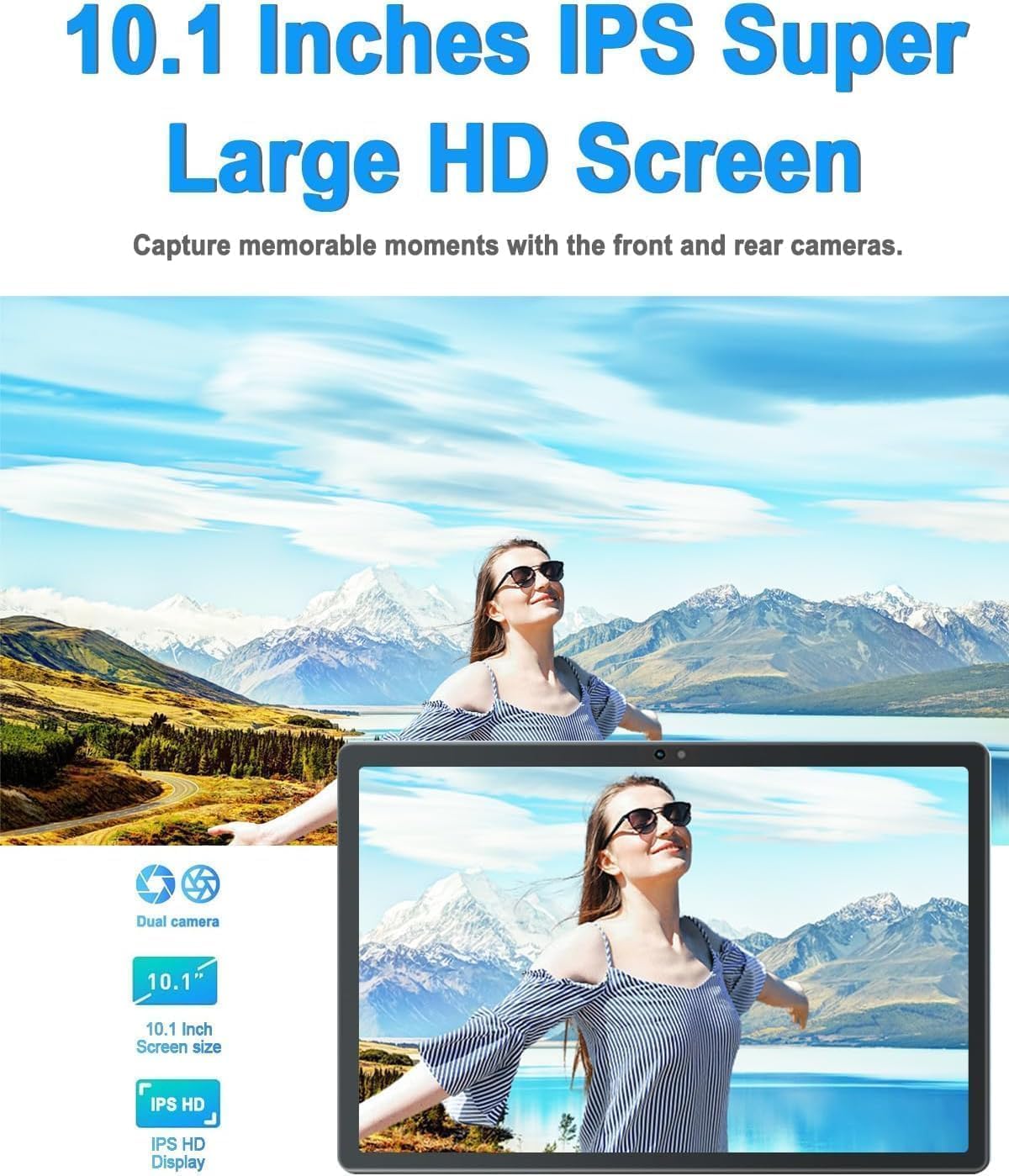
Figure 3.3: 10.1-inch IPS HD Display and Dual Cameras.

Figure 3.4: Immersive Audiovisual Experience.
3.3. Cameras and Connectivity
Capture moments with the 8MP rear camera and 5MP front camera. The tablet supports stable Wi-Fi (802.11ac) and Bluetooth 4.3 for seamless connectivity. It also includes GPS navigation capabilities.

Figure 3.5: Key Features and Connectivity Options.
3.4. Software and Battery
The tablet runs on the latest Android system and is GMS certified, ensuring full access to the Google Play Store and all its applications. A 6000 mAh battery provides extended usage time for various activities.

Figure 3.6: Google GMS Certification and App Access.
Ividiyo 3.1: Ngaphezuluview of the 10.1 inch Android Tablet's features and capabilities.
4. Umhlahlandlela wokusetha
4.1. Ukushaja Kwasekuqaleni
Before first use, fully charge your tablet. Connect the Type-C USB cable to the tablet's charging port and the other end to the provided charger. Plug the charger into a power outlet. The battery indicator on the screen will show charging progress.
4.2. Vula/Vala
- Ukuvula: Press and hold the Power button (usually located on the side or top edge) until the DUODUOGO logo appears.
- Ukucisha: Cindezela bese ubamba inkinobho Yamandla kuze kuvele imenyu yezinketho zamandla. Khetha "Cisha" bese uqinisekisa.
4.3. Iwizadi Yokusetha Yokuqala
The first time you power on the tablet, you will be guided through a setup wizard. Follow the on-screen prompts to:
- Khetha ulimi lwakho.
- Xhuma kunethiwekhi ye-Wi-Fi.
- Ngena ngemvume nge-akhawunti yakho ye-Google noma dala entsha.
- Setha ukukhiya isikrini (i-PIN, iphethini, iphasiwedi).
- Review futhi wamukele imigomo nemibandela.
5. Iziqondiso Zokusebenza
5.1. Ukuzulazula kusixhumi esibonakalayo
- Thinta: Tap an icon or option to select it.
- Thinta futhi Ubambe: Press and hold an item to access more options.
- Swayipha: Hudula umunwe wakho esikrinini ukuze uskrole noma uzulazule phakathi kwezikrini.
- Ncinza: Sebenzisa iminwe emibili ukusondeza noma ukusondeza izithombe kanye web amakhasi.
5.2. Imisebenzi Eyisisekelo
- Isikrini Sasekhaya: Tap the Home button (circle icon) to return to the main screen.
- Izinhlelo zokusebenza zakamuva: Tap the Recent Apps button (square icon) to view bese ushintsha phakathi kwezinhlelo zokusebenza ezisanda kusetshenziswa.
- Emuva: Tap the Back button (triangle icon) to go back to the previous screen.
- Izaziso: Swayipha phansi kusukela phezulu kwesikrini ukuze ufinyelele iphaneli yesaziso kanye nezilungiselelo ezisheshayo.
- Ukulawula ivolumu: Use the physical Volume Up/Down buttons on the side of the tablet.
5.3. Ixhuma ku-Wi-Fi
- Iya ku Izilungiselelo > Inethiwekhi ne-inthanethi > I-Wi-Fi.
- Guqula i-Wi-Fi On.
- Khetha inethiwekhi oyithandayo ohlwini.
- Enter the password if prompted and tap Xhuma.
5.4. Using Cameras
Open the Camera app from your home screen or app drawer. You can switch between the front and rear cameras using the camera switch icon. Tap the shutter button to take a photo or start/stop video recording.

Figure 5.1: HD Large Screen Display for optimal viewing.
6. Isondlo Nokunakekela
To ensure the longevity and optimal performance of your DUODUOGO tablet, follow these maintenance guidelines:
- Ukuhlanza: Use a soft, lint-free cloth to clean the screen and body. For stubborn smudges, slightly dampfaka indwangu ngamanzi noma isihlanzi sesibuko. Gwema amakhemikhali anamandla.
- Izinga lokushisa: Do not expose the tablet to extreme temperatures (hot or cold) or direct sunlight for prolonged periods.
- Ukuchayeka emanzini: This tablet is not waterproof. Avoid contact with liquids.
- Isitoreji: When not in use for extended periods, store the tablet in a cool, dry place.
- Izibuyekezo zesofthiwe: Regularly check for and install system updates to ensure your tablet has the latest features and security patches. Go to Izilungiselelo > Uhlelo > Isibuyekezo sesistimu.
7. Ukuxazulula izinkinga
Uma uhlangabezana nezinkinga ngethebhulethi yakho, bheka izinkinga nezixazululo ezilandelayo ezivamile:
- Tablet won't turn on:
- Ensure the battery is charged. Connect the charger and wait a few minutes before attempting to power on.
- Press and hold the Power button for at least 10-15 seconds to force a restart. - Isikrini asiphenduli:
- Restart the tablet.
- Ensure your hands are clean and dry. - Izinkinga zokuxhumeka kwe-Wi-Fi:
- Ensure Wi-Fi is enabled in Settings.
- Restart your Wi-Fi router.
- Forget the network in tablet settings and reconnect.
- Ensure you are within range of the Wi-Fi signal. - Apps are crashing or freezing:
- Close and reopen the app.
- Clear the app's cache (Settings > Apps > [App Name] > Storage & cache > Clear cache).
- Update the app from Google Play Store.
- Uninstall and reinstall the app. - Ukusebenza kancane:
- Close unused apps running in the background.
- Clear cache and temporary files.
- Ensure sufficient storage space is available.
- Restart the tablet regularly. - Ibhethri liyaphela ngokushesha:
- Reduce screen brightness.
- Turn off Wi-Fi, Bluetooth, and GPS when not in use.
- Close background apps.
- Limit notifications.
- Check battery usage in Settings to identify power-hungry apps.
If the problem persists, please contact DUODUOGO customer support for further assistance.
8. Imininingwane
| Isici | Ukucaciswa |
|---|---|
| Ibhrendi | DUODUOGO |
| Inombolo Yemodeli | T30 |
| Isistimu esebenzayo | Android |
| Usayizi Wesikrini | 10.1 amayintshi |
| Ukulungiswa Kwesikrini | 1920 x 1200 pixels IPS |
| Iphrosesa | Octa-Core, 2 GHz (MediaTek) |
| RAM | 8GB (4GB + 4GB virtual) |
| Isitoreji Sangaphakathi | 64GB |
| Isitoreji Esinwebekayo | Up to 1TB (TF card) |
| Ikhamera yangemuva | 8 MP |
| Ikhamera yangaphambili | 5 MP |
| Amandla ebhethri | 6000 mAh |
| Uhlobo Olungenantambo | 802.11ac Wi-Fi |
| I-Bluetooth | I-Bluetooth 4.3 |
| Ukuxhumana | Type-C USB, 3.5mm Headphone Jack |
| Isisindo sento | 1.04 amakhilogremu |
| Ubukhulu bomkhiqizo | 9.6 x 6.4 x 0.32 amayintshi |
9. Iwaranti kanye Nokusekela
Your DUODUOGO tablet comes with a standard manufacturer's warranty. Please refer to the warranty card included in your product packaging for specific terms and conditions, including warranty period and coverage details.
For technical support, troubleshooting assistance, or warranty claims, please contact DUODUOGO customer service through the contact information provided on the product packaging or the official DUODUOGO webindawo.
Sicela ugcine ubufakazi bakho bokuthenga ngezinjongo zewaranti.
Ask a question about this manual
Ask about setup, troubleshooting, compatibility, parts, safety, or missing instructions. Manuals+ will review the question and use this page’s manual context to help answer it.