
1. Umkhiqizo Uphelileview
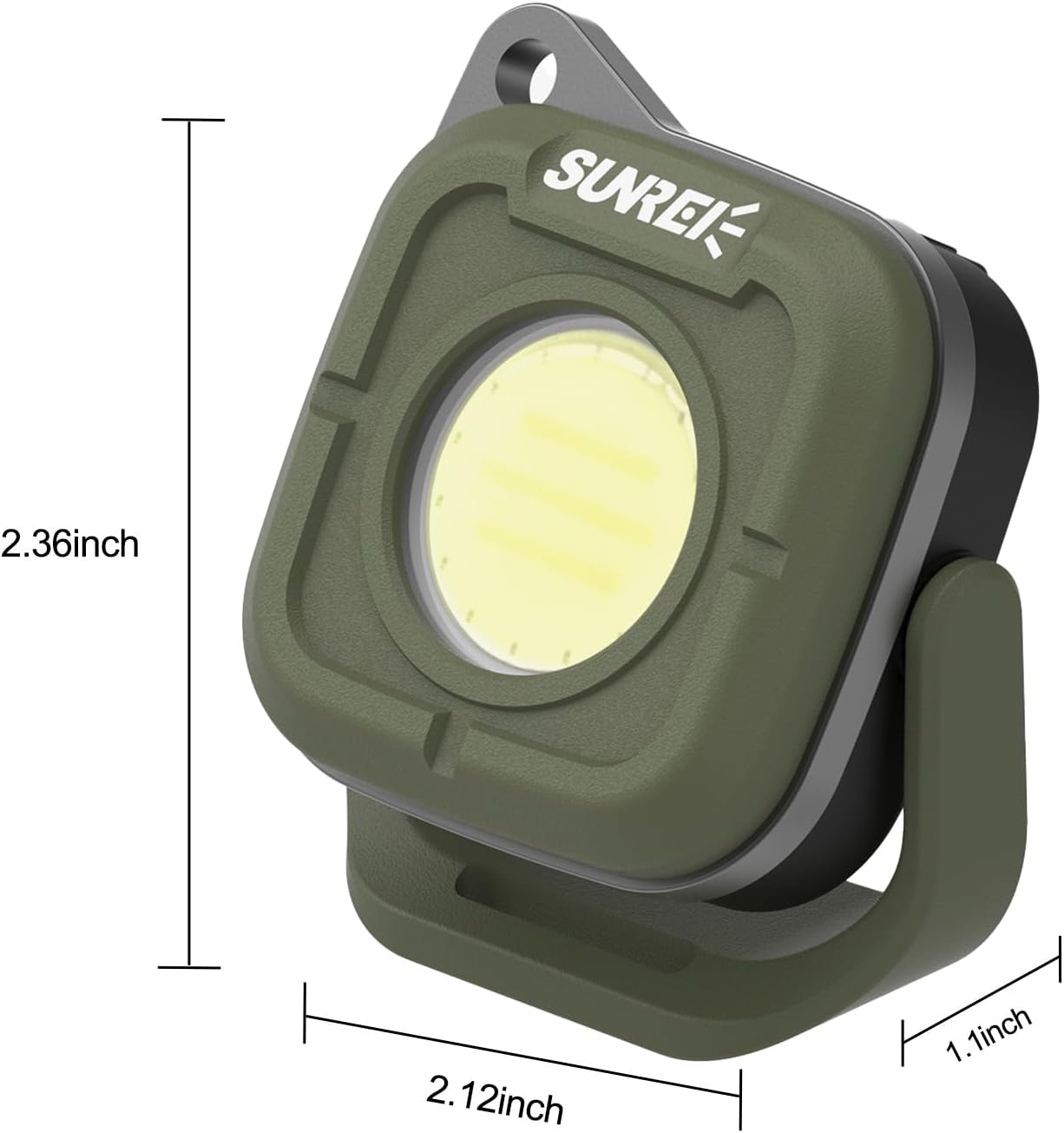
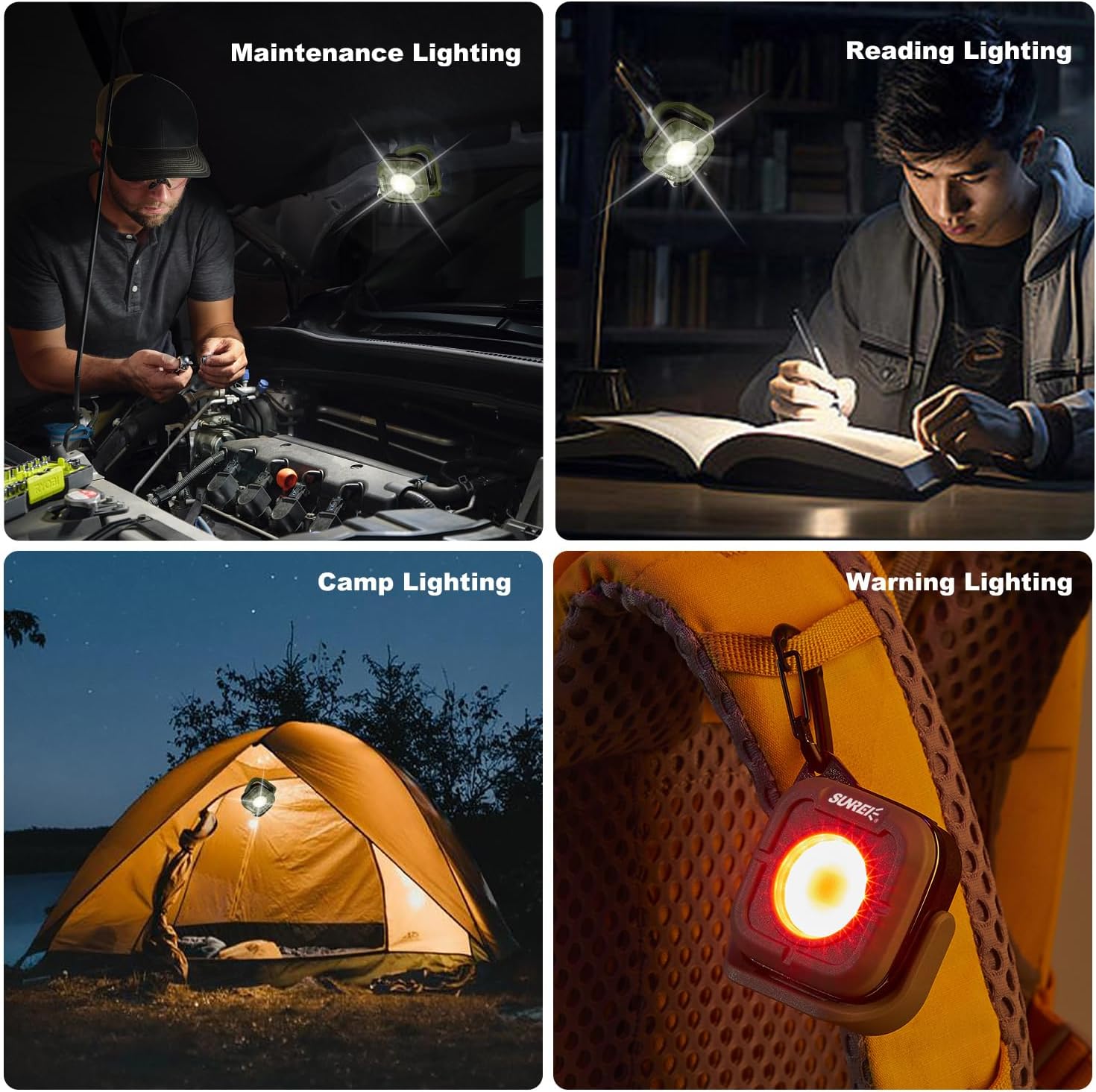
The SUNREI C500 is a versatile mini portable LED work light designed for various applications, including camping, car repair, and emergency lighting. It features multiple lighting modes, adjustable color temperatures, a 180-degree rotating stand, magnetic base, and a hook for convenient placement.

Izici Eziyinhloko:
- Izindlela Eziningi: 5 modes including low, medium, high brightness, red light, and SOS.
- Izinga lokushisa Lombala Elilungisekayo: 4 settings (2700K, 3500K, 4500K, 6500K) for varied lighting needs.
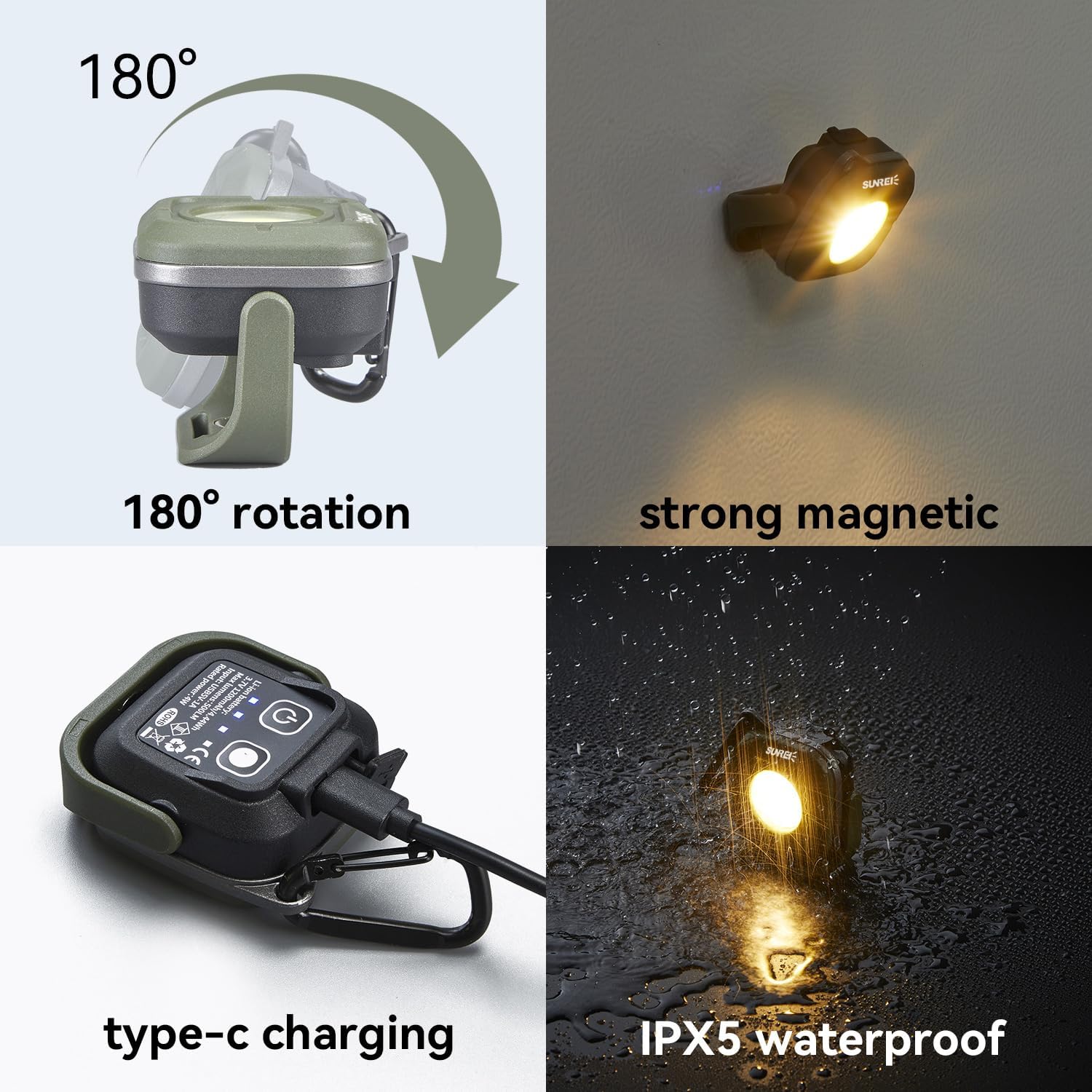
- 180° Ukuzungezisa: Allows for flexible light positioning.
- Magnetic Base & Hook: Provides multiple mounting options.
- I-IPX5 Ingangeni manzi: Imelana nokuchaphazeka kwamanzi kusuka kunoma iyiphi indlela.
- Ibhethri Elishajwa kabusha: Built-in 1200mAh lithium battery with Type-C charging.
2. Ukusetha nokushaja
2.1 Inkokhelo Yokuqala
Before first use, fully charge the device. The built-in 1200mAh lithium battery provides up to 15.5 hours of runtime in energy-saving mode and can be fully charged in approximately 1.7 hours.
2.2 Inqubo yokushaja
- Thola imbobo yokushaja yohlobo C kudivayisi.
- Connect the provided Type-C charging cable to the port.
- Connect the other end of the cable to a compatible USB power source (e.g., wall adapter, power bank, computer USB port).
- The power indicator lights will show charging status. All lights illuminated indicate a full charge.


3. Iziqondiso Zokusebenza
3.1 Ukuvula/ukuvala kanye nokulungiswa kokukhanya
The device features a power switch to control its illumination.
- Vula: Click the power switch once to turn on the light at low brightness (35LM).
- Brightness Cycle: Subsequent clicks will cycle through medium brightness (110LM) and high brightness (350LM).
- Imodi Ekhanya Kakhulu: Hold down the power button for more than 1 second to activate the extremely bright mode (500LM).
- Cisha ugesi: Continue clicking the power switch after high brightness to turn off the light, or hold the power switch for 1 second in any mode to turn off.
3.2 Ukulungiswa Kwezinga lokushisa Lombala
The device offers four color temperature settings to suit different environments.
- Click the color temperature adjustment button to cycle through 2700K, 3500K, 4500K, and 6500K.
- Each brightness level can be adjusted to two different color temperatures.
3.3 Red Light and SOS Modes
For emergency or warning situations, the device includes red light functions.
- From the off state or after cycling through white light modes, click the power switch to activate red highlight mode (625nm).
- Click again for red flashing (SOS) mode.


3.4 Ukubeka Nokufaka
The C500 offers flexible positioning options:
- 180° Rotating Stand: Lungisa i-engeli yokukhanya njengoba kudingeka.
- Isisekelo Sezibuthe: Attach the light to metallic surfaces for hands-free operation.
- Hook Function: Use the integrated lock hook to hang the light on backpacks, keychains, or other suitable points.

3.5 Ividiyo Yomkhiqizo
4. Isondlo
4.1 Ukuhlanza
Ukuze uhlanze idivayisi, isule ngesithambile, damp cloth. Avoid using abrasive cleaners or solvents that could damage the surface or internal components.
4.2 Isitoreji
When not in use for extended periods, store the work light in a cool, dry place away from direct sunlight and extreme temperatures. Ensure the battery is partially charged (around 50%) before storage to prolong its lifespan.
4.3 Ukunakekelwa Kwebhethri
The device uses a rechargeable lithium-ion battery. To maintain battery health:
- Gwema ukukhipha ibhethri ngokugcwele njalo.
- Charge the device regularly, even if not in frequent use.
- Do not expose the device to temperatures above 60°C (140°F) or below -20°C (-4°F).
5. Ukuxazulula izinkinga
5.1 Isibani Asivuli
- Hlola Ibhethri: Ensure the device is charged. Connect it to a power source using the Type-C cable.
- Inkinobho yamandla: Press the power button firmly. If it still doesn't turn on, try holding it for a few seconds.
5.2 Light Not Charging
- Uxhumano Lwekhebula: Verify that the Type-C cable is securely connected to both the device and the power source.
- Umthombo wamandla: Test the charging cable and power adapter with another device to ensure they are functional.
- Imbobo yokushaja: Hlola imbobo yokushaja ukuze uthole noma iyiphi imfucumfucu noma umonakalo.
5.3 Dim or Inconsistent Light Output
- Ileveli Yebhethri: A low battery can cause dim light. Recharge the device.
- Ukukhetha Imodi: Ensure the desired brightness mode is selected. Cycle through the brightness settings.
6. Imininingwane
| Isici | Ukucaciswa |
|---|---|
| Inombolo Yemodeli | SU-C500-Army green |
| Uhlobo Lomthombo Wokukhanya | I-LED |
| Ukukhanya | 500 Lumens (Ubukhulu) |
| Ukushisa Kombala | 2700K, 3500K, 4500K, 6500K |
| Umthombo wamandla | Isebenza Ibhethri |
| Uhlobo Lwebhethri | I-Lithium Polymer ekhokhelwayo |
| Amandla ebhethri | 1200mAh |
| Imbobo yokushaja | Uhlobo C |
| Ukumelana Namanzi | IPX5 Ingangeni manzi |
| Okubalulekile | I-ABS |
| Isisindo sento | Ama-ounces angu-5.3 (0.15 Amakhilogremu) |
| Ubukhulu bomkhiqizo | 2.4 x 2.1 x 1.1 amayintshi |
7. Iwaranti kanye Nokusekela
For warranty information, technical support, or any inquiries regarding your SUNREI C500 Mini Portable LED Work Light, please contact the manufacturer directly through their official channels or visit the SUNREI Store on Amazon.