
Isingeniso
Thank you for choosing the AWEI A996BL Bluetooth Over-Ear Headphones. This manual provides detailed instructions for setting up, operating, and maintaining your headphones to ensure optimal performance and longevity. Please read this manual carefully before use.
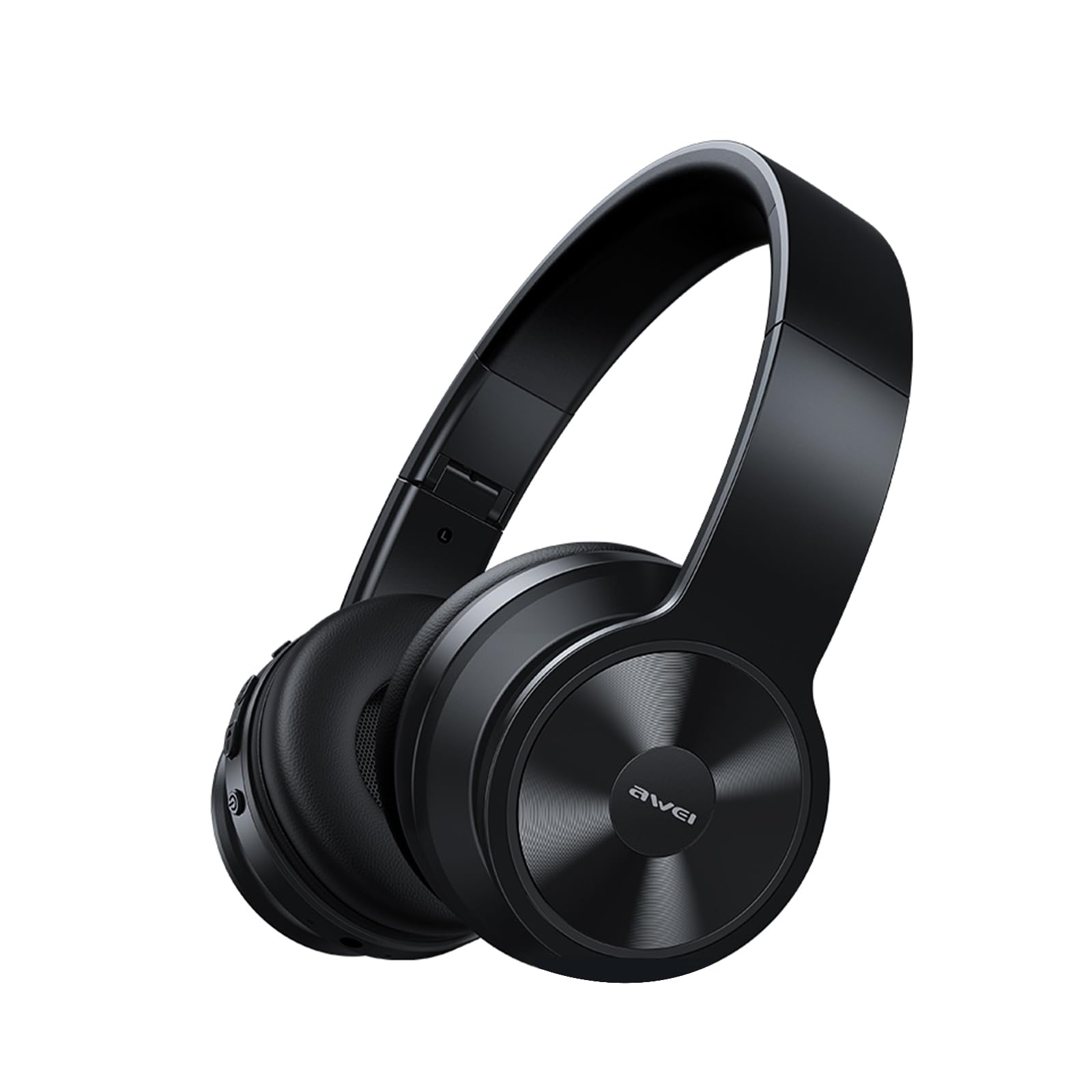
Image: AWEI A996BL over-ear headphones, showcasing design yabo.
The AWEI A996BL headphones feature advanced Bluetooth 5.3 technology for stable connections, 40mm drivers for immersive stereo sound, and a comfortable, foldable design with soft protein earpads. Enjoy up to 16 hours of playtime on a single charge, with the flexibility of both wireless and wired (AUX) listening modes.
Okuqukethwe Kwephakheji
- AWEI A996BL Bluetooth Over-Ear Headphones
- Ikhebula lokushaja le-USB
- Imaniwali yosebenzisayo
- (Note: An AUX cable may be included for wired connection, depending on the specific package.)
Umkhiqizo Uphelileview
Zijwayeze izingxenye ze-headphone kanye nezilawuli.

Image: Right earcup of the AWEI A996BL headphones, highlighting the control buttons.
Izilawuli Nezinkomba:
- Inkinobho Yemisebenzi eminingi (MFB): Power On/Off, Play/Pause, Answer/End Call, Reject Call, Activate Voice Assistant.
- Inkinobho Yokuphakamisa Ivolumu / Ithrekhi Elandelayo: Short press for Volume Up, Long press for Next Track.
- Inkinobho Yokwehlisa Ivolumu / Ithrekhi Yangaphambilini: Short press for Volume Down, Long press for Previous Track.
- Inkomba ye-LED: Shows power status, pairing mode, and charging status.
- Imakrofoni: Ngezingcingo ze-hands-free.
- Imbobo yokushaja ye-USB-C: Ukushaja ama-headphone.
- Imbobo ye-AUX engu-3.5mm: Ngoxhumano lomsindo olunentambo.
Setha
1. Ukushaja ama-headphones
Ngaphambi kokusebenzisa okokuqala, shaja ama-headphone ngokugcwele. Ukushaja okugcwele kuthatha cishe amahora ama-2.
- Connect the USB charging cable to the USB-C charging port on the headphones.
- Xhuma enye ingxenye yentambo ku-adaptha yamandla ye-USB (ayifakiwe) noma imbobo ye-USB yekhompyutha.
- The LED indicator will show a red light during charging and turn off or blue when fully charged.

Image: Visual representation of the 300mAh battery capacity, indicating long battery life.
2. Ukuvula/Ukucisha
- Vula: Press and hold the Multi-function Button (MFB) for approximately 3 seconds until the LED indicator flashes blue and a voice prompt confirms "Power On".
- Cisha ugesi: Press and hold the Multi-function Button (MFB) for approximately 3 seconds until the LED indicator flashes red and a voice prompt confirms "Power Off".
3. Ukubhanqa nge-Bluetooth (Imodi Engenantambo)
Ama-headphone asebenzisa i-Bluetooth 5.3 ukuze axhumane kahle.
- Qinisekisa ukuthi ama-headphone ashajwe ngokugcwele futhi acishiwe.
- Press and hold the Multi-function Button (MFB) for approximately 5-7 seconds until the LED indicator flashes blue and red alternately. This indicates pairing mode.
- Kudivayisi yakho (i-smartphone, ithebhulethi, i-PC), vumela i-Bluetooth bese usesha amadivayisi atholakalayo.
- Select "AWEI A996BL" from the list of found devices.
- Once paired, the LED indicator will flash blue slowly, and a voice prompt will confirm "Connected".
- If a password is required, enter "0000".

Image: Headphones connected wirelessly to a laptop and smartphone, demonstrating a stable Bluetooth connection. Note: The product features Bluetooth 5.3 for enhanced performance.
4. Uxhumano Lwezintambo (Imodi ye-AUX)
You can use the headphones in wired mode even when the battery is depleted or with non-Bluetooth devices.
- Connect one end of a 3.5mm audio cable (not included) to the AUX port on the headphones.
- Xhuma olunye uhlangothi ku-jack yokukhipha umsindo engu-3.5mm yedivayisi yakho.
- The headphones will automatically switch to wired mode. Note that controls on the headphones (volume, play/pause) may not function in wired mode; control playback from your connected device.

Image: Headphones showing both USB-C charging port and 3.5mm AUX port, illustrating wired and wireless options.
Imiyalelo yokusebenza
Efake ama-headphones
Adjust the headband for a comfortable fit. The soft protein earpads are designed for extended wear.

Image: A person wearing the AWEI A996BL headphones, highlighting their lightweight and comfortable design with adjustable headband and bendable earmuffs.
Basic Functions (Wireless Mode)
| Umsebenzi | Ukusebenza |
|---|---|
| Dlala/Misa kancane Umculo | Cindezela kafushane inkinobho ye-Multi-function (MFB). |
| Ivolumu phezulu | Cindezela inkinobho ethi "Ivolumu phezulu / Ithrekhi elandelayo" kafushane. |
| Ivolumu Phansi | Cindezela inkinobho ethi "Ivolumu Yehla / Ithrekhi Yangaphambilini". |
| Ithrekhi Elandelayo | Cindezela isikhathi eside inkinobho ethi "Ivolumu phezulu / Ithrekhi elandelayo". |
| Ithrekhi Edlule | Cindezela isikhathi eside inkinobho ethi "Ivolumu Yehla / Ithrekhi Yangaphambilini". |
| Phendula/Qeda ucingo | Cindezela kafushane inkinobho ye-Multi-function (MFB). |
| Yenqaba Ucingo | Cindezela isikhathi eside inkinobho ye-Multi-function (MFB). |
| Vula Umsizi Wezwi | Double-press the Multi-function Button (MFB). |
Isondlo
Ukuhlanza
- Sula ama-headphone ngendwangu ethambile, eyomile, engena-lint.
- Ungasebenzisi izinto zokuhlanza abrasive, utshwala, noma izincibilikisi zamakhemikhali.
- Gwema ukuthola umswakama kunoma yiziphi izimbobo.
Isitoreji
- Uma ingasetshenziswa, gcina ama-headphones endaweni epholile, eyomile, kude nelanga eliqondile namazinga okushisa aphezulu.
- Ama-headphone anesiklamo esigoqekayo ukuze kube lula ukugcina nokuthwala.
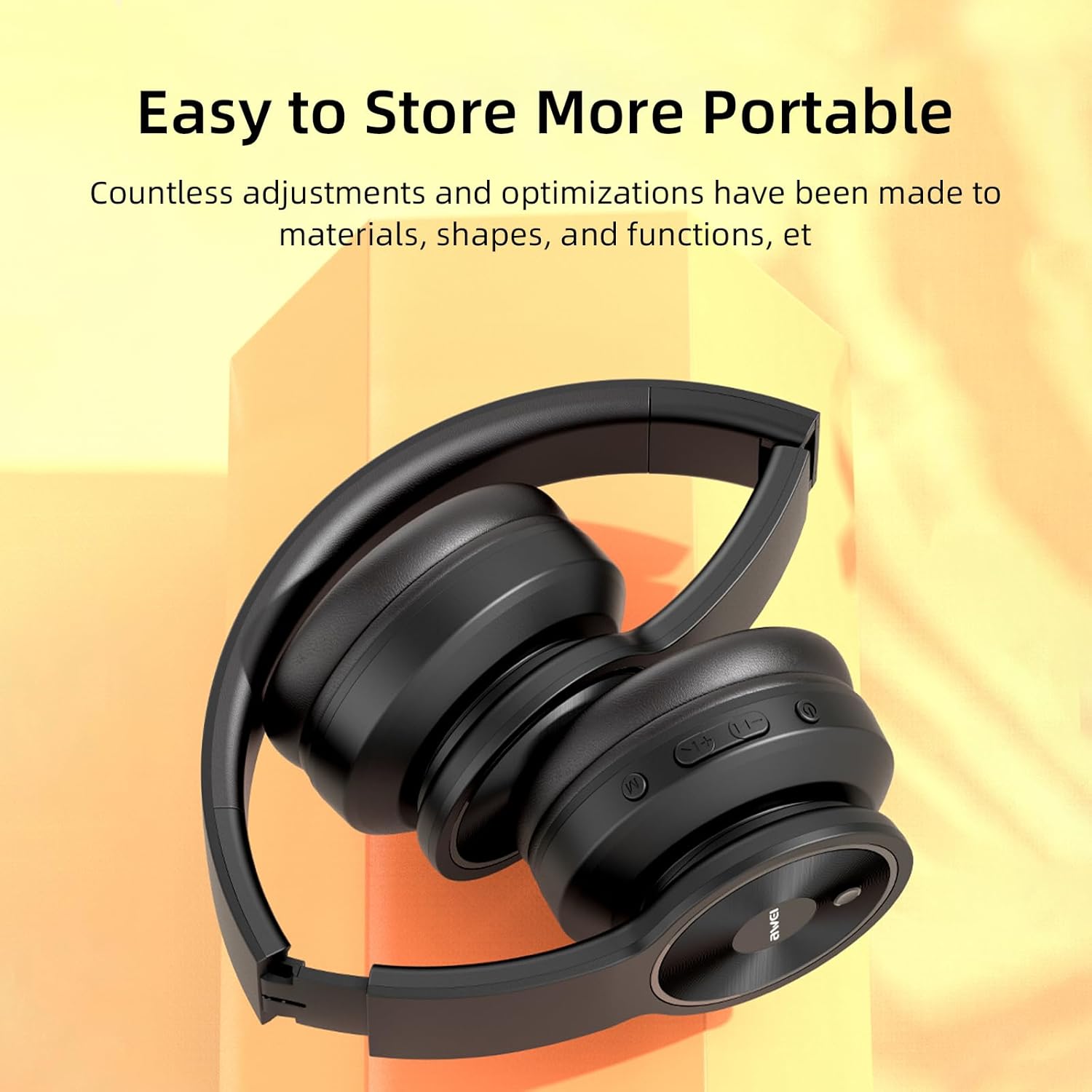
Image: The AWEI A996BL headphones in a folded position, demonstrating their portable and easy-to-store design.
Ukunakekela Ibhethri
- To preserve battery life, charge the headphones regularly, even if not used frequently.
- Gwema ukukhipha ibhethri ngokugcwele isikhathi eside.
- Ungayibeki ibhethri emazingeni okushisa aphezulu.
Ukuxazulula inkinga
| Inkinga | Isixazululo |
|---|---|
| Ama-headphone awavuli amandla. | Ensure the headphones are charged. Connect to a power source using the USB cable. |
| Ayikwazi ukubhanqa nedivayisi. |
|
| Awukho umsindo noma ivolumu ephansi. |
|
| Ikhwalithi yomsindo ayilungile noma ayivamile. |
|
| Imakrofoni ayisebenzi. |
|
Imininingwane
| Isici | Imininingwane |
|---|---|
| Imodeli | A996BL |
| Inguqulo ye-Bluetooth | 5.3 |
| Usayizi Womshayeli | 40 mm |
| Amandla ebhethri | 300mAh |
| Isikhathi sokudlala | Kufika emahoreni angu-16 |
| Isikhathi sokushaja | Cishe amahora angama-2 |
| Uhlobo olungenantambo | Kufika ku-33 feet (10 metres) |
| Ukuxhumana | Okungenantambo (i-Bluetooth), Okunentambo (3.5mm AUX) |
| Izici ezikhethekile | Ergonomic, Lightweight, Foldable design |
| Ukubekwa Kwendlebe | Ngendlebe |
Iwaranti kanye Nokusekela
AWEI provides a 12-month warranty for the A996BL headphones from the date of purchase, covering manufacturing defects. A 30-day return policy is also available. For any questions, technical support, or warranty claims, please contact our customer service team.
Ukwesekwa Kwamakhasimende:
- I-imeyili: support@awei.com
- Webindawo: www.awei.com
Sihlose ukuphendula yonke imibuzo engakapheli amahora angama-12.