
Isingeniso
This manual provides essential information for setting up, operating, and maintaining your Linkind BR30 Matter Smart Light Bulbs. These recessed LED color-changing bulbs offer versatile lighting options and seamless integration with various smart home platforms.
Yini EseBhokisini
Your Linkind BR30 Matter Smart Light Bulb package includes:
- 4 x Linkind BR30 Matter Smart Light Bulbs
- 1 x Incwadi Yomsebenzisi

Izici Zomkhiqizo
- Isicelo: Designed to fit 5" or 6" recessed cans. BR30 LED bulbs have a diameter of 3.74 inches and a height of 5.04 inches.
- Umbala Nokukhanya: Offers 16 million vivid colors and tunable white lighting from 1800K (warm white) to 6500K (cool white). Brightness is dimmable from 1% to 100%.
- Ukulawulwa Okuhlakaniphile: Supports app control via the AiDot App and voice control with compatible smart assistants.
- Ukuhambisana Kwendaba: Seamlessly integrates with Matter-compatible hubs for control via Alexa, Apple Home, Google Home, and SmartThings. No hub is required when using the Linkind AiDot app.
- Ukuxhumana: Operates on 2.4GHz Wi-Fi networks only.
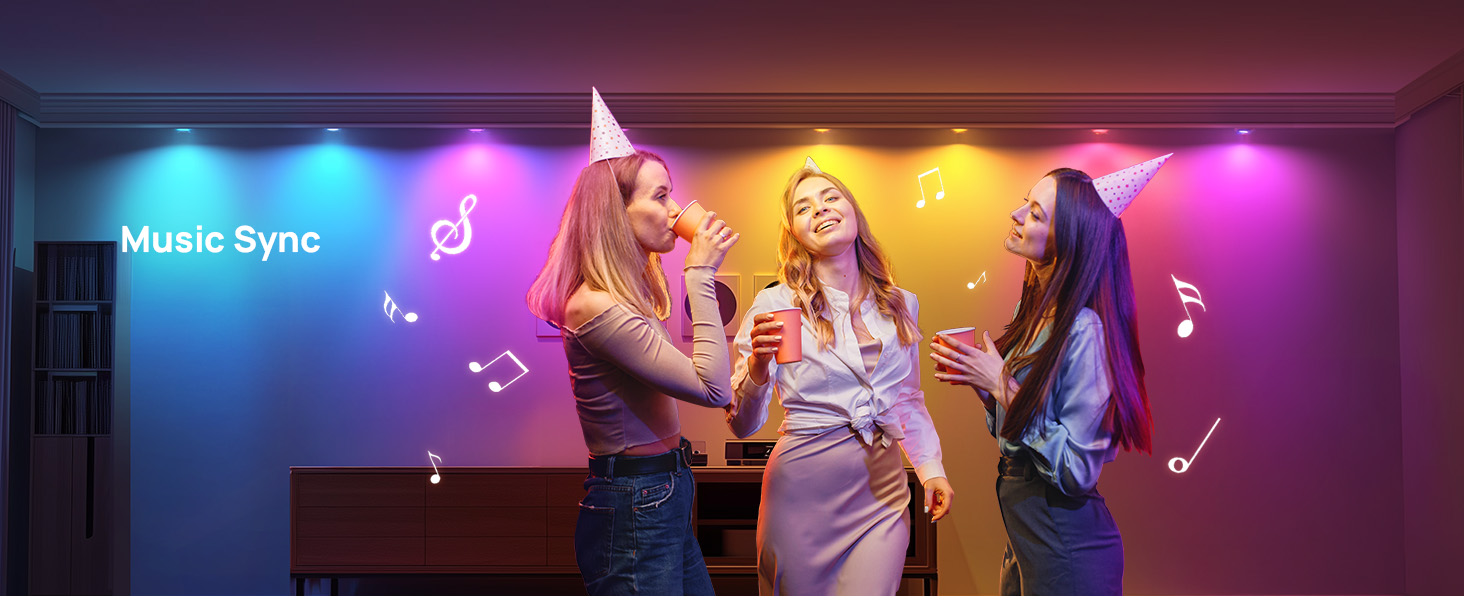
- Izici ezikhethekile: Includes music sync, preset scenes (Party, Dynamic, Calm, Auto Rhythm), scheduling, and group control.


Setha Imiyalelo
Follow these steps to set up your Linkind BR30 Matter Smart Light Bulbs:
- Faka I-bulb: Screw the smart light bulb into a standard E26 socket.
- Vula: Turn on the light switch to power the bulb. The bulb should blink to indicate it's in pairing mode.
- Landa uhlelo lokusebenza: Download the AiDot App from your device's app store.
- Nika amandla i-Bluetooth ne-Wi-Fi: Ensure Bluetooth is enabled on your mobile phone and connect to a 2.4GHz Wi-Fi network (5GHz networks are not supported).
- Ukumatanisa: Open the AiDot App and follow the on-screen instructions to add your device. You may need to scan the Matter QR code found on the bulb or in the user manual.
- Smart Home Integration (Optional): If you wish to control the bulbs with Alexa, Apple Home, Google Home, or SmartThings, ensure you have a compatible Matter hub. Follow the respective app's instructions to add the Matter device.


Imiyalelo yokusebenza
Control your Linkind Smart Light Bulbs using the AiDot App or voice commands:
- Ukulawulwa kohlelo lokusebenza: Use the AiDot App to adjust brightness (1%-100%), change colors (16 million options), set white temperature (1800K-6500K), select from preset scenes, create custom DIY colors, enable music sync modes, and set schedules or routines.
- Ukulawulwa Kwezwi: Integrate with Alexa, Apple Home, or Google Home to use simple voice commands for turning lights on/off, adjusting brightness, and changing colors.
- Ukulawula Kweqembu: Create groups of lights within the app for simultaneous control, allowing you to manage multiple bulbs with a single command.


Imininingwane
| Ibhrendi | I-Linkind |
| Uhlobo Olukhanyayo | I-LED |
| Isici Esikhethekile | Color Changing, Energy Efficient, Eye-Friendly, Smart Dimming |
| Wattage | 8 watts |
| Usayizi Womumo Webhalbhu | I-BR30 |
| I-Bulb Base | E26 |
| I-Incandescent Equivalent Wattage | 60 Watts |
| Ukusetshenziswa Okuthize Komkhiqizo | Recessed light bulbs |
| Umbala Okhanyayo | White (Tunable) / RGB |
| Voltage | 120 volts |
| Ukubala kweyunithi | 4.0 Bala |
| Ukushisa Kombala | 1800 Kelvin - 6500 Kelvin |
| Inombolo Yezinto | 4 |
| Ukukhanya | 650 Lumen |
| Isimo | I-BR30 |
| Okubalulekile | I-aluminium, ipulasitiki |
| Ukusetshenziswa Kwangaphakathi/Kwangaphandle | Ngasendlini |
| Inkomba Yokunikeza Umbala | 90 |
| Ukusetshenziswa kwamandla | 8 Watts |
| Inani Lephakheji Yento | 1 |
| Uhlobo Lomthombo Wokukhanya | I-LED |
| Umthombo Wokukhanya Wattage | 8 Watts |
| Ubukhulu bomkhiqizo | 3.74"W x 5.04"H |
| Indlela Yokulawula | Uhlelo lokusebenza, Izwi |
| Isitayela | Glow Lite 650lm-4pk |
| Umkhiqizi | I-Linkind |
| I-Smart Home Compatibility | Smart Home Compatible (Matter) |
| Inombolo yemodeli yento | I-LS0101911266 |
Ukuxazulula inkinga
- Ukukhanya Okucwayizayo: Do not use these bulbs with dimmable fixtures equipped with traditional dimmer switches, as this may cause flickering. Use app or voice control for dimming.
- Izinkinga Zokuxhumana: Ensure your smart device is connected to a 2.4GHz Wi-Fi network. These bulbs do not support 5GHz networks. If connection fails, reboot the device and try again within 15 minutes of powering on.
- Ukuhambisana: Verify that the bulb size (BR30, 3.74" diameter, 5.04" height) matches your recessed can (5" or 6" recommended).
Isondlo
To ensure optimal performance and longevity of your Linkind Smart Light Bulbs:
- Ukuhlanza: Gently wipe the bulb with a soft, dry cloth. Do not use liquid cleaners or abrasive materials.
- Imvelo: These bulbs are designed for indoor use only. Avoid exposure to moisture or extreme temperatures.
- Izibuyekezo zesofthiwe: Regularly check the AiDot App for firmware updates to ensure enhanced compatibility and performance.
Iwaranti kanye Nokusekela
Your Linkind BR30 Matter Smart Light Bulbs come with a 1-Unyaka Wokuhlanganisa. For any inquiries or assistance, please contact Linkind customer service. Live customer service is available Monday-Friday, 9 AM - 5 PM PST.