
1. Isingeniso
Siyabonga ngokuthengaasing the Awei Y669 Portable Bluetooth Speaker. This manual provides essential information for the proper setup, operation, and maintenance of your device. Please read this manual thoroughly before use to ensure optimal performance and longevity of your speaker.
2. Izici Eziyinhloko
- Bluetooth V5.0+EDR: Ukuze kube nokuxhumana okungenantambo okuzinzile nokusebenzayo.
- Amamodi Okudlala Amaningi: Supports Bluetooth and AUX input.
- Umphumela Womsindo Onamandla: 31W total output (RMS8Wx2 + 15Wx1) for rich sound.
- Ukuxhumana kwe-TWS: Connect two Y669 speakers for a true stereo surround sound experience.
- Impilo ende yebhethri: 2200mAh/7.4V battery provides up to 12 hours of music playback.
- IPX7 Isilinganiso Sokungangeni Manzi: Designed to withstand immersion in water up to 1 meter for 30 minutes.
- 2.1 Speaker System: Features two 8W mid-high frequency speakers and one 15W low frequency speaker.
- Imakrofoni eyakhelwe ngaphakathi: Ngocingo lwe-hands-free.
- Idizayini Ephathekayo: Kuhle kakhulu emisebenzini yangaphandle kanye nokuhamba.
3. Okuqukethwe Kwephakheji
Sicela uhlole iphakheji ngezinto ezilandelayo:
- 1 x Awei Y669 Portable Speaker
- 1 x Incwadi Yomsebenzisi
- 1 x Ikhebuli yokushaja ye-USB
Uma kukhona izinto ezingekho noma ezilimele, sicela uxhumane nomthengisi wakho.
4. Umkhiqizo Uphelileview

Umfanekiso 4.1: Ngaphambili view of the Awei Y669 Portable Bluetooth Speaker, showing the control panel with power, volume, play/pause, and Bluetooth buttons.

Umfanekiso 4.2: Kuqhume view illustrating the internal speaker drivers and passive radiators, highlighting the 2.1 channel audio architecture.
Isakhiwo Sephaneli Yokulawula:
- Inkinobho yamandla: Press and hold to turn on/off. Short press to check battery status.
- Inkinobho ye-Bluetooth: Cindezela okufushane ukufaka imodi yokumatanisa kwe-Bluetooth.
- Ivolumu Phansi (-): Cindezela kafushane ukuze wehlise ivolumu. Cindezela bese ubamba ithrekhi yangaphambilini.
- Inkinobho Dlala/Yemisa Isikhashana: Cindezela kafushane ukuze udlale/umise umculo. Cindezela kafushane ukuze uphendule/uqede izingcingo. Cindezela bese ubamba ukuze wenqabe izingcingo.
- Ivolumu ephezulu (+): Cindezela kafushane ukuze ukhuphule ivolumu. Cindezela bese ubamba ukuze uthole ithrekhi elandelayo.
- Izibani zezinkomba zebhethri: Four LED lights indicating battery level.
5. Setha
5.1 Ukushaja uSomlomo
- Xhuma ikhebuli yokushaja ye-USB enikeziwe embobeni yokushaja esipika.
- Connect the other end of the USB cable to a USB power adapter (DC5V-500mA, not included) or a computer's USB port.
- The battery indicator lights will illuminate to show charging status. All four lights will be solid when fully charged.
- Ukushaja okuphelele kuthatha cishe amahora angu-4.
5.2 Ukumatanisa kwe-Bluetooth
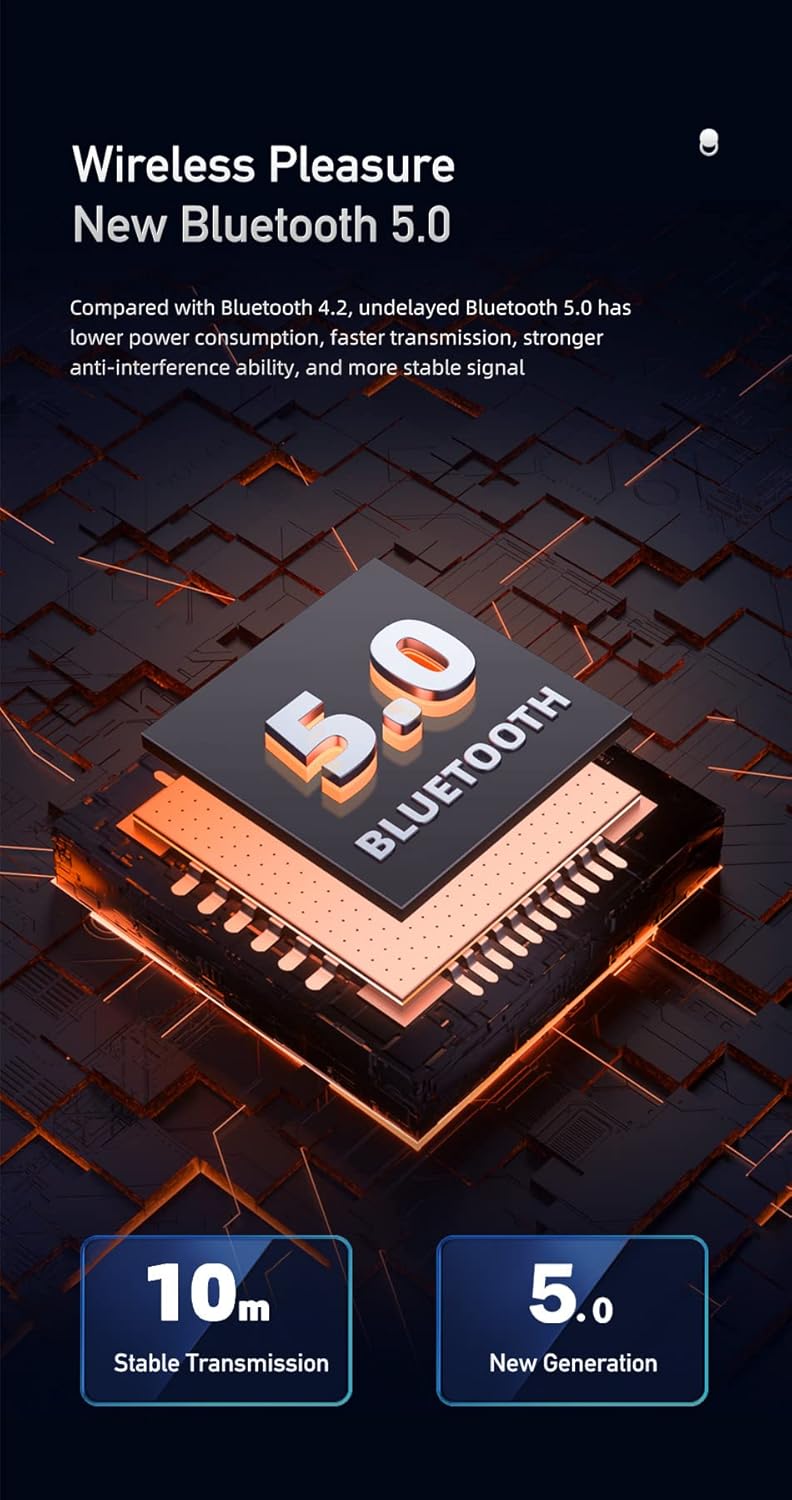
Figure 5.1: Illustration of Bluetooth 5.0 technology, emphasizing stable transmission up to 10 meters.
- Qinisekisa ukuthi isipikha sishajwe ngokugcwele ngaphambi kokusisebenzisa okokuqala.
- Press and hold the Power button to turn on the speaker. A voice prompt will indicate it's powered on.
- Isipikha sizongena ngokuzenzakalelayo kumodi yokubhanqa ye-Bluetooth, ekhonjiswa yisibani se-Bluetooth esikhanyayo.
- Kudivayisi yakho yeselula (i-smartphone, ithebhulethi, njll.), vula i-Bluetooth bese usesha amadivaysi atholakalayo.
- Select "Awei Y669" from the list of devices.
- Once paired, a voice prompt will confirm the connection, and the Bluetooth indicator light will become solid.
- The speaker supports multipoint connection, allowing it to be paired with multiple devices, though only one can play audio at a time.
5.3 AUX Okokufaka
- Xhuma ingxenye eyodwa yekhebuli yomsindo engu-3.5mm (ayifakiwe) embobeni ye-AUX kusipika.
- Connect the other end of the audio cable to the audio output jack of your device.
- Isipika sizoshintshela kumodi ye-AUX ngokuzenzakalelayo.
6. Iziqondiso Zokusebenza
6.1 Ukudlala Umculo

Figure 6.1: The Awei Y669 speaker delivering 360-degree surround stereo sound for an immersive audio experience.
- Dlala/Misa kancane: Cindezela kafushane inkinobho ethi Dlala/Misa kancane.
- Ivolumu ephezulu: Cindezela kafushane inkinobho ethi '+'.
- Ivolumu Phansi: Cindezela kafushane inkinobho '-'.
- Ithrekhi Elandelayo: Cindezela bese ubamba inkinobho ethi '+'.
- Ithrekhi yangaphambilini: Cindezela bese ubamba inkinobho ethi '-'.
6.2 Ukufona Okungenazandla
- Phendula Ucingo: Cindezela inkinobho ethi Dlala/Misa kancane uma ucingo olungenayo lukhala.
- Qeda ikholi: Cindezela inkinobho ethi Dlala/Misa okwesikhashana ngesikhathi socingo.
- Yenqaba Ucingo: Press and hold the Play/Pause button when an incoming call rings.
6.3 TWS (True Wireless Stereo) Interconnection
To connect two Awei Y669 speakers for a stereo sound experience:
- Ensure both Y669 speakers are powered on and not connected to any Bluetooth device.
- On one speaker (this will be the primary speaker), short press the Bluetooth button twice. It will enter TWS pairing mode.
- The primary speaker will automatically search for and connect to the second Y669 speaker.
- Once connected, a voice prompt will confirm the TWS connection. The primary speaker's Bluetooth indicator will flash, and the secondary speaker's indicator will be solid.
- Now, connect your mobile device to the primary speaker via Bluetooth as described in Section 5.2.
- Umsindo manje uzodlala ku-stereo kuzo zombili izipikha.
7. Isondlo

Figure 7.1: The Awei Y669 speaker demonstrating its portability and suitability for outdoor use, highlighting its durable design.
- Ukuhlanza: Sula isipikha ngesithambile, damp indwangu. Ungasebenzisi amakhemikhali anokhahlo noma izihlanzi ezilumayo.
- Ukumelana Namanzi: The speaker is IPX7 waterproof. Ensure the charging port cover is securely closed before exposing it to water. Do not intentionally submerge the speaker for extended periods or beyond specified depths.
- Isitoreji: Gcina isipikha endaweni epholile, neyomile kude nelanga eliqondile namazinga okushisa aphezulu.
- Ukunakekelwa kwebhethri: To prolong battery life, charge the speaker regularly, even if not in use. Avoid fully discharging the battery frequently.
- Gwema Imithelela: Ungawisi noma uthinte isipikha ngamandla, njengoba lokhu kungalimaza izingxenye zangaphakathi.
8. Ukuxazulula izinkinga
| Inkinga | Imbangela Engenzeka | Isixazululo |
|---|---|---|
| Isipikha asivuli | Ibhethri eliphansi | Shaja isipikha okungenani imizuzu engama-30. |
| Ayikwazi ukubhanqa nge-Bluetooth | Speaker not in pairing mode; Device Bluetooth off; Too far from device | Ensure speaker is in pairing mode (flashing Bluetooth light). Turn on Bluetooth on your device. Move speaker closer to your device (within 10m). Forget previous pairings on your device and try again. |
| Awukho umsindo | Volume too low; Paused music; Incorrect input mode | Increase volume on both speaker and connected device. Press Play/Pause. Ensure correct mode (Bluetooth/AUX) is selected. |
| Ukuhlanekezela komsindo | Volume too high; Low battery; Interference | Reduce volume. Charge the speaker. Move away from other electronic devices that may cause interference. |
| Ukumataniswa kwe-TWS kwehluleka | Speakers already paired to other devices; Incorrect TWS pairing procedure | Ensure both speakers are disconnected from other devices. Follow TWS pairing steps carefully (Section 6.3). |
9. Imininingwane
| Isici | Imininingwane |
|---|---|
| Igama Lemodeli | Awei Y669 |
| Inguqulo ye-Bluetooth | 5.0 + EDR |
| Izivumelwano ze-Bluetooth | I-A2DP / AVRCP / HFP / HSP |
| Ibanga lokudlulisela | Up to 10 meters (barrier-free space) |
| Amandla Okukhiphayo | 31W (RMS8Wx2 + 15Wx1) |
| Ukucushwa kwesipikha | 2.1 Channel (2*8W mid-high, 1*15W low frequency) |
| I-Frequency Range | 100Hz-20KHz |
| Amandla ebhethri | 2200mAh / 7.4V |
| Isikhathi Sokudlala Umculo | Kufika emahoreni angu-12 |
| Isikhathi Sokukhuluma | Kufika emahoreni angu-12 |
| Isikhathi sokushaja | Cishe amahora angama-4 |
| Okokufaka Voltage | I-DC5V-500mA |
| Isilinganiso Sokungangeni Manzi | IPX7 |
| Okubalulekile | Aluminum (Cabinet) |
| Ubukhulu (L x W x H) | 8.3 x 21 x 8.3 cm |
| Isisindo | 1.2 kg |
| Ukuxhumana | I-Bluetooth, AUX |
| Imakrofoni eyakhelwe ngaphakathi | Yebo |
| Ukwaziswa Kwezwi | Yebo |
| I-Multipoint Connection | Yebo |
10. Iwaranti kanye Nokusekela
Information regarding product warranty and customer support was not available in the provided product data. Please refer to the packaging or contact your point of purchase for details on warranty coverage and support services.