
1. Isingeniso
Thank you for choosing the GIM CF-P30 120mm RGB LED Case Fan. This product is designed to provide efficient cooling for your computer system while offering customizable RGB lighting effects. This manual provides detailed instructions for installation, operation, and maintenance to ensure optimal performance and longevity of your fans.
2. Izici zomkhiqizo
- Strong Heat Dissipation: 120mm fan with 800-1500 RPM speed, capable of improving airflow up to 48.5 CFM for effective cooling.
- Synchronizable RGB Lighting: Compatible with 5V 3-pin addressable RGB headers on motherboards for software control (e.g., ASUS Aura Sync, Gigabyte RGB FUSION, MSI Mystic Light Sync).
- RF Wireless Remote Control: Allows easy adjustment of fan speed, LED speed, lighting effects, and brightness without opening the PC case.
- Quiet Operation & Long Lifespan: Features a revised curve blade design and hydraulic bearing technology, resulting in a maximum noise level of 21 dB(A) and a lifespan exceeding 40,000 hours.
- Izindlela Zokukhanyisa ze-RGB eziningi: Offers 7 solid colors in Solid Mode and 87 dynamic color modes in Multicolor mode.
3. Okuqukethwe Kwephakheji
Sicela uhlole okuqukethwe kwephakheji uma ususa ibhokisi:
- 3 x GIM CF-P30 120mm RGB LED Case Fans
- 1 x RF Wireless Remote Control
- 1 x Control Hub/Controller
- Mounting Screws (quantity sufficient for 3 fans)
4. Ukusetha nokufakwa
4.1 Ukufakwa ngokomzimba
- Identify suitable mounting locations within your PC case (e.g., front, top, rear, bottom).
- Align each fan with the screw holes on the case or radiator.
- Secure each fan using the provided mounting screws. Ensure the fan is oriented correctly for desired airflow (intake or exhaust).
4.2 Umdwebo wezintambo
Follow the wiring diagram below to connect the fans and control hub to your power supply and motherboard.

Isithombe: Wiring diagram illustrating the connections for the GIM RGB LED Case Fans. It shows fans connecting to a central control hub, which then connects to a SATA power source, a 4-pin PWM header on the motherboard for fan speed control, and a 5V 3-pin ARGB header on the motherboard for RGB lighting synchronization.
- Connect each GIM RGB LED Case Fan to the designated ports on the control hub.
- Connect the SATA power cable from the control hub to an available SATA power connector from your PC's power supply unit (PSU).
- For fan speed control, connect the 4-pin PWM cable from the control hub to a 4-pin PWM fan header on your motherboard.
- For RGB lighting synchronization with your motherboard, connect the 5V 3-pin ARGB cable from the control hub to a compatible 5V 3-pin addressable RGB header on your motherboard. Qaphela: Ungaxhumi ku-header ye-12V RGB, njengoba lokhu kungalimaza ama-LED.
5. Iziqondiso Zokusebenza
5.1 Using the RF Wireless Remote Control
The included RF wireless remote control allows for convenient adjustment of fan and lighting settings.

Isithombe: Two GIM RGB LED Case Fans showcasing different color modes, with text indicating '87 Multicolor modes' and '7 Solid Modes', highlighting the variety of lighting options available.
- Vula/Vala: Use the designated button to turn the fan lights on or off.
- Ukulungiswa Kwesivinini Sabalandeli: Increase or decrease the fan's rotational speed.
- LED Speed Adjustment: Control the speed of dynamic lighting effects.
- Lighting Effects Selection: Cycle through various pre-programmed RGB lighting modes, including 7 solid colors and 87 multicolor options.
- Ukulungiswa Kokukhanya: Adjust the intensity of the LED lighting.
5.2 Motherboard Synchronization
If connected to a compatible 5V 3-pin ARGB header on your motherboard, you can control the fan lighting through your motherboard's RGB software (e.g., ASUS Aura Sync, Gigabyte RGB FUSION, MSI Mystic Light Sync). Refer to your motherboard's manual for specific instructions on using its RGB control software.
6. Isondlo
Regular maintenance helps ensure the longevity and optimal performance of your GIM CF-P30 fans.
- Ukususa Uthuli: Periodically clean the fan blades and housing to prevent dust buildup, which can impede airflow and increase noise. Use compressed air or a soft brush. Ensure the PC is powered off before cleaning.
- Ukuhlola: Occasionally check fan cables for secure connections and signs of wear or damage.
7. Ukuxazulula izinkinga
- Abalandeli Abaphenduki:
- Ensure the SATA power cable from the control hub is securely connected to the PSU.
- Verify that the 4-pin PWM cable from the control hub is correctly connected to the motherboard.
- Check BIOS/UEFI settings to ensure fan headers are enabled and configured correctly.
- RGB Lights Not Working/Incorrect Colors:
- Confirm the 5V 3-pin ARGB cable from the control hub is securely connected to a 5V 3-pin addressable RGB header on the motherboard, not a 12V 4-pin header.
- If using motherboard sync, ensure the motherboard's RGB software is installed and configured correctly.
- If using the remote control, ensure it has a working battery and is pointed towards the control hub (if line-of-sight is required, though RF typically doesn't).
- Isilawuli kude asiphenduli:
- Hlola ibhethri kusilawuli kude bese ulishintsha uma kudingeka.
- Ensure the control hub is receiving power.
8. Imininingwane
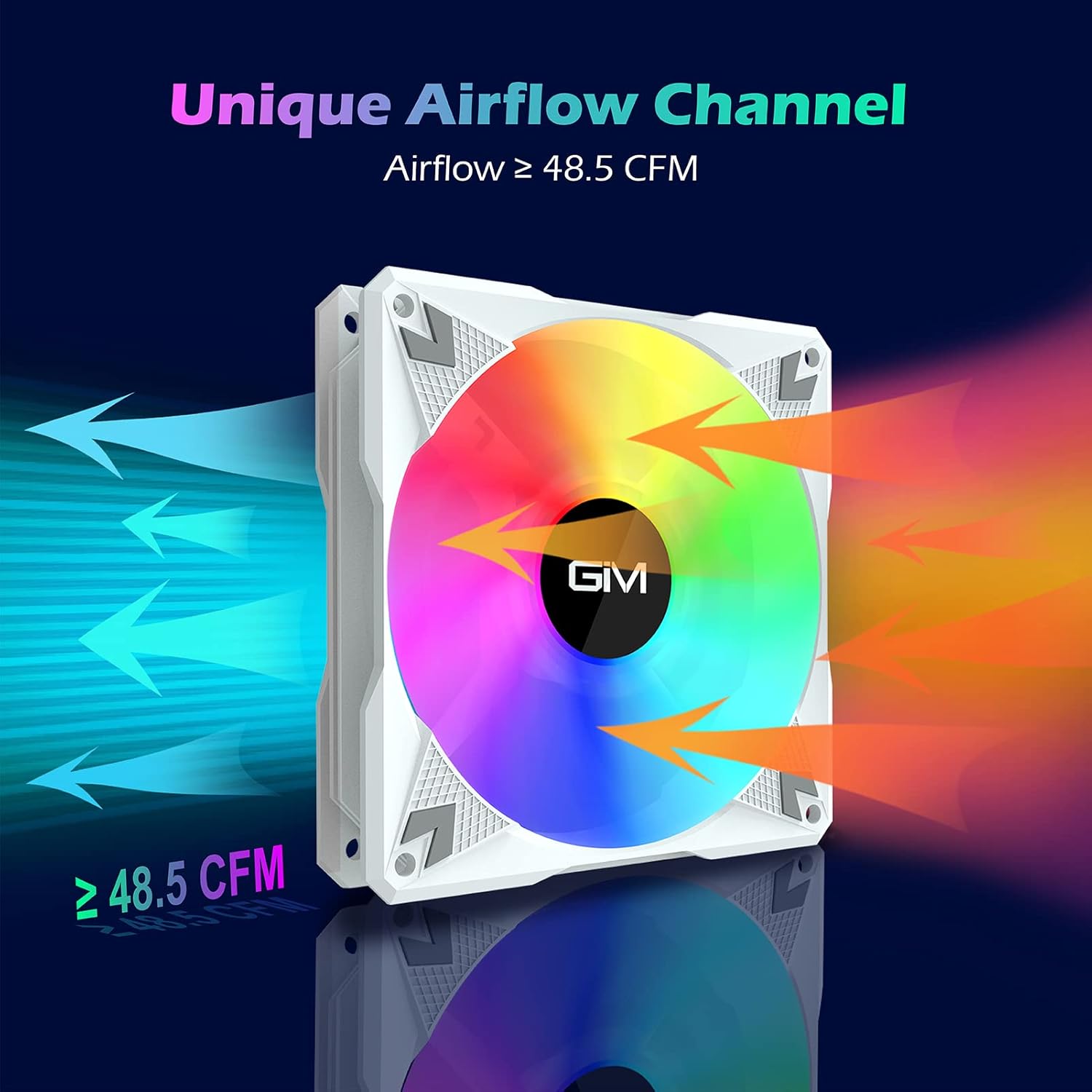
Isithombe: A GIM RGB LED Case Fan illustrating its unique airflow channel, with arrows indicating airflow direction and a label showing 'Airflow ≥ 48.5 CFM', emphasizing its strong heat dissipation capability.
| Isici | Ukucaciswa |
|---|---|
| Ibhrendi | I-GIM |
| Imodeli | CF-P30 |
| Usayizi Wabalandeli | 120 mm |
| Isivinini sokujikeleza | 800-1500 RPM |
| Ukungena komoya | Kufika ku-48.5 CFM |
| Izinga Lomsindo | Ubukhulu. 21 dB(A) |
| Uhlobo Lokuthwala | I-Hydraulic Bearing |
| Ubude bempilo | > 40,000 amahora |
| Power Connector (Fan) | 3-Phini |
| Power Connector (Hub) | I-SATA |
| Isixhumi se-RGB | 5V 3-Pin Addressable RGB |
| Voltage | 12V (Fan), 5V (RGB) |
| Okubalulekile | I-Polycarbonate |
| Amadivayisi Ahambisanayo | I-Desktop PC |

Isithombe: Kuqhume view diagram illustrating the hydraulic bearing technology within the GIM fan, highlighting its quiet operation (≤ 21 dB(A)) and extended lifetime (≥ 40,000 hours).
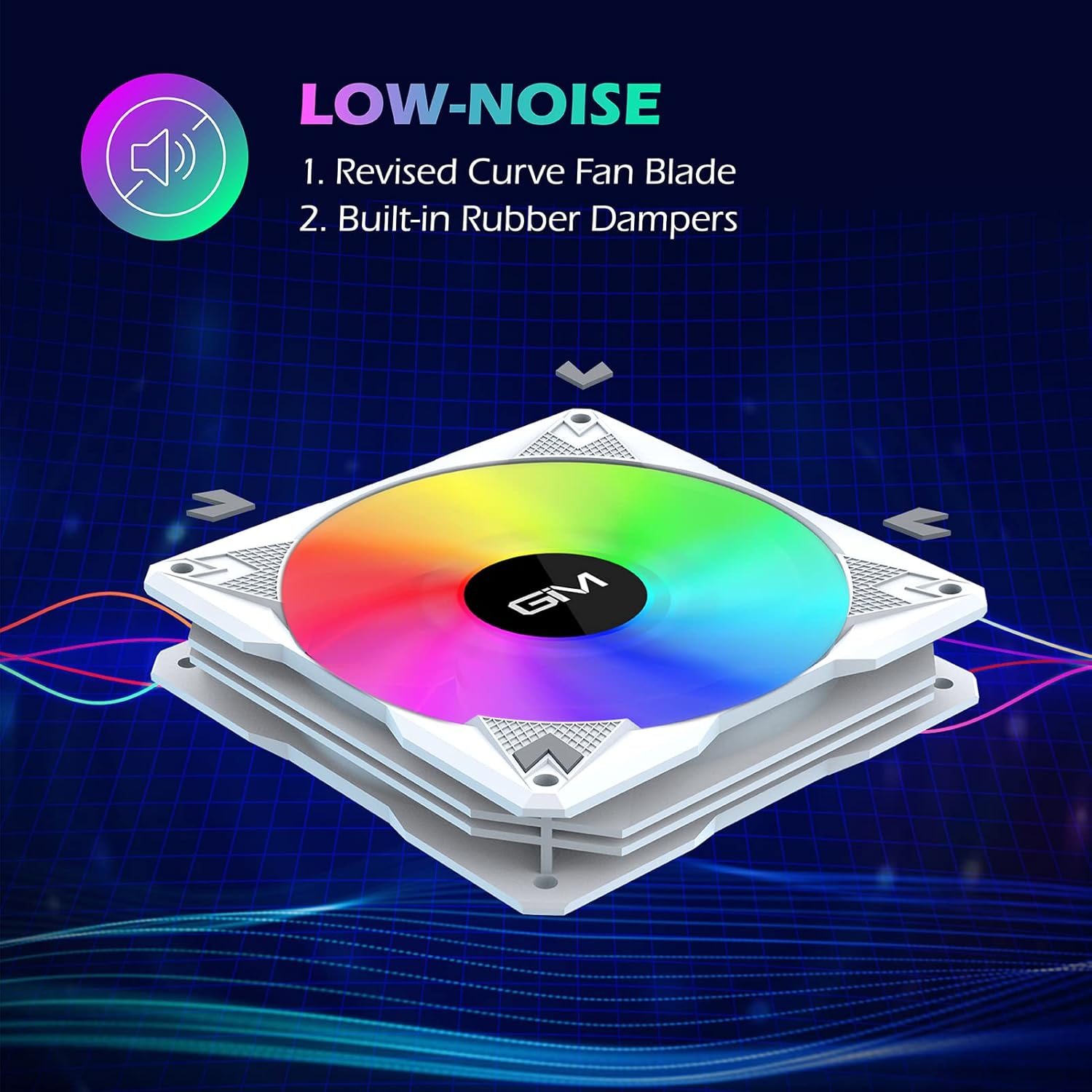
Isithombe: A GIM fan emphasizing its low-noise design, pointing out the revised curve fan blade and built-in rubber dampers as key features contributing to quiet operation.
9. Iwaranti kanye Nokusekela
GIM products are manufactured to high-quality standards. For specific warranty information or technical support, please refer to the warranty card included with your product or visit the official GIM webindawo. Gcina irisidi lakho lokuthenga njengobufakazi bokuthenga izimangalo zewaranti.