
1. Isingeniso
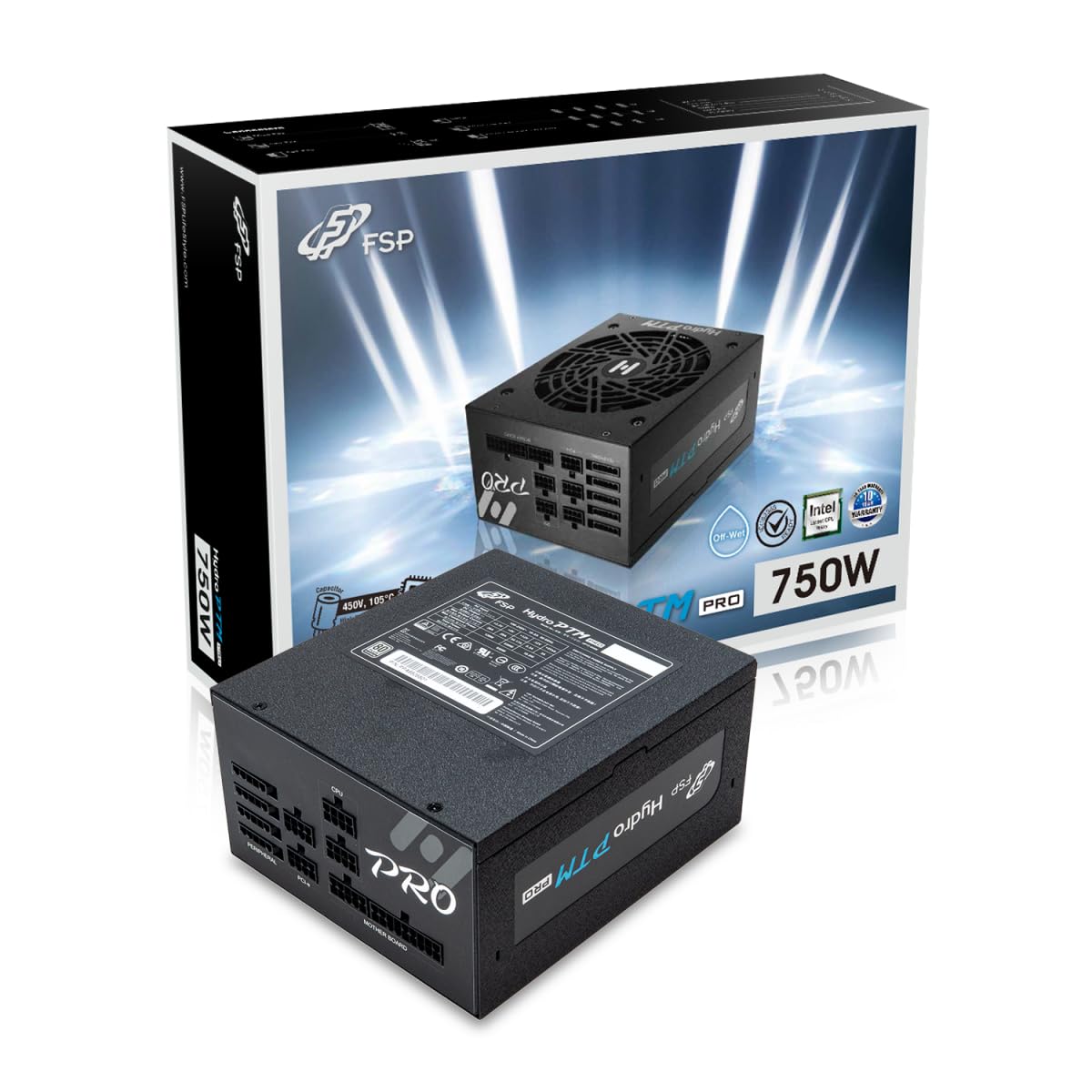
This manual provides detailed instructions for the installation, operation, and maintenance of your FSP Hydro PTM Pro 750W 80 Plus Platinum Full Modular ATX 12V Power Supply (Model: HPT2-750M). Please read this manual thoroughly before using the product to ensure proper function and safety.
The FSP Hydro PTM Pro series is designed for high efficiency and durability, featuring a conformal coating for protection against dust, humidity, and stains. It includes a semi-fanless Eco Mode for quiet operation under low loads and fully modular black ribbon cables for flexible system builds.
2. Ulwazi Lokuphepha
ISEXWAYISO: Improper installation or use can result in serious injury or damage to the power supply and other components. Always follow these safety guidelines:
- Ungayivuli iyunithi yokuphakela amandla. Ivolumu ephezulutages are present inside, and there are no user-serviceable parts. Opening the unit will void the warranty.
- Ensure the power supply is disconnected from the AC power outlet before installation or maintenance.
- Install the power supply in a well-ventilated area.
- Use only the modular cables provided with this power supply. Using incompatible cables may cause damage to the power supply and connected components.
- This product is designed for use in personal computers. Do not use it for any other purpose.
- Keep the power supply away from water, moisture, and extreme temperatures.
- Qinisekisa ukuthi konke ukuxhumeka kuvikelekile ngaphambi kokufaka amandla kusistimu.

3. Okuqukethwe Kwephakheji
Qinisekisa ukuthi zonke izinto zikhona kuphakheji yakho:
- FSP Hydro PTM Pro 750W Power Supply Unit (HPT2-750M)
- Intambo yamandla ye-AC
- Modular Cable Set (refer to the "Cable Length and Connectors" section for details)
- Izikulufa zokukhwela
- Incwadi Yomsebenzisi (le dokhumenti)
4. Ukusetha nokufakwa
4.1 Ukufakwa ngokomzimba
- Lungiselela Isistimu Yakho: Qinisekisa ukuthi ikhompuyutha yakho ivaliwe ngokuphelele futhi ayixhumekile ku-outlet odongeni.
- Susa Ukunikezwa Kwamandla Okudala (uma kusebenza): Disconnect all cables from your old power supply and remove it from the PC case.
- Faka Ukunikezwa Kwamandla: Insert the FSP Hydro PTM Pro 750W into the power supply bay of your PC case. Secure it with the provided mounting screws.
- Connect Motherboard Cables:
- Connect the 20+4 Pin ATX cable to your motherboard's main power connector.
- Connect the 4+4 Pin CPU (EPS) cable(s) to your motherboard's CPU power connector(s).
- Xhuma Izintambo Zomphetho:
- Connect the 6+2 Pin PCI-E cables to your graphics card(s).
- Connect SATA power cables to your SSDs, HDDs, and optical drives.
- Connect Molex cables to any other peripherals requiring them.
- Vikela Ukuxhumana: Ensure all modular cables are firmly seated into both the power supply and the respective components.
- Xhuma Amandla e-AC: Plug the AC power cord into the power supply's AC inlet and then into a wall outlet or surge protector.
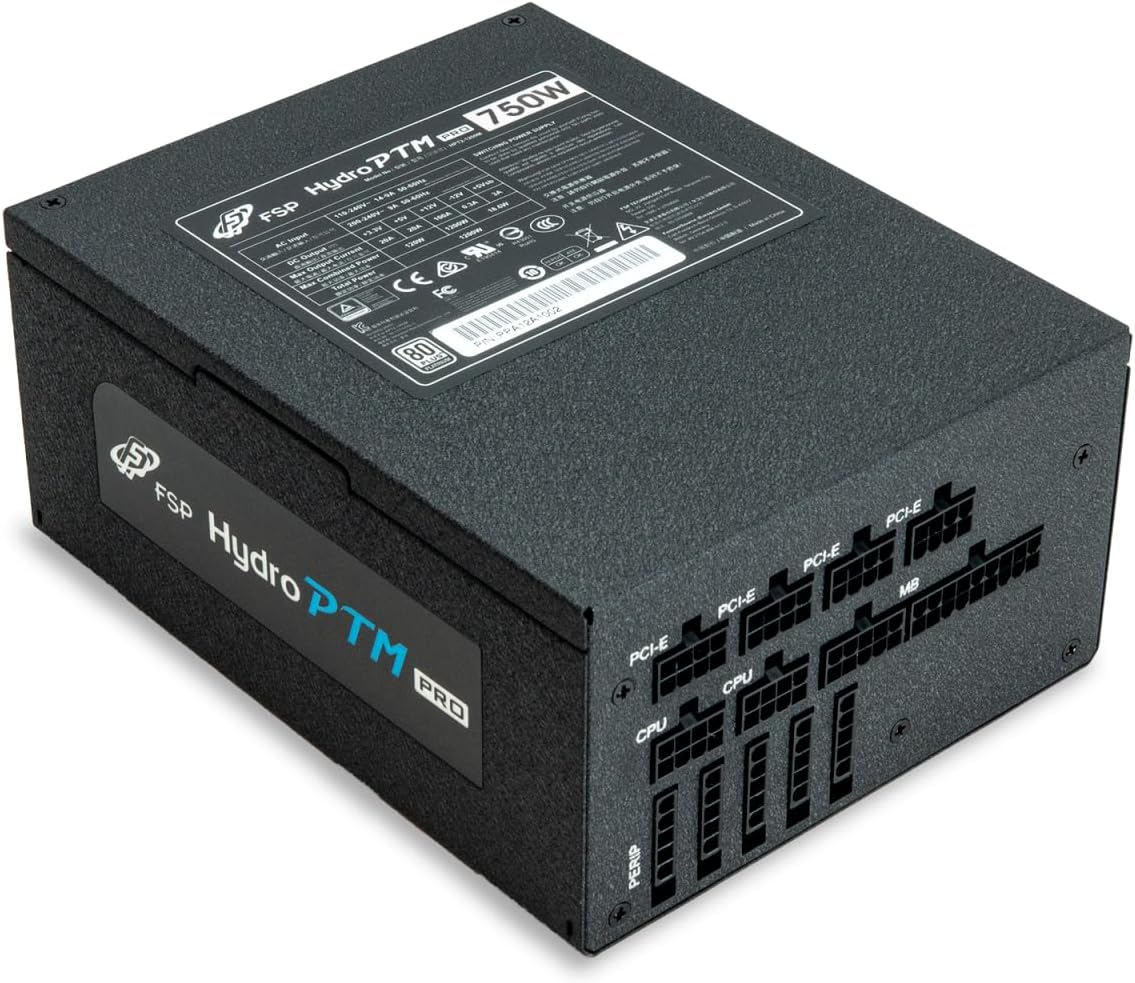
4.2 Cable Length and Connectors
The FSP Hydro PTM Pro 750W comes with a set of fully modular black ribbon cables. Refer to the diagram below for connector types and approximate lengths.

5. Ukusebenza
5.1 Ukuvula / Ukuvula
After completing the installation, ensure the main power switch on the back of the power supply is in the "ON" (I) position. You can then power on your computer using its case power button.
Imodi ye-5.2 Eco
The Hydro PTM Pro features a semi-fanless Eco Mode. When enabled, the power supply fan will remain off until the system load exceeds approximately 30%. This provides silent operation during low-power tasks.
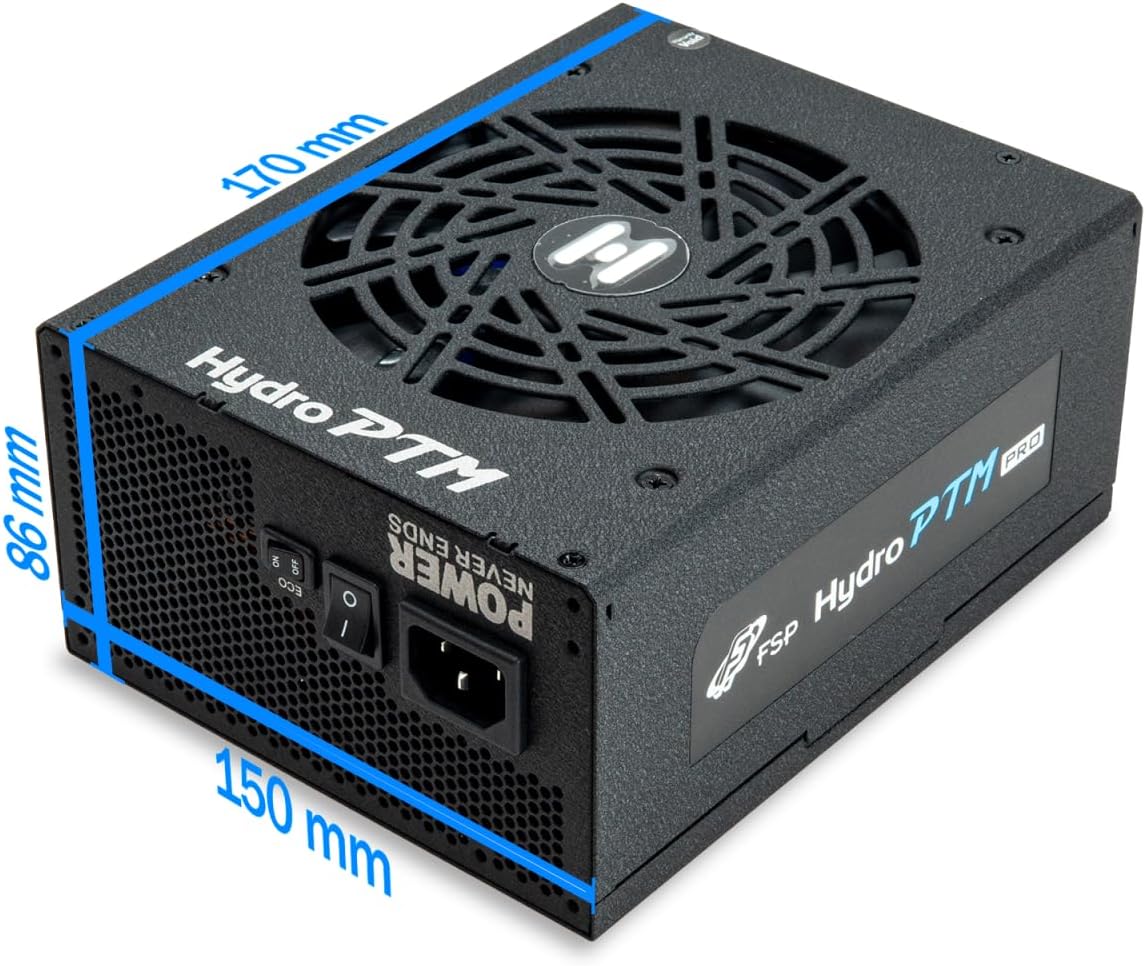
- To activate Eco Mode: Locate the "ECO" switch next to the main power switch on the rear of the power supply and set it to the "ON" position.
- To disable Eco Mode: Set the "ECO" switch to the "OFF" position. The fan will operate continuously based on temperature.
Ividiyo: Kuphelileview of the FSP Hydro PTM Pro series, highlighting features like conformal coating, Eco Mode, and modular design. This video is provided by FSP GROUP USA.
6. Isondlo
6.1 Ukuhlanza
To maintain optimal performance and longevity, periodically clean your power supply:
- Ensure the power supply is completely powered off and unplugged from the AC outlet before cleaning.
- Sebenzisa umoya ocindezelwe ukuze ususe uthuli kancane ku-grille yefeni kanye nezimbobo zomoya.
- Wipe the exterior with a soft, dry cloth. Do not use liquid cleaners or solvents.
6.2 Ukuvikelwa kwemvelo
The FSP Hydro PTM Pro features a proprietary conformal coating that protects internal components from dust, humidity, and stains. This allows the power supply to reliably operate in environments with up to 95% relative humidity. While this coating offers enhanced protection, it is still recommended to operate the power supply in a clean, dry environment for best results.
7. Ukuxazulula izinkinga
Uma uhlangabezana nezinkinga ngogesi wakho, bheka izinkinga nezixazululo ezilandelayo ezivamile:
| Inkinga | Imbangela Engenzeka | Isixazululo |
|---|---|---|
| Isistimu ayivuli amandla. |
|
|
| Isistimu iyasebenza kodwa ivala ngokushesha. |
|
|
| Fan is not spinning (Eco Mode off). |
|
|
If the problem persists after attempting these solutions, please contact FSP customer support.
8. Imininingwane
| Isici | Imininingwane |
|---|---|
| Igama Lemodeli | Hydro PTM Pro (HPT2-750M) |
| Ibhrendi | FSP |
| Okukhiphayo Wattage | 750W |
| Isitifiketi se-80 Plus | IPlatinum |
| I-Form Factor | ATX |
| I-Power Supply Design | I-Modular ephelele |
| Indlela Yokupholisa | Air (135mm fan) |
| Okokufaka Voltage | Ama-Volts angama-115-240 |
| Ubukhulu (L x W x H) | 170 x 150 x 86 mm (6.7 x 5.9 x 3.4 amayintshi) |
| Ukuvikela | OCP, OVP, SCP, OPP, UVP, OTP |
| Ama-Capacitors | Japanese-made Electrolytic Capacitors |
| PFC | Active PFC ≥ 99% |
| I-Conformal Coating | Yes (Dust, Humidity, Stain protection) |
9. Iwaranti kanye Nokusekela
9.1 Ulwazi Lwewaranti
The FSP Hydro PTM Pro 750W power supply is covered by a Iwaranti yonyaka ongu-10 kusukela ngedethi yokuthenga. Lesi siqinisekiso sihlanganisa amaphutha ezintweni zokwakha kanye nokusebenza ngaphansi kokusetshenziswa okuvamile. Sicela ugcine ubufakazi bakho bokuthenga izimangalo zewaranti.
Iwaranti ayibandakanyi umonakalo obangelwa:
- Ukufakwa noma ukusebenza okungalungile.
- Accidental damage, abuse, or misuse.
- Ukulungiswa okungagunyaziwe noma ukuguqulwa.
- Natural disasters or external causes.
9.2 Ukwesekwa Kwamakhasimende
For technical assistance, troubleshooting, or warranty inquiries, please contact FSP customer support. Refer to the official FSP webisayithi ukuze uthole ulwazi olusha kakhulu lokuxhumana.
FSP GROUP USA
Visit the FSP Store on Amazon