
Isingeniso
This manual provides instructions for the ZdalaMit NH000UD Replacement Remote Control, designed for use with various Emerson TV models including LC320EMFX, LC195EMX, LC320EMXF, LC320EMXFB2, and LC320EMX. This remote control is pre-programmed and requires no additional setup beyond battery installation.
Setha
To begin using your NH000UD replacement remote control, follow these simple steps:
- Vula Indawo Yebhethri: Locate the battery compartment cover on the back of the remote control. Slide or press the latch to open it.
- Faka Amabhethri: Insert two (2) AAA alkaline batteries into the compartment. Ensure the positive (+) and negative (-) terminals of the batteries match the markings inside the compartment.
- Vala Igumbi Lebhethri: Shintshanisa ikhava yengxenye yebhethri, uqinisekise ukuthi ichofoza ngokuvikelekile endaweni.
- Akukho Ukuhlela Okudingekayo: The NH000UD remote control is pre-programmed for compatible Emerson TV models. No additional programming or code entry is necessary. It is ready for use immediately after battery installation.
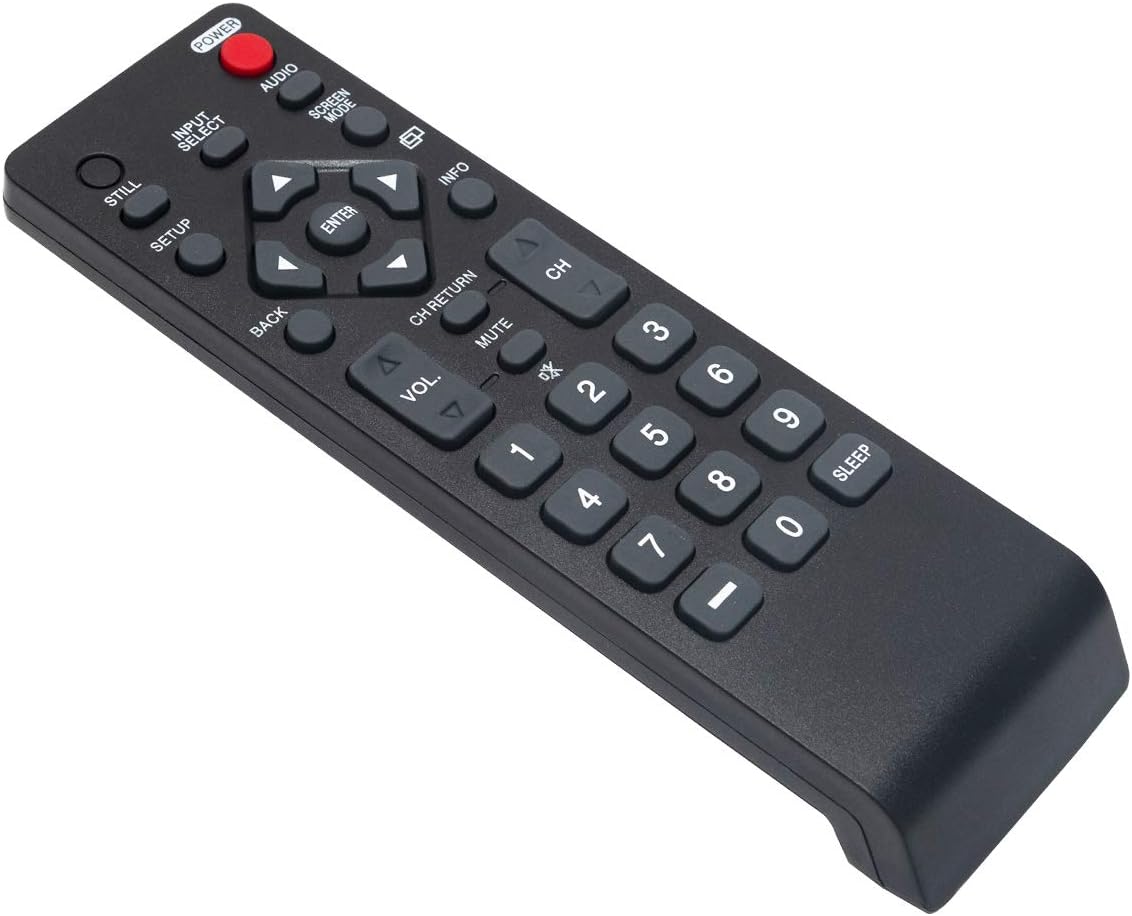
Imiyalelo yokusebenza
The NH000UD remote control provides full functionality for your compatible Emerson TV. Point the remote directly at the TV's infrared sensor for optimal performance.
- Inkinobho yamandla (AMANDLA): Cindezela ukuvula noma ukuvala i-TV.
- Input Select (FAKA UKHETHO): Cycles through available input sources (e.g., HDMI, AV, Component).
- Volume Control (I-VOL +/-): Ilungisa izinga levolumu ye-TV.
- Channel Control (CH +/-): Ishintsha iziteshi ze-TV phezulu noma phansi.
- Thulisa (UMUTE): Silences the TV audio. Press again to restore sound.
- Navigation Buttons (Arrows and NGENA): Isetshenziselwa ukuzulazula kumamenyu nokuqinisekisa okukhethiwe.
- Emuva (EMUVA): Ibuyela kumenyu yangaphambilini noma isikrini.
- Ulwazi (ULWAZI): Ibonisa ulwazi mayelana nohlelo lwamanje noma okokufaka.
- Screen Mode (INDLELA YESIkrini): Adjusts the screen display mode.
- Umsindo (UMSINDO): Selects audio tracks or modes.
- Ikhiphedi Yezinombolo (0-9): Faka izinombolo zesiteshi ngqo.
- Lala (LALA): Isetha isibali sikhathi se-TV ukuze icishe ngokuzenzakalelayo.
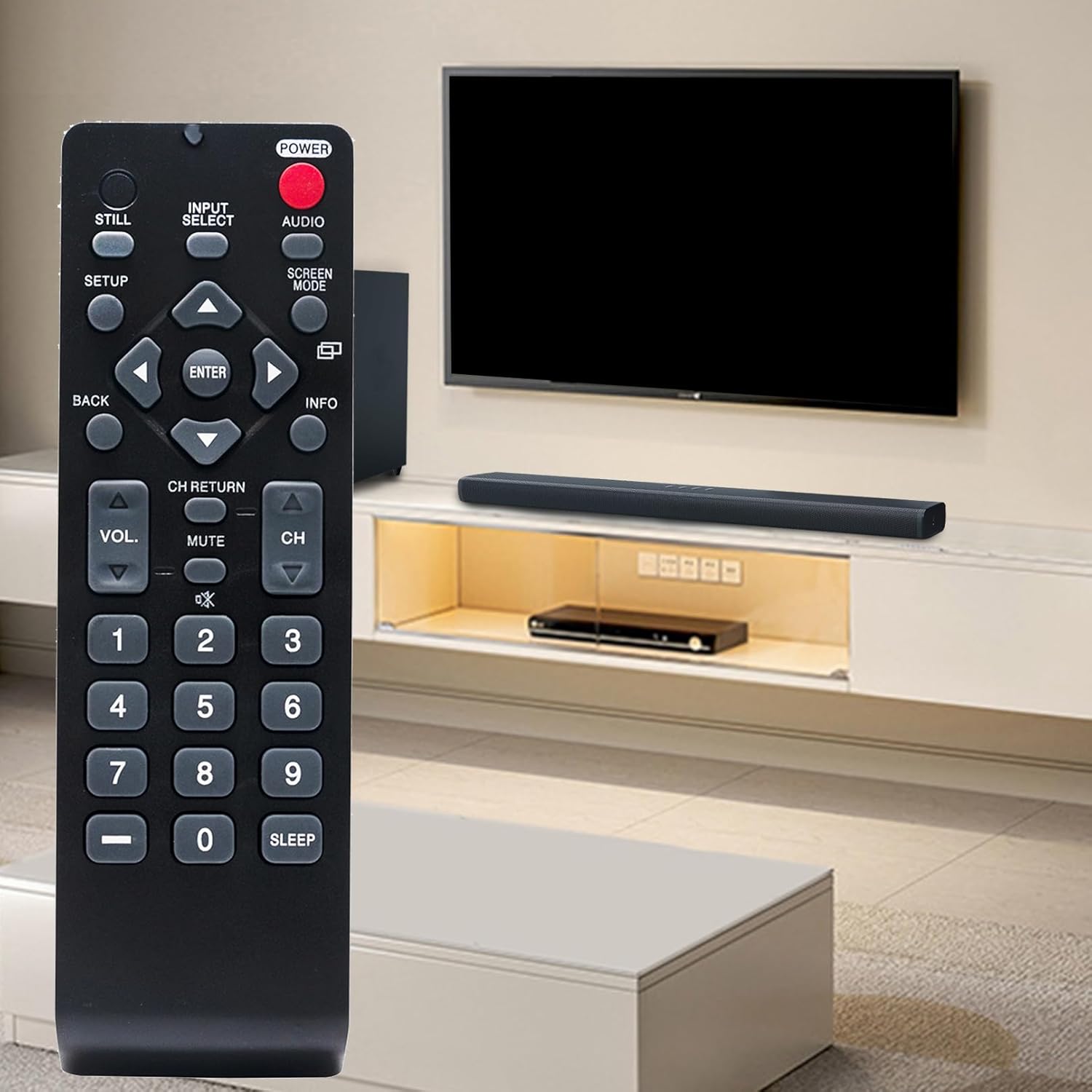
Isondlo
- Ukushintshwa Kwebhethri: Replace batteries when the remote's range decreases or buttons become unresponsive. Always replace both batteries simultaneously with new AAA alkaline batteries. Do not mix old and new batteries, or different types of batteries.
- Ukuhlanza: Sula isilawuli kude ngendwangu ethambile neyomile. Ungasebenzisi izihlanzi eziwuketshezi, izifutho, noma izinto ezihudulayo, njengoba lokhu kungalimaza ubuso besilawuli kude noma izingxenye zangaphakathi.
- Isitoreji: Store the remote control in a cool, dry place away from direct sunlight and extreme temperatures. If the remote will not be used for an extended period, remove the batteries to prevent leakage.
Ukuxazulula inkinga
- Isilawuli kude asiphenduli:
- Qinisekisa ukuthi amabhethri afakwe kahle nge-polarity efanele.
- Shintsha amabhethri amadala ngamabhethri amasha e-alkaline e-AAA.
- Check for any obstructions between the remote control and the TV's infrared sensor.
- Ensure you are within the effective operating range (up to 33 feet) and pointing the remote directly at the TV.
- Izinkinobho Ezithile Azisebenzi:
- This may indicate low battery power. Try replacing the batteries.
- Inspect the button for any physical damage or debris that might be preventing it from pressing correctly.
Imininingwane
| Ibhrendi | ZdalaMit |
| Igama Lemodeli | NH000UD |
| Inombolo Yemodeli | NH000UD |
| Amadivayisi Ahambisanayo | Emerson Televisions (e.g., LC320EMFX, LC195EMX, LC320EMXF, LC320EMXFB2, LC320EMX) |
| Ubuchwepheshe bokuxhumana | I-infrared |
| Inombolo yezinkinobho | 20 |
| Ibanga eliphezulu | 33 Izinyawo |
| Uhlobo Lwebhethri | 2 x AAA Amabhethri e-Alkaline (awafakiwe) |
| Ubukhulu bento (L x W x H) | 6.55" x 1.99" x 0.55" |
| Isisindo sento | 2.1 Amawunsi |

Ulwazi Lwewaranti
This ZdalaMit NH000UD Replacement Remote Control comes with a Iwaranti yonyaka ongu-1 from the date of purchase. This warranty covers manufacturing defects under normal use. It does not cover damage caused by misuse, accidents, unauthorized modifications, or battery leakage. Please retain your proof of purchase for warranty claims.
Ukwesekwa Kwamakhasimende
Should you have any questions, require assistance, or encounter issues not covered in this manual, please do not hesitate to contact ZdalaMit customer support. Refer to your product packaging or the retailer's webindawo yemininingwane yokuxhumana ethize.
For further information or support, you may visit the official ZdalaMit webindawo noma inkundla lapho umkhiqizo wathengwa khona.