
1. Imiyalelo Yezokuphepha Ebalulekile
Sicela ufunde yonke imiyalelo ngokucophelela ngaphambi kokufaka nokusebenzisa. Gcina le ncwadi ukuze uyibhekisele esikhathini esizayo.
Ukuphepha Okujwayelekile
- Qinisekisa ukuthi ugesi unqanyuliwe ngaphambi kokufaka, ukulungiswa, noma ukuhlanza.
- Lo mshini awuhloselwe ukusetshenziswa abantu (okuhlanganisa nezingane) abanekhono elincishisiwe lomzimba, lezinzwa noma lengqondo, noma abangenalo ulwazi nolwazi, ngaphandle uma benikezwe ukugadwa noma umyalelo ophathelene nokusetshenziswa kwento esebenza ngumuntu onesibopho sokuphepha kwabo.
- Izingane kufanele zigadwe ukuze kuqinisekiswe ukuthi azidlali ngalo mshini.
Ukuphepha Kagesi
- All electrical connections must be made by a qualified electrician and conform to local codes and regulations.
- Qinisekisa ivolumutage and frequency of your power supply match the specifications of the fan.
- The fan must be properly grounded to prevent electric shock.
Ukuphepha Kokufaka
- Mount the fan to a ceiling structure capable of supporting a minimum of 15 kg (33 lbs).
- Ensure there is adequate clearance between the fan blades and any obstacles (walls, furniture) and the floor. A minimum distance of 2.3 meters (7.5 feet) from the floor to the blades is recommended.
- Do not install the fan in a location where it can be easily reached by children or pets.
2. Umkhiqizo Uphelileview
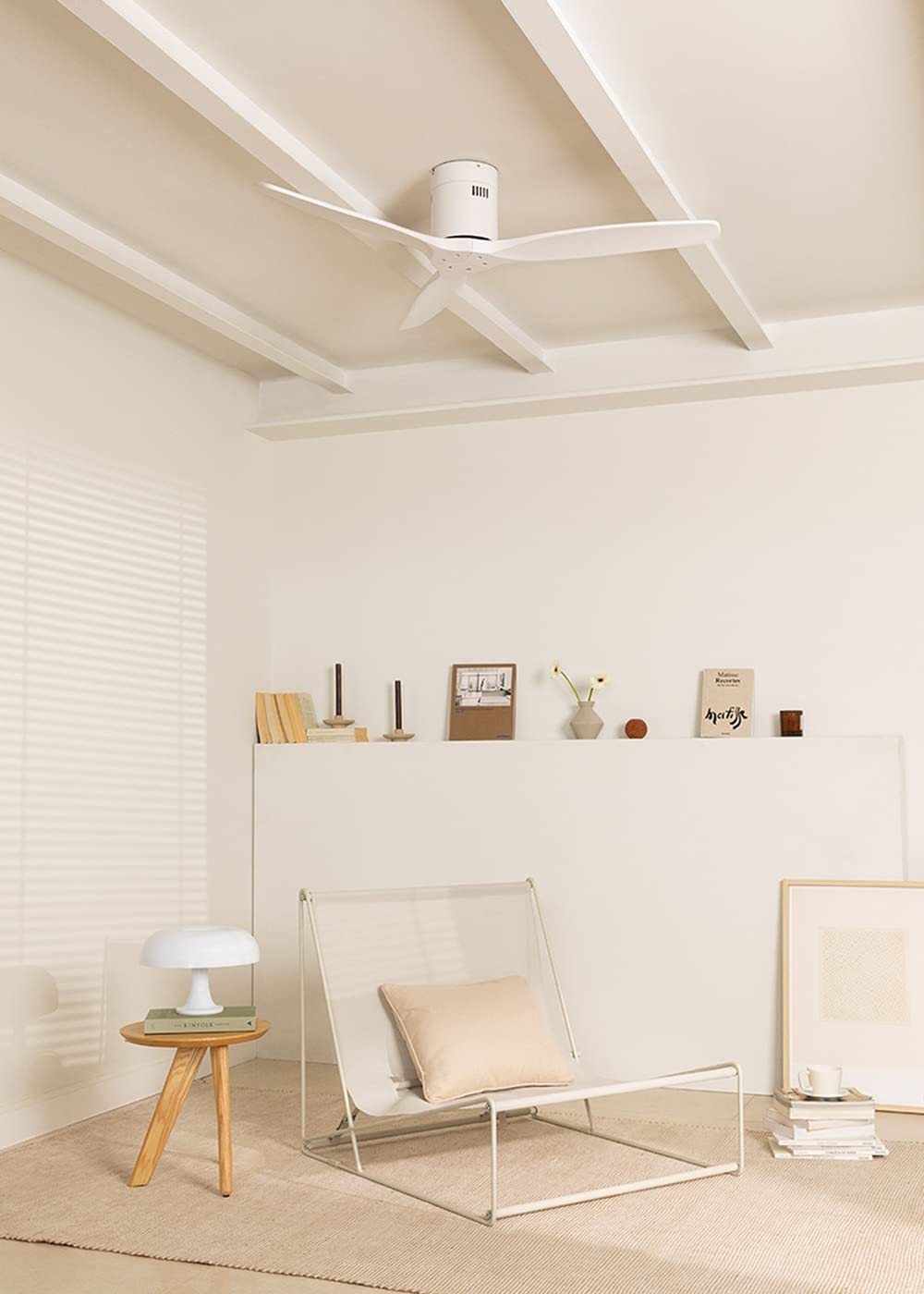
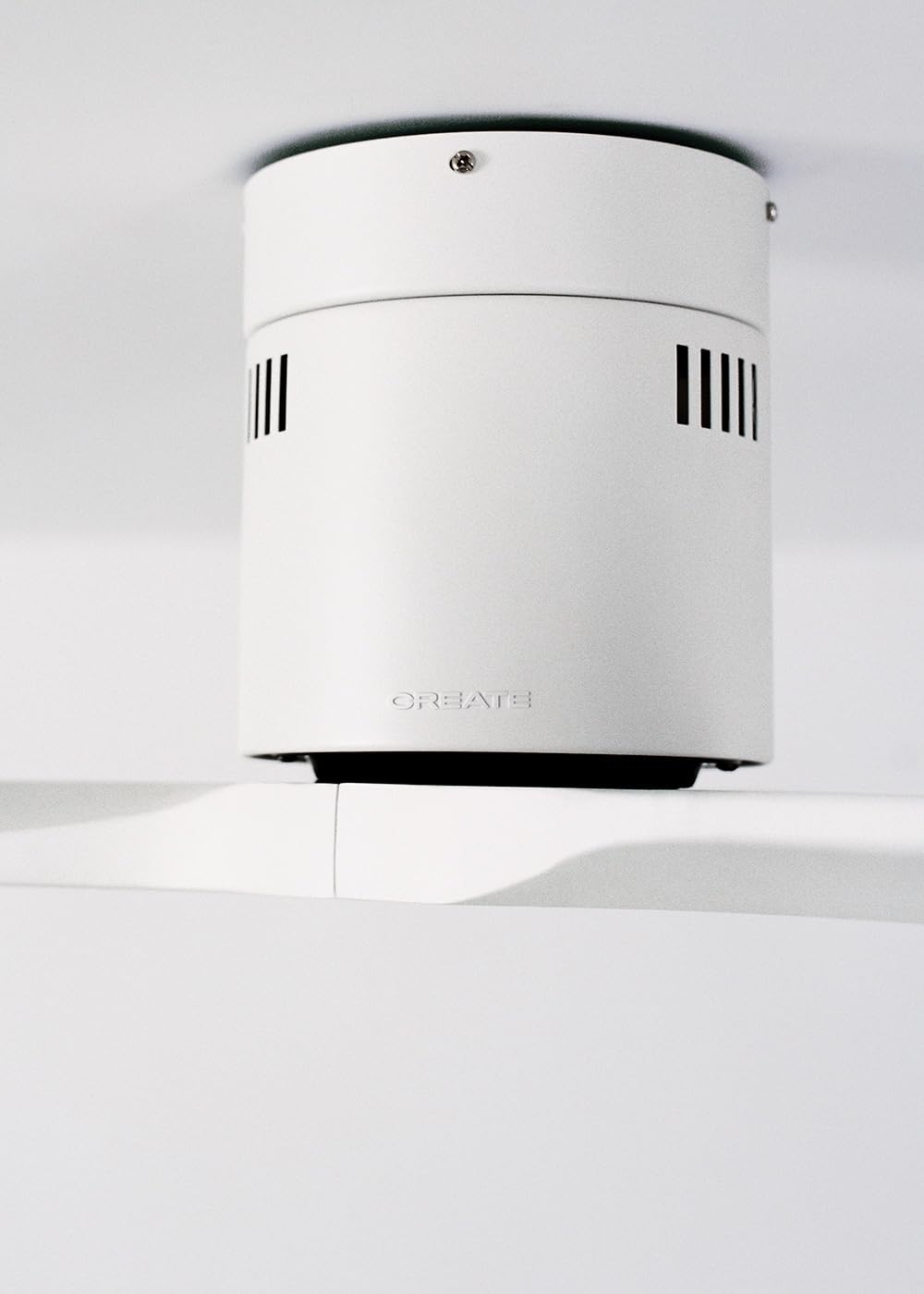
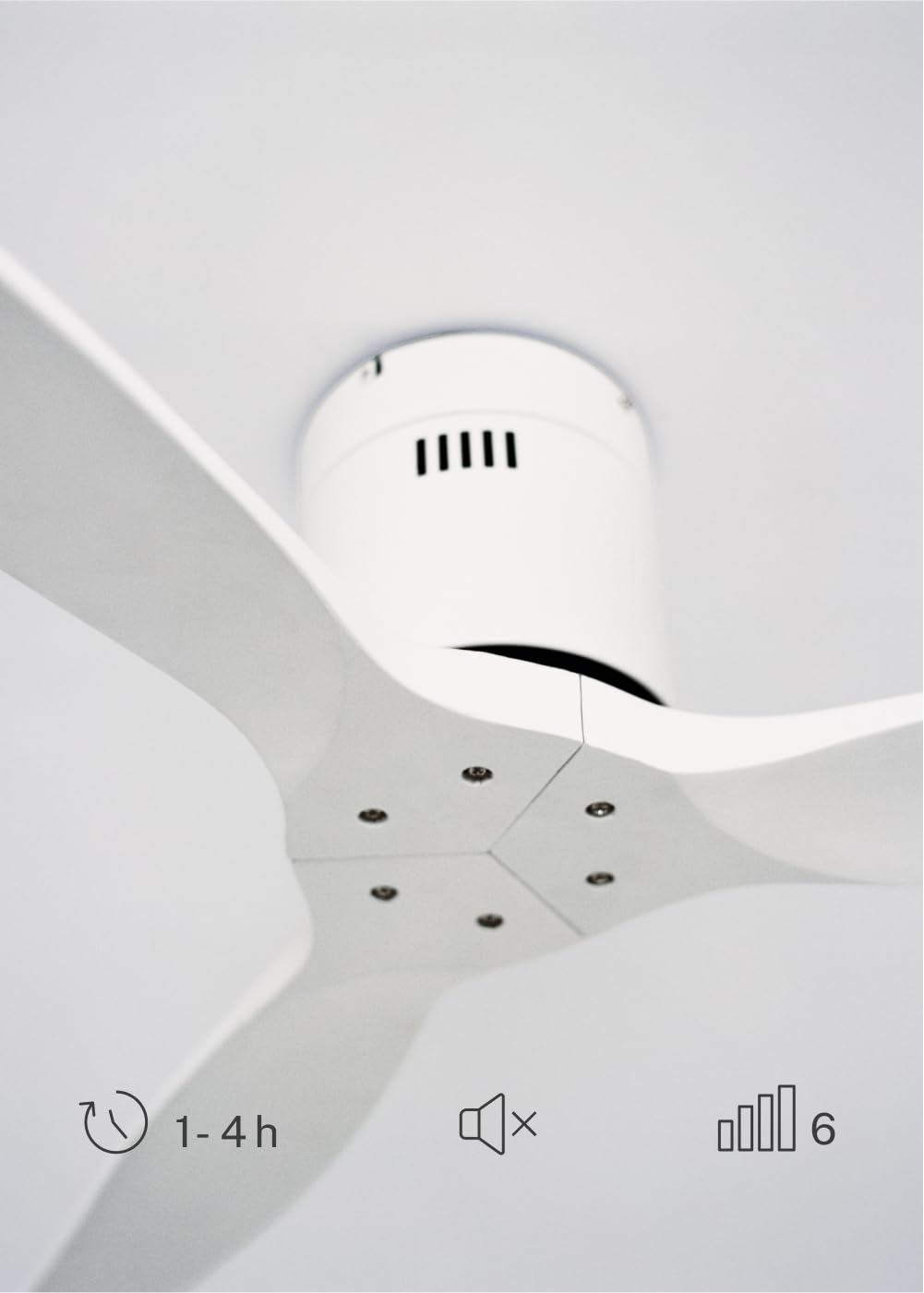
The CREATE WINDCALM DC Ceiling Fan is designed for efficient and quiet air circulation in various indoor spaces. It features a durable aluminum body, a silent DC motor, and three lightweight blades, ensuring minimal noise operation. The fan offers 6 adjustable speeds and a programmable timer for convenience.

3. Imininingwane Yezobuchwepheshe
| Isici | Ukucaciswa |
|---|---|
| Ibhrendi | DALA |
| Inombolo Yemodeli | 43479_88375 |
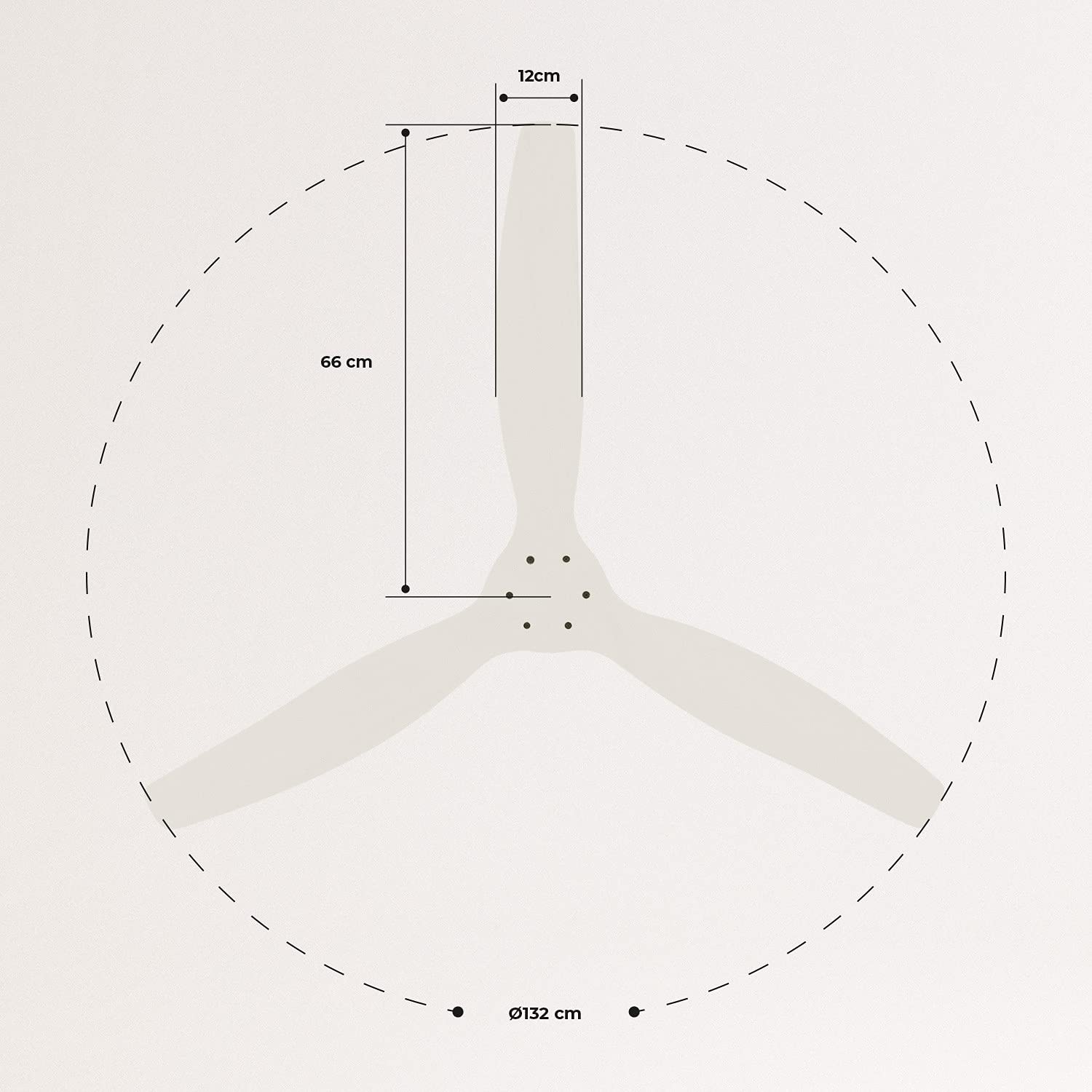
| Ubukhulu (L x W x H) | 132 x 132 x 29 cm |
| Isisindo | 6.38 kg |
| Idizayini yabalandeli | Ceiling Fan |
| Umthombo wamandla | Ikhebula likagesi |
| Isici Esikhethekile | High Speed, Silent DC Motor, Timer, Summer/Winter Function |
| Ukusetshenziswa Okunconyiwe | Ukungenisa umoya |
| Uhlobo Lwegumbi | Living Room (suitable for 13m² to 25m² rooms) |
| Umbala | White Blades |

4. Umhlahlandlela Wokufaka
Proper installation is crucial for the safe and efficient operation of your ceiling fan. It is highly recommended that installation be performed by a qualified electrician.
Ukuhlola Ngaphambi Kokufaka
- Khipha zonke izingxenye futhi uqinisekise ngokumelene nohlu lokupakisha.
- Ensure the ceiling joist or support structure is strong enough to hold the fan's weight.
- Turn off power at the main circuit breaker before starting any electrical work.
Ekhweza Ifeni
- Secure the mounting bracket to the ceiling outlet box using appropriate screws and washers.
- Carefully lift the fan motor assembly and attach it to the mounting bracket.
Uxhumano Lwezintambo
Connect the electrical wires according to the wiring diagram provided in the separate detailed installation manual (not included in this general overview). Ensure all connections are secure and insulated.
Attaching Blades
Attach the fan blades to the motor hub using the provided screws. Ensure all screws are tightened securely.

5. Iziqondiso Zokusebenza
Your CREATE WINDCALM DC Ceiling Fan comes with a remote control for convenient operation of all its functions.
Imisebenzi yesilawuli kude
Isilawuli kude sikuvumela ukuthi:
- Vula/Vala: Vula noma uvale ifeni.
- Ukulungiswa Okusheshayo: Select from 6 different fan speeds to control airflow intensity.
- Isilungiselelo Sesikhathi: Program the fan to automatically turn off after 1, 2, or 4 hours.
- Imodi yasehlobo/Ubusika: Change the direction of blade rotation to optimize air circulation for different seasons.
Imodi Yasehlobo
In summer mode, the fan blades rotate counter-clockwise, pushing air downwards. This creates a cooling breeze effect, helping to dissipate heat and refresh the room.

Imodi yasebusika
In winter mode, the fan blades rotate clockwise, drawing air upwards. This helps to circulate warm air that accumulates near the ceiling, distributing it evenly throughout the room and improving heating efficiency.
6. Isondlo Nokunakekela
Ukugcinwa njalo kuqinisekisa ukuthi ifeni yakho yophahla ihlala isikhathi eside futhi isebenza kahle.
Ukuhlanza
- Cima njalo ugesi kufeni ku-circuit breaker ngaphambi kokuhlanza.
- Sebenzisa okuthambile, damp cloth to wipe down the fan blades and motor housing. Do not use abrasive cleaners or solvents, as they may damage the finish.
- Ensure the fan is completely dry before restoring power.
Amasheke Avamile
- Periodically check all screws and fasteners on the mounting bracket and blade attachments to ensure they are secure. Tighten if necessary.
- Listen for any unusual noises during operation, which may indicate a loose part or an issue with the motor.
7. Ukuxazulula izinkinga
If you encounter any issues with your fan, refer to the following common problems and their solutions:
| Inkinga | Imbangela Engenzeka | Isixazululo |
|---|---|---|
| Ifeni ayivuli | Akukho ukunikezwa kwamandla Ukuxhumeka kwezintambo okuxekethile Ibhethri yesilawuli-kude siphansi | Hlola i-circuit breaker ne-wall switch Verify all wiring connections are secure (consult electrician) Shintsha amabhethri esilawuli kude |
| Fan makes excessive noise | Loose screws on blades or mounting I-bent blade Inkinga yemoto | Qinisa zonke izikulufu Check blades for damage and replace if necessary Xhumana nokwesekwa kwamakhasimende |
| Isilawuli kude asisebenzi | Ibhethri liphelile Ukuvinjwa phakathi kwesilawuli kude nomamukeli Isilawuli kude asibhanqiwe (uma sikhona) | Shintsha amabhethri Qinisekisa ukuthi umugqa wokubona ocacile Refer to detailed manual for pairing instructions |
| Umlandeli uyavevezela | Abakaki abakhwezayo abaxegayo Ama-blades angalingani | Ensure mounting bracket is securely fastened Check blade balance and use balancing kit if needed |
8. Iwaranti kanye Nokusekela
For warranty information, technical support, or replacement parts, please contact CREATE customer service. Keep your purchase receipt as proof of purchase.
You can find more information and contact details on the official CREATE webindawo: www.create-store.com