
Isingeniso
Siyabonga ngokuthengaasing the OttLite Creative Curve LED Desk Lamp. Lokhu lamp is designed to provide clear, natural daylight illumination for various tasks, including reading, crafting, and office work. It features four brightness levels, a flexible neck for adjustable lighting, and a convenient USB charging port. Please read this manual thoroughly before use to ensure proper operation and maintenance.
Imiyalo yokuphepha
- Njalo qinisekisa ukuthi i-lamp ibekwe endaweni eqinile, eyisicaba ukuze igweme ukugoba.
- Ungazivezi i-lamp emanzini noma umswakama owedlulele.
- Sebenzisa i-adaptha yamandla enikeziwe kuphela. Ukusebenzisa i-adaptha engalungile kungalimaza i-lamp noma kube yingozi yokuphepha.
- Ungazami ukuqaqa noma ukuguqula i-lamp. Thumela zonke izinsiza kubasebenzi abaqeqeshiwe.
- Gcina i-lamp kude nemithombo yokushisa kanye nokukhanya kwelanga okuqondile.
- Khipha i-lamp kusuka endaweni kagesi ngaphambi kokuhlanza noma uma ingasetshenziswa isikhathi eside.
- Avoid looking directly into the LED light source for prolonged periods, as it may cause eye strain.
Okuqukethwe Kwephakheji
Sicela uhlole iphakheji ngezinto ezilandelayo:
- OttLite Creative Curve LED Desk Lamp (Model A30WGC)
- I-adaptha yamandla
- Incwadi Yokufundisa (le dokhumenti)
Setha
- Khipha i-Lamp: Susa ngokucophelela zonke izingxenye ephaketheni.
- Beka u-Lamp: Beka i-lamp on a stable, flat surface where you intend to use it. Ensure the base (5.25 inches) has adequate space.
- Xhuma Amandla: Insert the power adapter plug into the power input port located on the back of the lamp base. Plug the other end of the power adapter into a standard electrical outlet.
- Lungisa Ubude: The flexible neck allows you to adjust the lamp's height from 11.25 inches to 23.75 inches. Position the light head to your desired angle for optimal illumination.

Imiyalelo yokusebenza
Ukuvula/ukuvala kanye nokulungiswa kokukhanya
Abakwa-lamp inezilawuli ezizwelayo ukuthinta ukuze zisebenze kalula.
- Ukuze Uvule: Lightly touch the power icon on the lamp isisekelo. I-lamp will turn on at the lowest brightness setting.
- Ukulungisa Ukukhanya: Continue to lightly touch the power icon to cycle through the four available brightness levels.
- Ukucisha: After cycling through all four brightness levels, touch the power icon one more time to turn the lamp icishiwe.
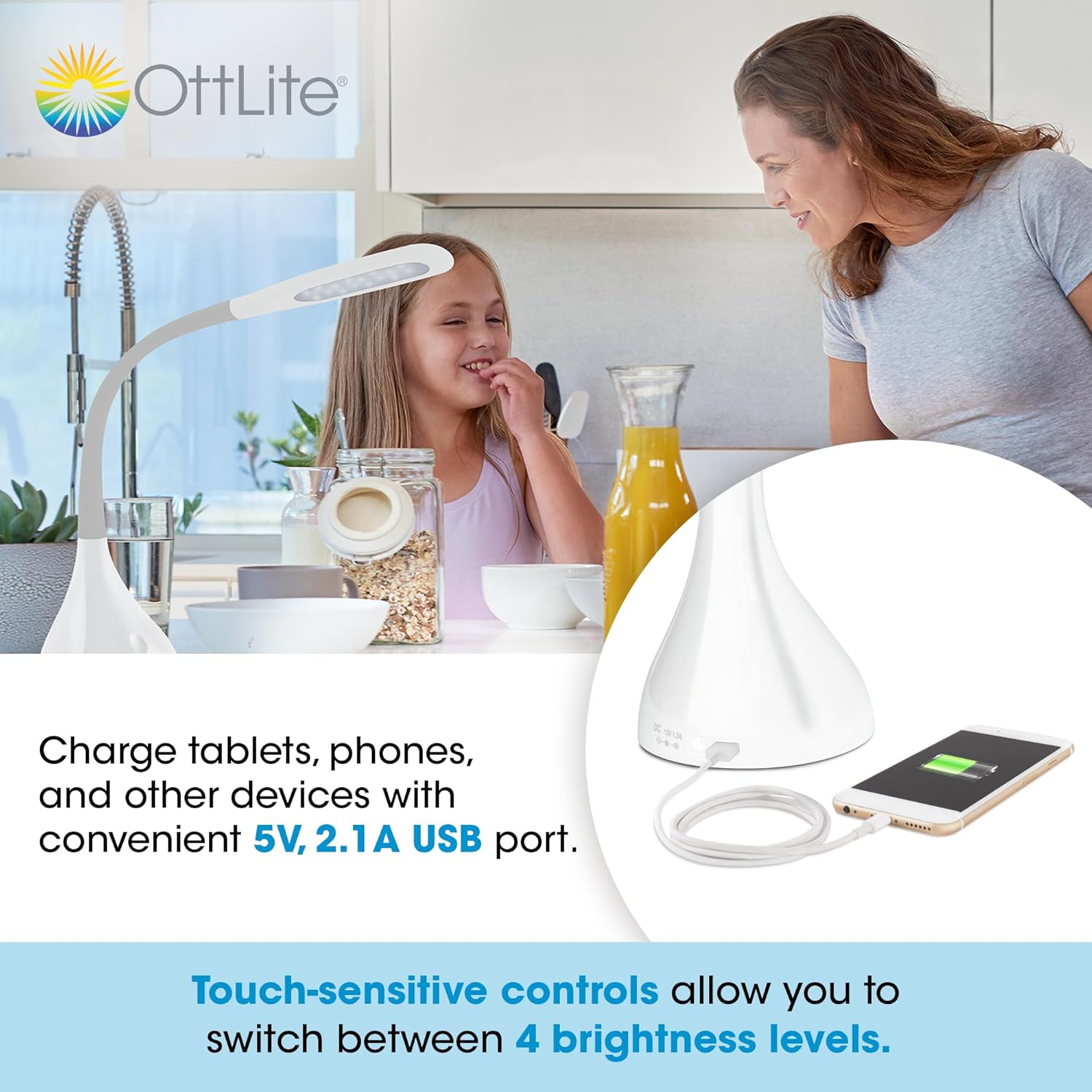
Ukusebenzisa Imbobo yokushaja ye-USB
Abakwa-lamp is equipped with a 5V, 2.1A USB charging port located on the base, allowing you to charge compatible devices such as smartphones and tablets.
- Xhuma Idivayisi: Plug your device's USB charging cable into the USB port on the lamp isisekelo.
- Iyashaja: Your device will begin charging automatically. The USB port functions whether the lamp ukukhanya kuvuliwe noma kuvaliwe, uma nje ukukhanya ku-lamp ixhunywe kugesi.
Optimal Lighting for Tasks
The OttLite Creative Curve LED Desk Lamp is designed to deliver natural daylight indoors, which helps reduce eyestrain and allows you to see fine print and colors clearly and comfortably with low glare.


Isondlo
- Ukuhlanza: Qinisekisa ukuthi i-lamp is unplugged before cleaning. Use a soft, dry cloth to wipe the lamp's surfaces. Do not use abrasive cleaners or solvents, as they may damage the finish.
- Isikhathi sempilo se-LED: The energy-efficient LEDs in this lamp are designed to last up to 40,000 hours under normal use, requiring no replacement.
Ukuxazulula inkinga
| Inkinga | Imbangela Engenzeka | Isixazululo |
|---|---|---|
| Lamp ayivuli. | Not plugged in, power outlet issue, or power adapter fault. | Qinisekisa ukuthi i-adaptha yamandla ixhunywe ngokuvikelekile kukho kokubili i-lamp and a working electrical outlet. Try a different outlet. |
| USB charging port is not working. | Lamp not powered, device cable issue, or device incompatibility. | Qinisekisa ukuthi i-lamp is plugged into a power outlet. Try a different USB cable or device to confirm the issue is not with the cable or device. |
| Ukukhanya kuyakhanya noma akuguquguquki. | Unstable power connection or internal component issue. | Check all power connections. If the problem persists, discontinue use and contact customer support. |
Imininingwane
- Imodeli: A30WGC
- Umkhiqizi: Ottlight Technologies
- Ubukhulu (L x W x H): 13.34 x 13.34 x 28.58 cm (5.25 x 5.25 x 11.25 amayintshi)
- Ukuphakama Okuguqukayo: 11.25 - 23.75 amayintshi
- Isisindo: 1.4 kg (3.09 lbs)
- Umthombo Wokukhanya: I-LED ehlanganisiwe
- Amaleveli okukhanya: 4
- I-Max Lumens: Kufika ku-375 lumens
- I-Port yokushaja ye-USB: 5v, 2.1a
- I-Base Material: Irabha
- Qedela Uhlobo: Bushelelezi
Iwaranti kanye Nokusekela
This OttLite product is covered by a limited warranty. For detailed warranty information, please refer to the warranty card included with your purchase or visit the official OttLite website. If you encounter any issues or require technical assistance, please contact OttLite customer support through their official channels.
OttLite Official Webindawo: www.ottlite.com