
Isingeniso
Siyabonga ngokuthengaasing the Orion 24" SLED2468W LED LCD HDTV. This manual provides essential information for the safe and efficient operation of your television. Please read it thoroughly before using the product and retain it for future reference.
Ulwazi Lokuphepha
Ukuqinisekisa ukusebenza okuphephile nokuvikela umonakalo, qaphela lezi zinyathelo zokuphepha ezilandelayo:
- Ungayibeki i-TV emvuleni noma emswakama.
- Ungavimbeli ukuvuleka komoya.
- Beka i-TV endaweni ezinzile, ileveli.
- Sebenzisa kuphela intambo yamandla ehlinzekwe neyunithi.
- Khipha i-TV ngesikhathi seziphepho zombani noma uma ingasetshenziswa isikhathi eside.
- Thumela zonke izinsiza kubasebenzi benkonzo abaqeqeshiwe.
Yini EseBhokisini
Khumula ibhokisi ngokucophelela futhi uqinisekise ukuthi zonke izinto zikhona:
- Orion 24" SLED2468W LED LCD HDTV
- I-TV Stand
- Remote Control (batteries not included, requires 2 AAA batteries)
- Intambo Yamandla
- Incwadi Yomsebenzisi (le dokhumenti)
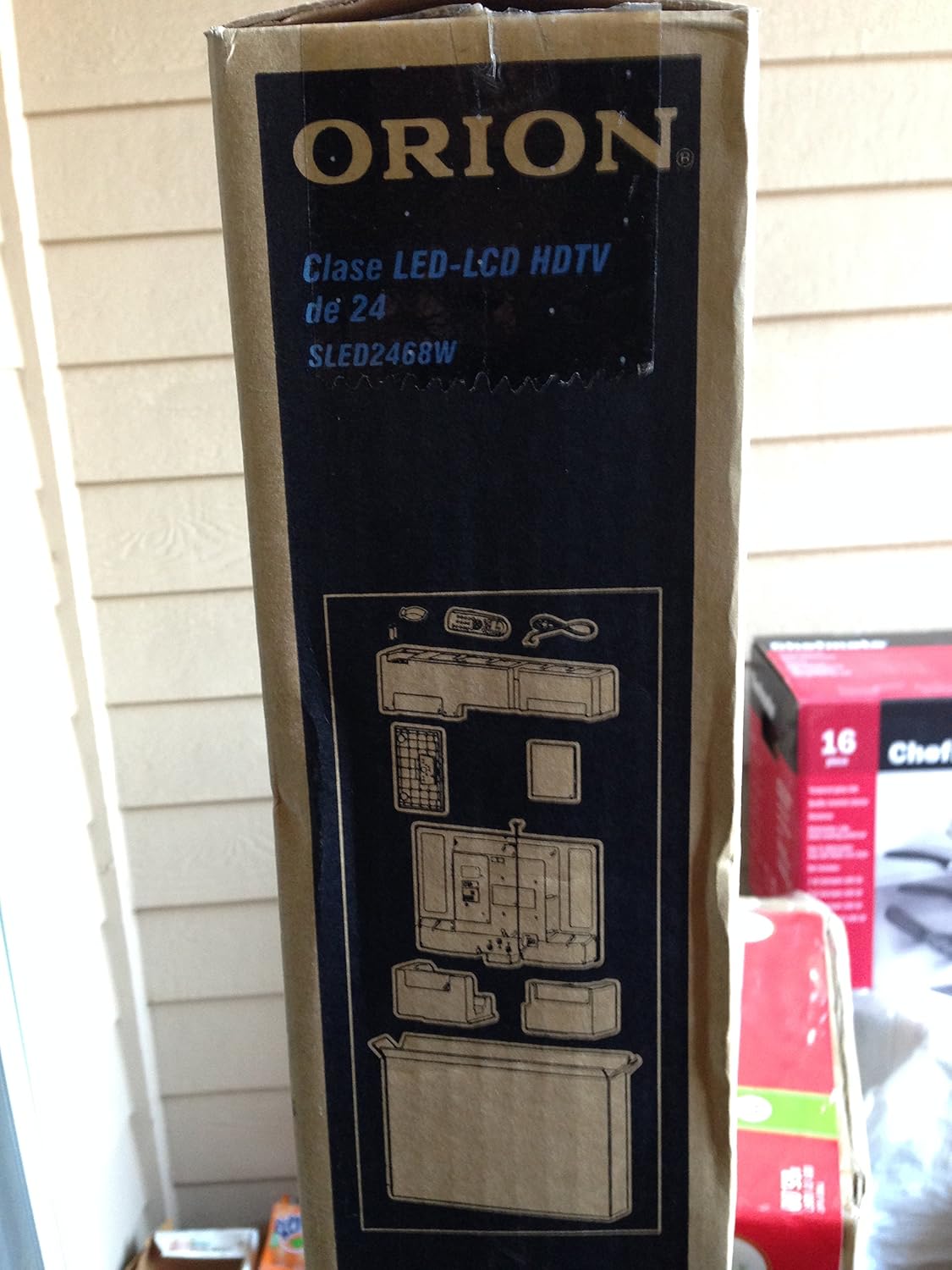
Image: The side of the Orion TV box illustrating the TV and stand components packed inside.
Setha
1. Ukuqaqa
Remove the TV and all accessories from the packaging. Retain the packaging for future transport or storage.

Image: The front of the Orion 24" LED-LCD HDTV box, displaying the model number SLED2468W and key features such as Integrated Digital Tuner, USB Time Shift, HDMI, and Headphone/Digital Audio Output.
2. Ukunamathisela Isitendi
Place the TV screen-down on a soft, clean surface. Align the TV stand with the mounting holes on the bottom of the TV. Secure the stand using the provided screws.
3. Amandla okuxhuma
Connect the power cord to the TV's power input and then to a standard 110 VAC, 60 Hz electrical outlet.
4. Ukuxhuma Amadivayisi Angaphandle
I-TV yakho isekela ukuxhumana okuhlukahlukene kwamadivayisi angaphandle:
- I-HDMI: Ukuze uthole umsindo nevidiyo enencazelo ephezulu evela kumadivayisi afana nabadlali be-Blu-ray, ama-consoles emidlalo, noma amabhokisi ekhebula/esathelayithi.
- I-USB: For media playback or USB Time Shift functionality.
- I-Antenna/Ikhebula: For receiving broadcast television signals via the integrated ATSC tuner.
- Okokufaka kwe-PC: For connecting a computer monitor.
- Headphone/Digital Audio Output (Coaxial): Okokuxhuma amasistimu omsindo angaphandle.

Image: A diagram illustrating various connection ports on the TV, including headphone, audio, PC monitor, and coaxial outputs. Also shown are the unit dimensions and weight.
5. Iwizadi Yokusetha Yokuqala
Upon first power-on, the TV will guide you through an initial setup process, including language selection, channel scanning, and time zone settings.
Isebenza
Basic Remote Control Functions
The remote control allows you to access all TV functions. Ensure batteries are correctly inserted.
- Amandla: Ivula noma ivale i-TV.
- Isiteshi Phezulu/Phansi: Ishintsha iziteshi ze-TV.
- Ivolumu phezulu/Phansi: Ilungisa izinga lomsindo.
- Okokufaka/Umthombo: Ikhetha umthombo wokufaka (i-HDMI, i-TV, i-USB, njll.).
- Imenyu: Ifinyelela kumenyu eyinhloko ukuze kulungiswe izilungiselelo.
- Izinkinobho Zokuzulazula (Phezulu/Phansi/Kwesobunxele/Kwesokudla/Kulungile): Isetshenziselwa ukuzulazula kumamenyu nokuqinisekisa okukhethiwe.
USB Time Shift
The TV features a USB Time Shift function. Connect a USB storage device to pause, rewind, or fast-forward live TV broadcasts. Refer to the on-screen menu for detailed instructions on activating and using this feature.
Isiphequluli se-Inthanethi
This TV includes a basic internet browser. Connect the TV to your network (if applicable) to access web content. Performance may vary depending on network speed and website complexity.
Isondlo
Ukuhlanza Isikrini
Sula kahle isikrini ngendwangu ethambile, engenantambo. Ukuze uthole amamaki anenkani, kancane dampzu indwangu enamanzi noma isicoci sesikrini esikhethekile. Ungalokothi ufafaze uketshezi ngqo esikrinini.
Ukunakekelwa Okujwayelekile
Keep the TV free from dust by regularly wiping the cabinet with a dry, soft cloth. Ensure adequate ventilation around the TV to prevent overheating.
Ukuxazulula inkinga
If you encounter issues with your TV, consult the following table before contacting support:
| Inkinga | Isixazululo Esingenzeka |
|---|---|
| Awekho amandla | Check if the power cord is securely connected to both the TV and the outlet. Ensure the outlet is functional. |
| Asikho isithombe, kodwa umsindo ukhona | Qinisekisa ukuthi umthombo wokufaka ofanele ukhethiwe. Hlola uxhumano lwedivayisi yangaphandle. |
| Awukho umsindo, kodwa isithombe sikhona | Check volume level and mute settings. Ensure external audio connections are secure. |
| Isilawuli kude asisebenzi | Shintsha amabhethri. Qinisekisa ukuthi azikho izithiyo phakathi kwesilawuli kude kanye nenzwa ye-IR ye-TV. |
| Ikhwalithi yesithombe esibi | Check antenna connection. Adjust picture settings in the TV menu. |
Imininingwane
Technical specifications for the Orion 24" SLED2468W LED LCD HDTV:
| Isici | Ukucaciswa |
|---|---|
| Inombolo Yemodeli | SLED2468W |
| Usayizi Wesikrini | 24 amayintshi |
| Bonisa Ubuchwepheshe | I-LED-LCD |
| Isixazululo | 720p |
| Isilinganiso Sokuvuselela | 60 Hz |
| I-Aspect ratio | 16:9 |
| Ubuchwepheshe bokuxhumana | I-HDMI, i-USB |
| Uhlobo Lweshuna | I-ATSC |
| Amasevisi E-inthanethi Asekelwe | Isiphequluli |
| Umugqa Voltage | 110 VAC 60 Hz |
| On Mode Power Consumption | 37W (as per box image) |
| Ubukhulu beyunithi (WxDxH) | 21.65" x 5.39" x 14.21" (550 x 136.9 x 361 mm) (as per box image) |
| Isisindo Seyunithi | 3.6 kg (8.0 lbs) (as per box image) |
| Umkhiqizi | Sansui |
| I-UPC | 755805020776 |
Iwaranti kanye Nokusekela
For warranty information and technical support, please refer to the documentation included with your purchase or visit the official Orion product support webindawo. Gcina ubufakazi bakho bokuthenga ngezimangalo zewaranti.