
1. Isingeniso
This manual provides instructions for the installation, operation, and maintenance of the Emerson F145RF-1600 Wireless Remote Temperature Sensor. This sensor is designed to work with the Emerson BLUE Wireless Easy Install Universal Wireless Thermostat System to enhance temperature control and reduce hot and cold spots within your home.
Izici Eziyinhloko:
- Reduces temperature inconsistencies in various areas.
- Supports up to four wireless remote sensors with the Emerson BLUE Wireless Easy Install Thermostat System.
- Designed for easy installation and pairing.
2. Ulwazi Lokuphepha
Please read and understand all instructions before installing or operating this device. Failure to follow these instructions could result in property damage or personal injury.
- Always turn off power to the thermostat system before performing any installation or maintenance.
- Do not expose the sensor to extreme temperatures, direct sunlight, or moisture.
- Sebenzisa kuphela uhlobo lwebhethri olushiwo (amabhethri angu-2 AA).
- Lahla amabhethri amadala ngokuzibophezela ngokwemithetho yendawo.
- Gcina endaweni lapho izingane zingafinyeleleki khona.
Isiphakamiso 65 Isexwayiso: Lo mkhiqizo ungahle uqukathe amakhemikhali aziwa yiSifundazwe SaseCalifornia ukuthi abangele umdlavuza kanye nokukhubazeka kokuzalwa noma okunye ukulimala kokuzala.
3. Umkhiqizo Uphelileview
The Emerson F145RF-1600 is a compact, battery-powered wireless sensor designed to monitor ambient temperature. It communicates wirelessly with a compatible Emerson BLUE thermostat system.
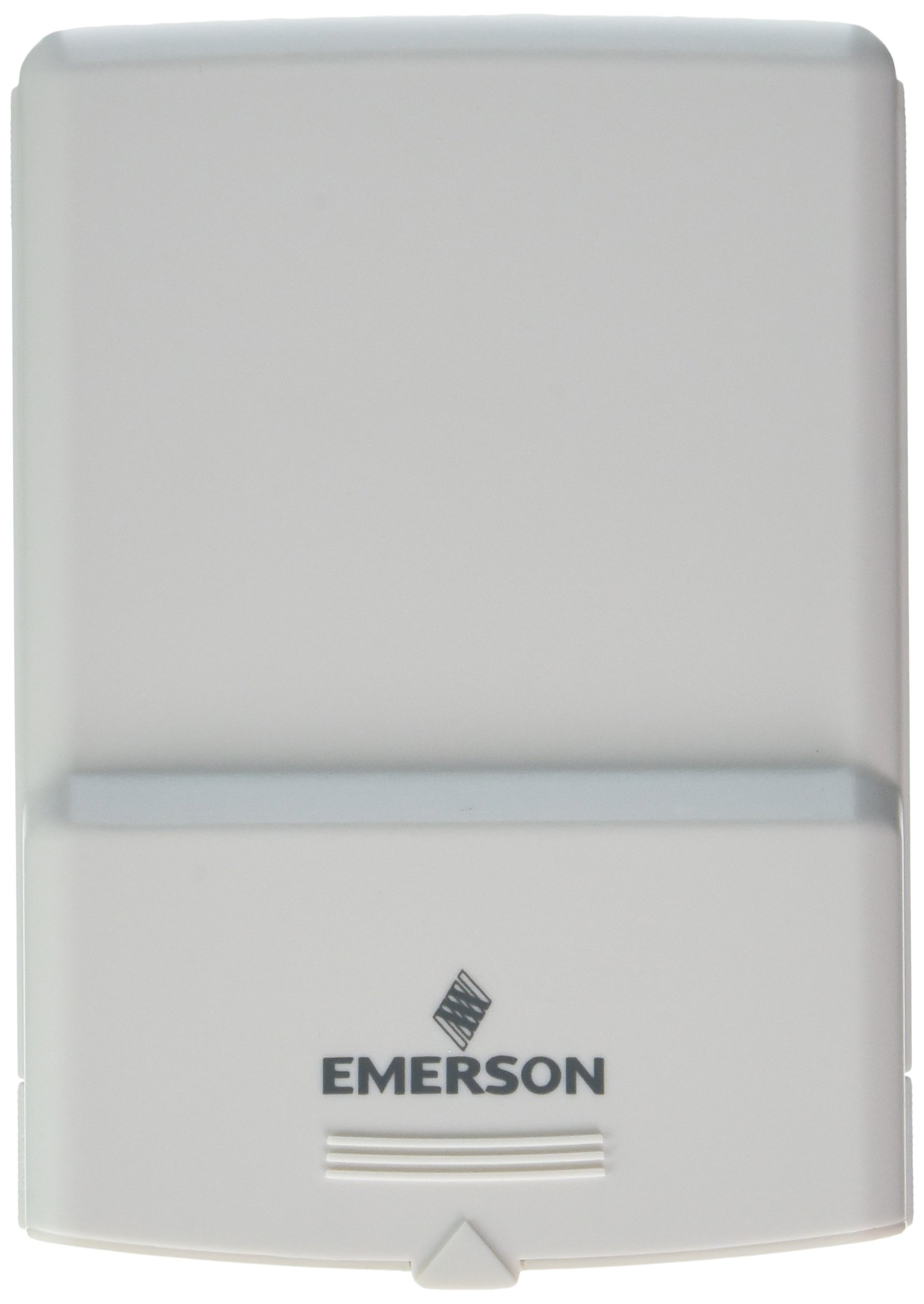
Umfanekiso 1: Emerson F145RF-1600 Wireless Remote Temperature Sensor. The image displays the sensor in a hand, indicating its approximate height of 4.8 inches (12 cm). The sensor is light-colored, likely white or light grey, with the 'EMERSON' logo visible at the bottom front.
4. Setha
4.1. Ukufakwa kwebhethri
- Locate the battery compartment on the back of the sensor.
- Vula ikhava yengxenye yebhethri.
- Insert two (2) AA alkaline batteries, ensuring correct polarity (+/-).
- Vala ikhava yengxenye yebhethri ngokuphephile.
4.2. Pairing with Thermostat System
Refer to your Emerson BLUE Wireless Easy Install Universal Wireless Thermostat System manual for detailed pairing instructions. Generally, the process involves:
- Placing the thermostat system into pairing mode.
- Activating the sensor's pairing function (often a button press or battery insertion).
- Confirming successful pairing on the thermostat display.
Up to four F145RF-1600 sensors can be paired with a single Emerson BLUE Wireless Easy Install system.
4.3. Ukubekwa kwenzwa
Proper placement is crucial for accurate temperature readings and effective system operation.
- Ukubekwa Kwasendlini:
- Place the sensor in a central location within the area you wish to monitor.
- Avoid placing near heat sources (lamps, appliances, direct sunlight) or cold drafts (windows, vents).
- Ensure it is not obstructed by furniture or curtains.
- Outdoor Placement (if applicable):
- Mount the sensor in a shaded area, away from direct sunlight, which can cause inaccurate readings.
- Protect it from direct rain and snow.
- Ensure it is easily accessible for battery replacement.
5. Iziqondiso Zokusebenza
Once successfully paired and placed, the F145RF-1600 sensor will automatically transmit temperature data to your Emerson BLUE Wireless Easy Install Thermostat System. The thermostat system will then use this data to optimize heating and cooling, helping to maintain a more consistent temperature throughout your home.
- The sensor operates continuously, sending updates to the main thermostat.
- The thermostat system will display the temperature readings from the remote sensors and use them for its control logic.
- No direct user interaction is typically required with the sensor after setup, other than battery replacement.
6. Isondlo
6.1. Ukushintshwa Kwebhethri
The sensor requires two (2) AA batteries. When batteries are low, your Emerson BLUE thermostat system may indicate a low battery warning for the sensor. Replace batteries promptly to ensure continuous operation.
- Vula indawo yebhethri.
- Susa amabhethri amadala.
- Insert new AA batteries, observing polarity.
- Vala igumbi.
6.2. Ukuhlanza
Wipe the sensor's exterior with a soft, dry cloth as needed. Do not use liquid cleaners or abrasive materials, as these can damage the device.
7. Ukuxazulula izinkinga
| Inkinga | Imbangela Engenzeka | Isixazululo |
|---|---|---|
| Sensor not reporting temperature / No signal |
|
|
| Ukufundwa kwezinga lokushisa okungalungile |
|
|
8. Imininingwane
| Inombolo Yemodeli | I-F145RF-1600 |
| Umkhiqizi | White-Rodgers (Emerson) |
| Umthombo wamandla | Isebenza ngebhethri |
| Kudingeka Amabhethri | 2 AA amabhethri |
| Isisindo sento | 3.2 amakhilogremu |
| Ubukhulu bomkhiqizo | 3.5 x 2.5 x 5.25 amayintshi |
| Okubalulekile | Ipulasitiki |
| Umbala | Okuluhlaza okwesibhakabhaka (Note: Product image shows light grey/white) |
| Inani Lephakheji Yento | 1 |
9. Ulwazi Lwewaranti
Specific warranty details for the Emerson F145RF-1600 Wireless Remote Temperature Sensor are typically provided with the product packaging or can be found on the official Emerson/White-Rodgers webindawo. Sicela ugcine ubufakazi bakho bokuthenga izimangalo zewaranti.
For detailed warranty terms and conditions, please visit the Emerson official webindawo noma uxhumane nokwesekwa kwamakhasimende.
10. Ukusekela
If you encounter issues not covered in this manual or require further assistance, please contact Emerson customer support.
- Ukusekelwa Kwe-inthanethi: Vakashela i- Emerson Support Page for FAQs, documentation, and contact options.
- Usekelo Lwefoni: Refer to your product packaging or the Emerson webisayithi lezinombolo zefoni zesevisi yamakhasimende zamanje.