
1. Isingeniso
This manual provides instructions for the StarTech.com DisplayPort to DVI-D Adapter, model DP2DVI2. This adapter allows you to connect a DVI-D monitor to a DisplayPort-enabled computer or device. It is a passive video converter designed for ease of use and portability.

Image 1.1: The DisplayPort to DVI-D adapter connecting a computer to a monitor.
Izici Eziyinhloko:
- DisplayPort 1.2 HBR2 to DVI-D (digital only) single-link adapter.
- Supports resolutions up to 1920x1200 or 1080p at 60Hz.
- I-HDCP 1.4 iyahambisana.
- Features a 6-inch (15cm) attached cable for added flexibility.
- Passive video converter, requiring a DisplayPort++ (DP++) port on the source device.
- Includes a latching DisplayPort connector for secure connection and supports DVI screw-locking cables to prevent accidental disconnection.
- Plug-and-play functionality, requiring no software or driver installation.
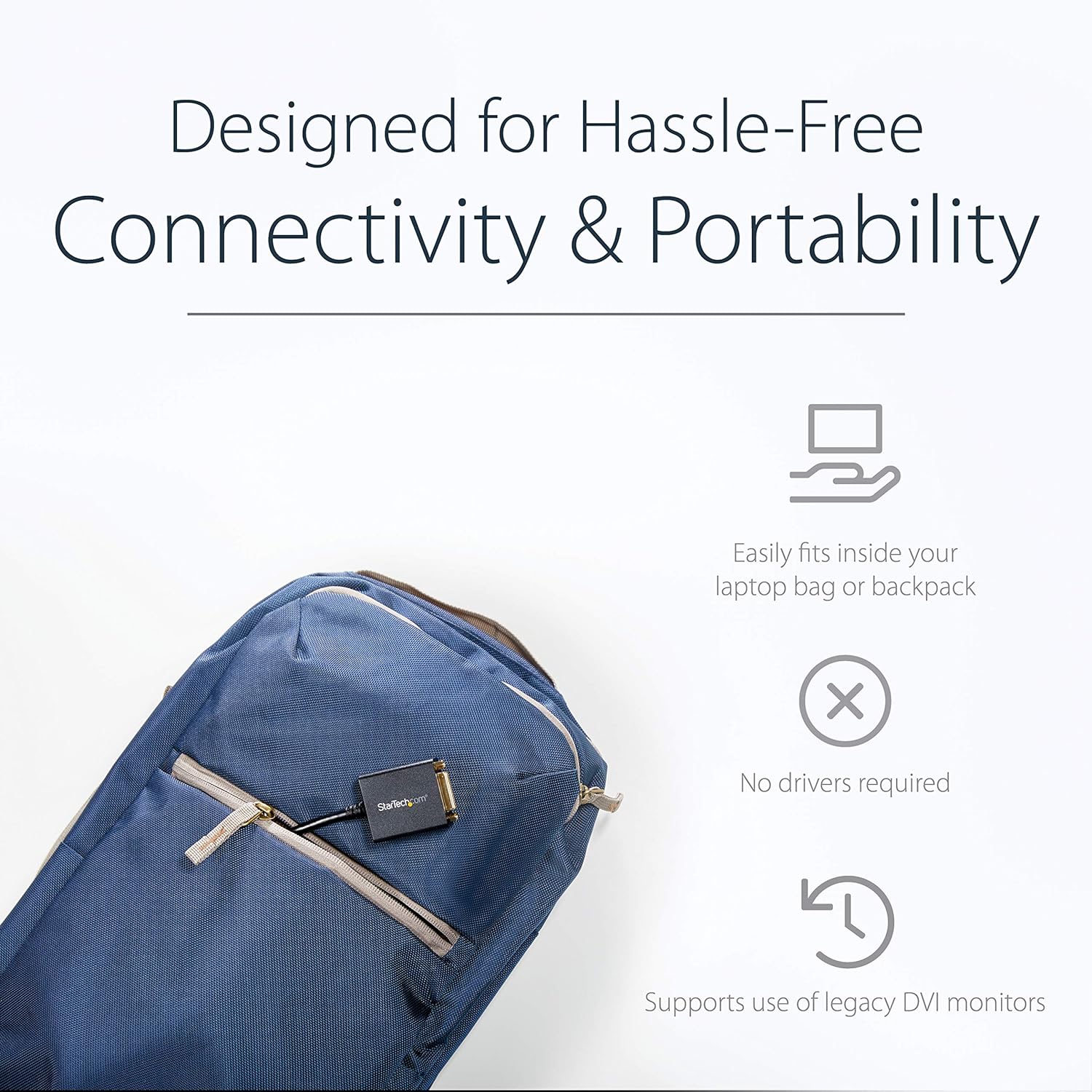
Image 1.2: The compact adapter fits easily into a laptop bag, highlighting its portability.
2. Okuqukethwe Kwephakheji
Qinisekisa ukuthi iphakheji yakho iqukethe izinto ezilandelayo:
- 1 x StarTech.com DisplayPort to DVI-D Adapter (DP2DVI2)

Image 2.1: The adapter shown in its retail packaging, displaying product information and warranty details.
3. Umdwebo Womkhiqizo
The following diagram illustrates the connectors on the DisplayPort to DVI-D adapter.

Isithombe 3.1: A enemininingwane view of the adapter, highlighting the DisplayPort (male) and DVI (female) connectors.
4. Sethaphu Imiyalelo
Ixhuma i-adaptha
Follow these steps to connect your DisplayPort-enabled device to a DVI monitor:
- Connect the DisplayPort male connector of the adapter to the DisplayPort output on your computer or video source. Ensure the latching connector is securely engaged.
- Connect a DVI-D cable (not included) from your DVI monitor to the DVI-D female port on the adapter. If your DVI cable has screw locks, secure them to the adapter for a stable connection.
- Power on your computer and monitor. The display should automatically detect the signal.

Image 4.1: An illustration of the adapter connecting a desktop computer's DisplayPort to a DVI monitor.
5. Iziqondiso Zokusebenza
Ukucushwa kwesibonisi
Once connected, your operating system should automatically detect the DVI monitor. You can configure display settings such as resolution, extended desktop, or duplicate display through your computer's display settings.
- IWindows: Right-click on the desktop and select "Display settings" or "Screen resolution."
- i-macOS: Iya kokuthi "Izintandokazi Zesistimu" > "Izibonisi."
Izinqumo ezisekelwe
This adapter supports PC resolutions up to 1920x1200 and HDTV resolutions up to 1080p at 60Hz.

Image 5.1: A visual representation of the adapter providing a clear, high-definition picture on a large display.
6. Ukuxazulula izinkinga
No Display Signal
- Qinisekisa Ukuxhumana: Ensure all cables (DisplayPort, DVI, and power for both devices) are securely connected.
- Ukuhambisana Komthombo: Confirm your computer's DisplayPort supports DP++ (DisplayPort++), as this is a passive adapter. Active adapters are required for DisplayPort sources that do not support DP++.
- Gada Okokufaka: Check that your monitor is set to the correct DVI input source.
- Isixazululo: Try a lower resolution on your computer if the monitor does not display an image. The monitor might not support the current output resolution.
- Ubude bekhebula: Ensure the DVI cable length does not exceed 25 feet (7.6 meters), as longer cables can degrade signal quality.
Izinkinga Zekhwalithi Yesithombe
- Ikhwalithi yekhebula: Use a high-quality DVI-D cable to ensure optimal signal transmission.
- Resolution Mismatch: Adjust the display resolution on your computer to match your monitor's native resolution for the clearest picture.
7. Imininingwane
| Ibhrendi | I-StarTech.com |
| Igama Lemodeli | DisplayPort to DVI Video Adapter Converter (DP2DVI2) |
| Uhlobo Lwesixhumi | DisplayPort Male to DVI-D Female |
| Uhlobo Lwekhebula | DVI, DisplayPort |
| Izinqumo ezisekelwe | Up to 1920x1200 / 1080p at 60Hz |
| Ukusekelwa kwe-HDCP | Yebo (HDCP 1.4) |
| Ubude bekhebula | 6 inches (15 cm) attached cable |
| Umbala | Mnyama |
| Isisindo sento | Ama-ounces angu-1.51 (0.04 Amakhilogremu) |
| Ubukhulu bomkhiqizo | 10 x 1.7 x 0.7 amayintshi (25.4 x 4.3 x 1.8 cm) |
| Passive Adapter | Requires DP++ port |
8. Iwaranti kanye Nokusekela
This StarTech.com product is backed by a 3-year warranty. For technical support, troubleshooting, and additional resources, please visit the official StarTech.com webisayithi noma uxhumane nesevisi yabo yamakhasimende.
For more information, you can visit the product page: http://startech.com/q/DP2DVI2
Video 8.1: An official product video from StarTech.com demonstrating the features and use of the DisplayPort to DVI-D adapter.